 liena
Free Facebook Post Maker
Liena’s free Facebook post maker designs a 1200×630 landscape, 1080×1350 portrait or 1080×1080 square post in seconds, from an AI prompt or a template.
Free account · 5 AI designs a month · every template free to edit · no credit card
Facebook post templates
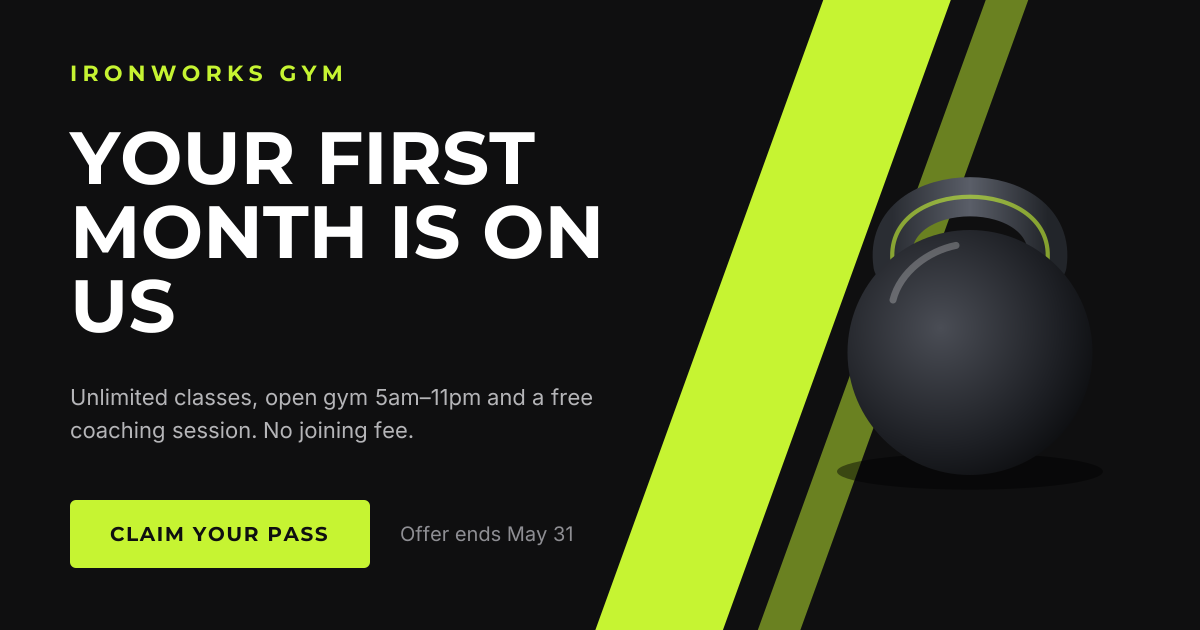
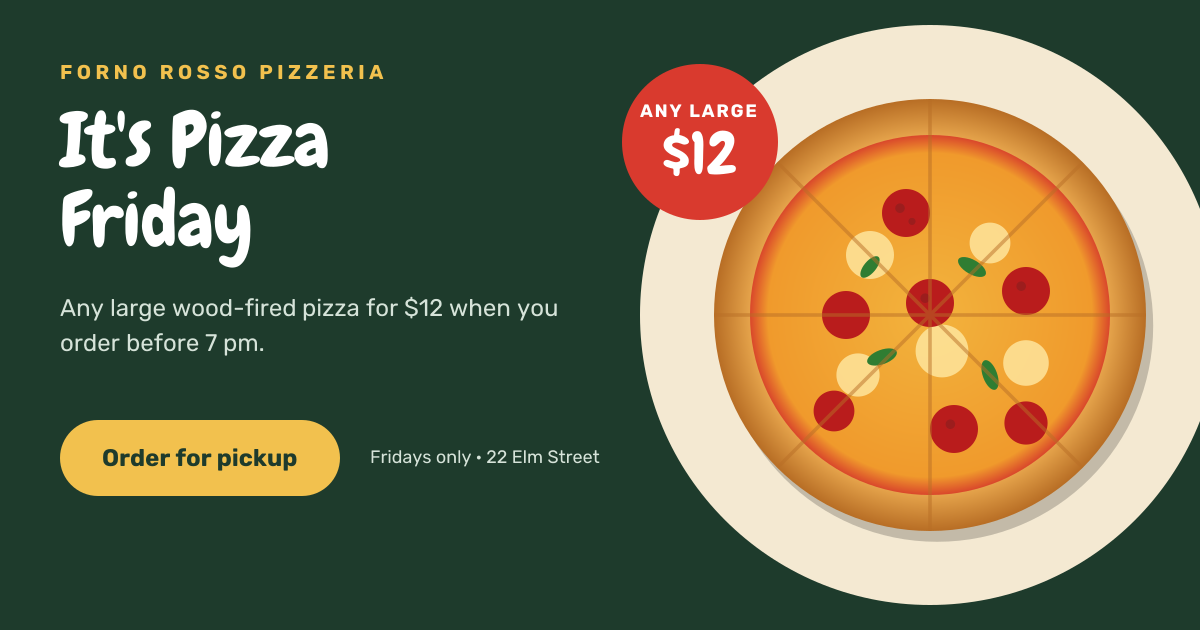
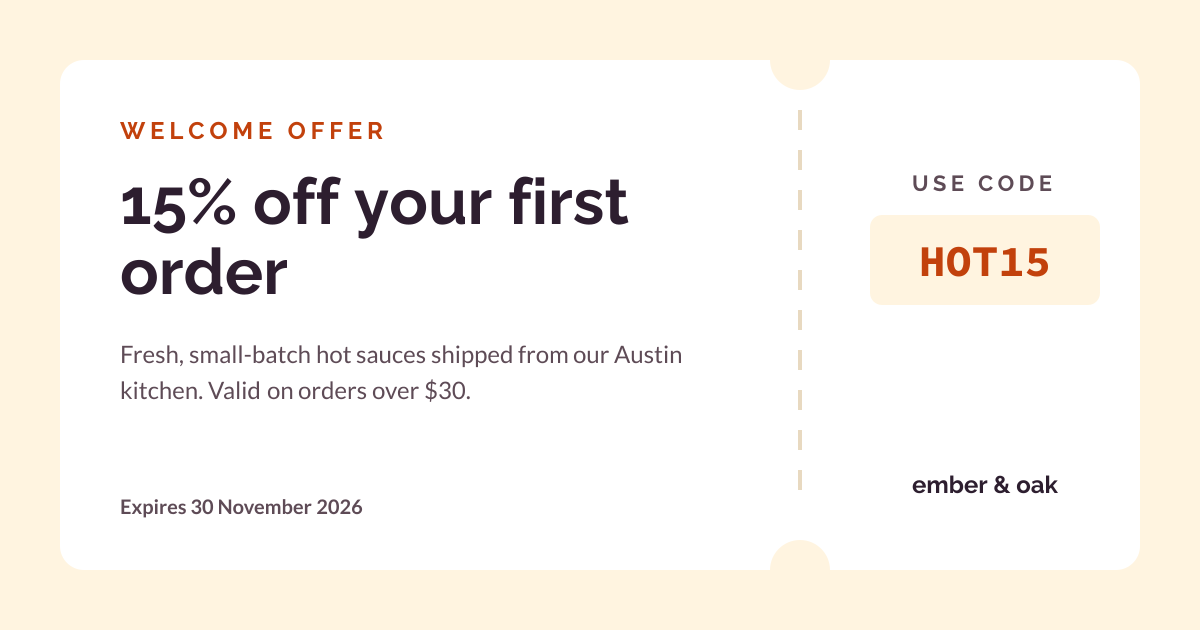
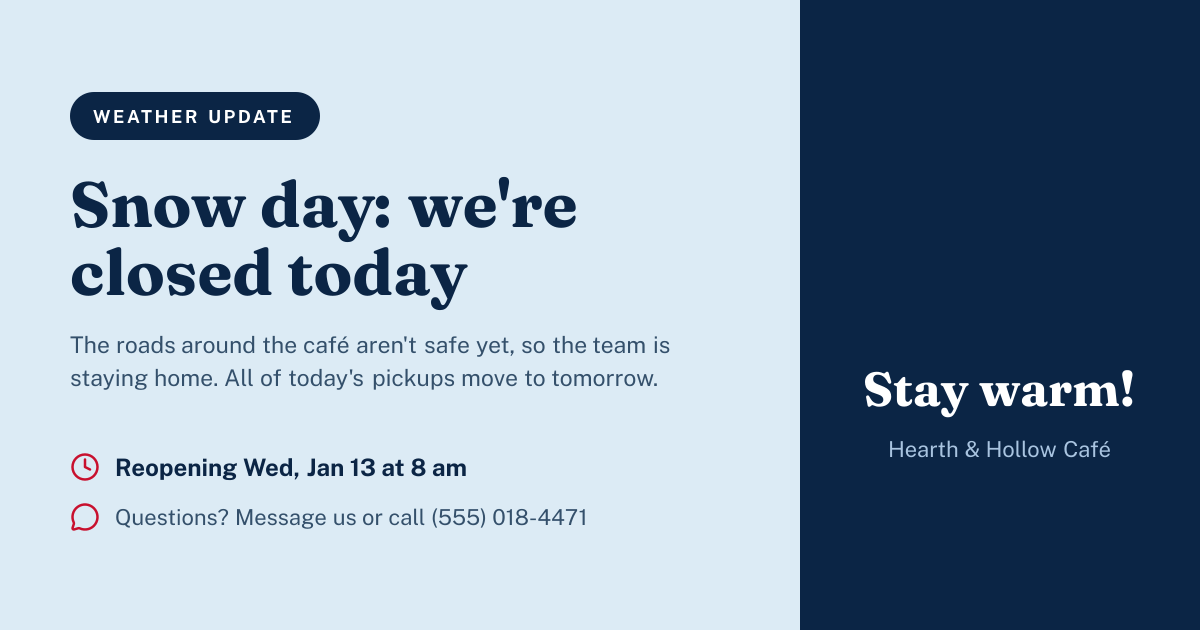
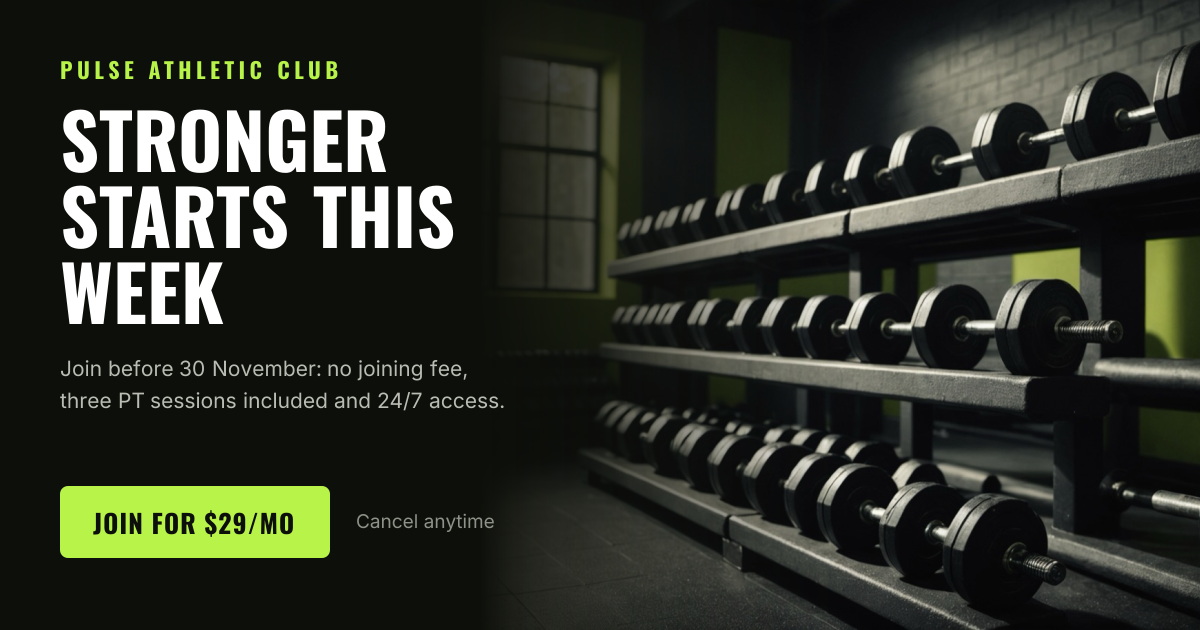
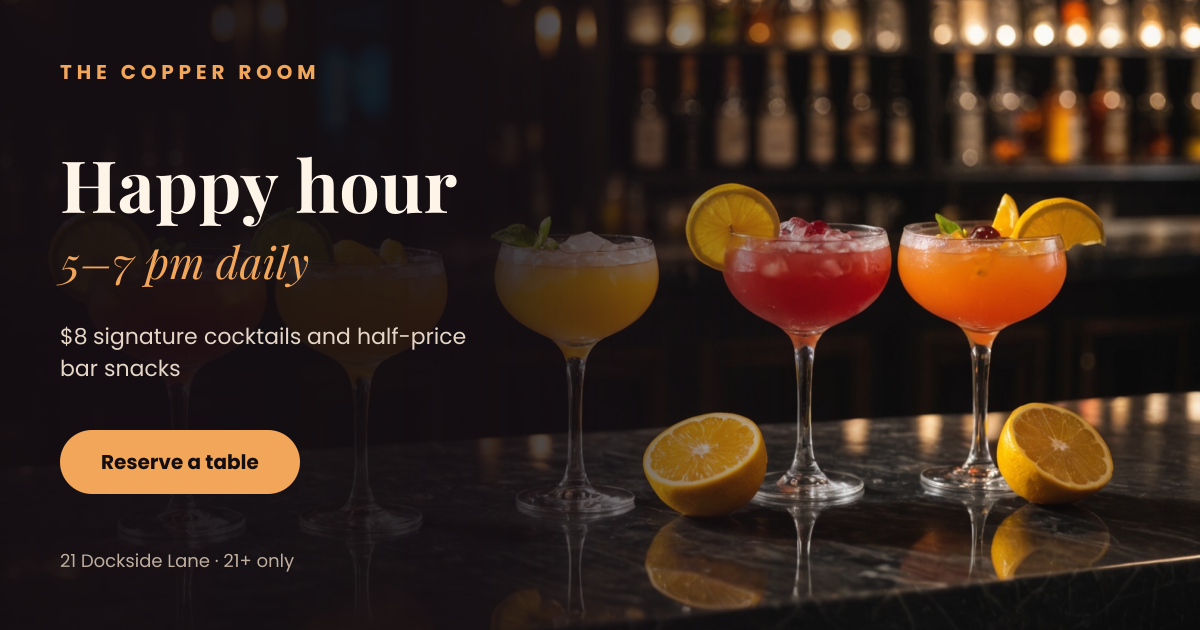
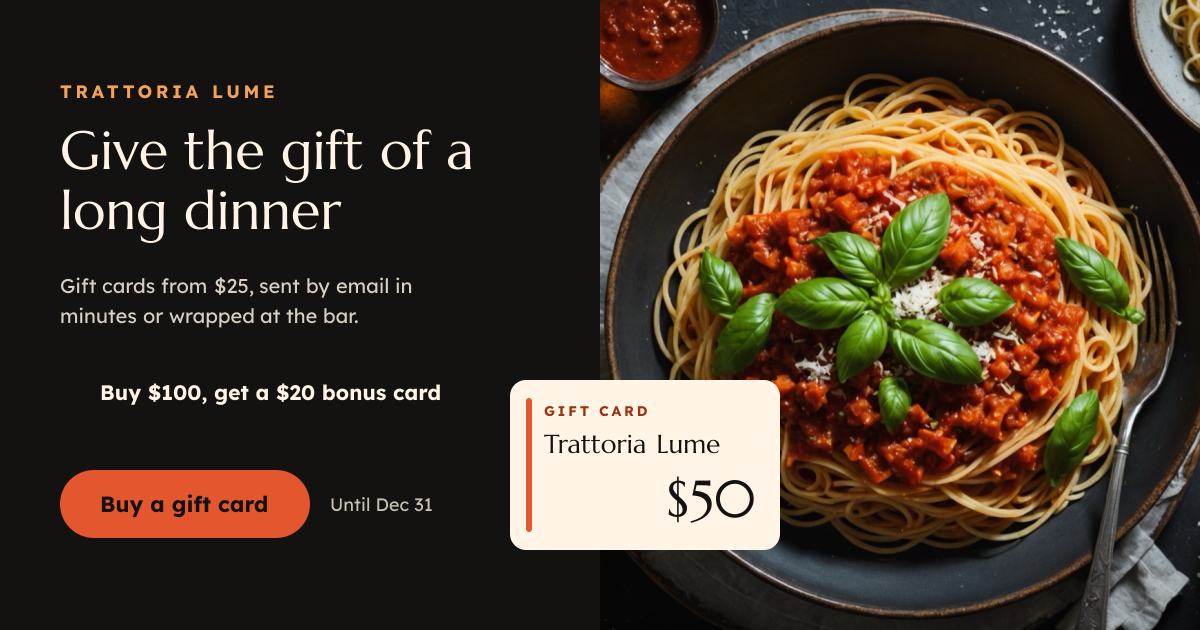
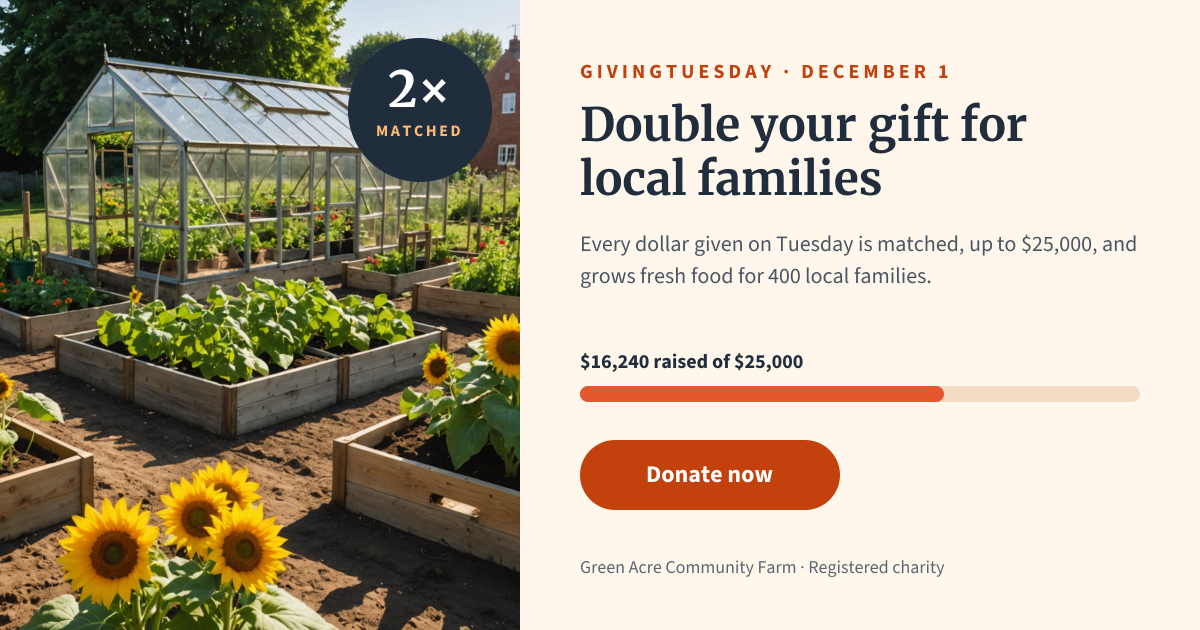
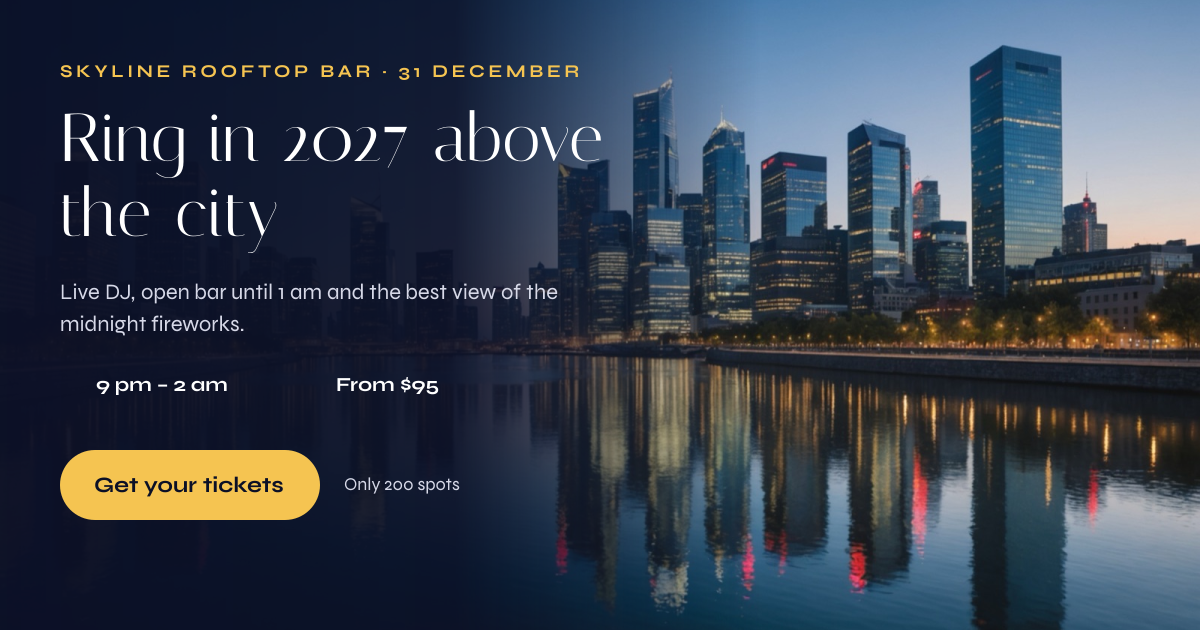
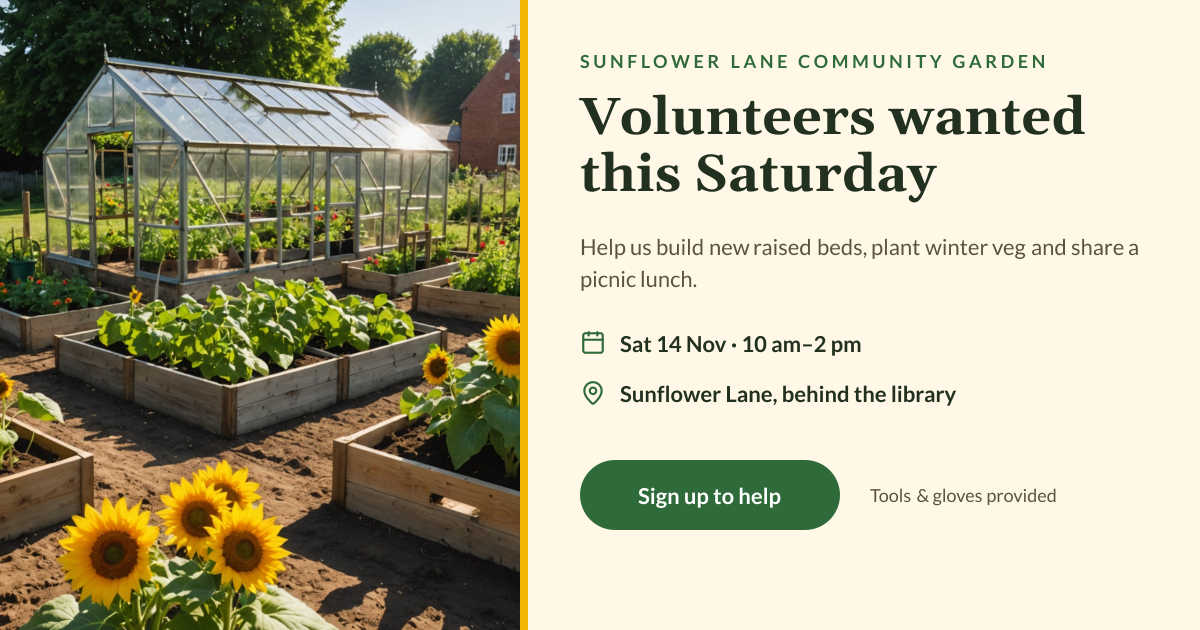
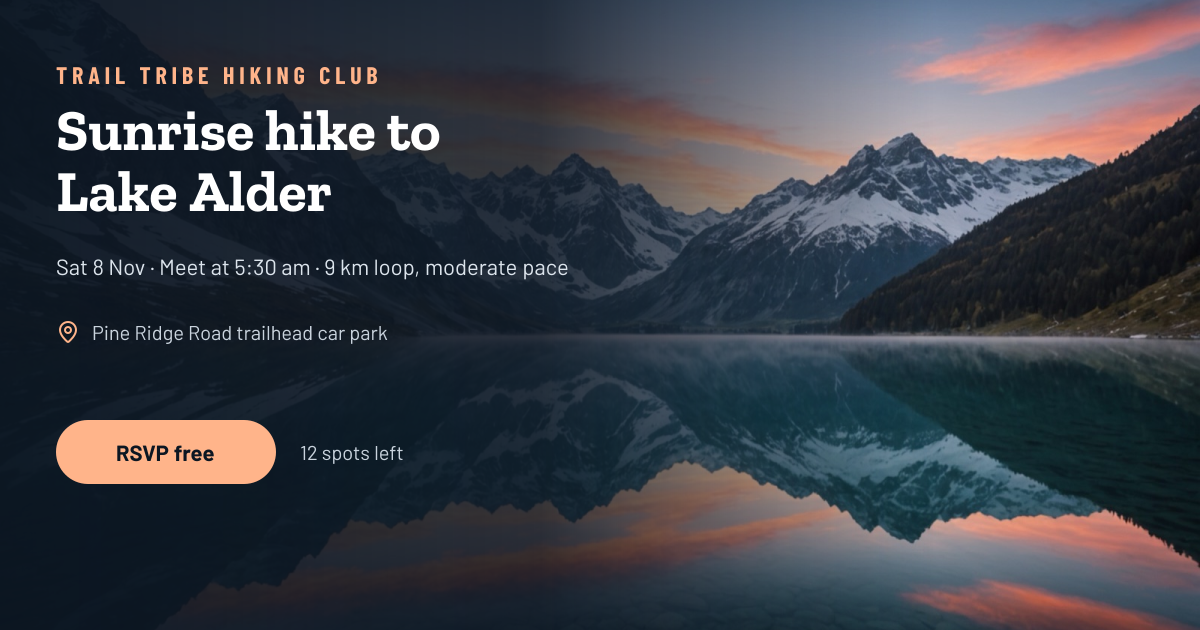
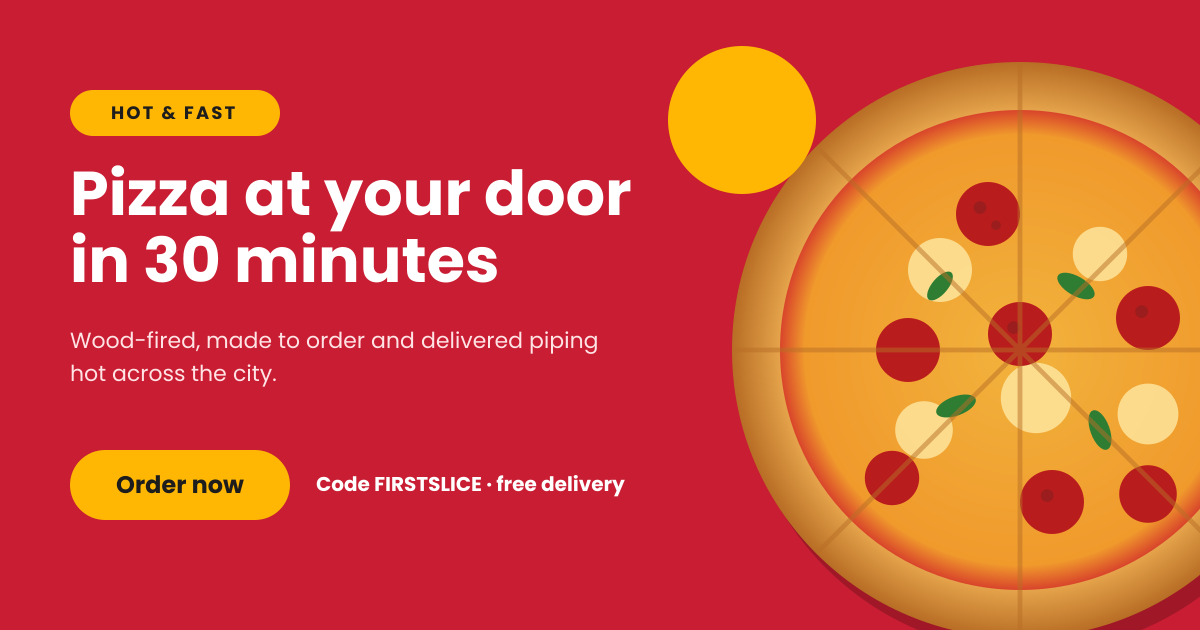
Click any design to open your own copy in the editor.
How to make a Facebook post in 3 steps
1
Prompt or pick
Describe your post in a sentence and AI designs it, or open one of the templates. The canvas is already 1200 × 630 px.
2
Edit anything
Every text, photo, shape and icon is its own layer. Rewrite the copy, drop in your photos, match your brand colours and move things around.
3
Download
Export a full-resolution PNG and upload it to Facebook. Your post stays in your dashboard to reuse next time.
Facebook post size and specs
- Landscape size
- 1200 × 630 px (1.91:1)Shows in full on desktop and mobile. Also the link-preview size.
- Portrait size
- 1080 × 1350 px (4:5)The tallest image the mobile feed shows without cropping.
- Square size
- 1080 × 1080 px (1:1)Works everywhere and can be reused on Instagram.
- Taller images
- Cropped to 4:5Anything taller than 4:5 is cut down in the feed until it’s opened.
- Link previews
- 1200 × 630 pxTaken from the shared page’s og:image tag, not uploaded with the post.
- Safe zone
- 48 px from every edgeKeeps text clear of rounded corners and the feed’s edges.
- File type
- PNG (from Liena)Facebook accepts PNG and JPG. PNG keeps text sharper after compression.
Facebook posts for every kind of business
Each one opens a template written for that business, ready for your own photos and details.
- RestaurantsLunch menus, specials and booking reminders.
- Coffee roastersSubscriptions, new beans and brewing tips.
- BarbershopsLoyalty cards, prices and opening hours.
- Cooking schoolsClasses, workshops and gift vouchers.
- DentistsCheck-up reminders and new-patient offers.
- Physical therapistsInjury care, free assessments and tips.
- PlumbersEmergency call-outs and service areas.
- RoofersFree inspections and storm-damage repairs.
- Cleaning companiesHome cleaning offers and booking.
- Lawn care & landscapingSeasonal mowing plans and quotes.
- Pest controlInspections, treatments and guarantees.
- Auto repair shopsOil changes, service offers and inspections.
- Law firmsFree case reviews and practice areas.
- Business coachesDiscovery calls, workshops and results.
How to design a Facebook post that works
Pick the shape for where people will see it
Most Facebook scrolling happens on phones, where a 1080 × 1350 portrait post fills the most screen. Landscape 1200 × 630 suits desktop-heavy audiences, event announcements and anything you’ll also use as a link preview or ad. Square is the safe middle ground and can go straight to Instagram too. Avoid anything taller than 4:5: the feed crops it and hides the bottom of your design until someone taps.
Size text for a small screen
A 1200 px wide post shows at roughly a third of its size on a phone. Headlines read best at 56–90 px and body text should be at least 28 px. Keep headlines to eight words or fewer and limit the image to a headline, one key fact and a call to action. Zoom the canvas out to 30%; if you can still read the headline, it will work in the feed.
Keep the detail in the post text
Facebook shows a few lines of post text above the image before cutting it off with “See more”, so lead with the most useful sentence. Put addresses, opening hours, terms and links in the text, where people can copy and tap them. Links in the image can’t be clicked.
Go light on text for ads
Meta no longer rejects ads with lots of text in the image, but it still recommends keeping image text short, and image-heavy ads tend to reach more people for the same budget. For an ad, aim for a headline and a price or offer, then let the ad’s own headline and button carry the rest.
Make contrast do the work
Facebook compresses images, which softens thin type and low-contrast text first. Use bold weights, put text on a solid panel or a 40–60% dark gradient over photos, and aim for a contrast ratio of at least 4.5:1. Upload a PNG rather than a JPG to keep edges crisp.
Look like the same Page every time
People recognise a local business by its colours and logo before they read its name. Reuse two or three brand colours, two fonts and one logo position on every post. Starting each post from the same template is the easiest way to stay consistent, and it makes weekly posts like specials or opening hours quicker to update.
Frequently asked questions
Is the Facebook post maker free?
Yes. A free Liena account lets you edit every template as often as you like, make 5 AI designs a month and download full-resolution PNGs. You don’t need a credit card.
Can I remove the watermark?
Downloads on the free plan include a small Liena watermark in the corner. Liena Pro ($29 a month, cancel anytime) removes the watermark from every export and raises your AI designs to 50 a month.
What size is a Facebook post?
1080 × 1350 px (4:5) fills the most of the mobile feed. Landscape posts are 1200 × 630 px (1.91:1) and square posts are 1080 × 1080 px (1:1). Images taller than 4:5 are cropped in the feed.
What size is a Facebook link preview image?
1200 × 630 px. Facebook takes it from the og:image tag of the page you share, so set it on your website rather than uploading it with the post.
Can I use the same design for a Facebook ad?
Yes. Download the PNG and upload it in Meta Ads Manager. Square and 4:5 portrait designs work in the most feed placements; keep the text on the image short.
Can I edit the design the AI makes?
Yes. The AI builds a layered design, not a flat image. Every headline, photo, shape and icon is a separate layer you can rewrite, replace, recolour, move or delete, with undo and redo.
Can I post straight to Facebook from Liena?
Not yet. Download the PNG, then upload it to your Page or schedule it in Meta Business Suite. Your design stays in your Liena dashboard, so you can reopen and edit it later.
More free design makers
Instagram Post Maker
Square and portrait feed posts, from a prompt or a template.
Instagram Story Maker
Full-screen 9:16 Stories, from a prompt or a template.
LinkedIn Banner Maker
Profile backgrounds that say what you do, from a prompt or a template.
All design makers
Every format Liena can design, grouped by social, YouTube and podcast, print and business.
Make your Facebook post now
Describe it in a sentence. Your design opens in the editor, ready to tweak.