 liena
Free LinkedIn Banner Maker
Liena’s free LinkedIn banner maker designs a 1584×396 profile background in seconds, from an AI prompt or a template.
Free account · 5 AI designs a month · every template free to edit · no credit card
LinkedIn banner templates
Click any design to open your own copy in the editor.
How to make a LinkedIn banner in 3 steps
1
Prompt or pick
Describe your banner in a sentence and AI designs it, or open one of the templates. The canvas is already 1584 × 396 px.
2
Edit anything
Every text, photo, shape and icon is its own layer. Rewrite the copy, drop in your photos, match your brand colours and move things around.
3
Download
Export a full-resolution PNG and upload it to LinkedIn. Your banner stays in your dashboard to reuse next time.
LinkedIn banner size and specs
- Size
- 1584 × 396 pxLinkedIn’s recommended size for a personal profile background photo.
- Aspect ratio
- 4:1 (wide)LinkedIn crops other shapes to fit, so design at 4:1.
- Profile photo
- Covers the bottom leftKeep the bottom-left 440 × 200 px clear of text and logos.
- Safe zone
- 80 px from the sides, 40 px top and bottomThe mobile app shows the banner smaller and trims the edges.
- Company pages
- A different sizeThis maker is sized for personal profiles, not company page covers.
- File type
- PNG (from Liena)LinkedIn accepts PNG, JPG and GIF background photos up to 8 MB.
LinkedIn banners for every kind of business
Each one starts an AI design written for that business, at 1584 × 396 px, ready for your own photos and details.
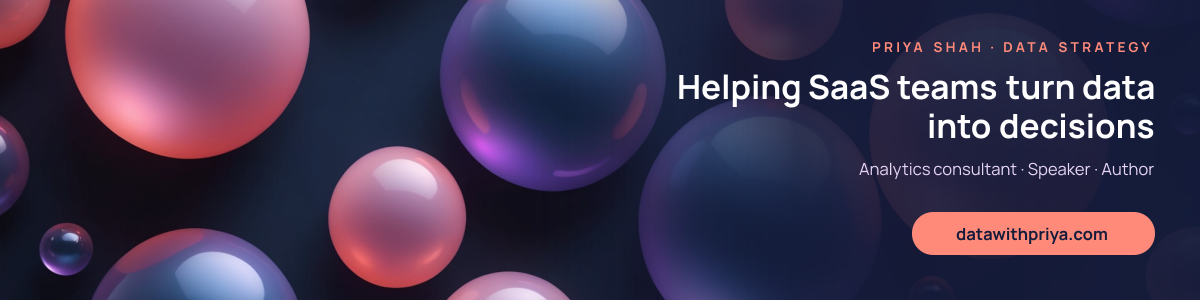
- ConsultantsYour speciality and who you help, in one line.
- RecruitersThe roles you hire for and an open invitation.
- Real estate agentsYour area, your brokerage and how to reach you.
- Software engineersYour stack and what you build.
- MarketersThe results you get and the channels you run.
- CoachesWho you coach and the change you deliver.
- AccountantsYour services and who they’re for.
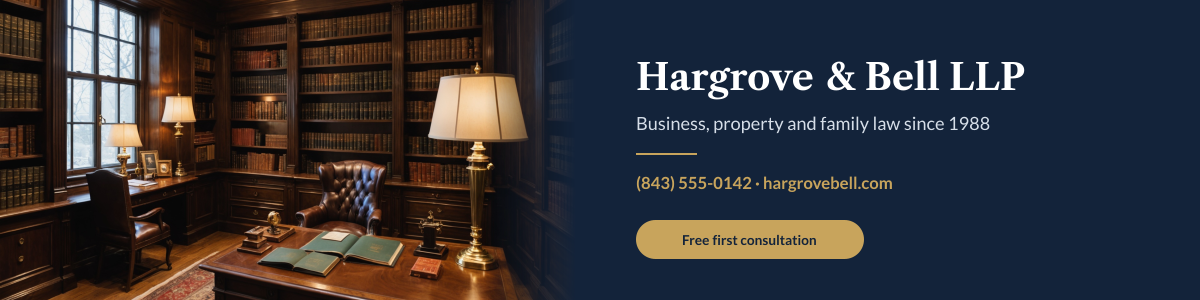
- LawyersYour practice area and your firm.
- FoundersWhat your company does and what’s next.
- Job seekersThe role you want and what you bring.
How to design a LinkedIn banner that works
Keep the bottom left clear
On desktop, your profile photo sits over the bottom-left corner of the banner, covering roughly the first 440 px across and the bottom 200 px. Anything you put there is hidden. Place your headline and logo in the right half, or centred slightly to the right, and use the left side for background colour, texture or a photo that can be partly covered.
Say what you do in one line
Visitors look at the banner for a second or two before reading your headline and About section. Use that moment for one sentence that says who you help and how, such as “Bookkeeping for creative agencies”, rather than your name, which is already printed below. Add one supporting line at most: a website, a booking link or two or three specialities.
Size text for the mobile app
On a phone, the banner is shown at about a quarter of its width, so text must be large. Headlines read well at 56–80 px and supporting text should be at least 32 px. Keep important text at least 80 px from the left and right edges, because the mobile app trims the sides, and check it on your own phone after uploading.
Use a calm background
A busy photo competes with your profile photo and makes the text hard to read. Use a solid colour, a soft gradient or a photo with a plain area behind the text, and keep a contrast ratio of at least 4.5:1. Brand colours work well, and a darker banner makes a light profile photo stand out.
Match the rest of your profile
Your banner, headline and featured posts should tell the same story. If your headline says you’re a recruiter for fintech, the banner should say so too. Use the same colours and fonts as your website or company brand, so people who click through recognise you at once.
Update it when your focus changes
A banner is the easiest part of your profile to refresh. Change it for a product launch, an event you’re speaking at, a book or course, or when you’re open to new roles. Keep your design in Liena so you can change the text and download a new version in a minute.
Frequently asked questions
Is the LinkedIn banner maker free?
Yes. A free Liena account lets you edit every template as often as you like, make 5 AI designs a month and download full-resolution PNGs. You don’t need a credit card.
Can I remove the watermark?
Downloads on the free plan include a small Liena watermark in the corner. Liena Pro ($29 a month, cancel anytime) removes the watermark from every export and raises your AI designs to 50 a month.
What size is a LinkedIn banner?
1584 × 396 px, a 4:1 ratio, for a personal profile background photo. LinkedIn accepts PNG, JPG and GIF files up to 8 MB.
Where does my profile photo cover the banner?
The bottom-left corner. On desktop, the photo covers roughly the first 440 px across and the bottom 200 px of a 1584 × 396 banner, so keep text and logos to the right.
Can I make a LinkedIn company page cover?
Not with this maker. It’s sized for personal profiles at 1584 × 396 px; company page covers use a different size and shape.
Can I edit the design the AI makes?
Yes. The AI builds a layered design, not a flat image. Every headline, photo, shape and icon is a separate layer you can rewrite, replace, recolour, move or delete, with undo and redo.
How do I add the banner to my LinkedIn profile?
Download the PNG, open your profile on LinkedIn, select the camera icon on the background photo and upload the file. You can reposition and zoom it before saving.
More free design makers
Facebook Post Maker
Landscape, portrait and square feed posts, from a prompt or a template.
Pinterest Pin Maker
Tall 2:3 pins for blogs and shops, from a prompt or a template.
All design makers
Every format Liena can design, grouped by social, YouTube and podcast, print and business.
Make your LinkedIn banner now
Describe it in a sentence. Your design opens in the editor, ready to tweak.