 liena
Free Pinterest Pin Maker
Liena’s free Pinterest pin maker designs a 1000×1500 pin in seconds, from an AI prompt or a template.
Free account · 5 AI designs a month · every template free to edit · no credit card
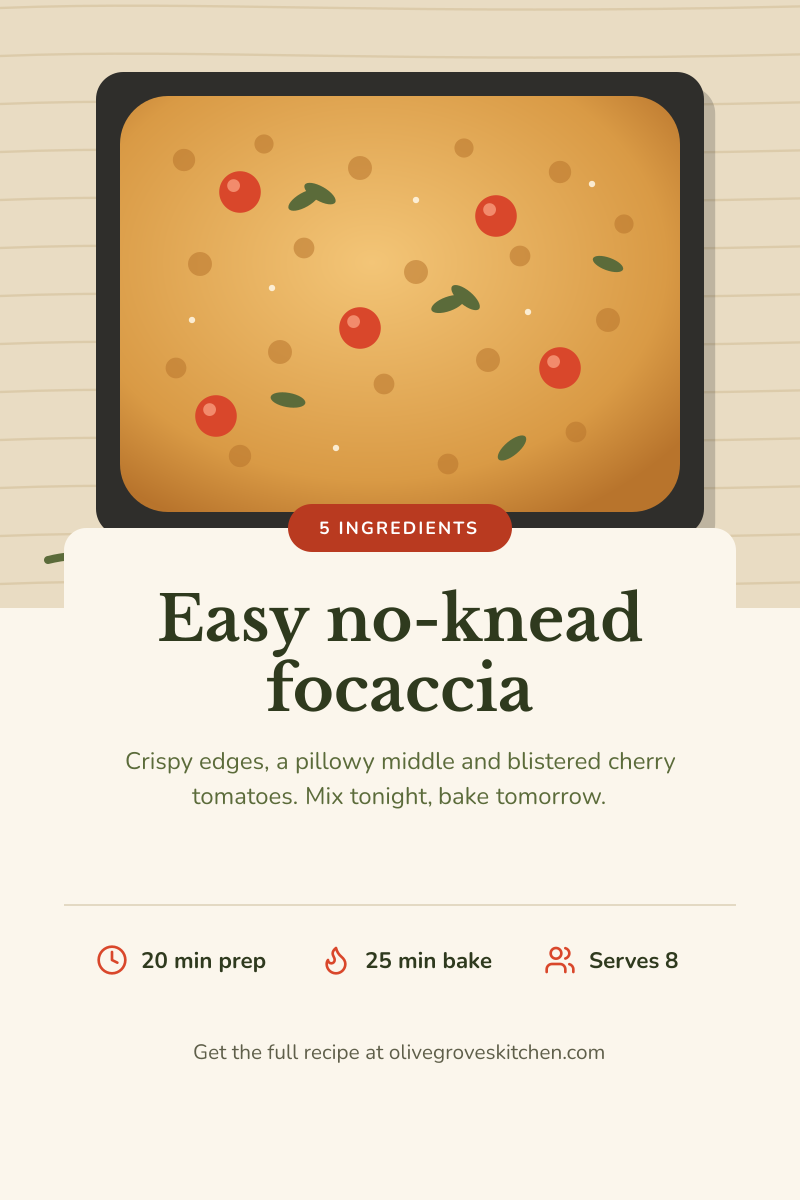
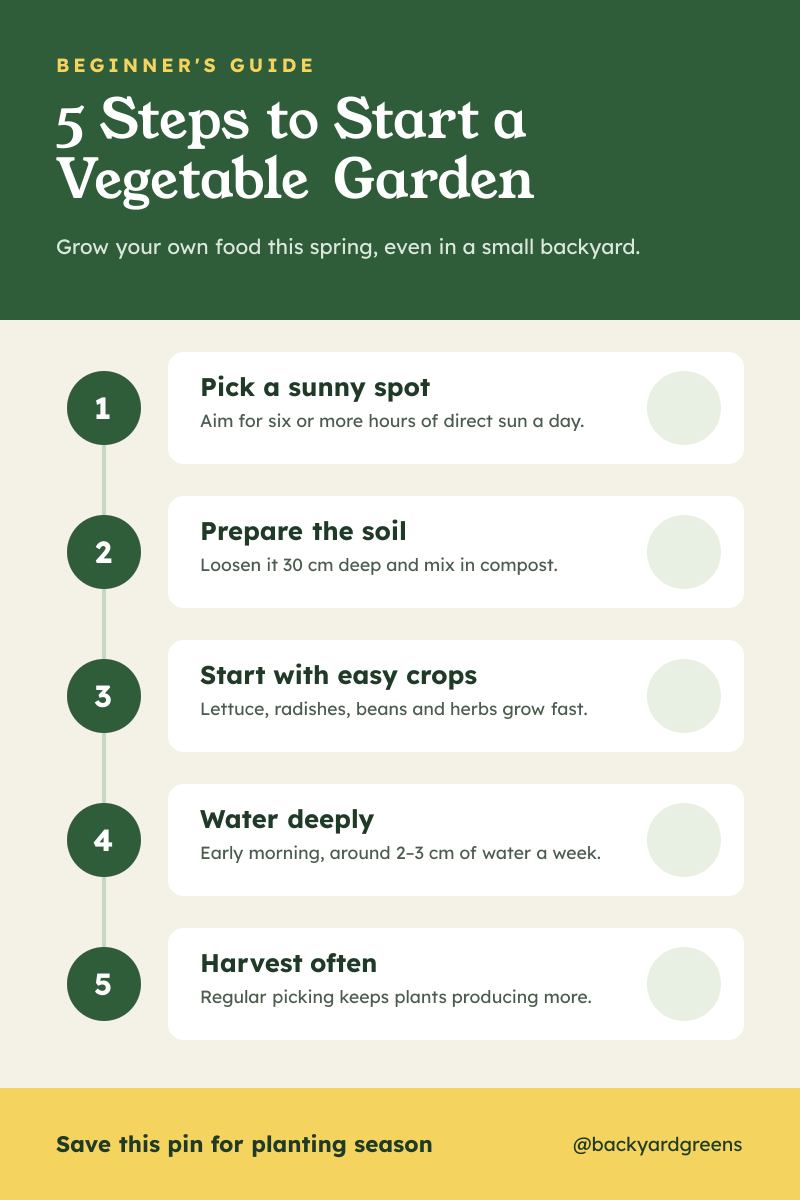
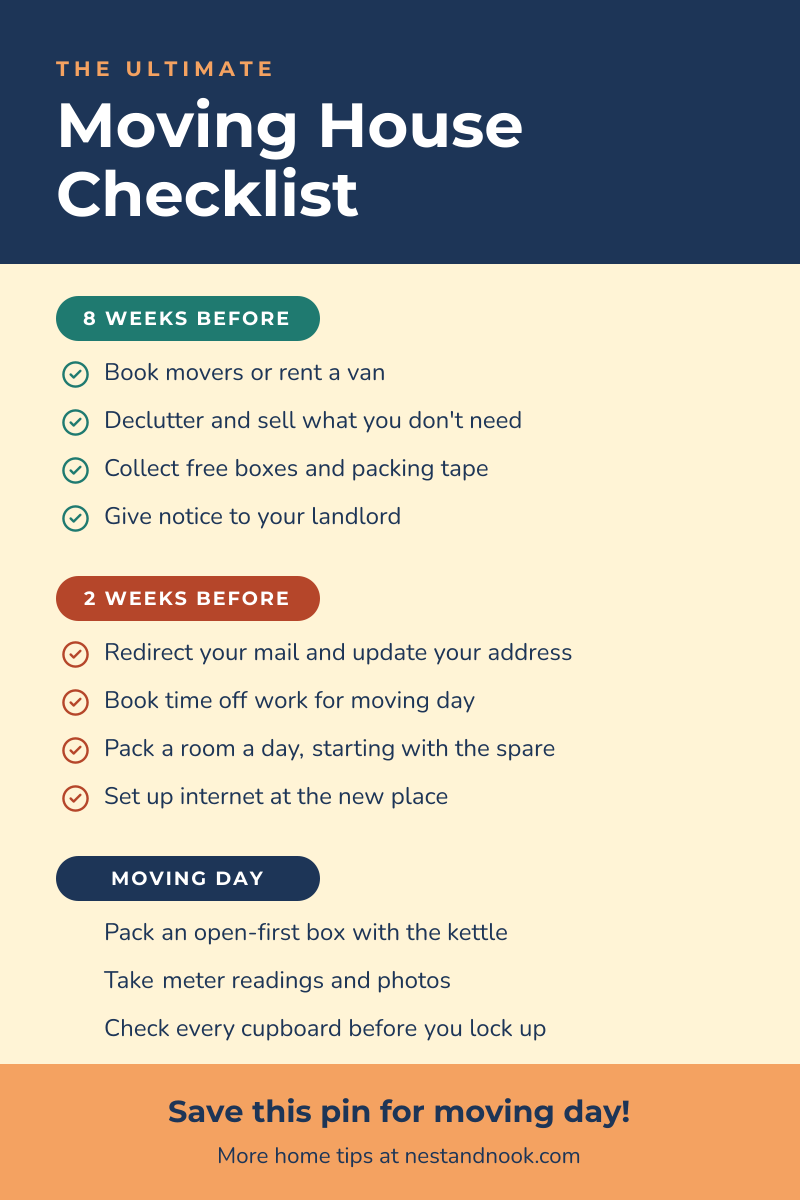
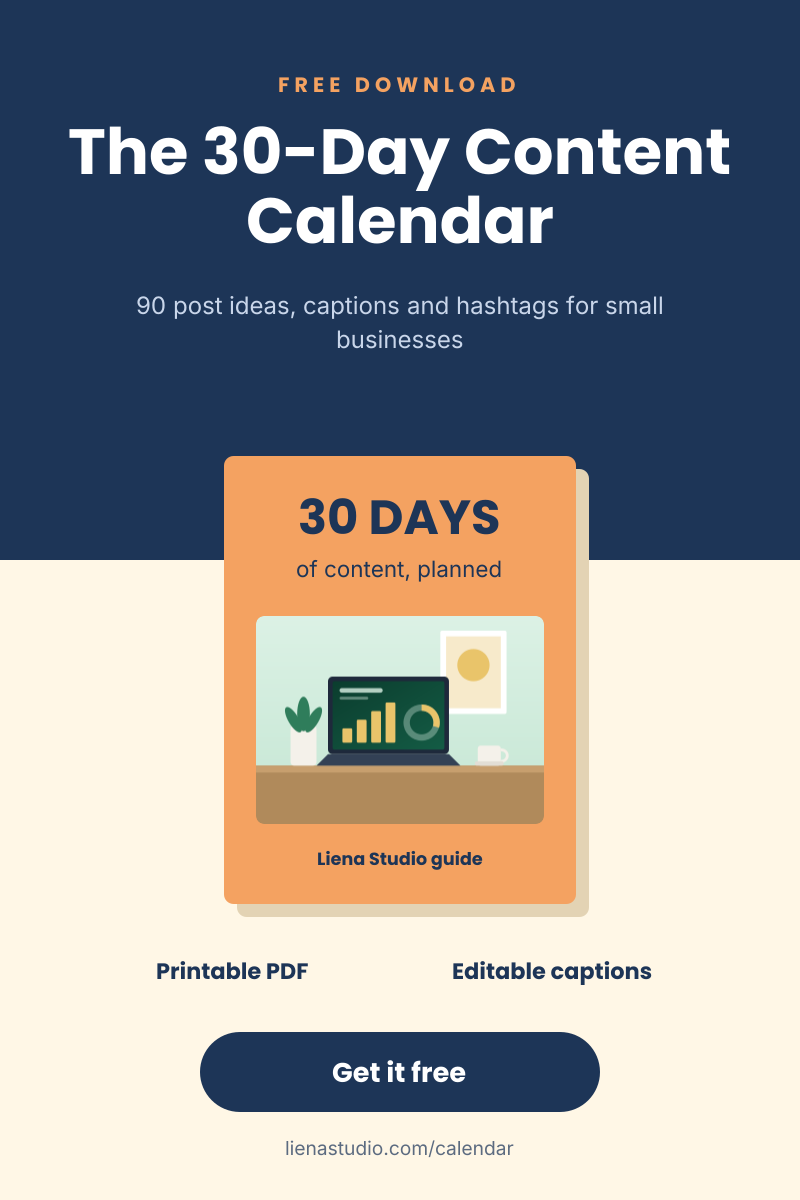
Pinterest pin templates
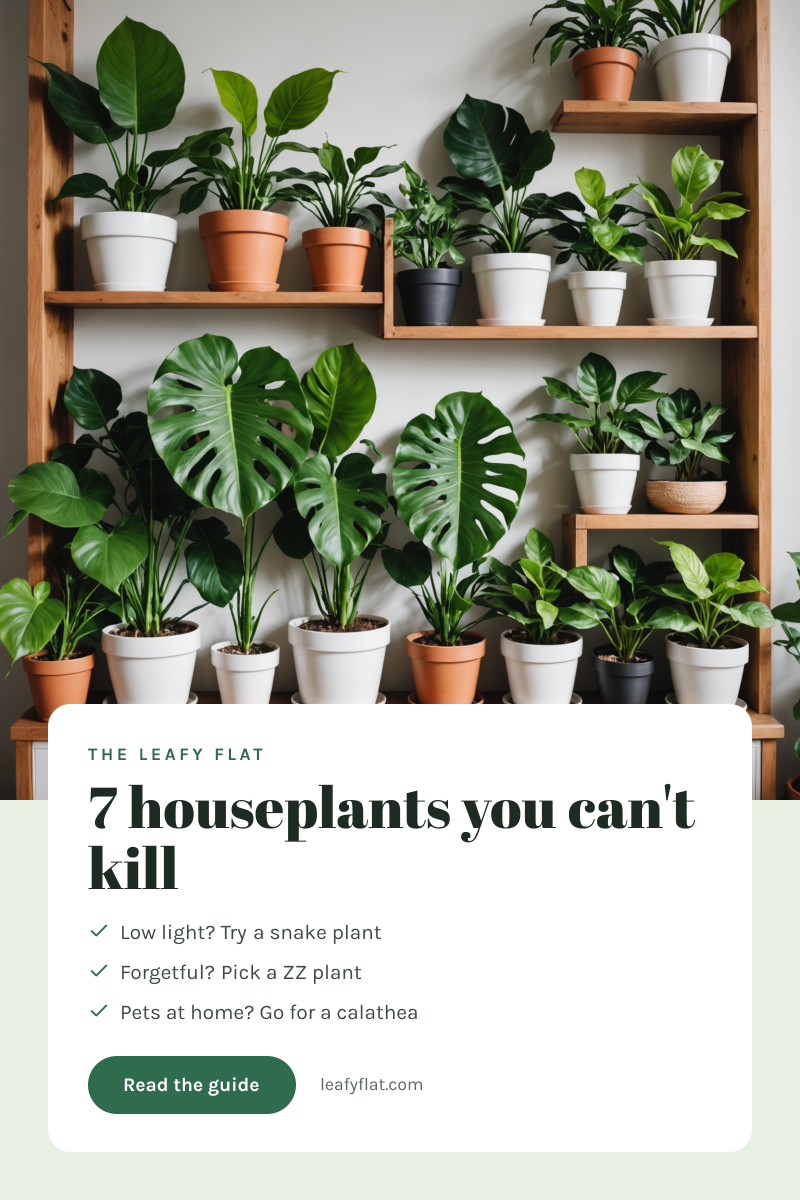
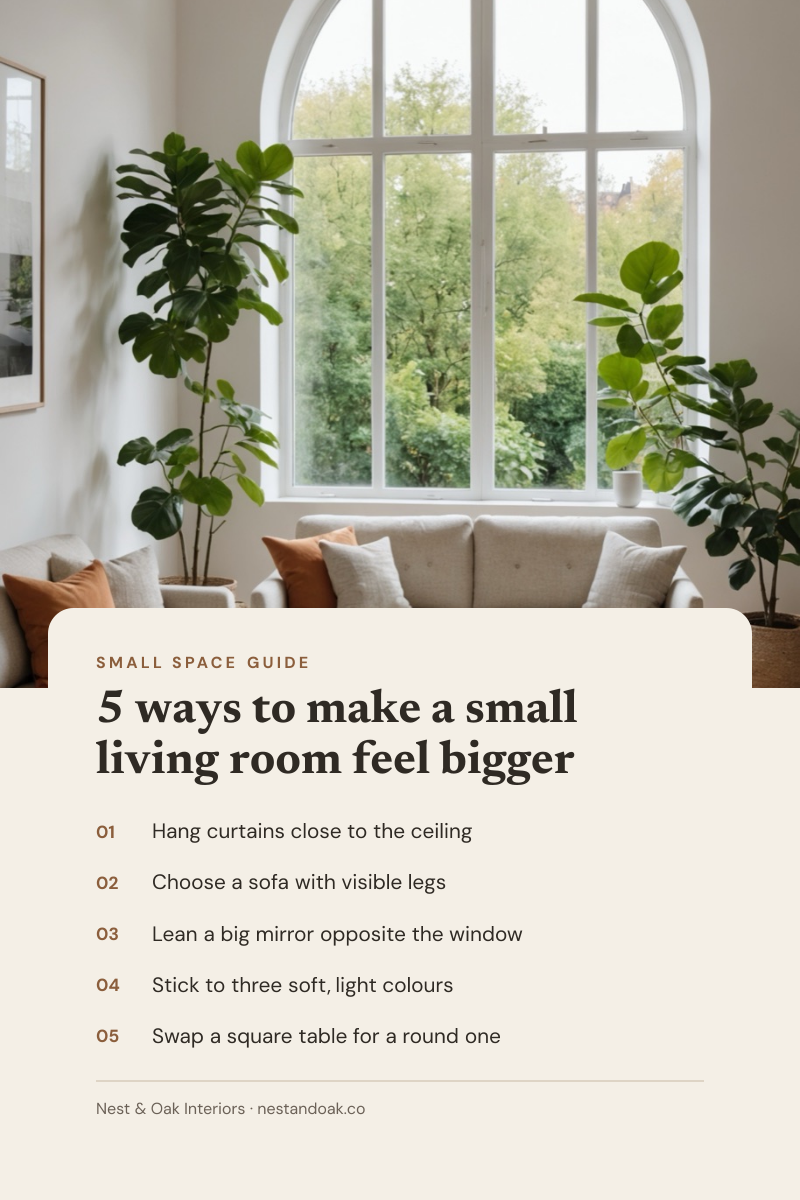
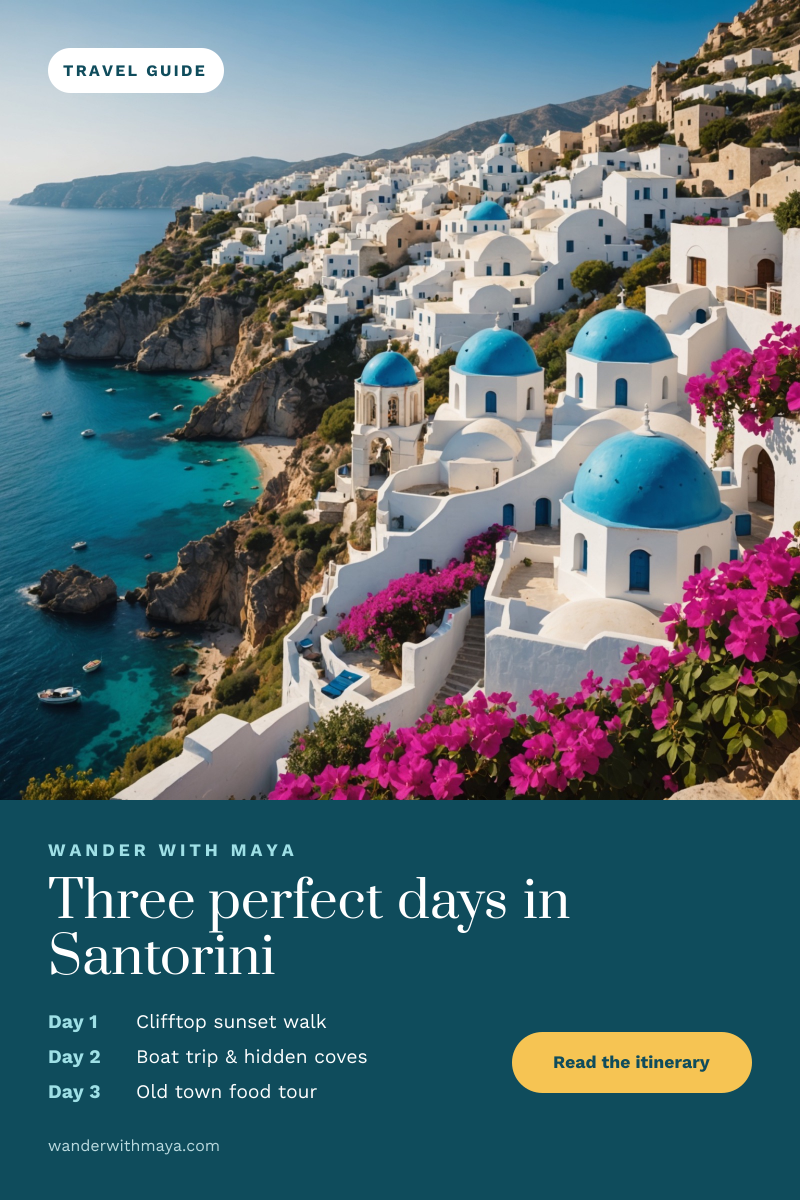
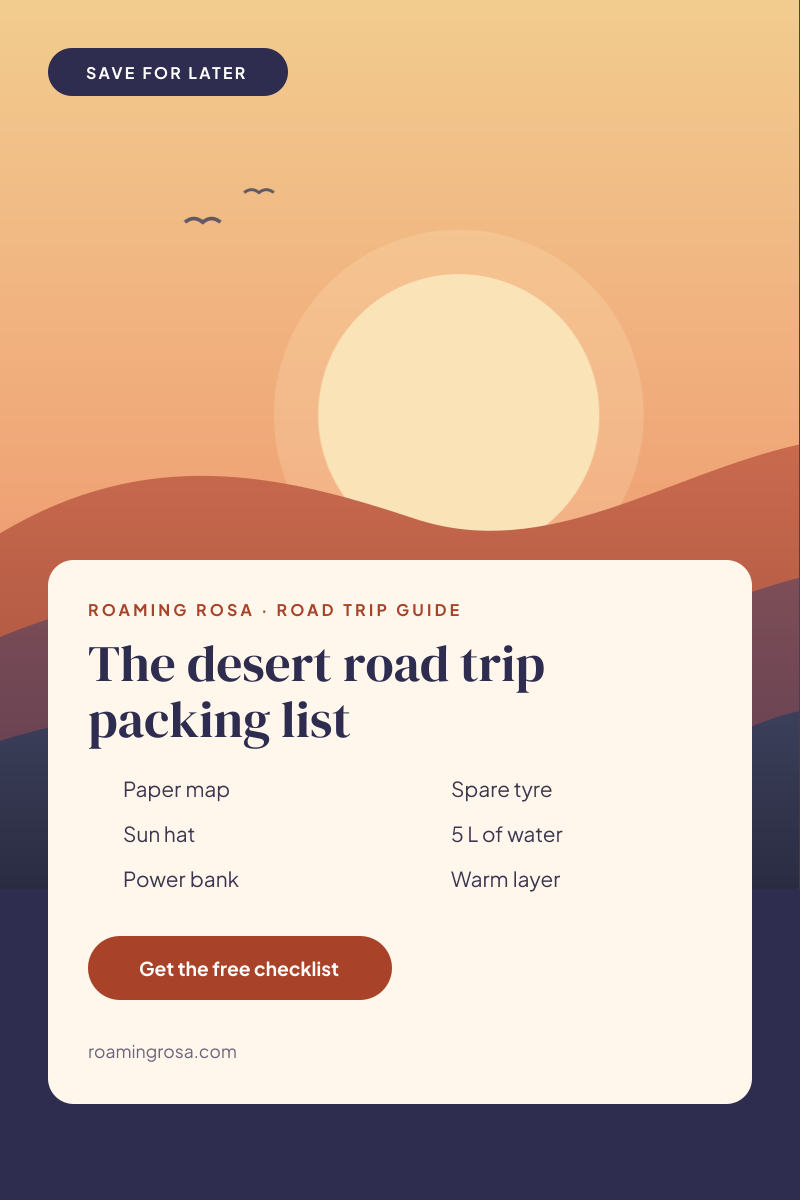
Click any design to open your own copy in the editor.
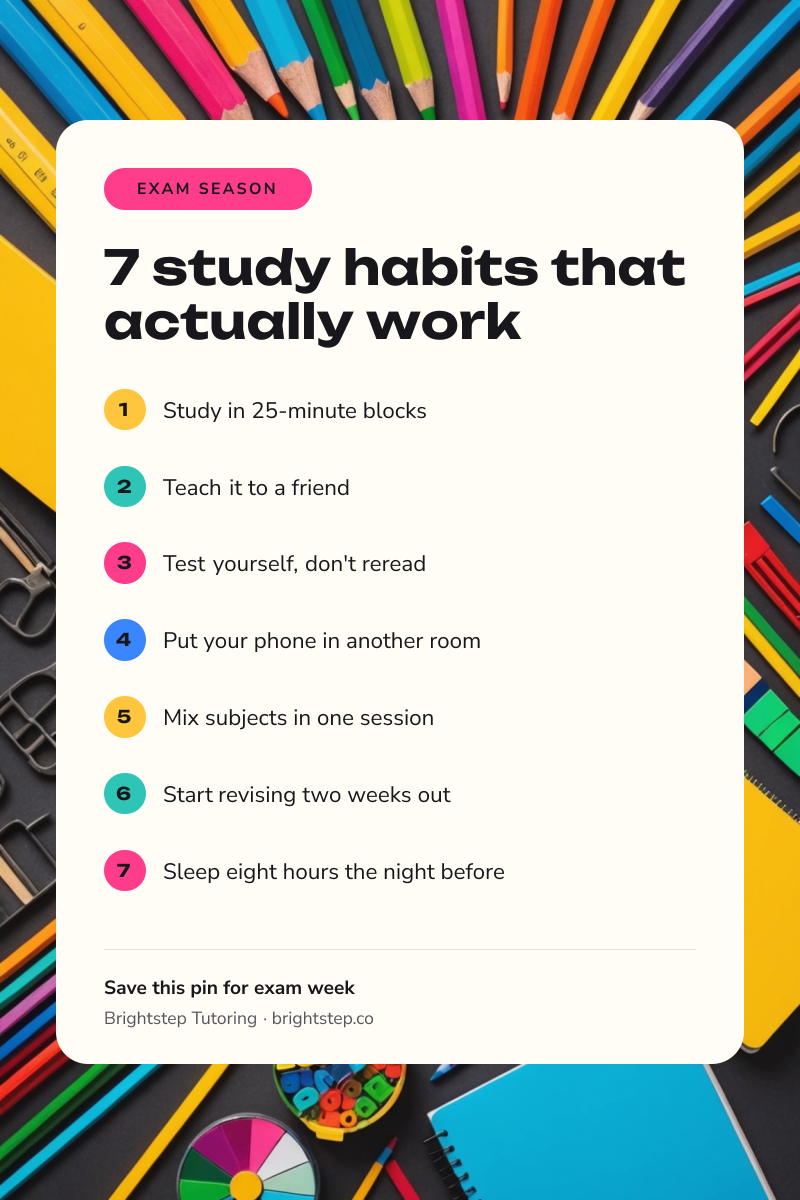
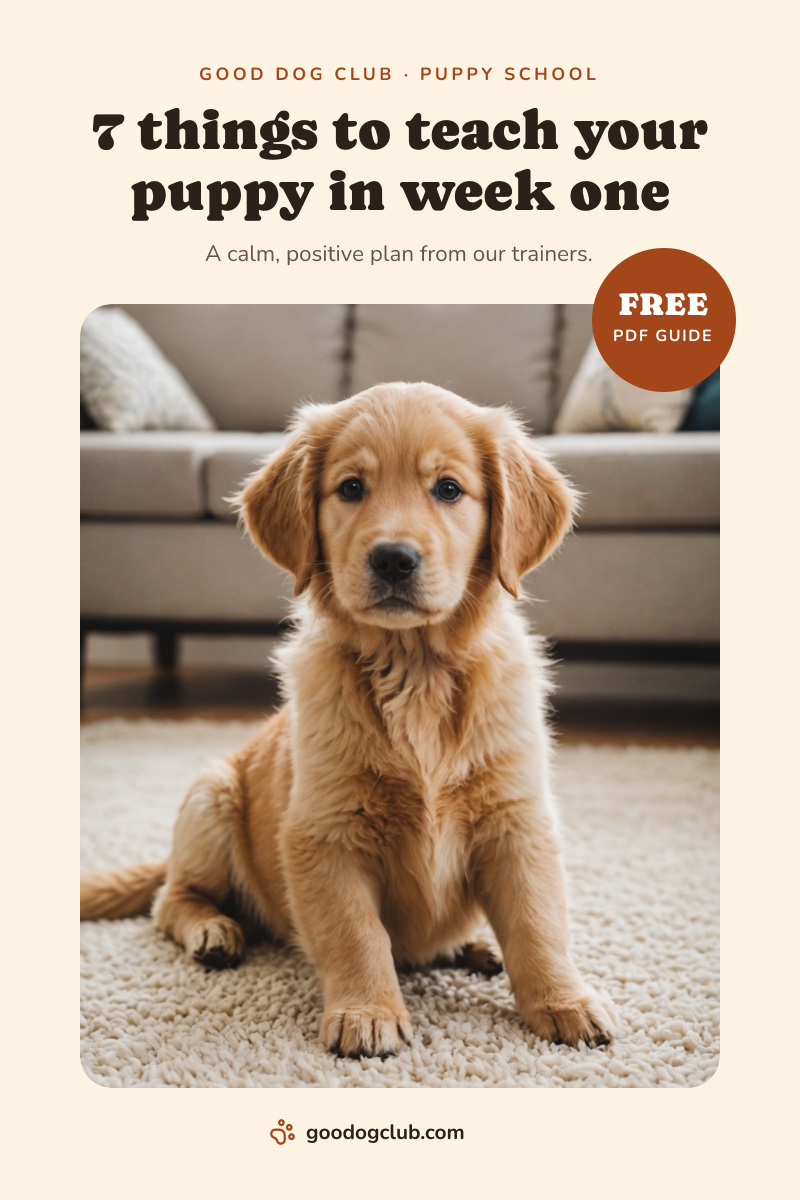
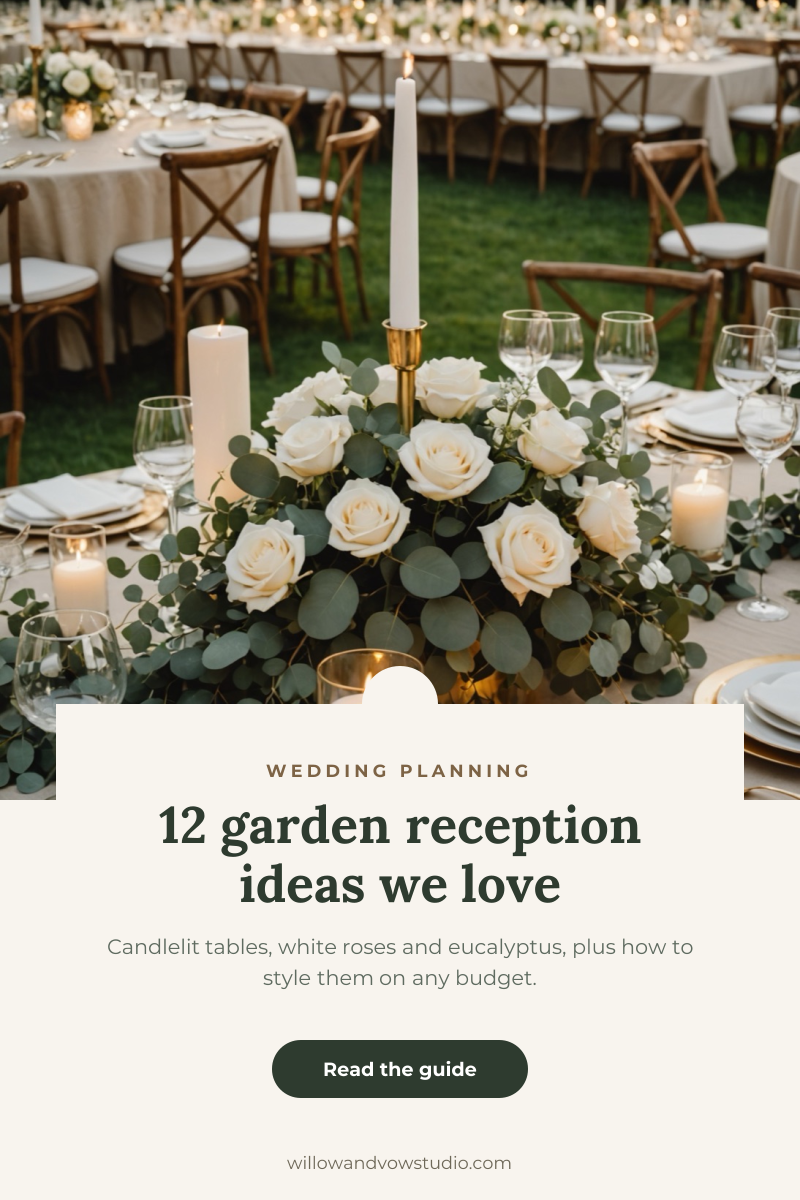
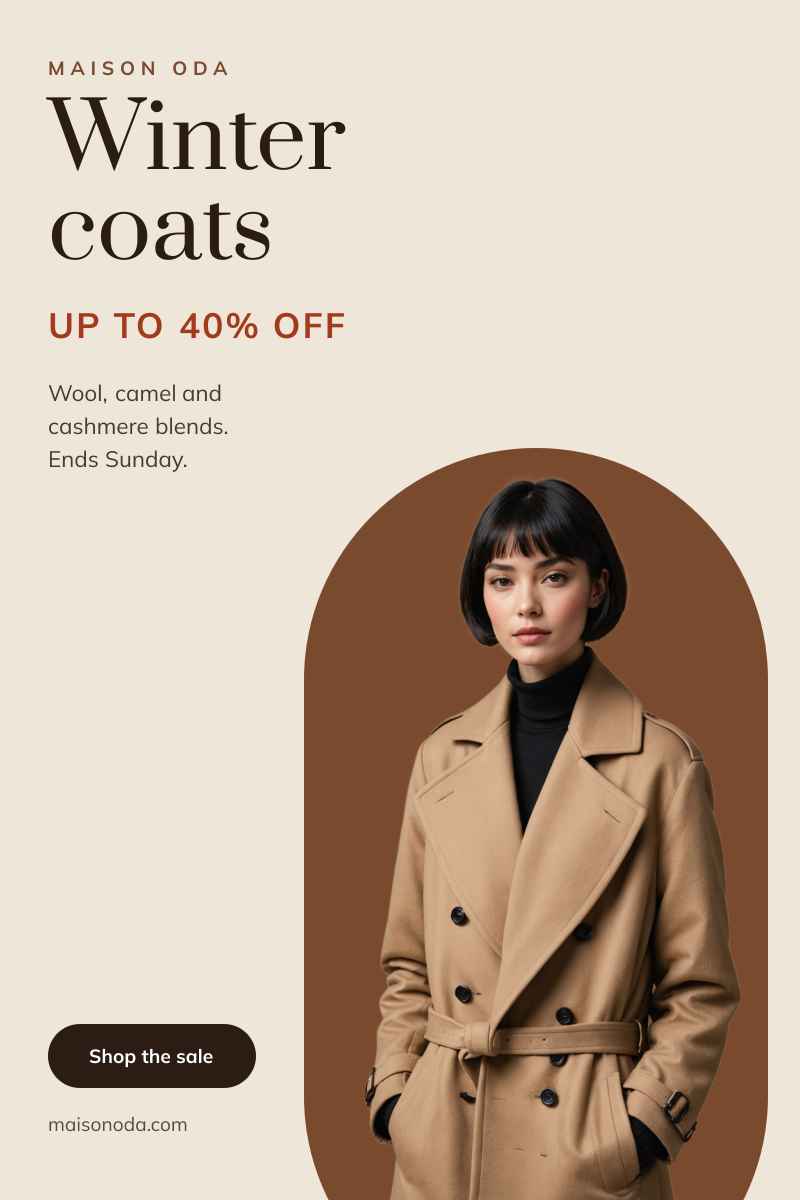
How to make a Pinterest pin in 3 steps
1
Prompt or pick
Describe your pin in a sentence and AI designs it, or open one of the templates. The canvas is already 1000 × 1500 px.
2
Edit anything
Every text, photo, shape and icon is its own layer. Rewrite the copy, drop in your photos, match your brand colours and move things around.
3
Download
Export a full-resolution PNG and upload it to Pinterest. Your pin stays in your dashboard to reuse next time.
Pinterest pin size and specs
- Size
- 1000 × 1500 pxThe standard pin. Larger 2:3 images are scaled down.
- Aspect ratio
- 2:3 (vertical)Pins taller than 2:3 may be cut off in the feed.
- Safe zone
- 60 px from every edgeOn desktop, the Save button covers the top-right corner on hover.
- Title
- Up to 100 charactersAdded when you create the pin; it isn’t read from the image.
- Description
- Up to 500 charactersUse the words people search for; Pinterest reads it for search.
- File type
- PNG (from Liena)Pinterest accepts PNG, JPG and WebP, up to 20 MB.
Pinterest pins for every kind of business
Each one opens a template written for that business, ready for your own photos and details.
- Food bloggersRecipes with the dish and the time on the pin.
- Chefs & cooking schoolsSignature recipes and class sign-ups.
- Travel bloggersGuides, itineraries and packing lists.
- Surf & outdoor schoolsLessons, camps and beginner guides.
- Interior designersRoom ideas that link back to your portfolio.
- FloristsFlower subscriptions and seasonal bouquets.
- Wine shops & wineriesWine clubs, pairings and tastings.
- Fashion brandsSeasonal sales and outfit ideas.
- Wedding plannersIdeas boards that lead to enquiries.
- Tutors & teachersStudy tips and free worksheets.
- Dog trainersTraining tips that bring in new clients.
- Coaches & course creatorsFreebies that grow your email list.
How to design a Pinterest pin that works
Design for a narrow column
On a phone, Pinterest shows pins two to a row, so your 1000 px wide pin appears at less than a fifth of its size. Headlines need to be big: 90–140 px, in a bold weight, with six to eight words at most. Body text under 40 px won’t be readable in the feed. Zoom the canvas out to 20%; if you can still read the headline, it works.
Use the words people search for
Pinterest is a search engine as much as a feed. Put the phrase people type, such as “easy weeknight pasta” or “small living room ideas”, in the image headline, the pin title and the first sentence of the description. A headline that names the benefit (“15-minute dinners”) gets more saves than a clever one.
Stick to 2:3
1000 × 1500 px is the shape Pinterest recommends. Pins taller than 2:3 may be cut off in the feed, and wider ones take up less space and are easy to scroll past. If you have a lot to show, such as a step-by-step guide, make the text tighter or split it across a few pins.
Show the result, then the promise
The best pins pair one strong image of the finished dish, room or outfit with a short text overlay that says what the reader gets. Put the photo in the top half to two thirds, and the headline on a solid band or a 50–70% dark overlay so it stays readable over any image.
Put your brand where it doesn’t get in the way
Add your website or logo small at the bottom centre, at least 60 px from the edge. On desktop, the Save button appears over the top-right corner on hover, so keep that area free of text. Use the same fonts and colours on every pin so people recognise your pins in search results.
Make several pins for each link
Pinterest favours fresh images, so make three to five pins for each blog post or product, with different photos, headlines and colours, and publish them over a few weeks. Starting from one template and changing the photo and headline is the quickest way to do this.
Frequently asked questions
Is the Pinterest pin maker free?
Yes. A free Liena account lets you edit every template as often as you like, make 5 AI designs a month and download full-resolution PNGs. You don’t need a credit card.
Can I remove the watermark?
Downloads on the free plan include a small Liena watermark in the corner. Liena Pro ($29 a month, cancel anytime) removes the watermark from every export and raises your AI designs to 50 a month.
What size is a Pinterest pin?
1000 × 1500 px, a 2:3 vertical ratio. Pins taller than 2:3 may be cut off in the feed, so 1000 × 1500 px is the safest size for every pin.
How much text should a pin have?
A headline of six to eight words, plus at most one short line. Pins are shown small on phones, so put the details in the pin description and on the page the pin links to.
Can I edit the design the AI makes?
Yes. The AI builds a layered design, not a flat image. Every headline, photo, shape and icon is a separate layer you can rewrite, replace, recolour, move or delete, with undo and redo.
Can I post straight to Pinterest from Liena?
Not yet. Download the PNG, then create a pin on Pinterest, add the title, description and link, and choose a board. Your design stays in your Liena dashboard, so you can make more versions later.
More free design makers
Instagram Post Maker
Square and portrait feed posts, from a prompt or a template.
Instagram Story Maker
Full-screen 9:16 Stories, from a prompt or a template.
Facebook Post Maker
Landscape, portrait and square feed posts, from a prompt or a template.
All design makers
Every format Liena can design, grouped by social, YouTube and podcast, print and business.
Make your Pinterest pin now
Describe it in a sentence. Your design opens in the editor, ready to tweak.