 liena
Free Instagram Story Maker
Liena’s free Instagram story maker designs a full-screen 1080×1920 story in seconds, from an AI prompt or a template.
Free account · 5 AI designs a month · every template free to edit · no credit card
Instagram story templates
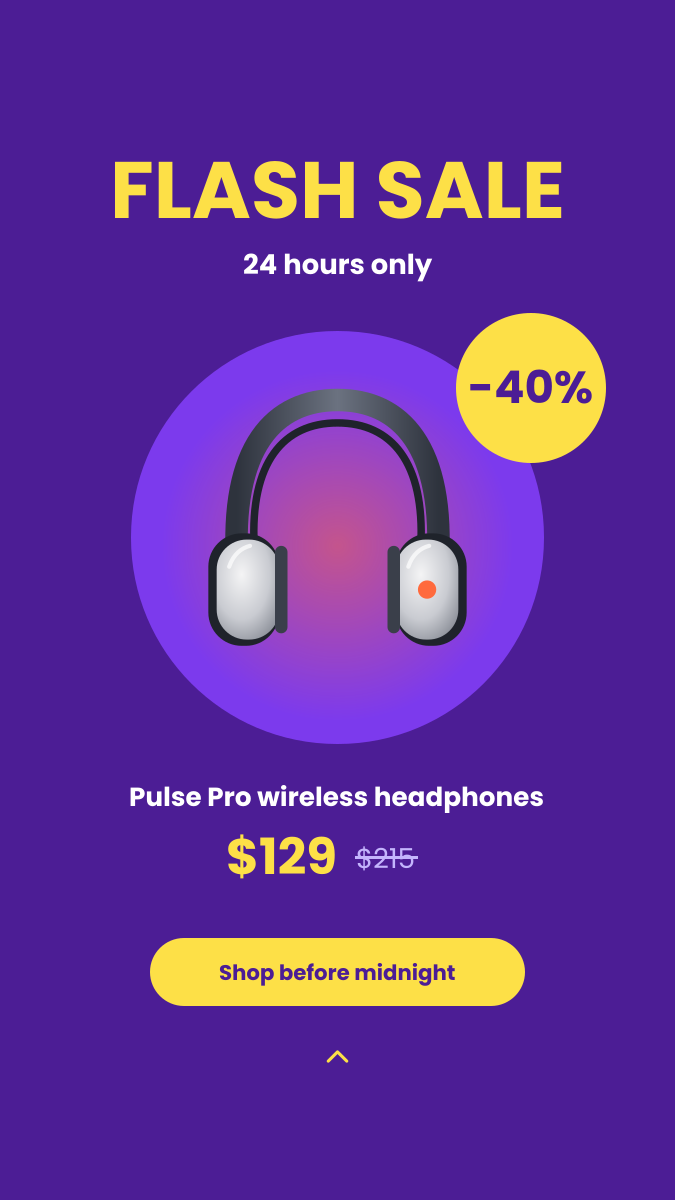
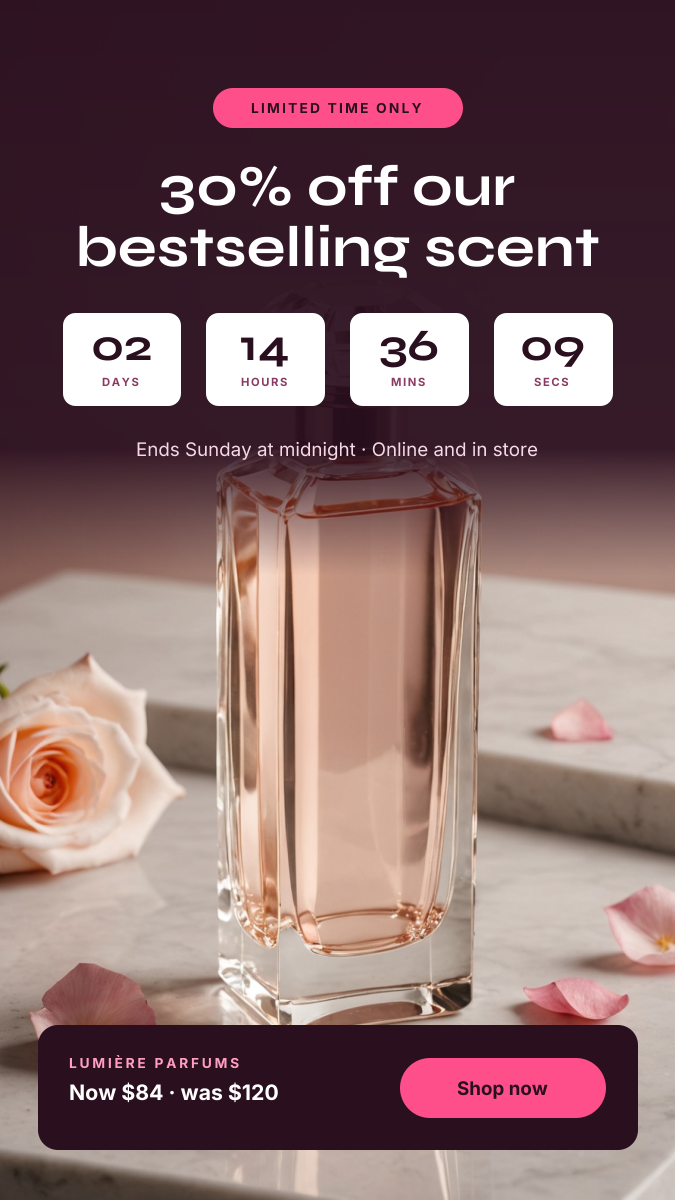
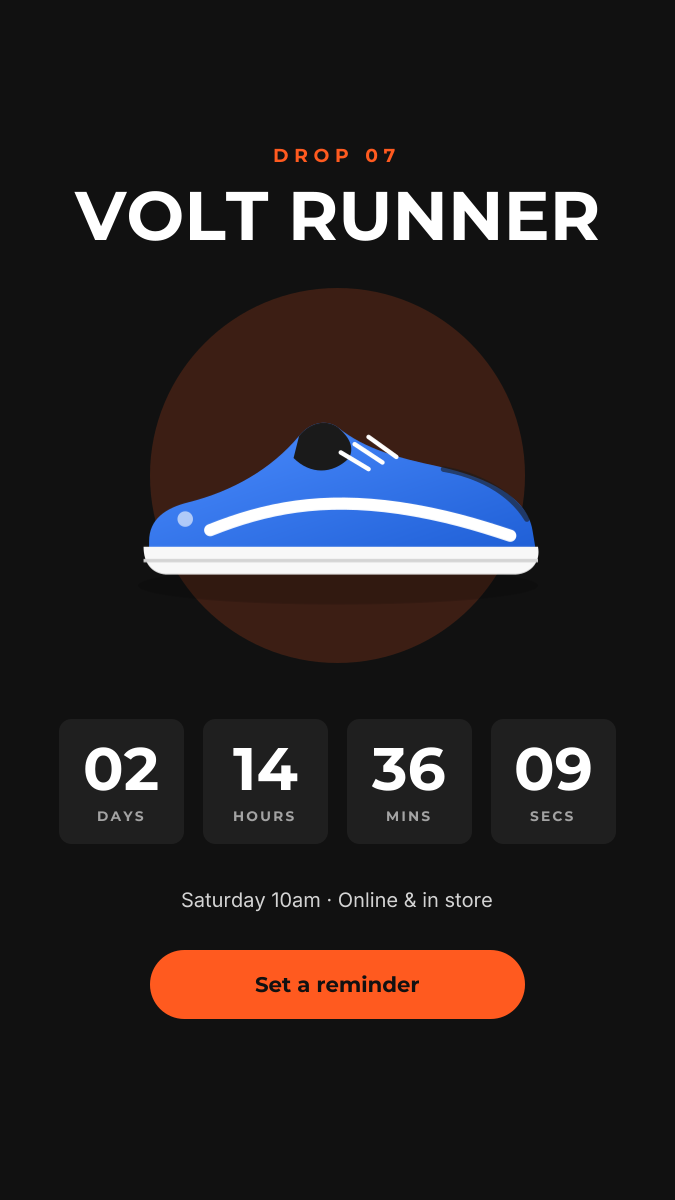
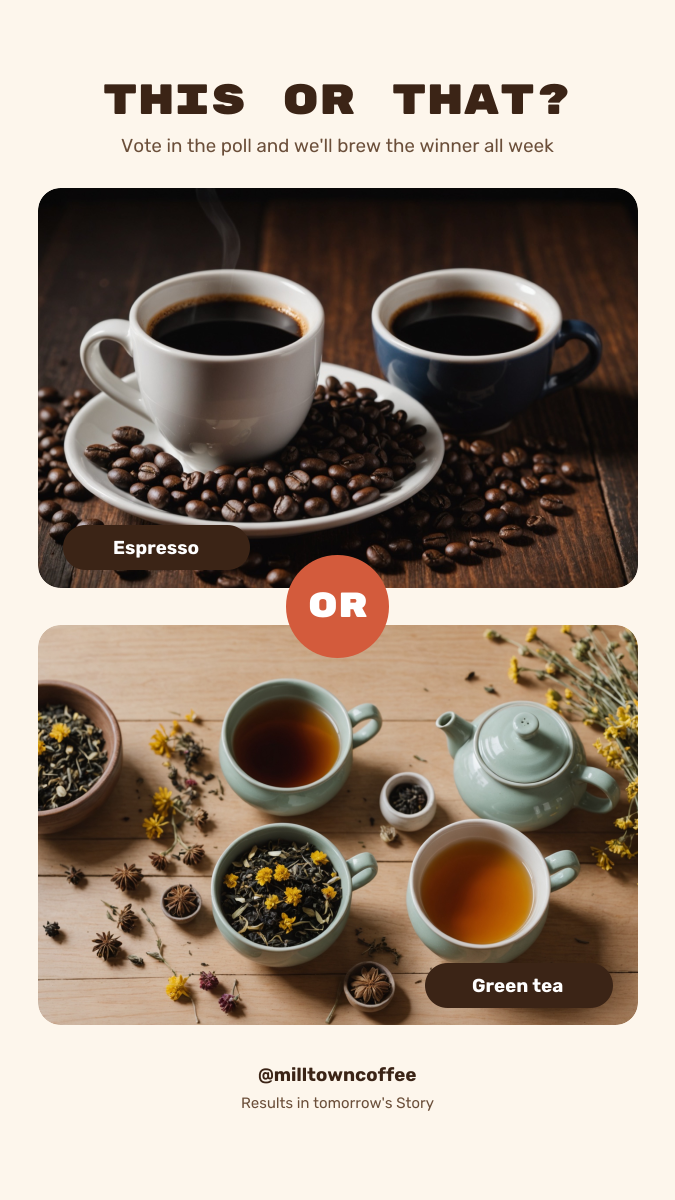
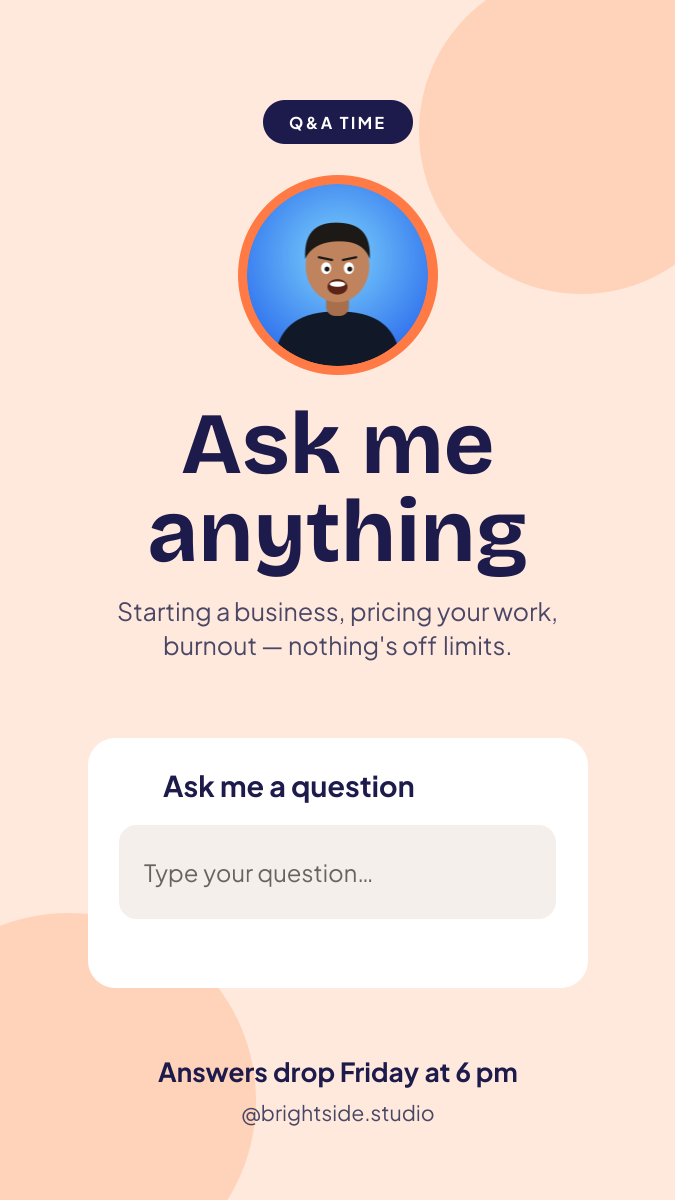
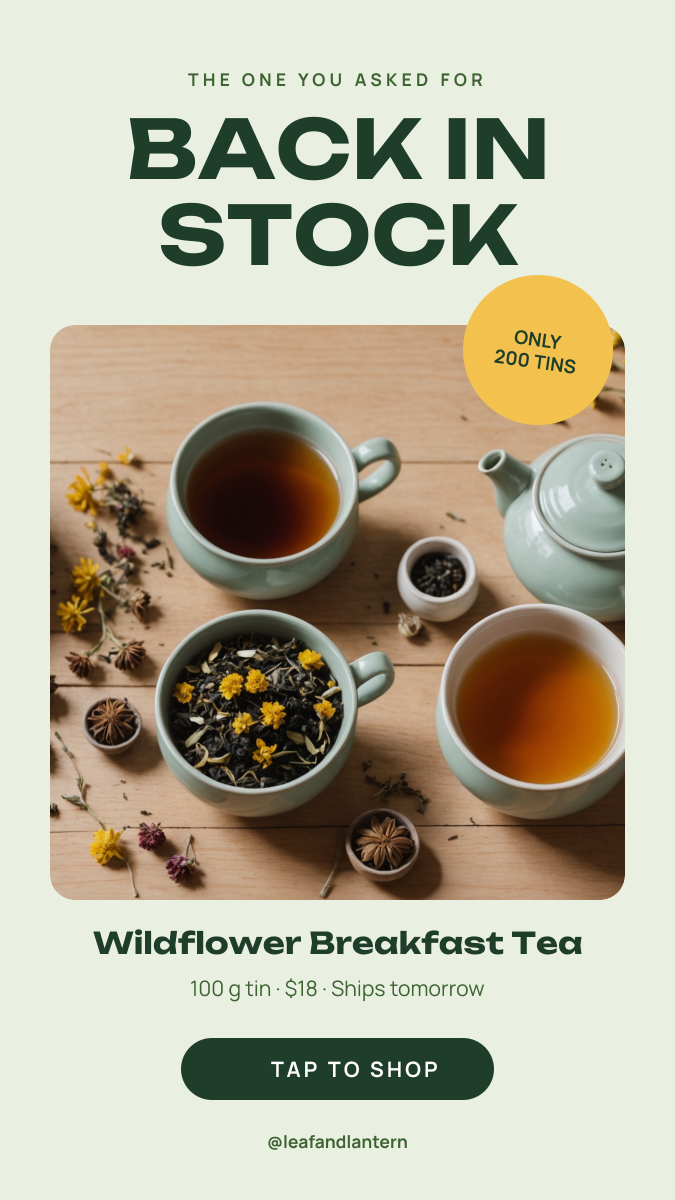
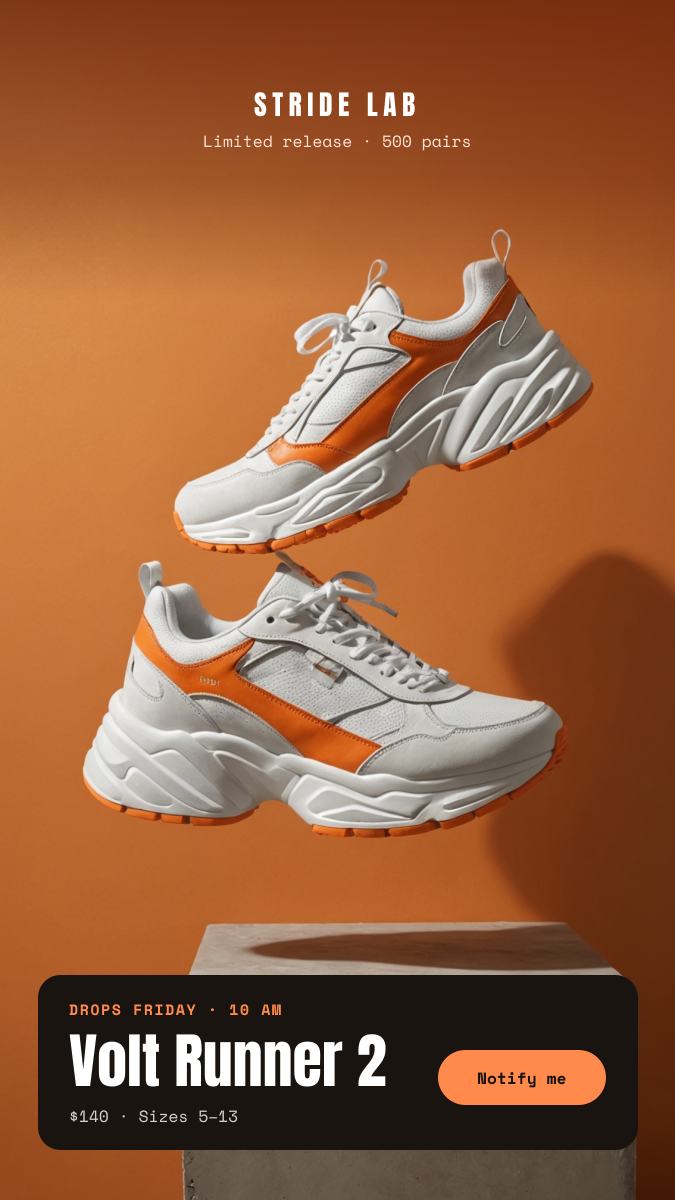
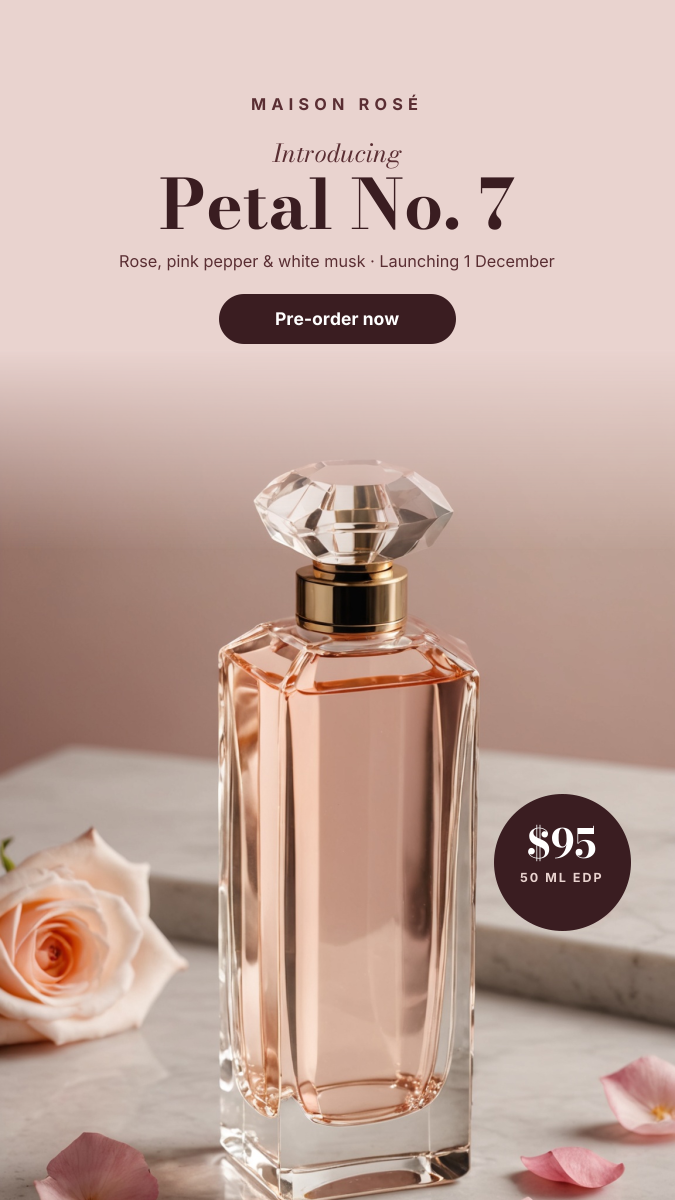
Click any design to open your own copy in the editor.
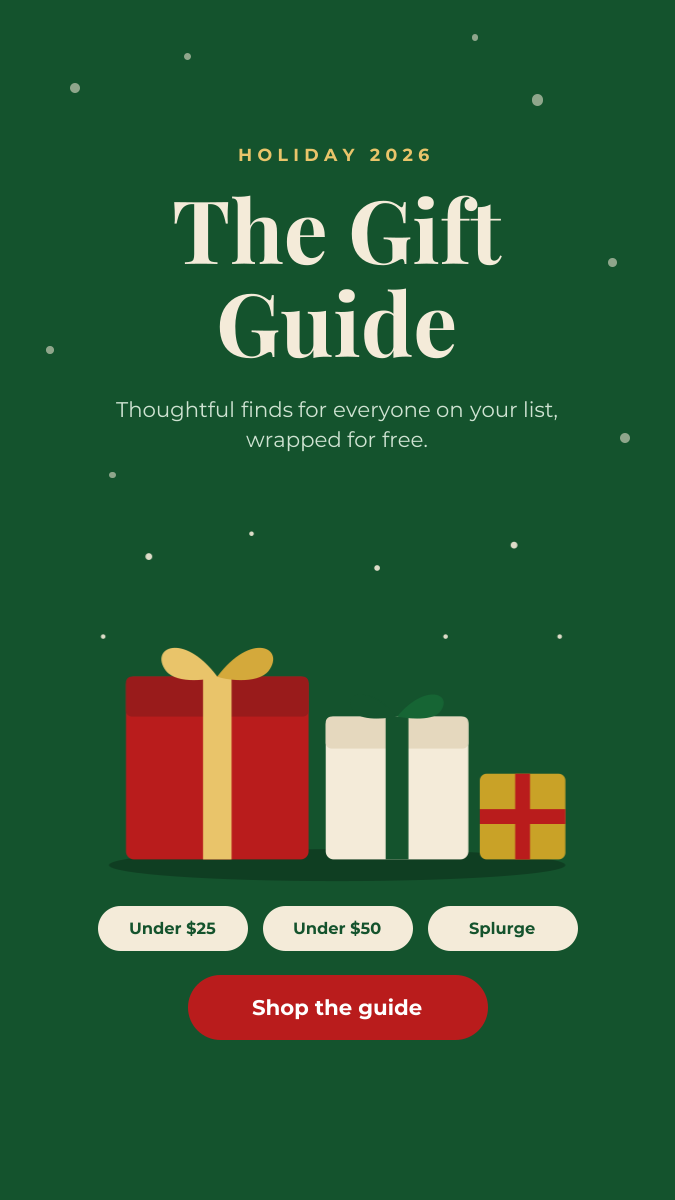
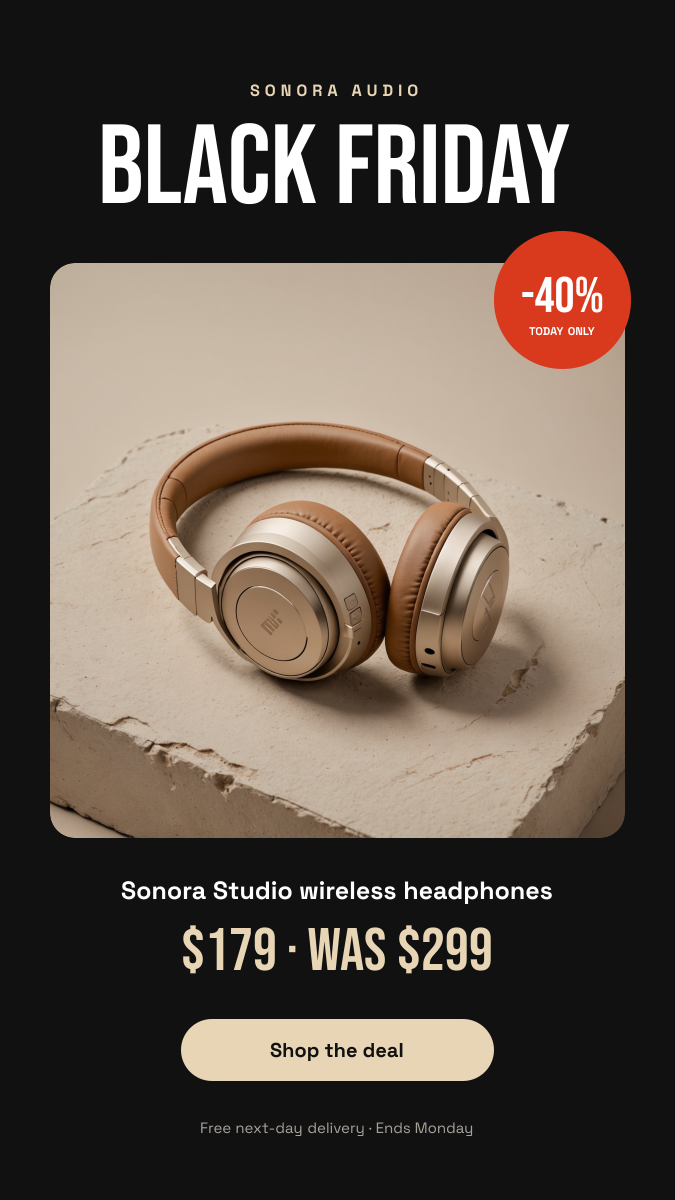
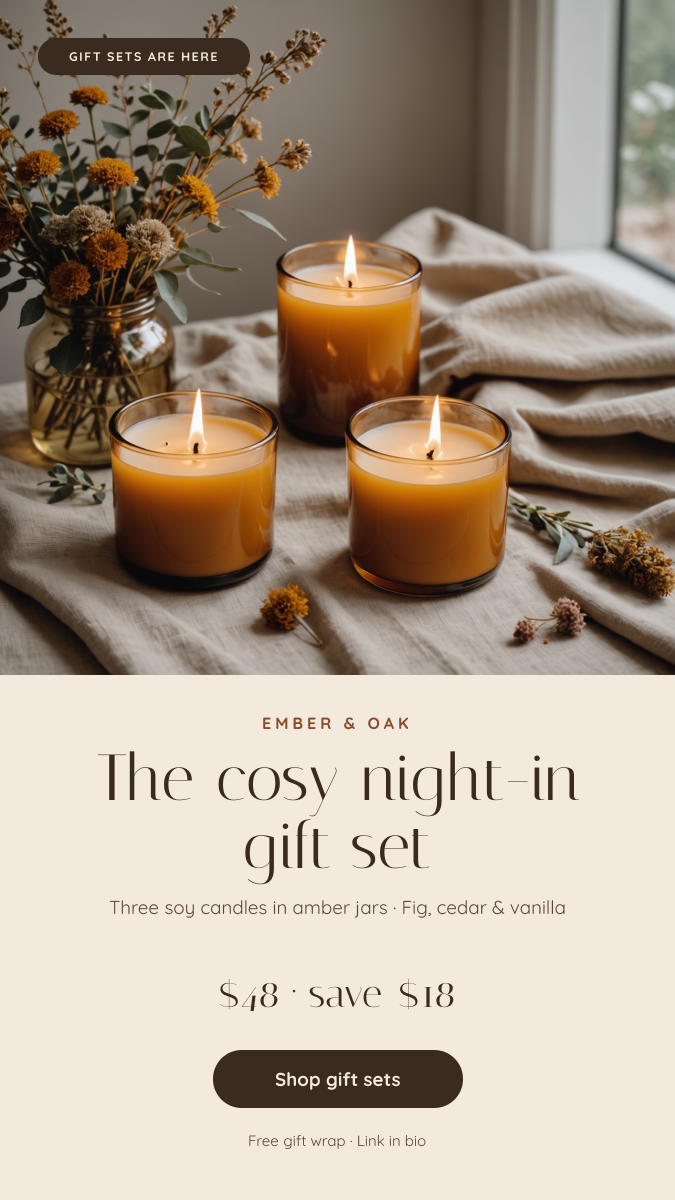
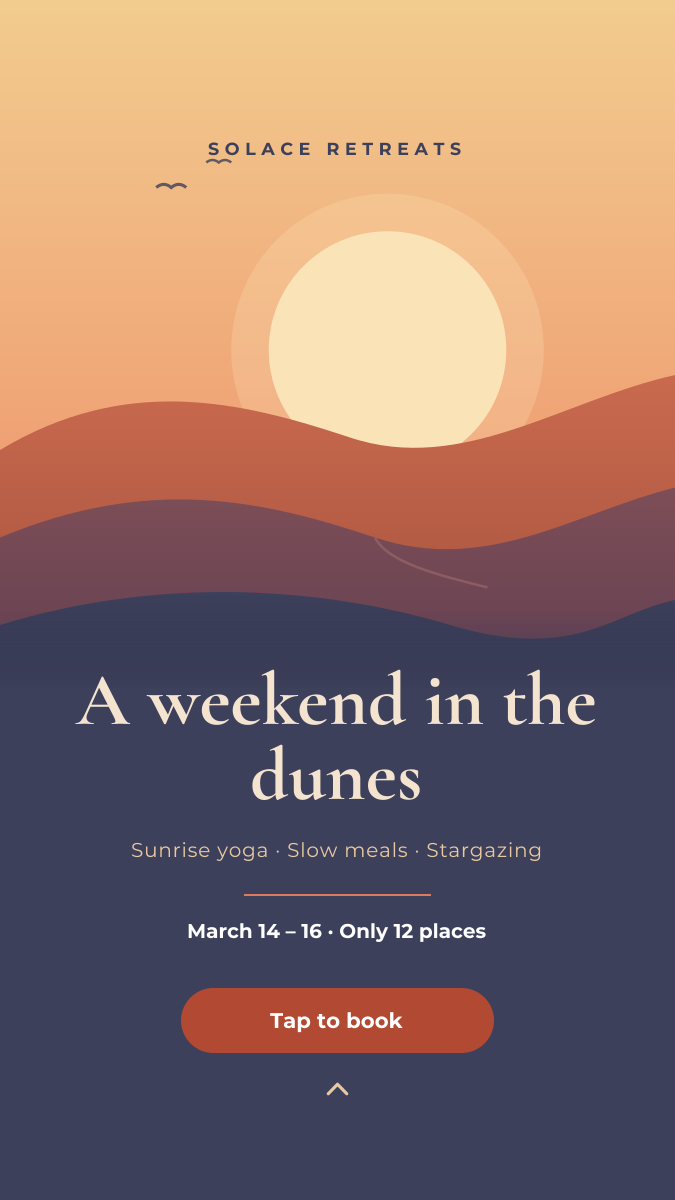
How to make an Instagram story in 3 steps
1
Prompt or pick
Describe your story in a sentence and AI designs it, or open one of the templates. The canvas is already 1080 × 1920 px.
2
Edit anything
Every text, photo, shape and icon is its own layer. Rewrite the copy, drop in your photos, match your brand colours and move things around.
3
Download
Export a full-resolution PNG and upload it to Instagram. Your story stays in your dashboard to reuse next time.
Instagram story size and specs
- Size
- 1080 × 1920 pxThe standard full-screen Story. Larger 9:16 files are scaled down.
- Aspect ratio
- 9:16 (vertical)Other ratios get zoomed in or placed on a colour-filled background.
- Top safe zone
- Keep the top 250 px clearYour profile picture, name, progress bar and close button sit here.
- Bottom safe zone
- Keep the bottom 340 px clearThe reply box and the like and share buttons cover this area.
- Side margins
- 64 px on each sideKeeps text off the curved corners and edges of phone screens.
- Photo duration
- 5 secondsHow long an image Story shows before moving to the next one.
- Lifetime
- 24 hoursAdd it to a Highlight to keep it on your profile.
- File type
- PNG (from Liena)Instagram accepts PNG and JPG. Add links, polls and music in the app.
Instagram storys for every kind of business
Each one opens a template written for that business, ready for your own photos and details.
- Hair salonsNew-client offers, last-minute slots and transformations.
- BarbershopsWalk-in hours, prices and fresh cuts.
- Nail salonsNew sets, seasonal shades and booking links.
- Spas & massageSelf-care offers, gift cards and treatments.
- Yoga & fitness studiosToday’s classes, free trials and workshops.
- Ice cream & dessert shopsFlavour of the day, opening hours and treats.
- FloristsSame-day delivery, bouquets and occasions.
- Pet groomersGrooming offers and booking reminders.
- Animal rescuesPets looking for a home and adoption days.
- Wedding plannersOpen dates, real weddings and enquiries.
- Surf & activity schoolsLessons, camps and this week’s conditions.
- Beauty & skincare brandsProduct spotlights, routines and promo codes.
- Fashion & clothing brandsLookbooks, new arrivals and drops.
- Furniture & home storesSales, new collections and room ideas.
How to design an Instagram story that works
Keep text out of the top 250 px and the bottom 340 px
Instagram draws its own interface over every Story. Your profile picture, name and the progress bar cover roughly the top 250 px, and the reply box and the like and share buttons cover the bottom 340 px. Keep headlines, prices, dates and logos in the band between them, and at least 64 px from the left and right edges. The dashed box on the canvas marks this area. Photos and background colour can still fill the whole 1080 × 1920 frame.
Write for five seconds
A photo Story moves on after five seconds, and most people tap forward sooner. That is time for about 10–15 words: a headline, one supporting line and a call to action. If you need more, split it across two or three frames rather than shrinking the text. Read your Story aloud at normal speed; if you can’t finish before five seconds, cut words.
Size text for a full-screen phone
A 1080 px wide Story is shown at roughly a third of that width on a phone. Headlines read well at 90–150 px, and body text should be at least 40 px. Anything under 36 px is hard to read while someone is tapping through. Big, bold type also survives being viewed on a small or dim screen.
Leave room for stickers
Links, polls, questions, quizzes and countdowns are stickers you add in the Instagram app after uploading the PNG; they can’t be part of the image. Leave an empty area about 600 × 200 px in the middle of the safe zone where the sticker will go, and point to it with a short line such as “Tap the link” or an arrow. The image itself isn’t clickable, so a link sticker is the only way to send people to a URL from an organic Story.
Make contrast do the work
Stories are usually full-bleed photos, so text often lands on a busy background. Put text on a solid panel or a dark gradient at 40–60% opacity. A soft dark gradient across the top 300 px also keeps Instagram’s white profile name readable over a bright photo.
Plan a short sequence, not a single frame
Three to five frames is enough for most announcements: a hook on the first frame, the details in the middle, and the call to action and sticker on the last. Build them from the same template so the colours and fonts stay consistent as people tap through, and save the ones worth keeping to a Highlight before they disappear after 24 hours.
Frequently asked questions
Is the Instagram story maker free?
Yes. A free Liena account lets you edit every template as often as you like, make 5 AI designs a month and download full-resolution PNGs. You don’t need a credit card.
Can I remove the watermark?
Downloads on the free plan include a small Liena watermark in the corner. Liena Pro ($29 a month, cancel anytime) removes the watermark from every export and raises your AI designs to 50 a month.
What size is an Instagram story?
1080 × 1920 px, a 9:16 vertical ratio. Instagram scales larger 9:16 images down to fit, and zooms in or adds a colour-filled background to images in other ratios.
What is the Instagram story safe zone?
Roughly the area between 250 px from the top and 340 px from the bottom of a 1080 × 1920 Story, with about 64 px on each side. Instagram’s profile bar covers the top and the reply box covers the bottom, so keep text and logos out of both.
Can I add a link, poll or music to my story?
Yes, in the Instagram app. Download your design as a PNG, upload it as a Story, then add link, poll, question, countdown or music stickers on top. Leave an empty space in your design where the sticker will sit.
Can I edit the design the AI makes?
Yes. The AI builds a layered design, not a flat image. Every headline, photo, shape and icon is a separate layer you can rewrite, replace, recolour, move or delete, with undo and redo.
Can I make video or animated stories?
No. Liena exports a still PNG at 1080 × 1920 px. You can add music, stickers and text animation to it in the Instagram app after uploading.
Can I post straight to Instagram from Liena?
Not yet. Download the PNG, then upload it as a Story in the Instagram app or schedule it in Meta Business Suite. Your design stays in your Liena dashboard, so you can reopen and edit it later.
More free design makers
Instagram Post Maker
Square and portrait feed posts, from a prompt or a template.
All design makers
Every format Liena can design, grouped by social, YouTube and podcast, print and business.
Make your Instagram story now
Describe it in a sentence. Your design opens in the editor, ready to tweak.