 liena
Free Instagram Post Maker
Liena’s free Instagram post maker designs a 1080×1350 portrait or 1080×1080 square post in seconds, from an AI prompt or a template.
Free account · 5 AI designs a month · every template free to edit · no credit card
Instagram post templates
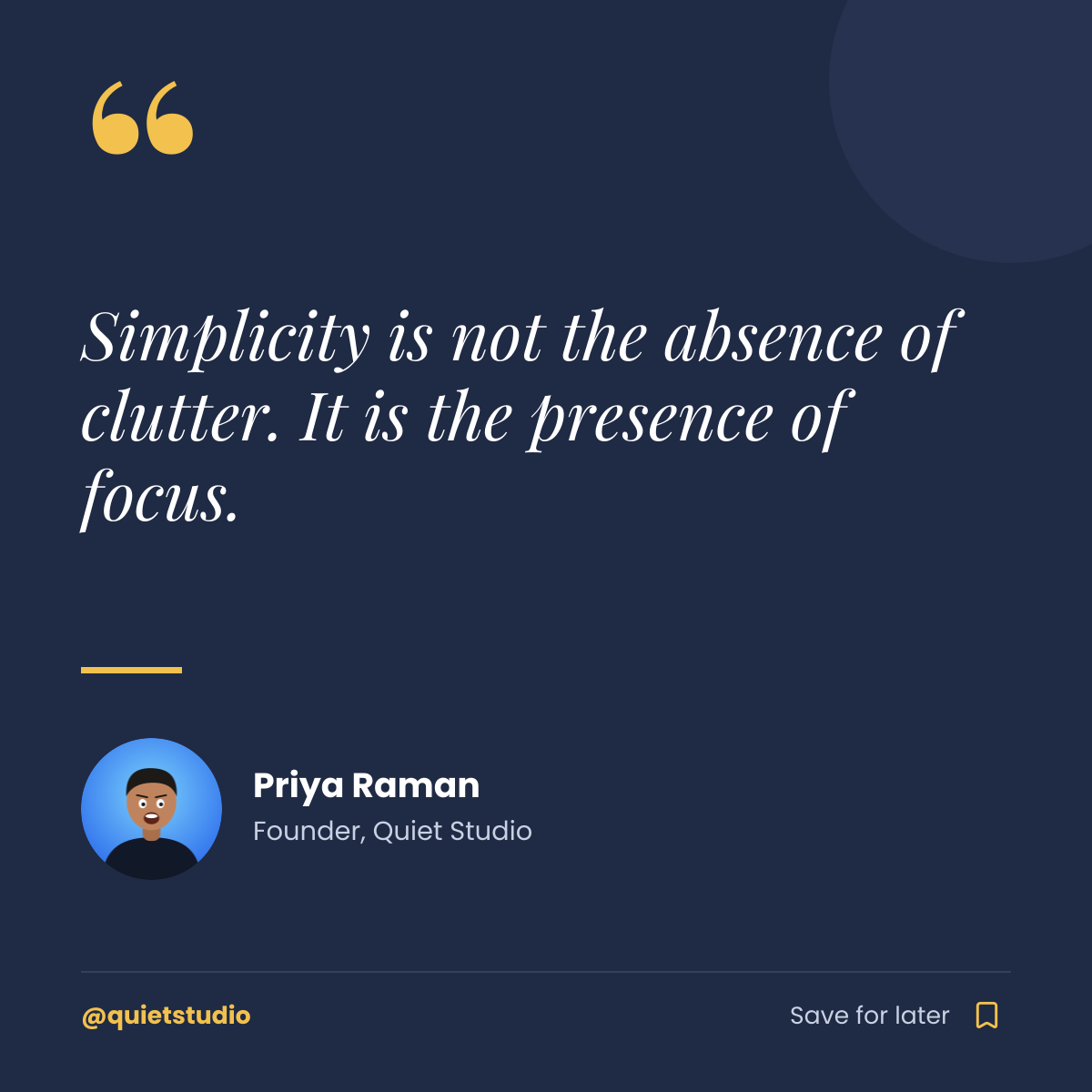
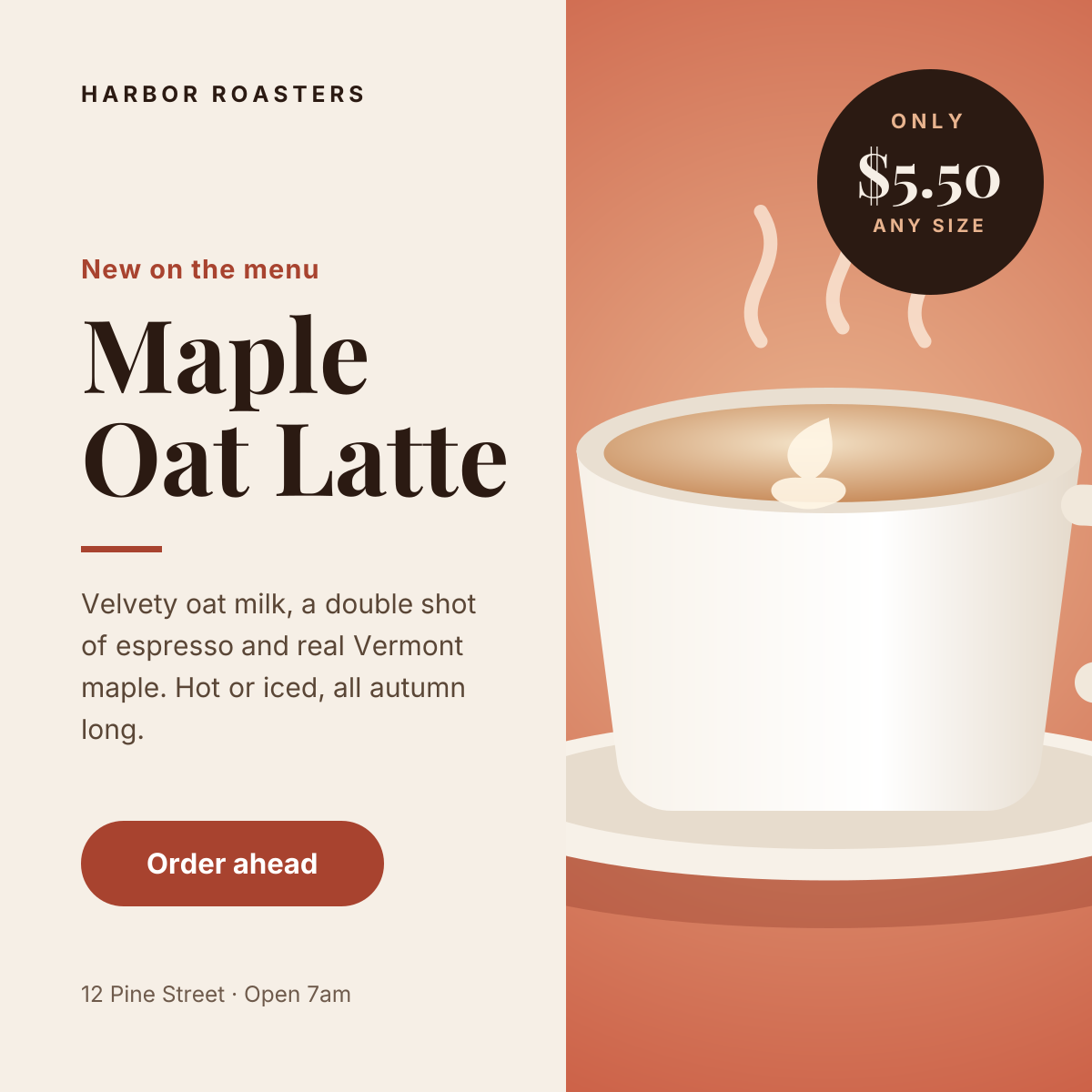
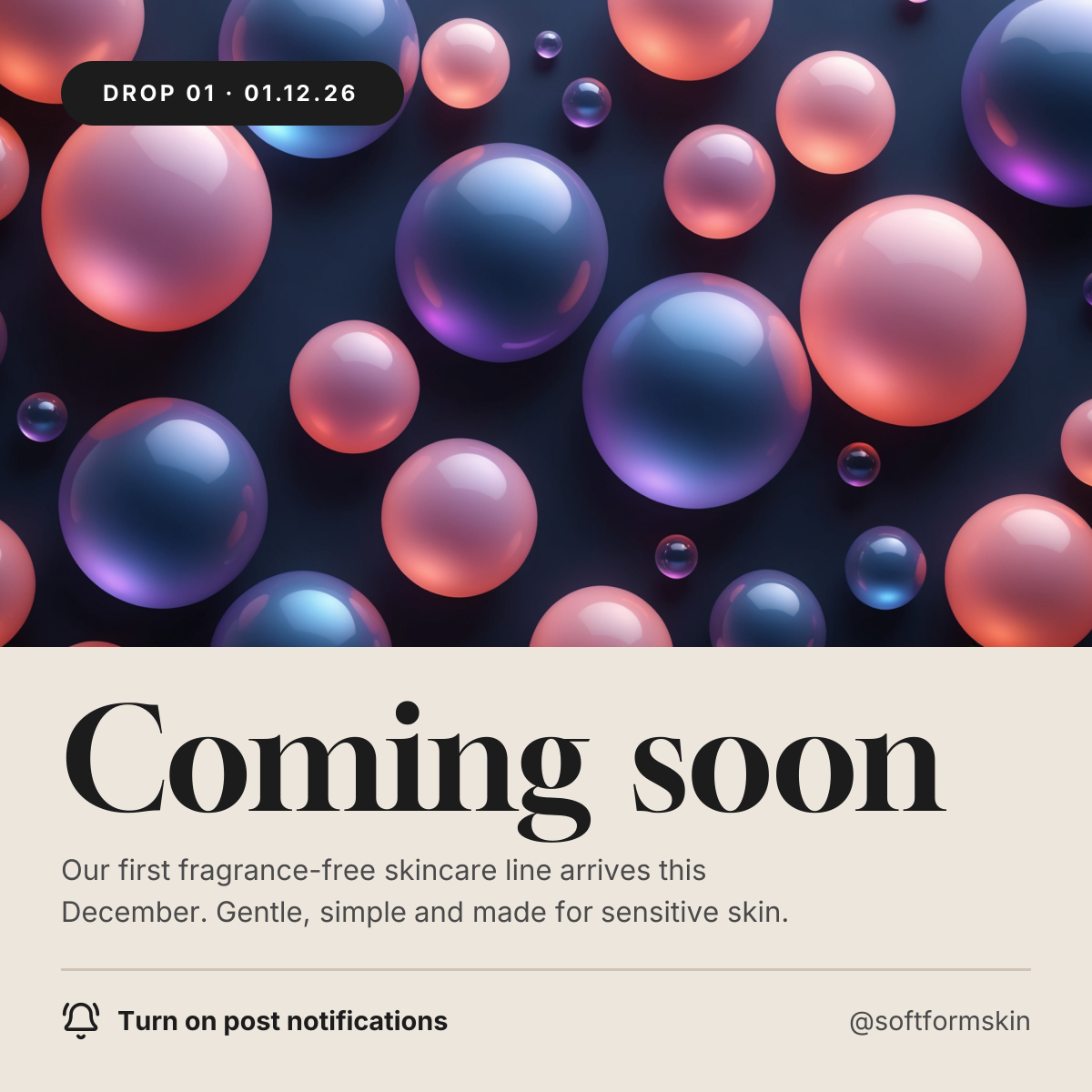
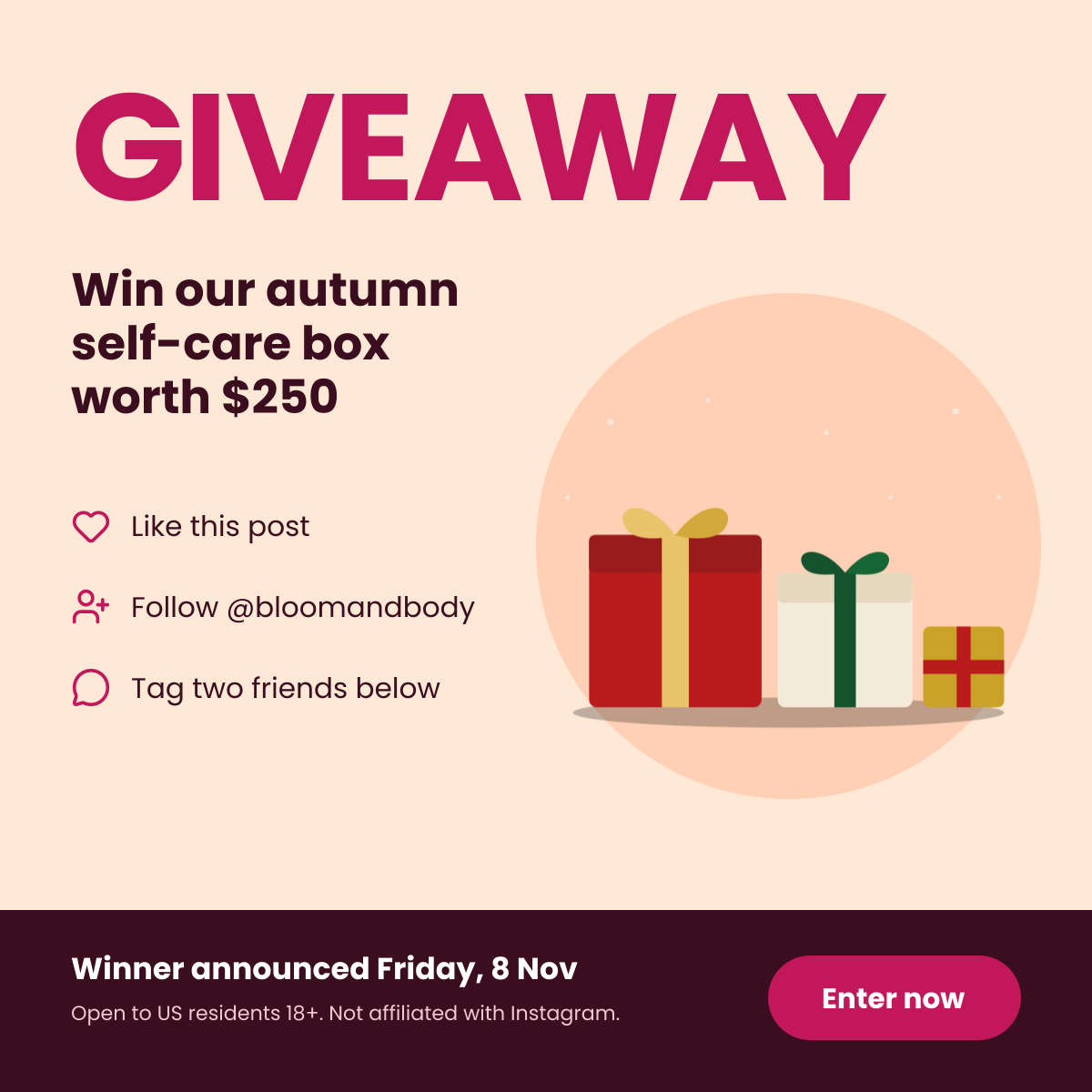
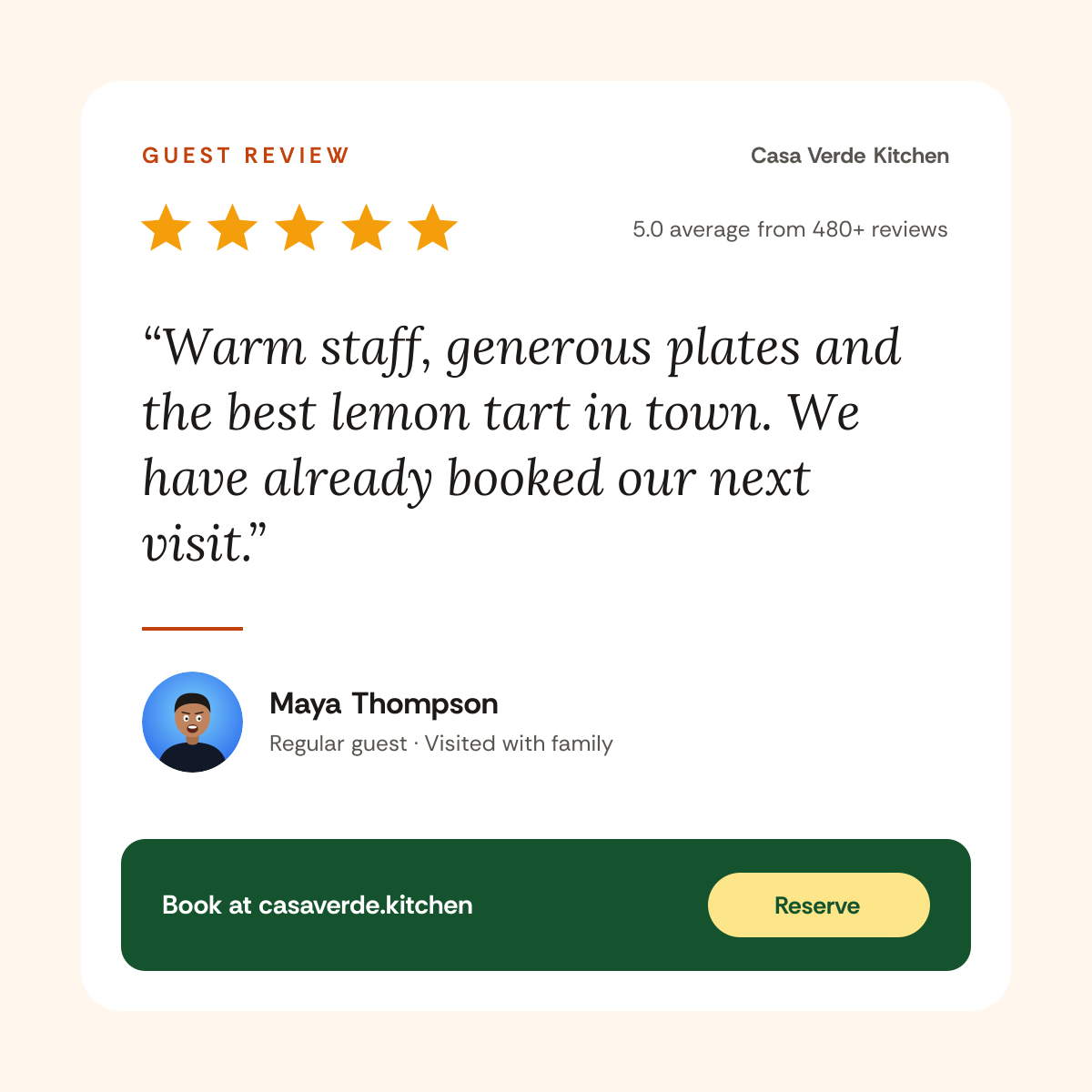
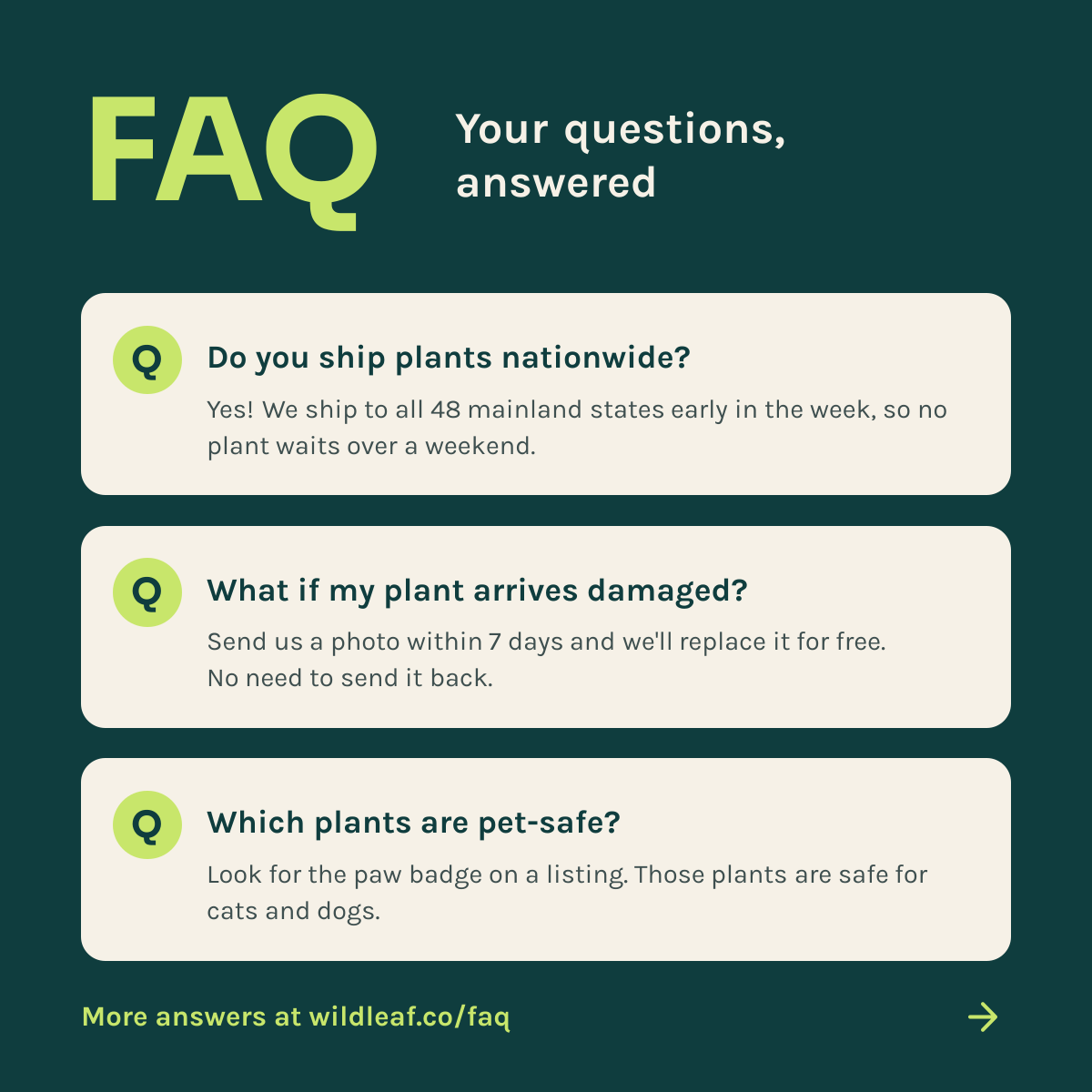
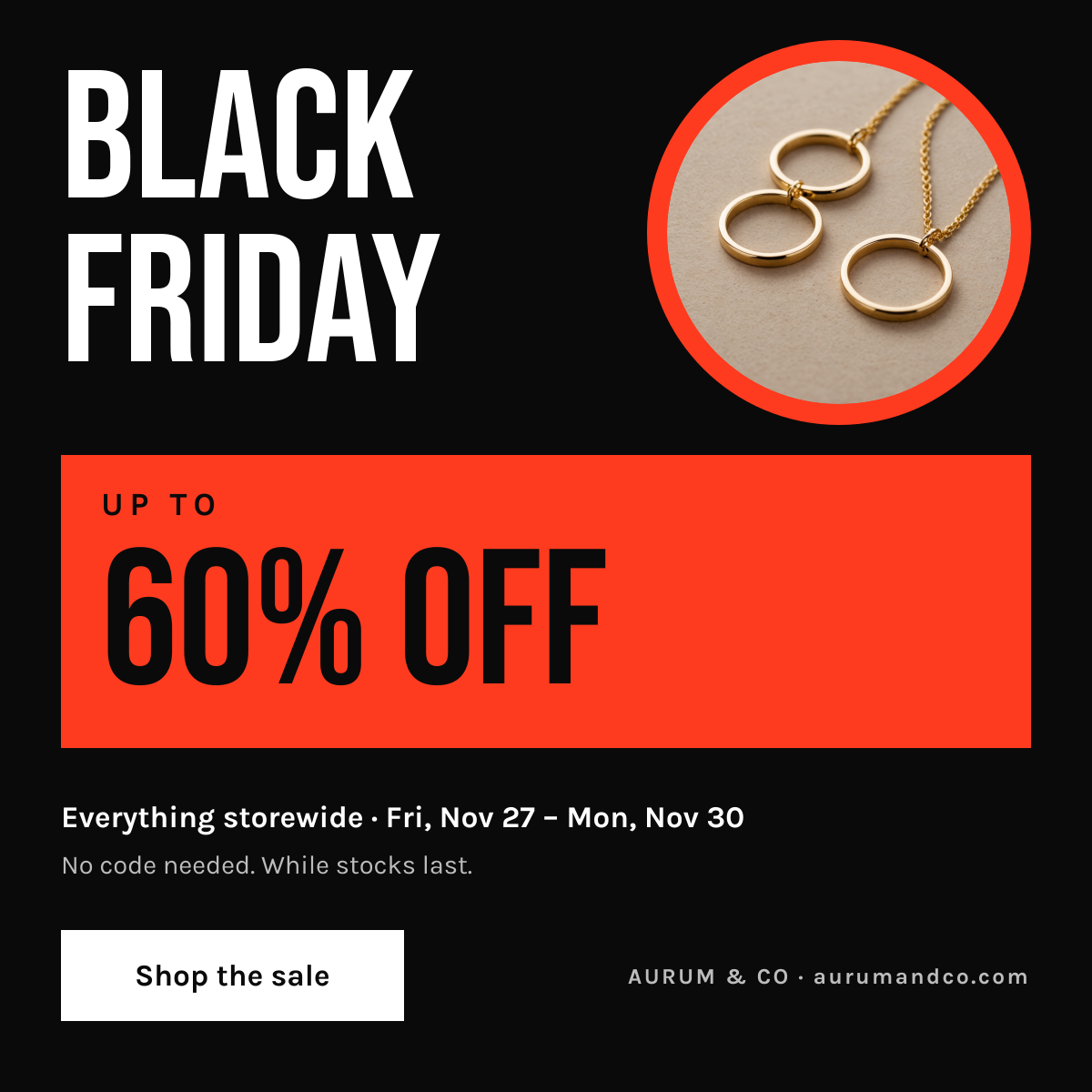
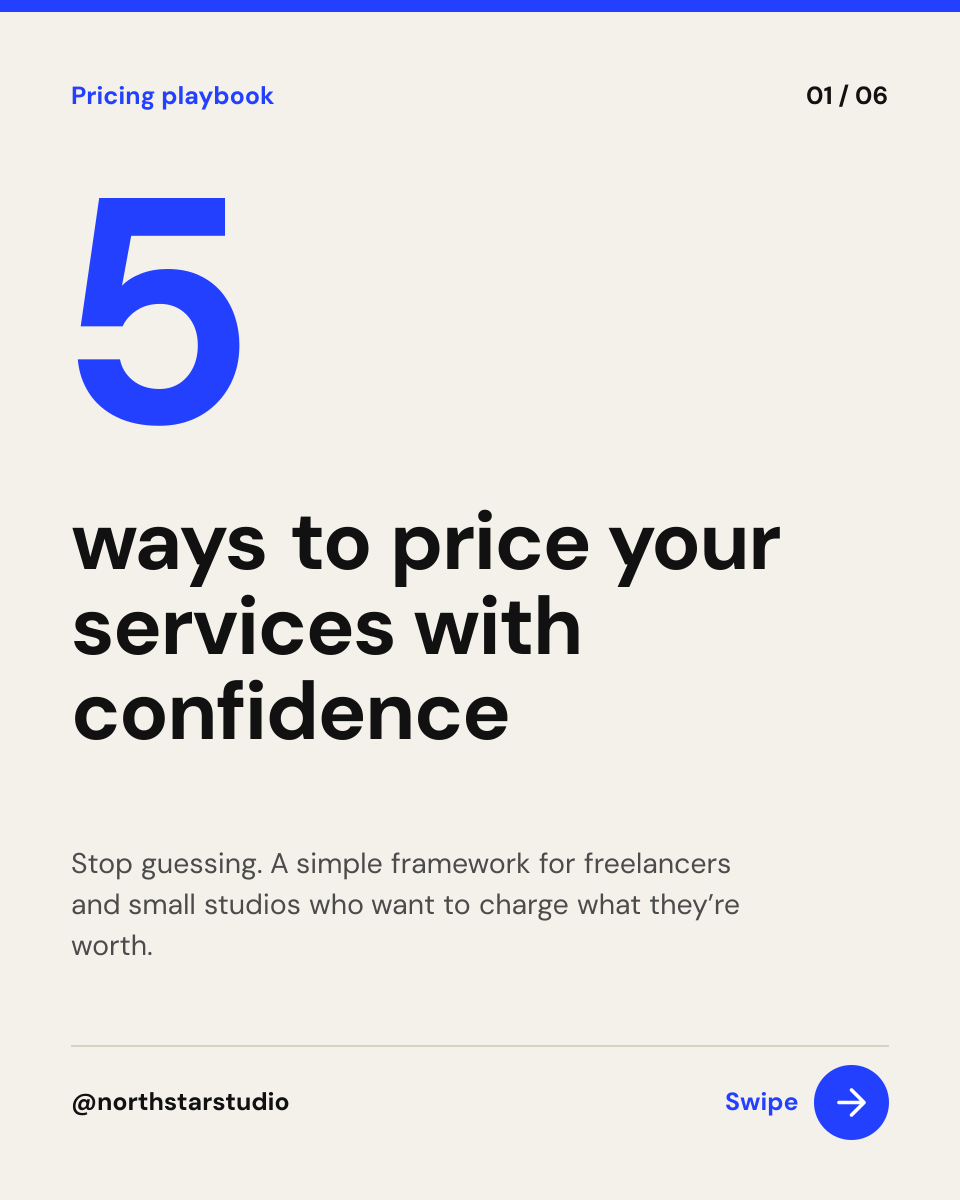
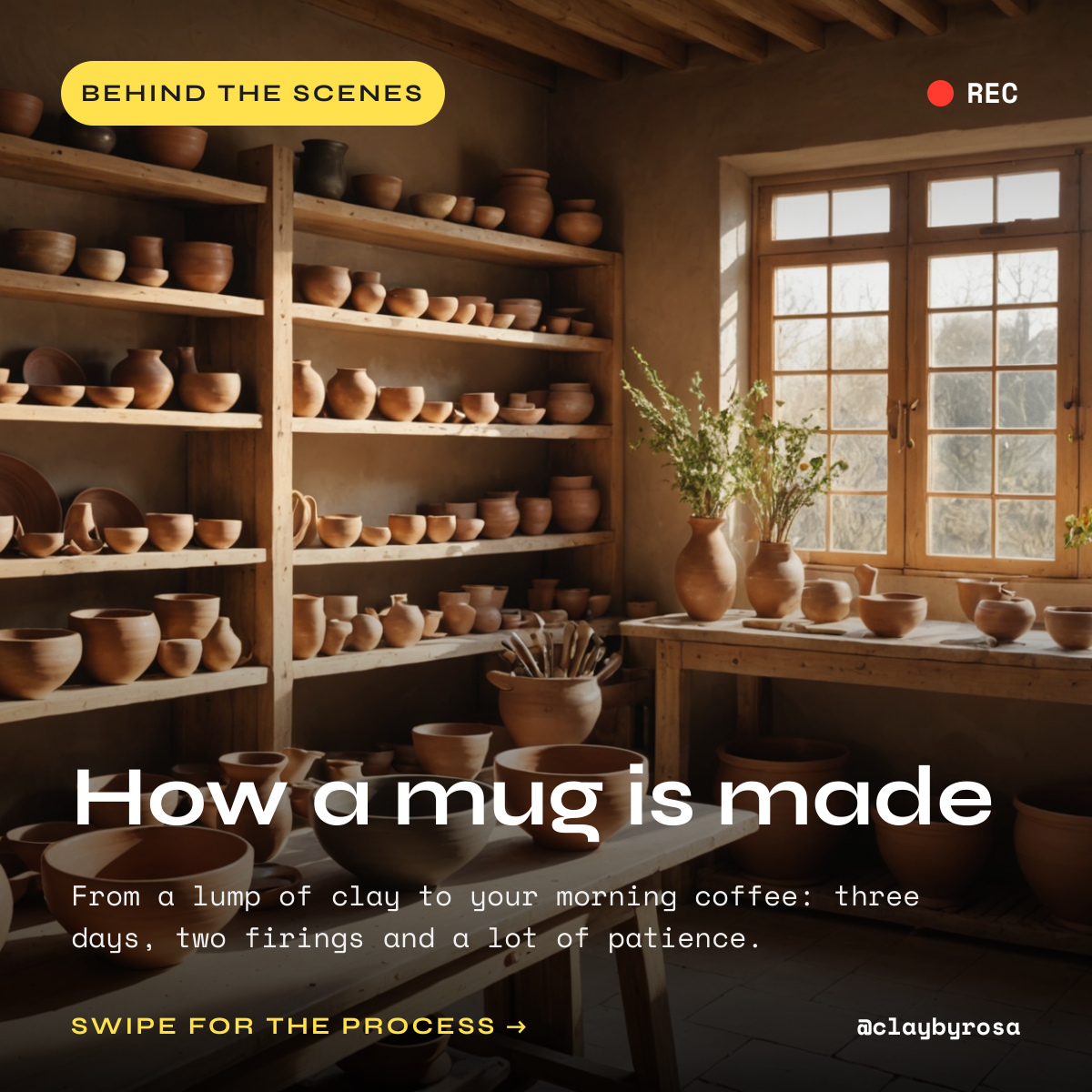
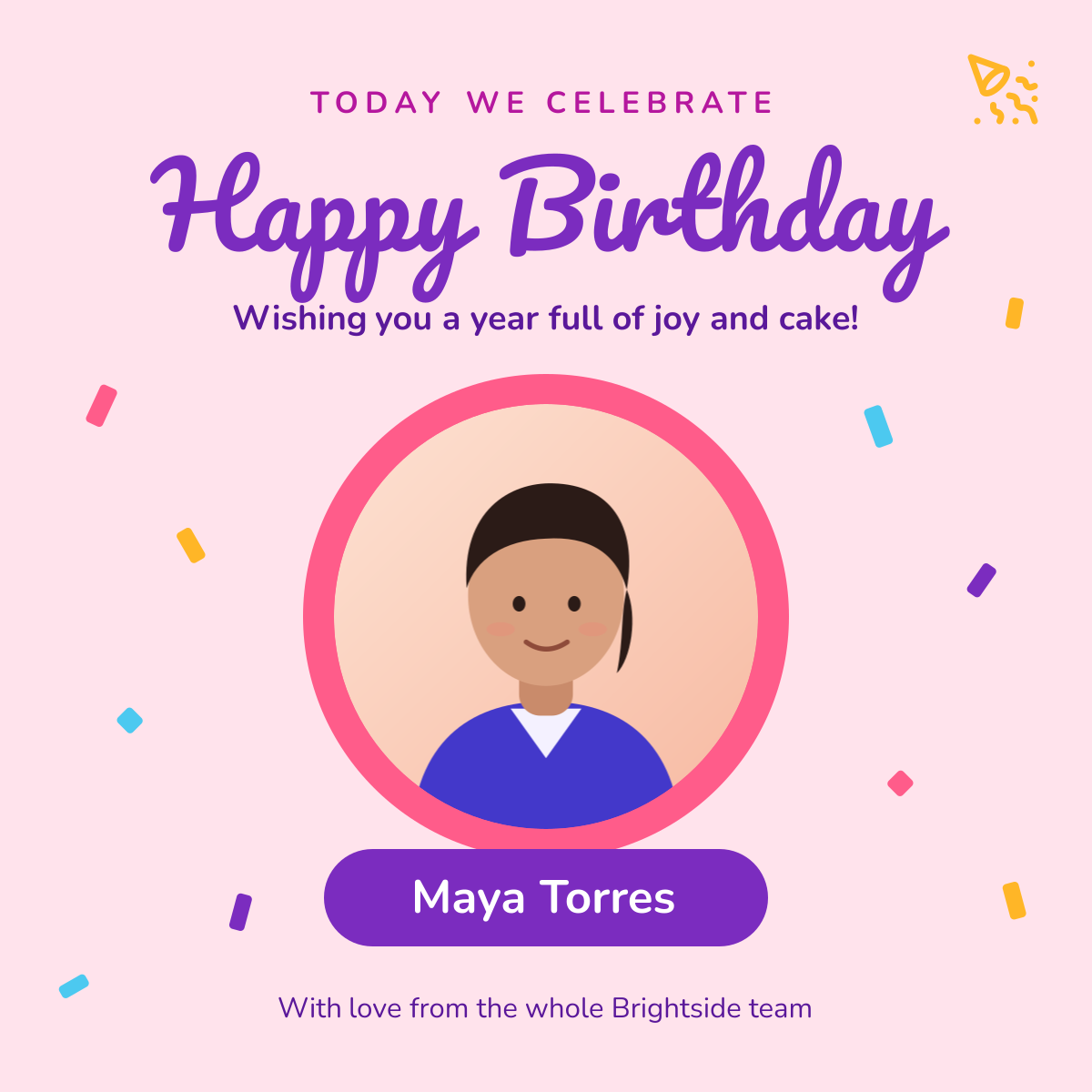
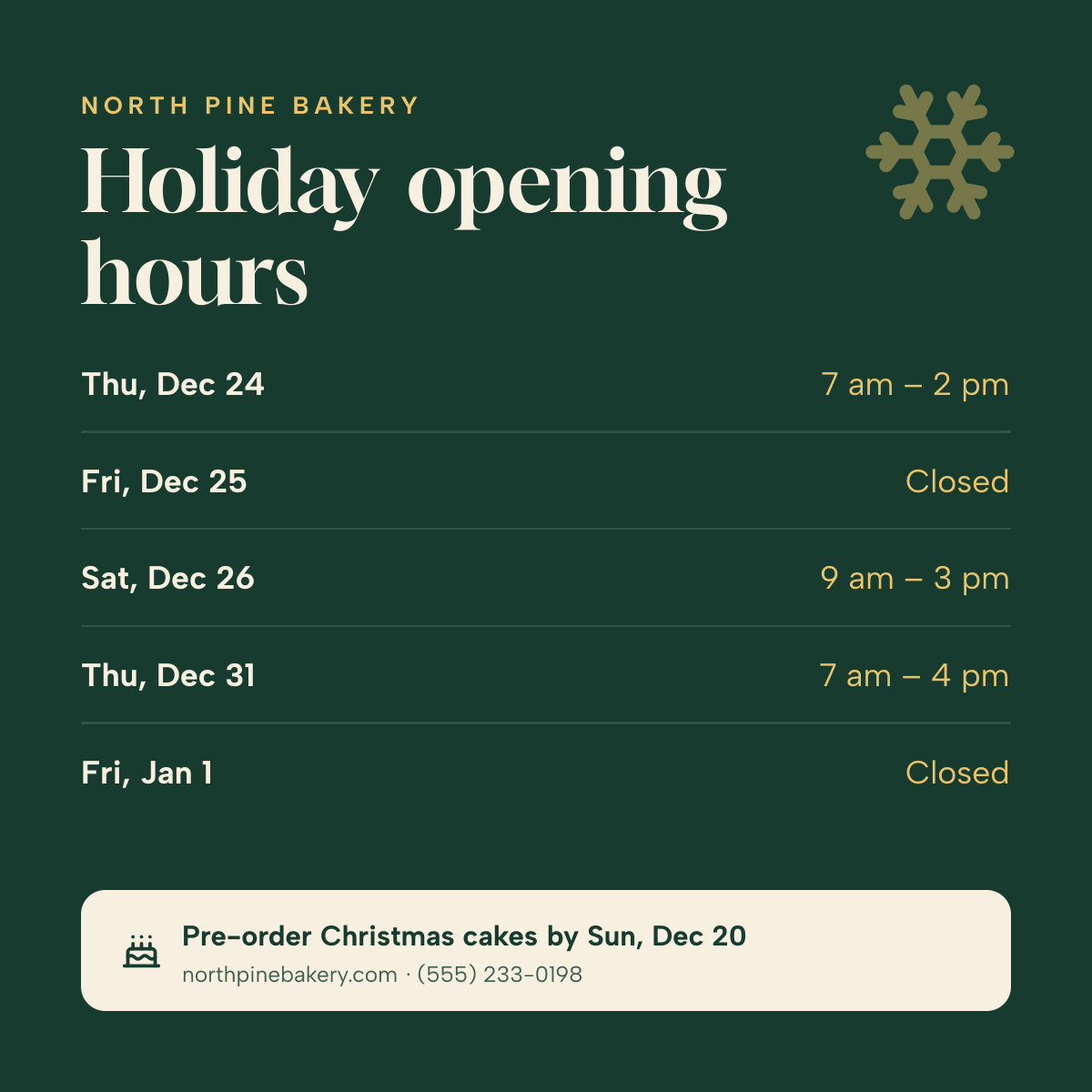
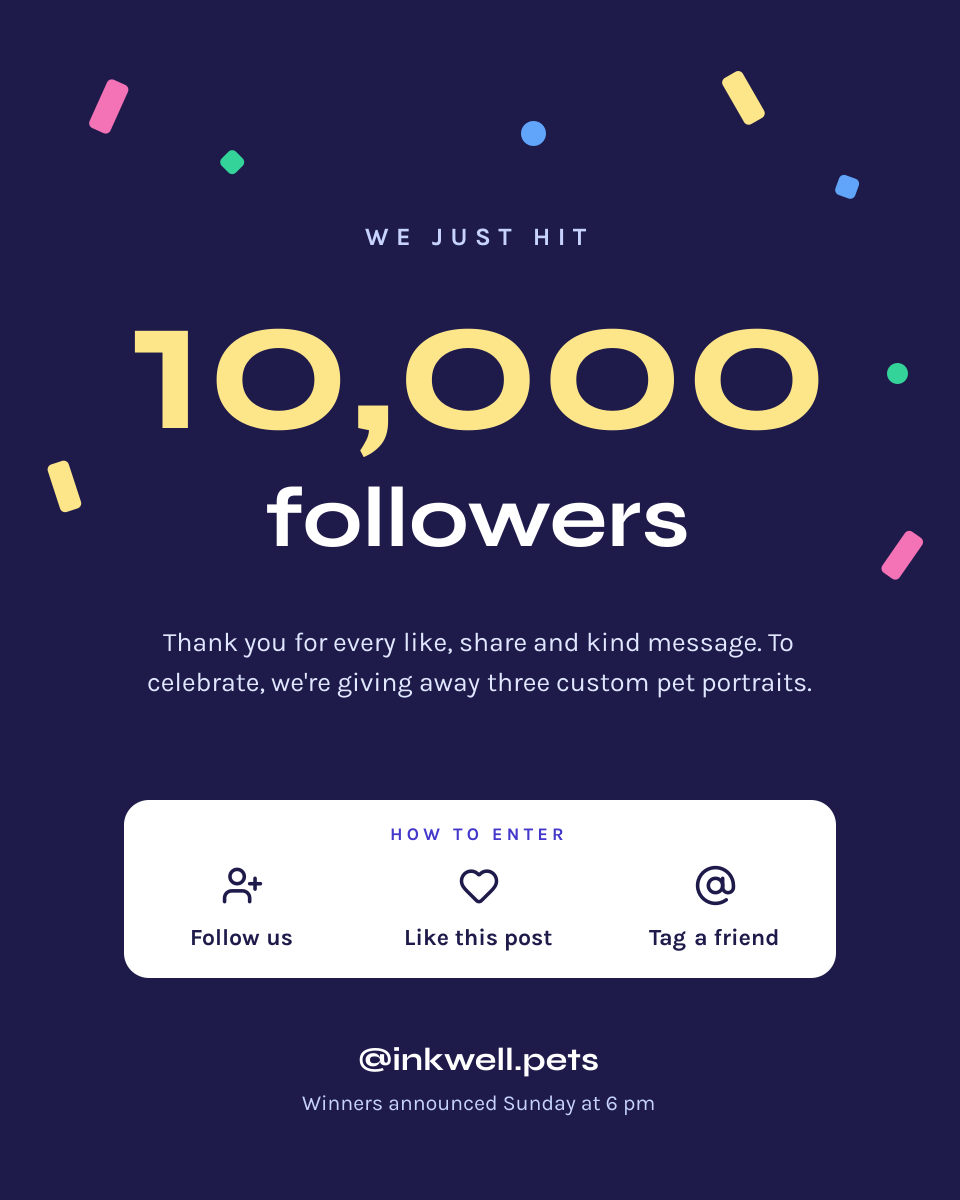
Click any design to open your own copy in the editor.
How to make an Instagram post in 3 steps
1
Prompt or pick
Describe your post in a sentence and AI designs it, or open one of the templates. The canvas is already 1080 × 1350 px.
2
Edit anything
Every text, photo, shape and icon is its own layer. Rewrite the copy, drop in your photos, match your brand colours and move things around.
3
Download
Export a full-resolution PNG and upload it to Instagram. Your post stays in your dashboard to reuse next time.
Instagram post size and specs
- Recommended size
- 1080 × 1350 px (4:5 portrait)Takes up the most room in the feed.
- Square size
- 1080 × 1080 px (1:1)The classic format. Shows smaller in the feed.
- Grid-fit size
- 1080 × 1440 px (3:4)Matches the profile grid tile exactly.
- Landscape size
- 1080 × 566 px (1.91:1)Supported, but the smallest in the feed.
- Profile grid crop
- 3:4, centredA 4:5 post loses about 34 px on each side, a square post 135 px.
- Safe zone
- 60 px from every edgeOn square posts, keep text in the centre 810 px so the grid crop doesn’t cut it.
- File type
- PNG (from Liena)Instagram accepts PNG and JPG and converts uploads to JPG.
- Colour
- sRGBInstagram shows posts at 1080 px wide and scales down anything larger.
Instagram posts for every kind of business
Each one opens a template written for that business, ready for your own photos and details.
- Cafés & coffee shopsNew drinks, loyalty offers and opening hours.
- BakeriesToday’s bake, pre-order reminders and specials.
- RestaurantsMenu highlights, weekly deals and events.
- Real estateNew listings, just-sold posts and open houses.
- Hair salonsNew-client offers, transformations and booking.
- Nail salonsPrice lists, new shades and seasonal sets.
- BarbershopsPrices, walk-in hours and fresh cuts.
- Personal trainers & gymsCoaching offers, tips and client results.
- Yoga & Pilates studiosClass schedules, free trials and workshops.
- Dentists & clinicsPatient tips, myths vs facts and new patients.
- FloristsBouquets of the week and delivery days.
- Interior designersProject reveals and before-and-afters.
- Marketing agenciesCase studies, services and hiring.
- Events & marketsDates, line-ups and thank-you recaps.
How to design an Instagram post that works
Say one thing, and say it at thumbnail size
Most people meet your post on a phone, at about a third of the size you design it. Give each post one message: a headline of eight words or fewer, then one supporting line. If it needs a paragraph, put that in the caption or make it a carousel. To test it, zoom the canvas out to 25%. If you can still read the headline and tell what the post is about, it will work in the feed.
Size text for a 1080 px canvas
On a 1080 px wide post, headlines read best at 64–110 px and body text should be at least 32 px. Anything under 28 px turns into grey texture on a phone. Use one font for headlines and one for everything else; two families are plenty. Bold weight with slightly tighter letter spacing makes short headlines feel designed rather than typed.
Place text where nothing will cover or crop it
Keep text and logos at least 60 px from every edge. The profile grid now shows posts as 3:4 tiles cropped from the centre, so a square post loses 135 px on the left and right of its thumbnail. Keep headlines in the middle 810 px if you post square. Instagram also puts a tagged-people icon in the bottom-left corner when you tag someone, so avoid putting prices or dates there.
Make contrast do the work
Text over a busy photo is the most common reason a post is hard to read. Put text on a solid panel, or lay a dark gradient (40–60% opacity) over the part of the photo where the text sits. Dark text on a light background, or the other way round, beats any colour pairing in between. For small text, aim for a contrast ratio of at least 4.5:1.
Use portrait unless you have a reason not to
A 1080 × 1350 post takes up 25% more of the screen than a square one, so it holds attention longer as people scroll. Use square when you’re keeping an existing square grid consistent, or when the content is naturally square, like a product on a plain background.
Look like the same brand every time
Pick two or three colours, your two fonts and one logo position, and reuse them. Followers then recognise your posts before they read the name, and your grid looks planned rather than random. Starting each post from the same template is the easiest way to keep this up.
Let the caption carry the details
The image is the hook; the caption is the information. Put the address, full price list, terms and links in the caption, and keep the image to the headline, one key fact and a call to action such as “Book now” or “Link in bio”. If you post a carousel, end the first slide with “Swipe →” so people know there’s more.
Frequently asked questions
Is the Instagram post maker free?
Yes. A free Liena account lets you edit every template as often as you like, make 5 AI designs a month and download full-resolution PNGs. You don’t need a credit card.
Can I remove the watermark?
Downloads on the free plan include a small Liena watermark in the corner. Liena Pro ($29 a month, cancel anytime) removes the watermark from every export and raises your AI designs to 50 a month.
What size is an Instagram post?
The recommended size is 1080 × 1350 px (4:5 portrait). Square posts are 1080 × 1080 px (1:1) and landscape posts are 1080 × 566 px (1.91:1). The profile grid shows posts as 3:4 tiles, so a 1080 × 1440 px post fills a tile without cropping.
Should I make a square or a portrait Instagram post?
Portrait (1080 × 1350 px) in most cases. It takes up about 25% more of the screen in the feed than a square post, and it loses only about 34 px on each side in the 3:4 profile grid. Use square when you want to match an existing square grid.
Can I edit the design the AI makes?
Yes. The AI builds a layered design, not a flat image. Every headline, photo, shape and icon is a separate layer you can rewrite, replace, recolour, move or delete, with undo and redo.
What file format do I get?
Liena exports a PNG at the full size of your canvas, for example 1080 × 1350 px. Instagram accepts PNG uploads, so you can post the file as it is from your phone or from Meta Business Suite.
Can I post straight to Instagram from Liena?
Not yet. Download the PNG, then upload it in the Instagram app or schedule it in Meta Business Suite. Your design stays in your Liena dashboard, so you can reopen and edit it later.
More free design makers
Instagram Story Maker
Full-screen 9:16 Stories, from a prompt or a template.
All design makers
Every format Liena can design, grouped by social, YouTube and podcast, print and business.
Make your Instagram post now
Describe it in a sentence. Your design opens in the editor, ready to tweak.