 liena
Free Flyer Maker
Liena’s free flyer maker designs a printable 8.5×11 in US Letter flyer (1275×1650 px) in seconds, from an AI prompt or a template.
Free account · 5 AI designs a month · every template free to edit · no credit card
flyer templates
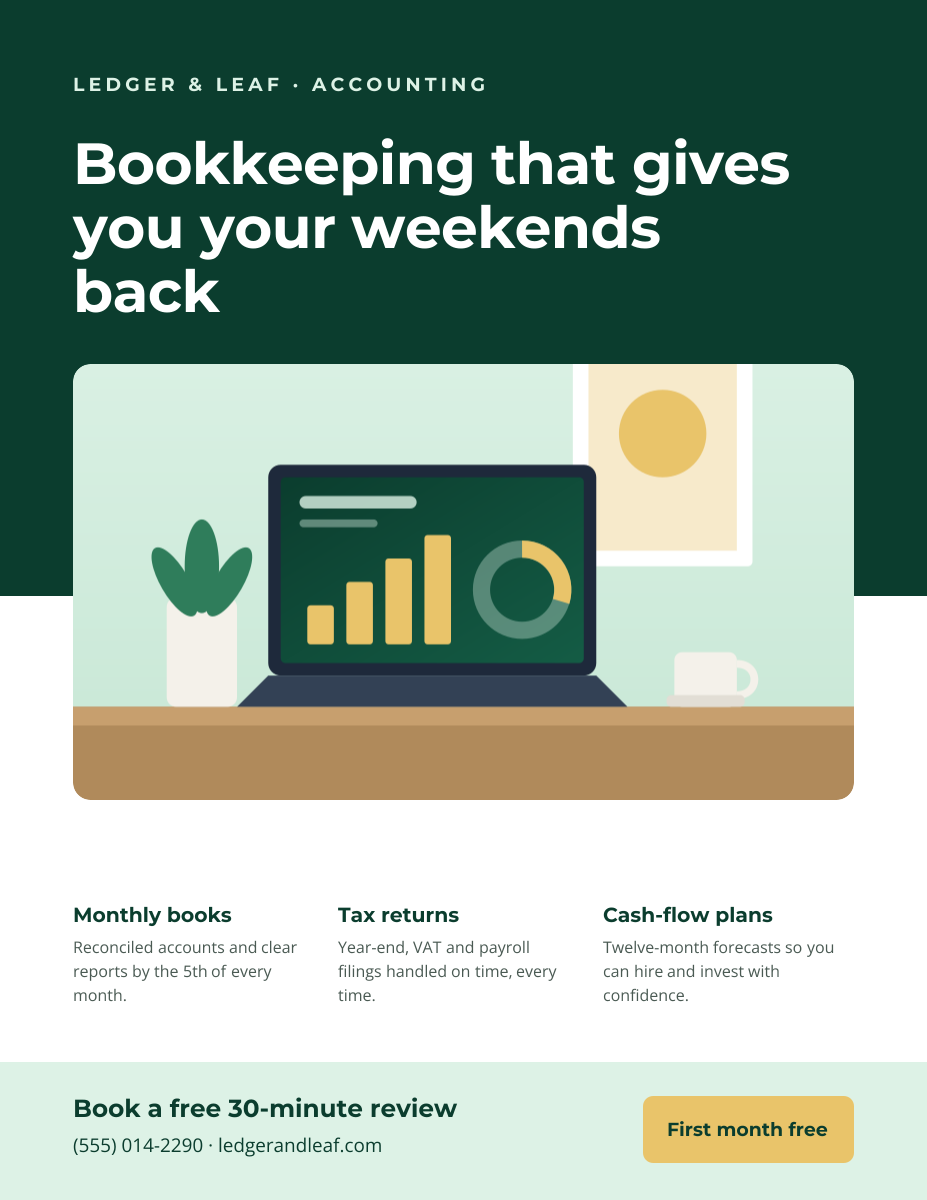
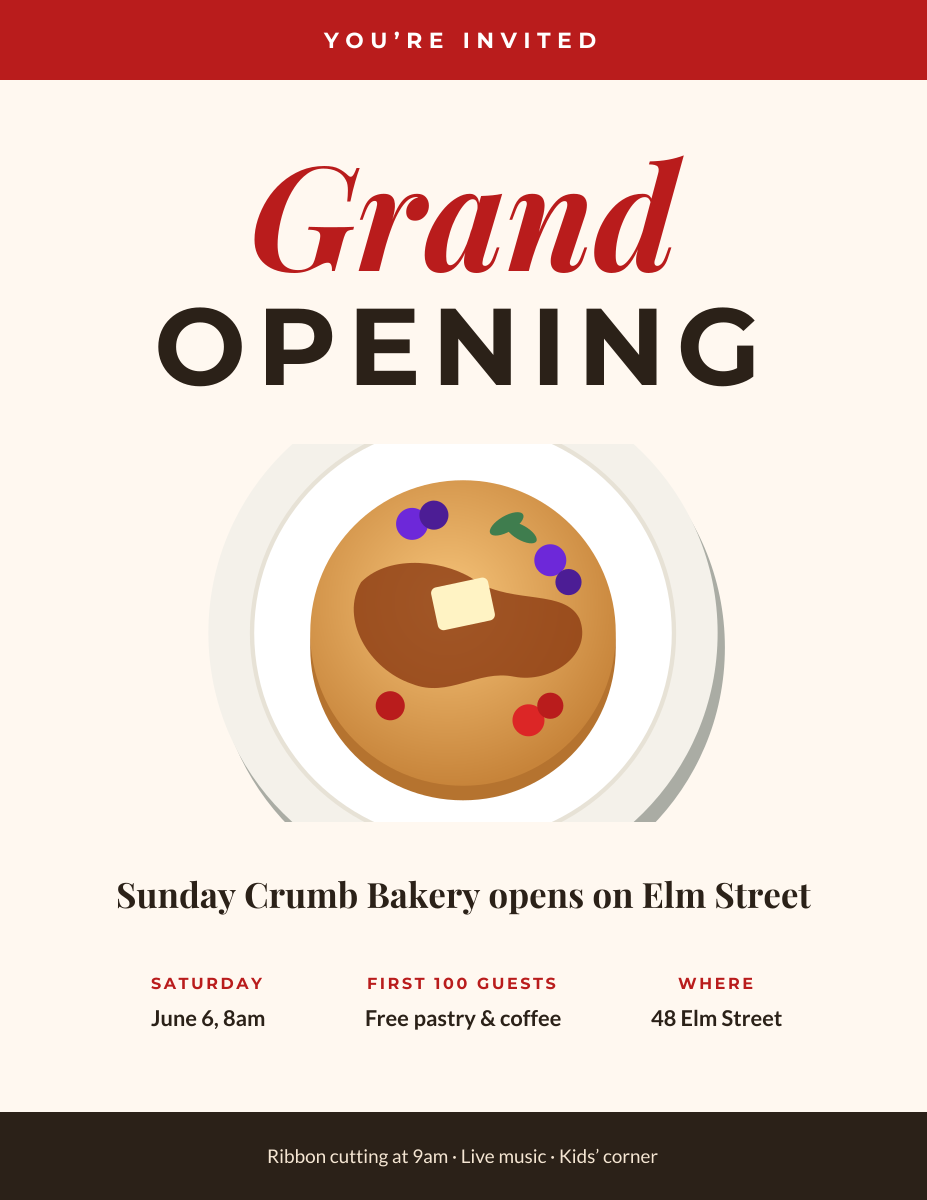
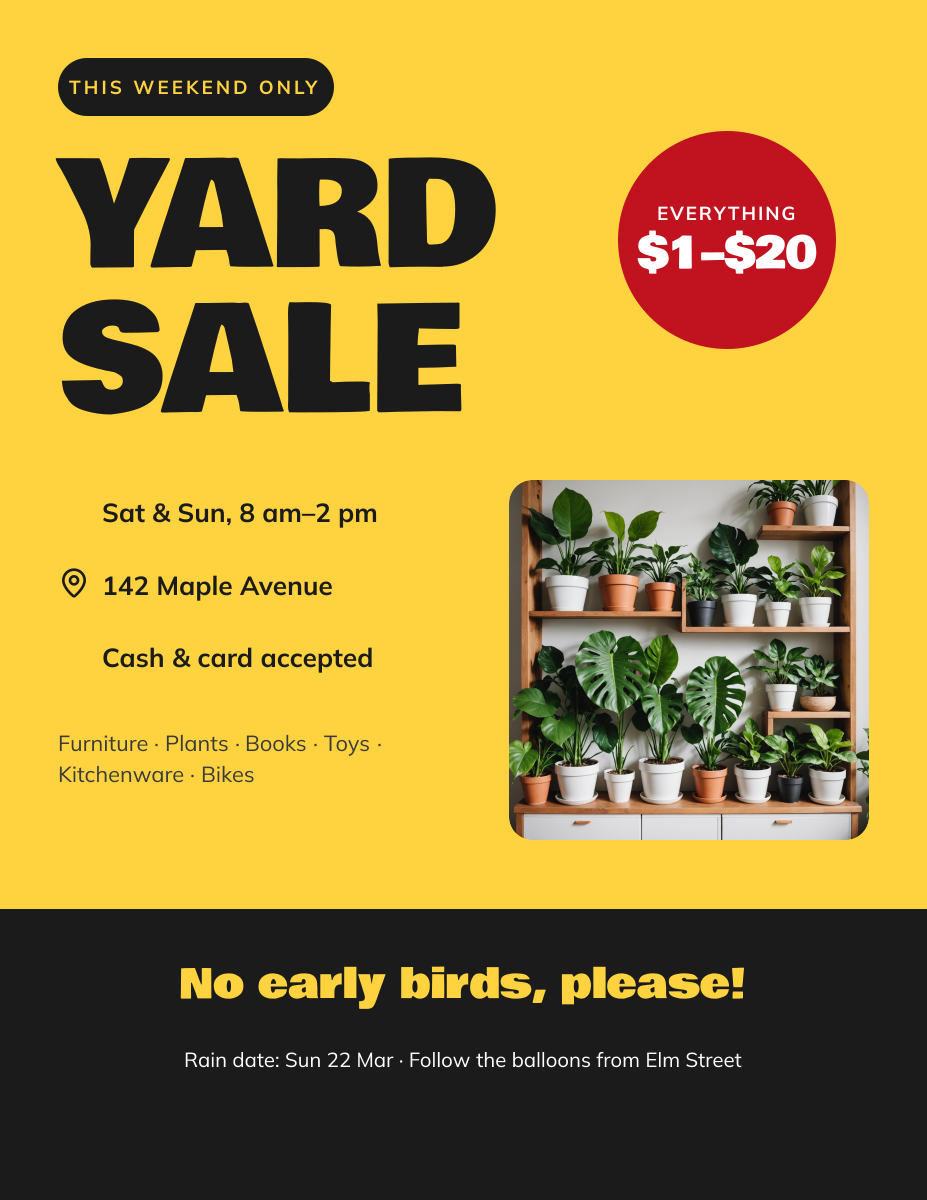
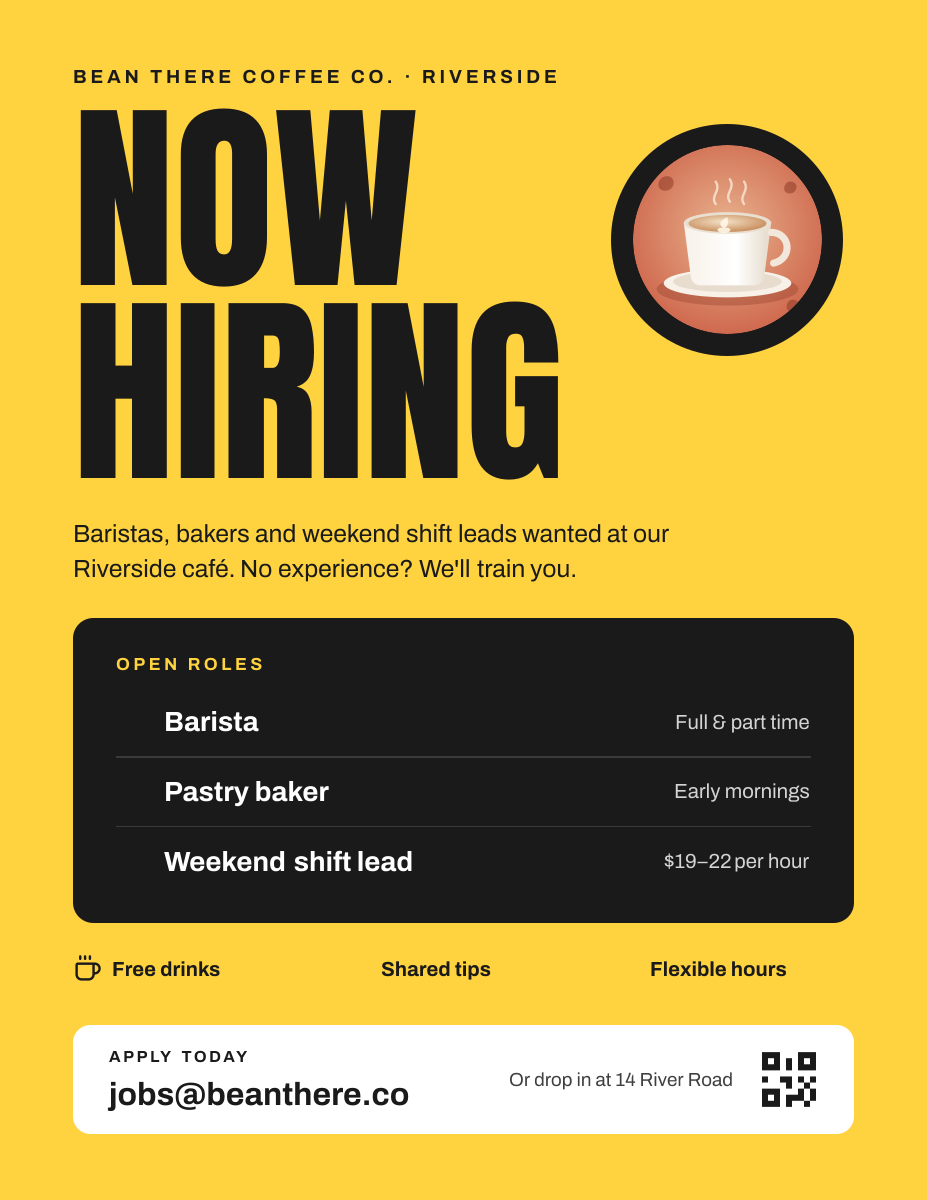
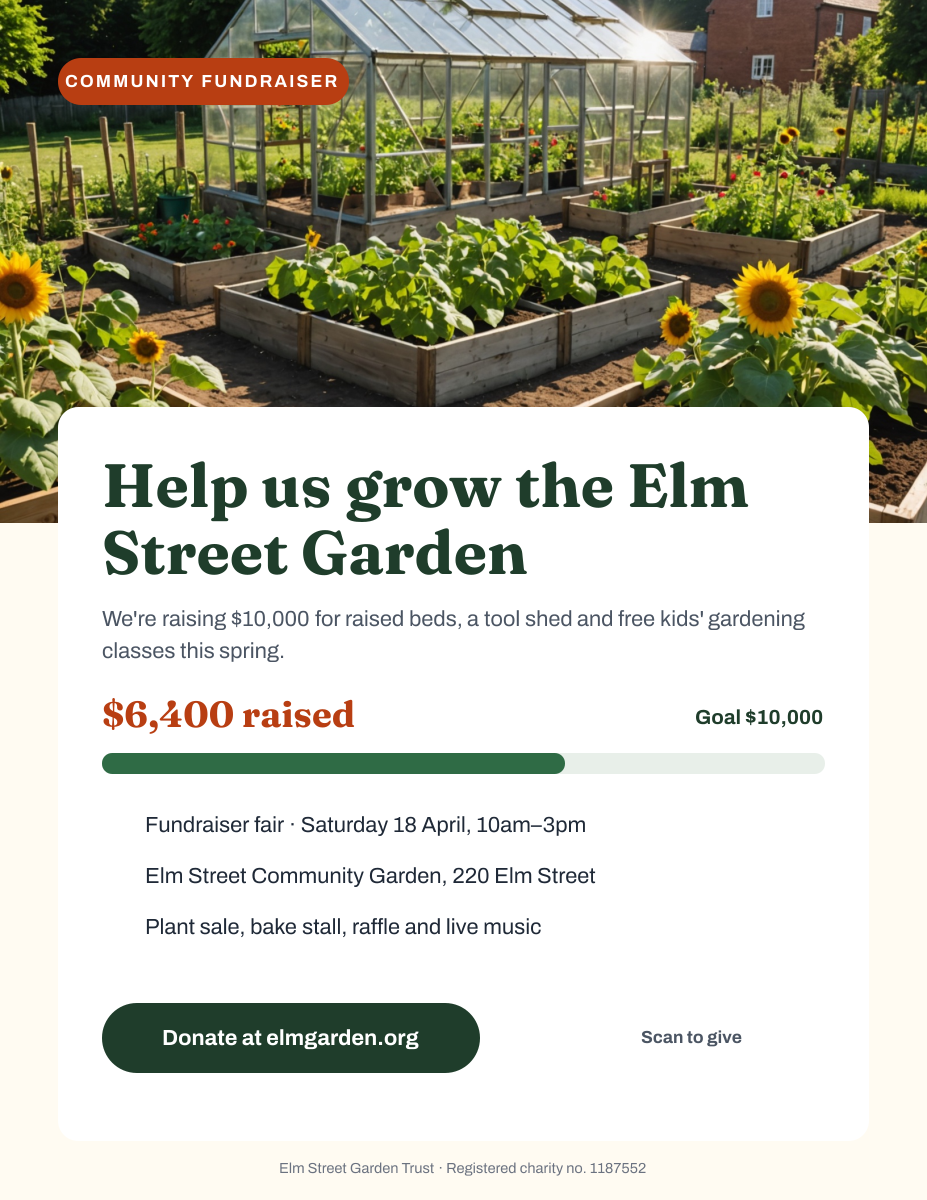
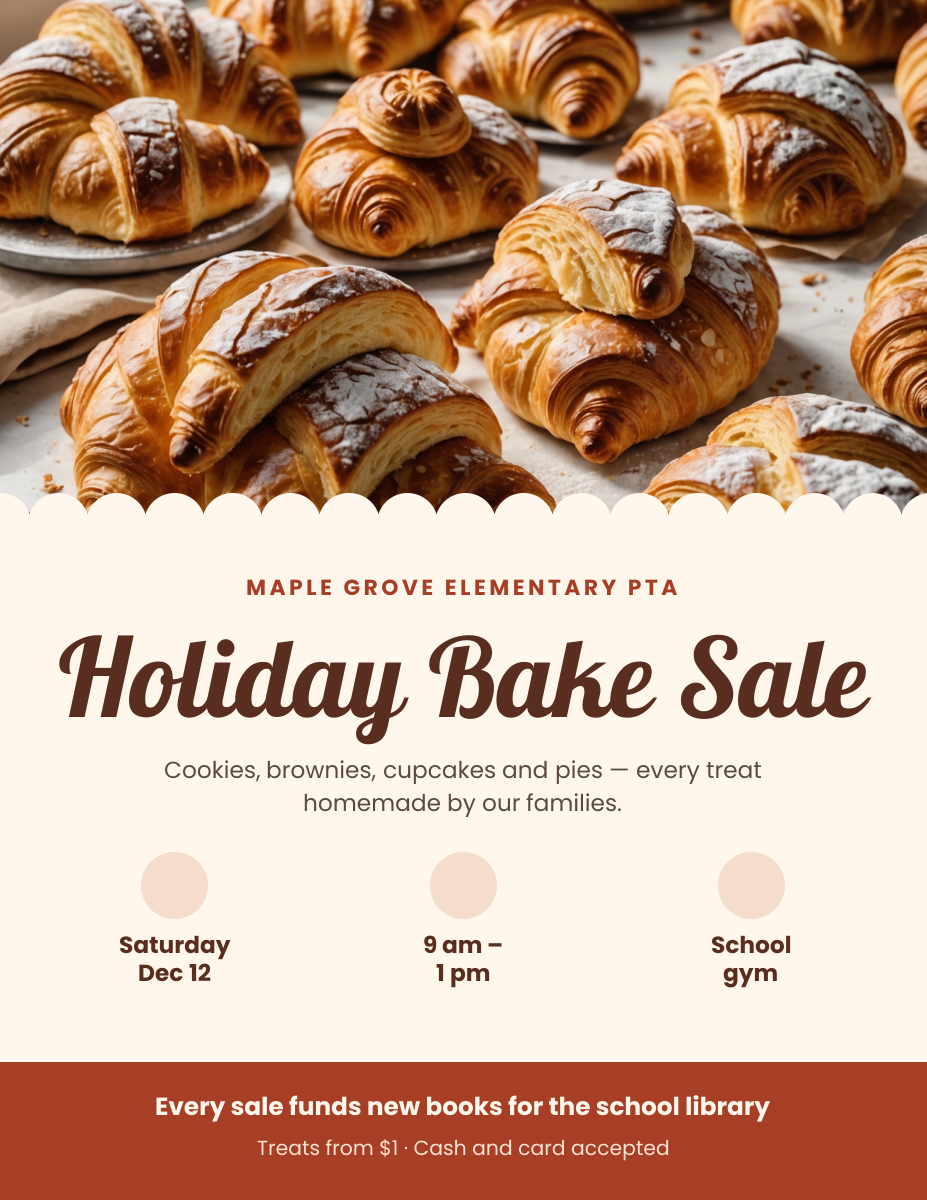
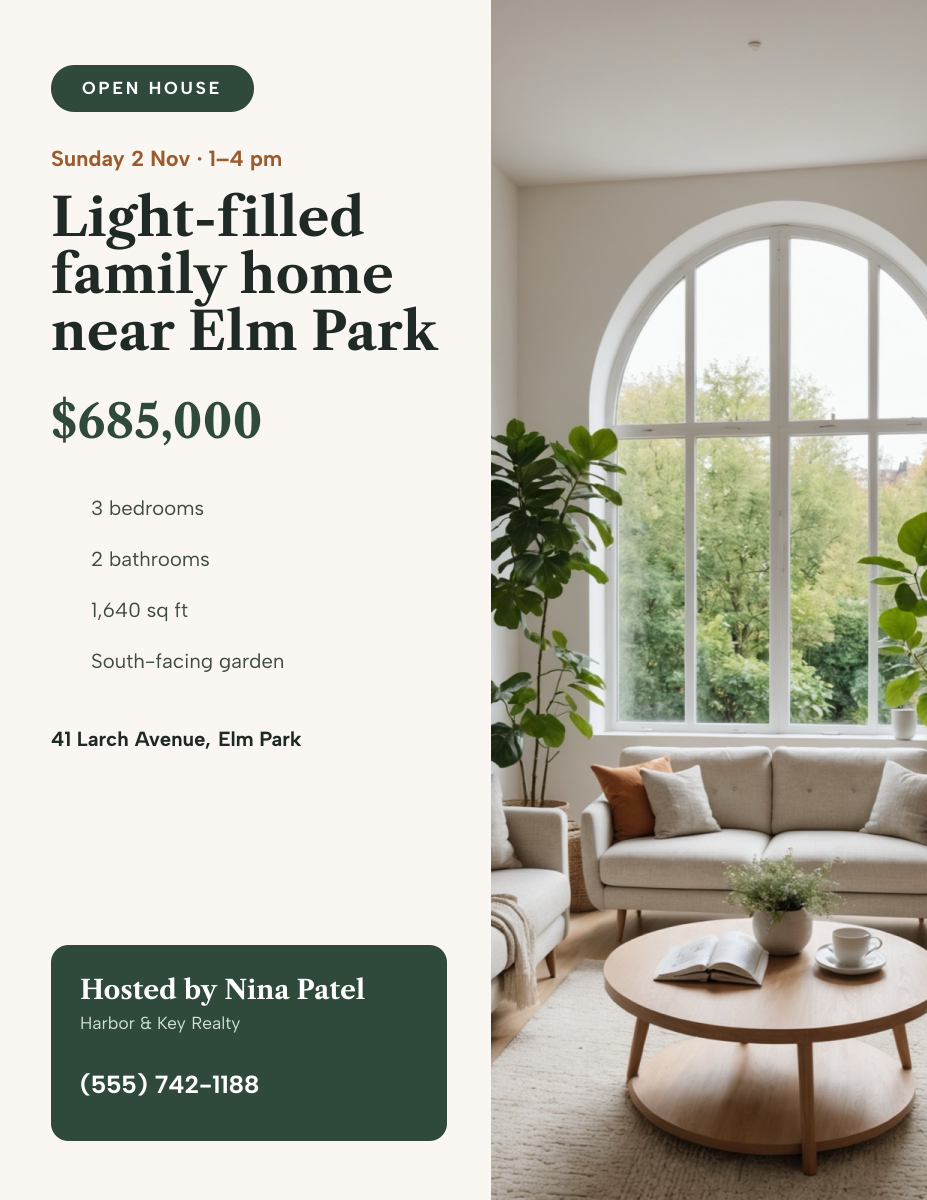
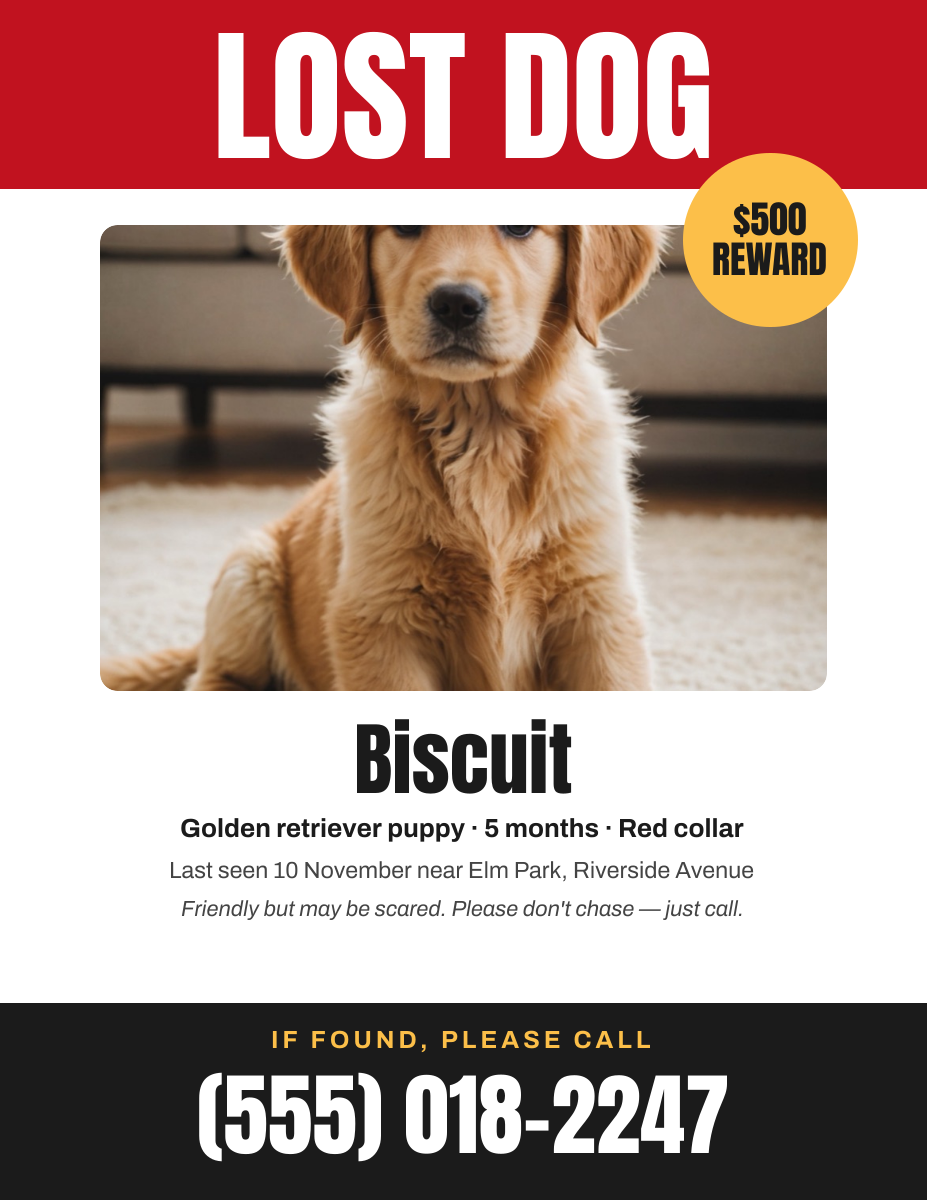
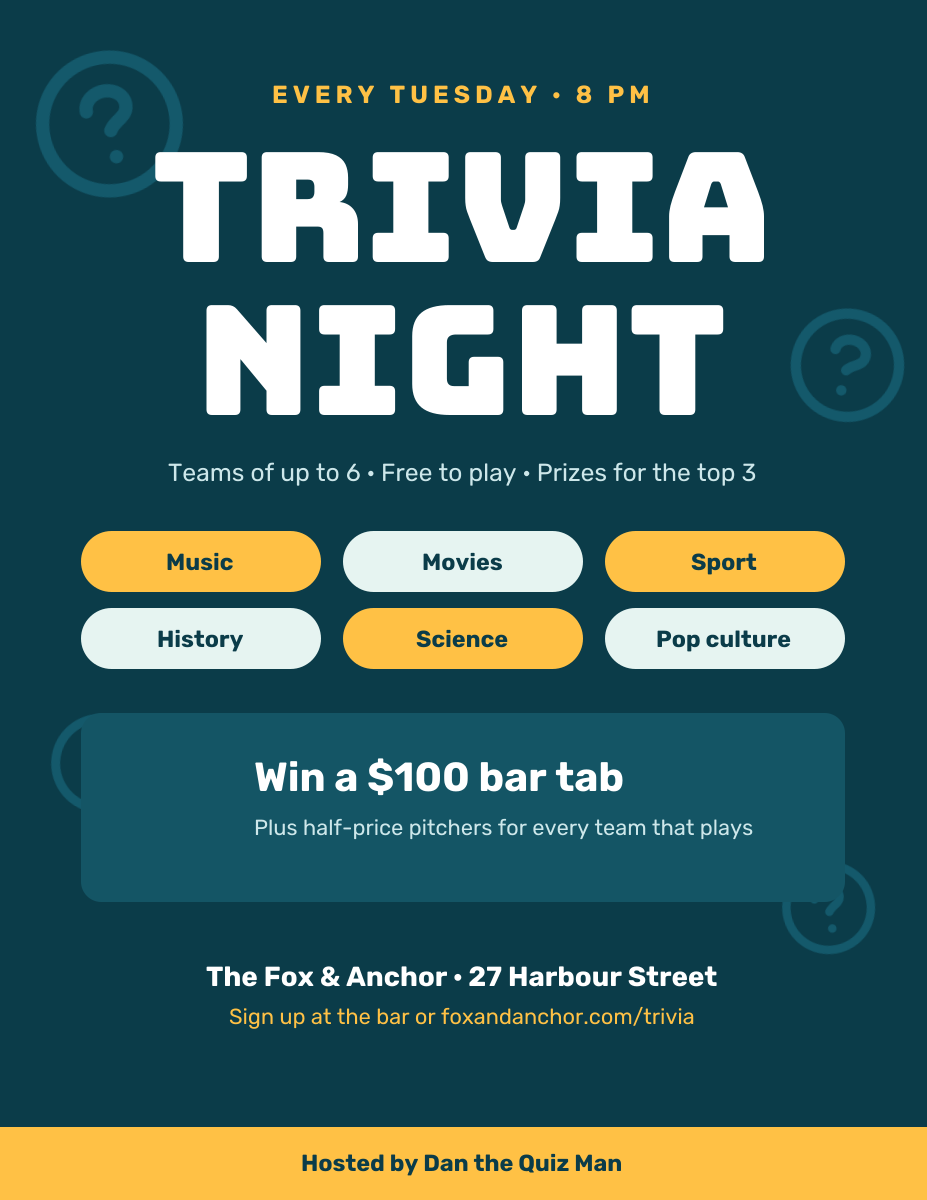
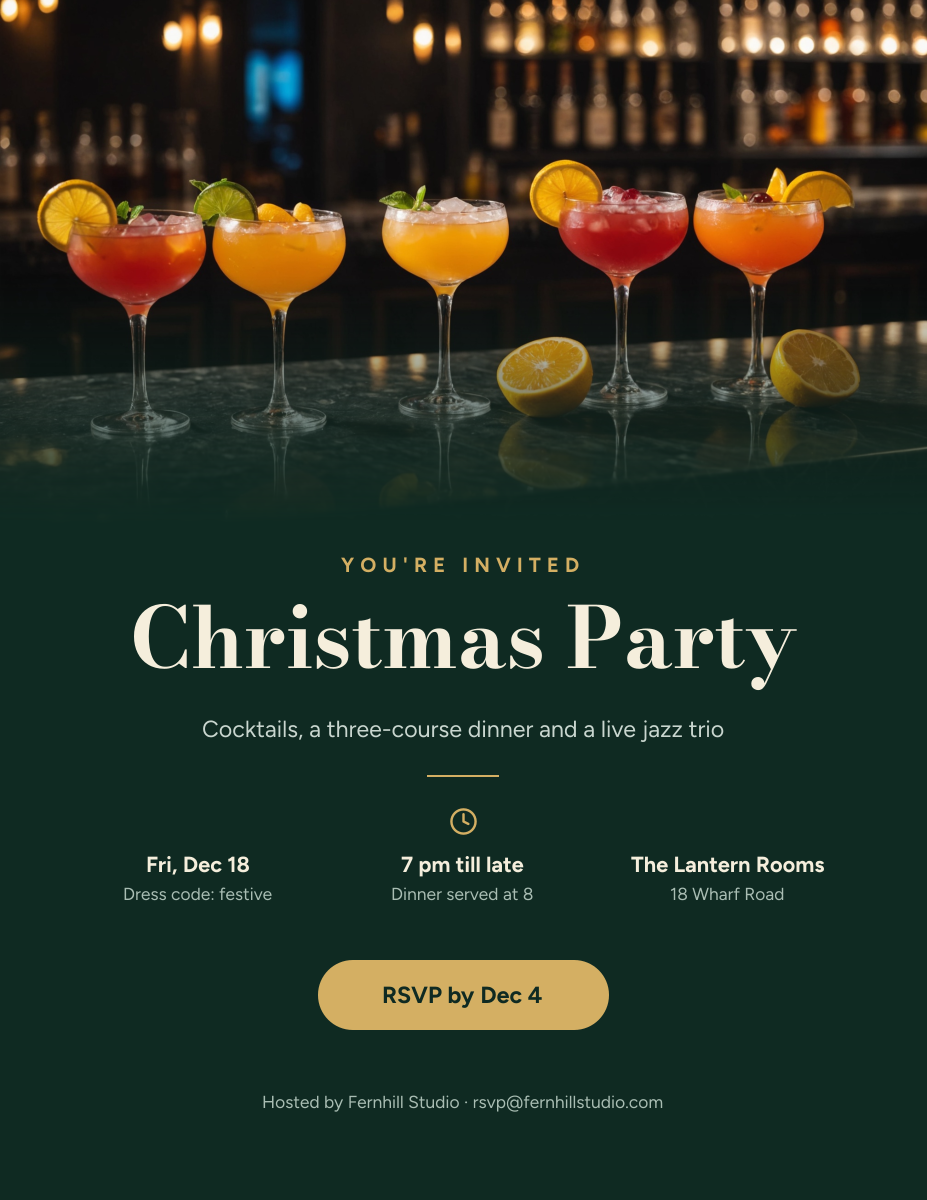
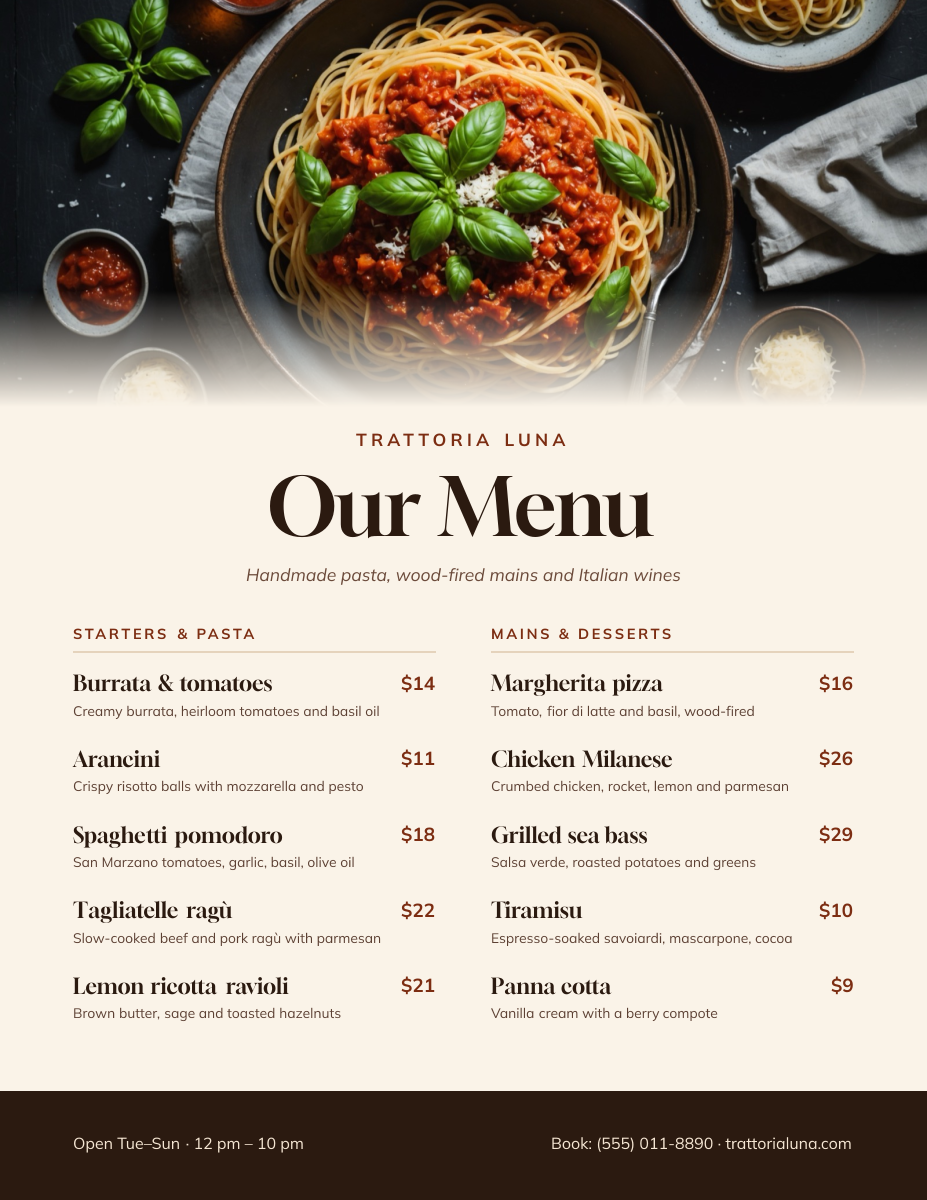
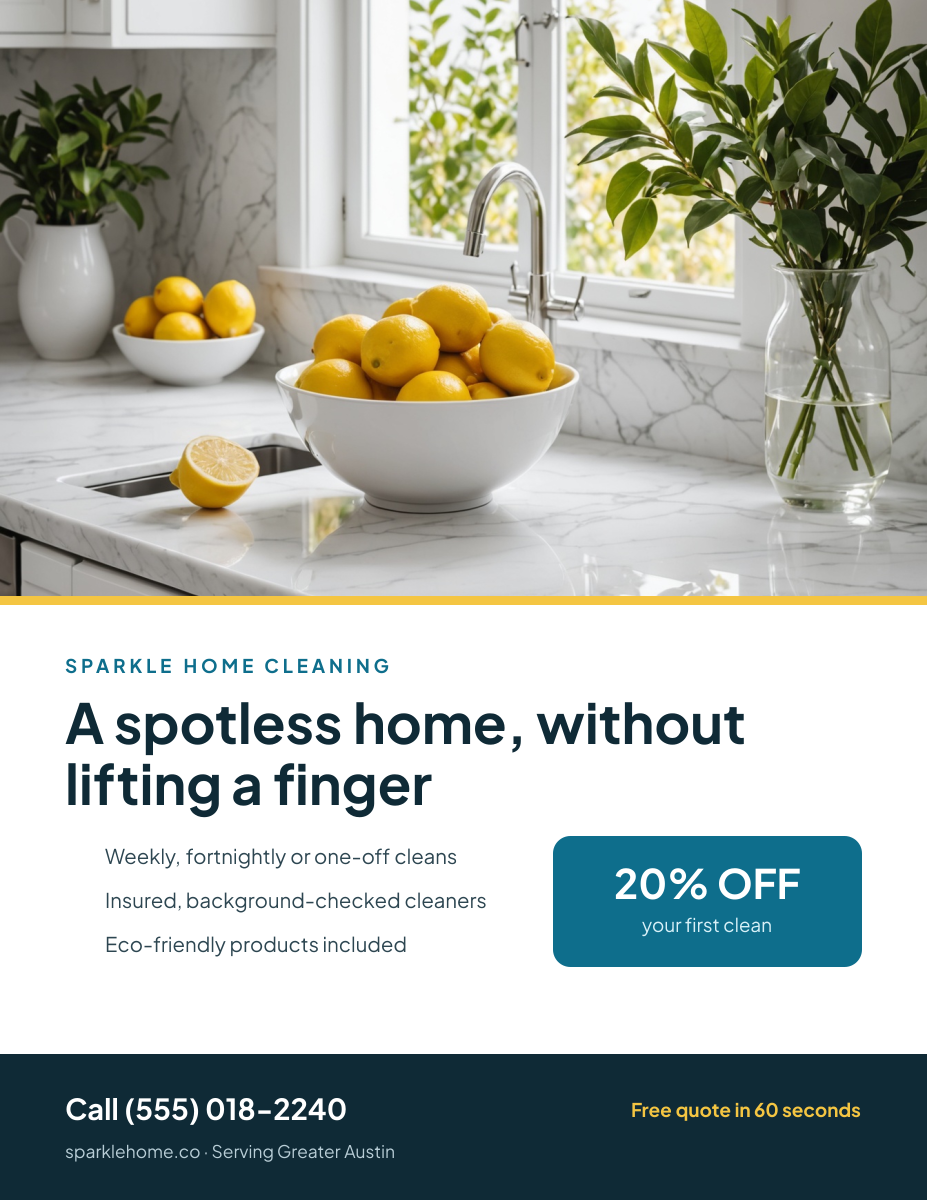
Click any design to open your own copy in the editor.
How to make a flyer in 3 steps
1
Prompt or pick
Describe your flyer in a sentence and AI designs it, or open one of the templates. The canvas is already 1275 × 1650 px.
2
Edit anything
Every text, photo, shape and icon is its own layer. Rewrite the copy, drop in your photos, match your brand colours and move things around.
3
Download
Export a full-resolution PNG and print it at home or send it to a print shop. Your flyer stays in your dashboard to reuse next time.
flyer size and specs
- Size
- 1275 × 1650 pxUS Letter (8.5 × 11 in) at 150 DPI, portrait.
- Print size
- 8.5 × 11 in (US Letter)Prints full-page on standard Letter paper without scaling.
- Resolution
- 150 DPISharp on home and office printers. Print shops usually ask for 300 DPI.
- Safe zone
- 75 px (0.5 in) from every edgeMost home and office printers can’t print the outer 0.25 in.
- Bleed
- Not includedLiena exports at trim size. For edge-to-edge colour, ask your print shop how to handle bleed.
- File type
- PNG (from Liena)Prints from any computer. Save it as a PDF from the print dialog if a shop asks for one.
- Colour
- RGBPrint shops convert to CMYK, so bright blues and greens may print slightly duller.
flyers for every kind of business
Each one opens a template written for that business, ready for your own photos and details.
- Hair salonsPrice lists, new-client offers and opening hours.
- BarbershopsHaircut prices, walk-in hours and loyalty deals.
- DentistsNew-patient offers and family check-ups.
- Personal trainersCoaching packages and free first sessions.
- Pet groomersGrooming packages and booking details.
- HandymenRepair services, rates and a number to call.
- Landscapers & lawn careSeasonal services and free quotes.
- Moving companiesMoving, packing and storage services.
- Car washesWash packages and detailing prices.
- Contractors & remodelersKitchen and bath remodels and free estimates.
- TutorsSubjects, rates and lesson times.
- AccountantsTax season, bookkeeping and payroll.
- IT supportManaged IT and support plans for small offices.
- Law firmsPractice areas and free consultations.
How to design a flyer that works
Make the headline readable from across the room
A flyer on a noticeboard gets about three seconds from someone walking past, often from two or three metres away. On a 1275 px wide Letter flyer, 150 px is one printed inch, so a headline of 150–250 px (72–120 pt) can be read from across a room. Keep it to five words or fewer, and make it the biggest thing on the page by a wide margin.
Answer what, when and where first
After the headline, people look for the date, time and place, or for a business flyer, the offer and how to get it. Put those in the second size of text, around 60–90 px, right under the headline. Everything else, such as a list of services or the small print, goes below in body text of at least 30 px (about 14 pt). If you have more than about 50 words of body text, cut it or put it on your website.
Keep 0.5 in clear around the edge
Most home and office printers can’t print the outer 0.25 in of the page, and many add a white border. Keep text, logos and phone numbers at least 75 px (0.5 in) from every edge; the dashed box on the canvas marks this line. Background colour and photos can run to the edge, but expect a thin white frame when you print at home.
Make it easy to act on
End with one clear next step: a phone number, a short web address or “Scan to book”. Print the phone number at 50 px or more so people can photograph it. If you add a QR code, upload it as an image at least 1 in (150 px) square and test it with your phone from the printed copy. For noticeboards, a row of tear-off strips with your number along the bottom still works.
Design for the printer you’ll use
Dark full-page backgrounds look striking on screen but use a lot of ink and often streak on home printers. If you’re printing at home, choose a white or light background with colour in the headline and shapes. If you’re using a print shop, full-colour backgrounds are fine, but colours will print a little darker and duller than on screen. Strong contrast, like dark text on white, survives any printer.
Print one copy before you print a hundred
Mistakes are cheap to fix on screen and expensive on paper. Print a single copy, then check the date, the day of the week, the address and the phone number, and read the flyer from arm’s length and from across the room. Pin it where it will actually hang; a yellow flyer on a crowded corkboard stands out more than another white one.
Frequently asked questions
Is the flyer maker free?
Yes. A free Liena account lets you edit every template as often as you like, make 5 AI designs a month and download full-resolution PNGs to print. You don’t need a credit card.
Can I remove the watermark?
Downloads on the free plan include a small Liena watermark in the corner. Liena Pro ($29 a month, cancel anytime) removes the watermark from every export and raises your AI designs to 50 a month.
What size is a flyer?
8.5 × 11 in (US Letter) is the most common flyer size in the US and Canada. Liena’s flyer canvas is 1275 × 1650 px, which prints at 150 DPI on Letter paper. Outside North America, most flyers are A4 (210 × 297 mm).
Can I make an A4 flyer?
Yes. Open your flyer in the editor, select Resize design, pick the A4 Document preset (1240 × 1754 px, A4 at 150 DPI) and keep “Scale content to fit” ticked. Check the layout afterwards, because A4 is slightly taller and narrower than Letter.
Is the resolution high enough to print?
Yes, for home and office printers. Liena exports 1275 × 1650 px, which is 150 DPI at Letter size and looks sharp at arm’s length. Professional print shops usually ask for 300 DPI, so very small text may print slightly softer there; large headlines and photos are fine.
How do I print my flyer?
Download the PNG, open it on your computer and print it on Letter paper with “Fit to page” turned on. For a print shop, send them the PNG, or save it as a PDF from your computer’s print dialog if they ask for one.
Can I edit the design the AI makes?
Yes. The AI builds a layered design, not a flat image. Every headline, photo, shape and icon is a separate layer you can rewrite, replace, recolour, move or delete, with undo and redo.
More free design makers
Poster Maker
Printable Letter and 11 × 17 in posters, from a prompt or a template.
Event Poster Maker
Concerts, parties and fundraisers on paper, from a prompt or a template.
Menu Maker
Printable one-page menus, from a prompt or a template.
Business Card Maker
Standard 3.5 × 2 in cards, from a prompt or a template.
All design makers
Every format Liena can design, grouped by social, YouTube and podcast, print and business.
Make your flyer now
Describe it in a sentence. Your design opens in the editor, ready to tweak.