 liena
Creators & events
Lead Magnet Pinterest Pin
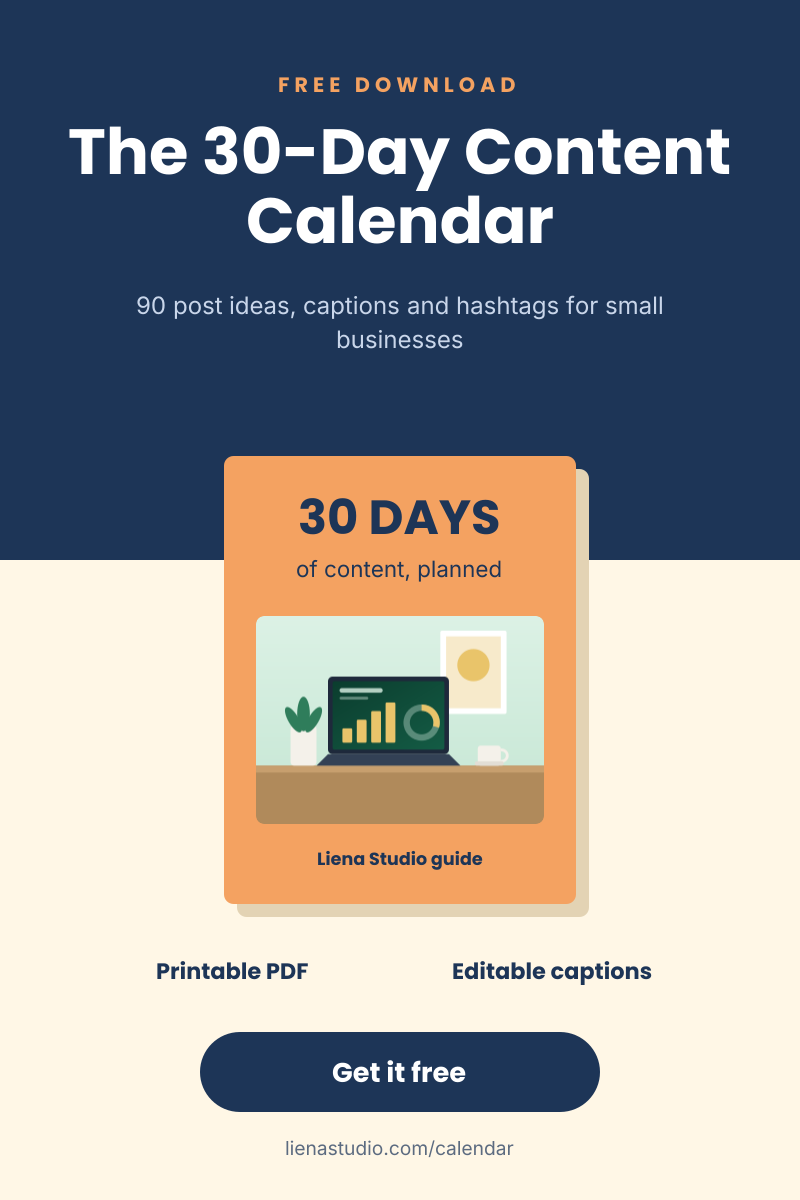
Freebie pin with a title, ebook mockup, benefits and a download button.
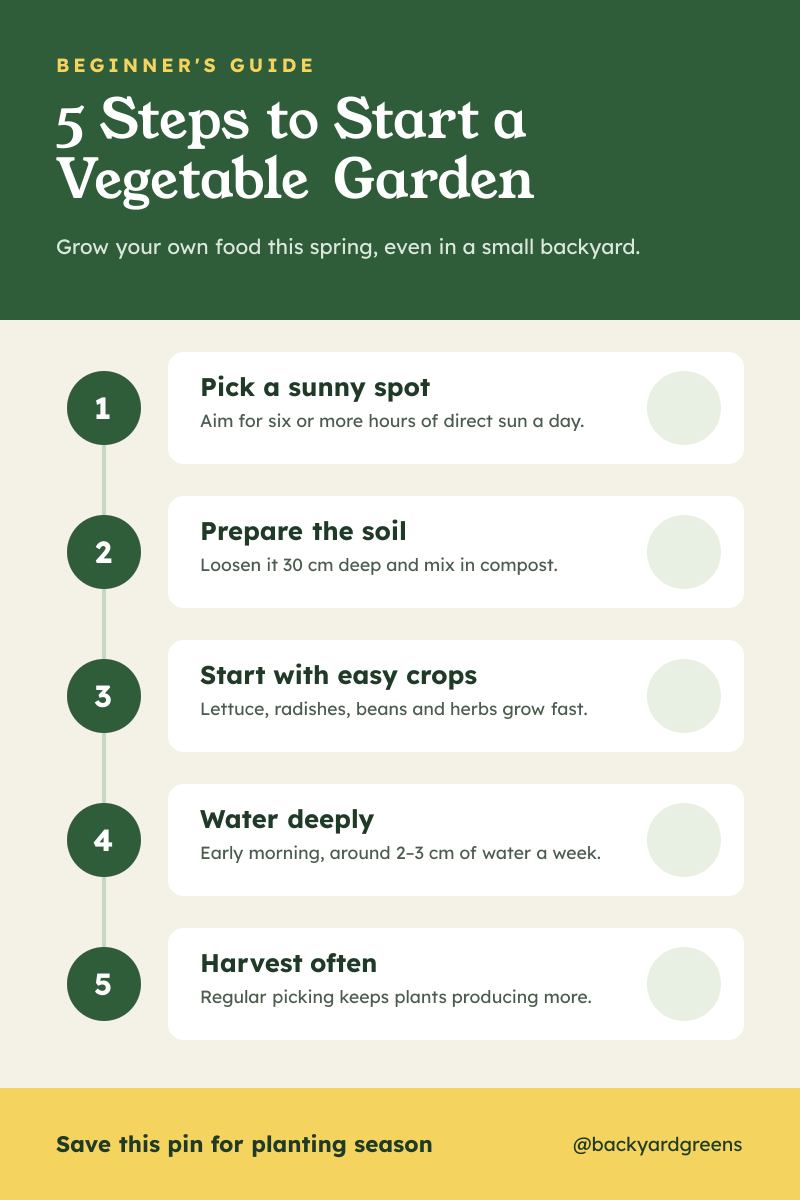
A step-by-step infographic for bloggers, teachers, coaches and brands explaining a process in a few clear steps. A deep green header holds a Beginner's guide label, a serif title and a short subtitle, followed by five white cards linked by a timeline, each with a numbered green circle, a step title, a one-line tip and an icon, and a yellow footer with a save this pin prompt and the account handle.
Opens your own copy in the Liena editor — the original stays untouched. Free with a Liena account; downloads on the free plan include a small watermark.
Young Serif gives the title a friendly, bookish feel, and Lexend's wide letters were made for easy reading. Numbered circles on a timeline help people follow the steps in order.
This isn’t a flat image. The design opens as 43 separate layers you can select and change individually.
Double-click to rewrite. Change font (Lexend, Young Serif by default), size, weight, line height, letter spacing, alignment, case, colour and shadow.
Recolour fills with any hex or brand colour, change opacity and corner radius, or resize and rotate decorative elements.
Recolour, resize or delete icons, and add new ones from the built-in Iconify icon search.
Drag to move, resize from any handle, rotate, nudge with arrow keys, reorder or hide layers, duplicate and delete — with undo and redo.
Change the background colour or add a background image, and recolour any shape or text to match your style.
Freebie pin with a title, ebook mockup, benefits and a download button.
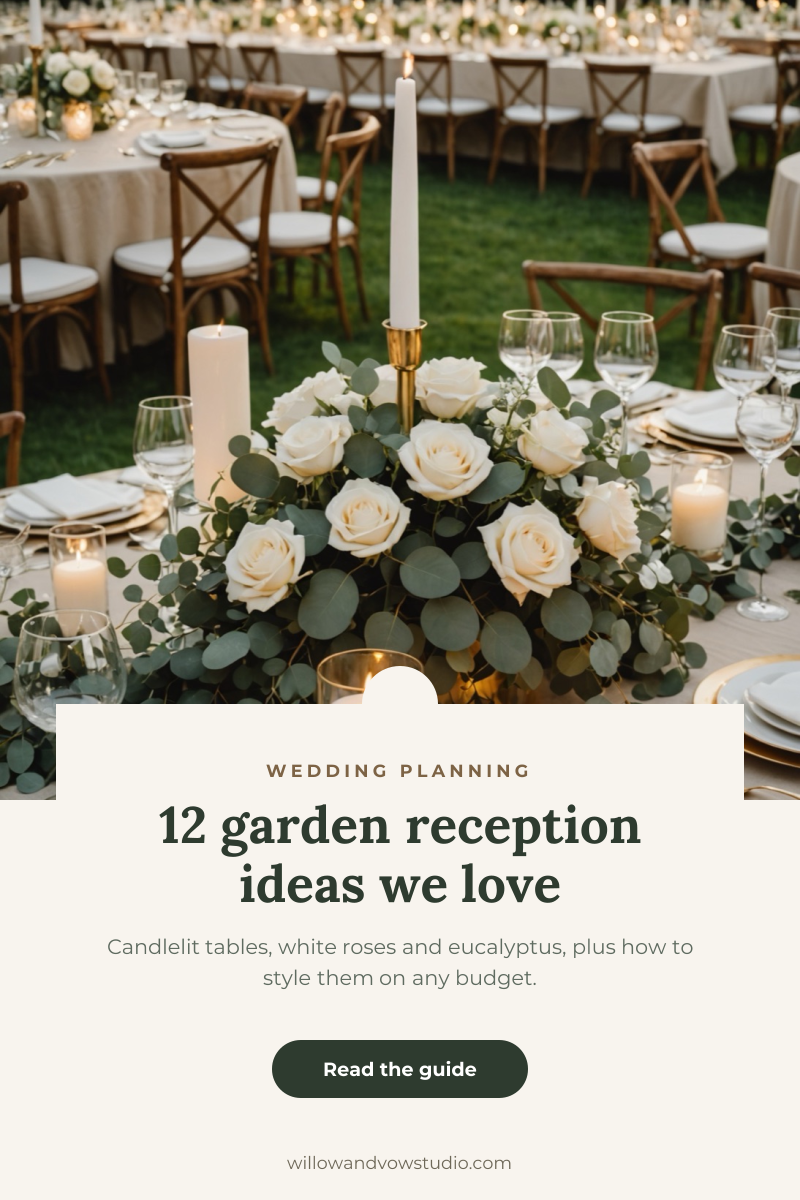
Romantic reception photo with a cream card, serif headline and guide button.

Misty forest trail photo with a bold list headline and a free guide card.
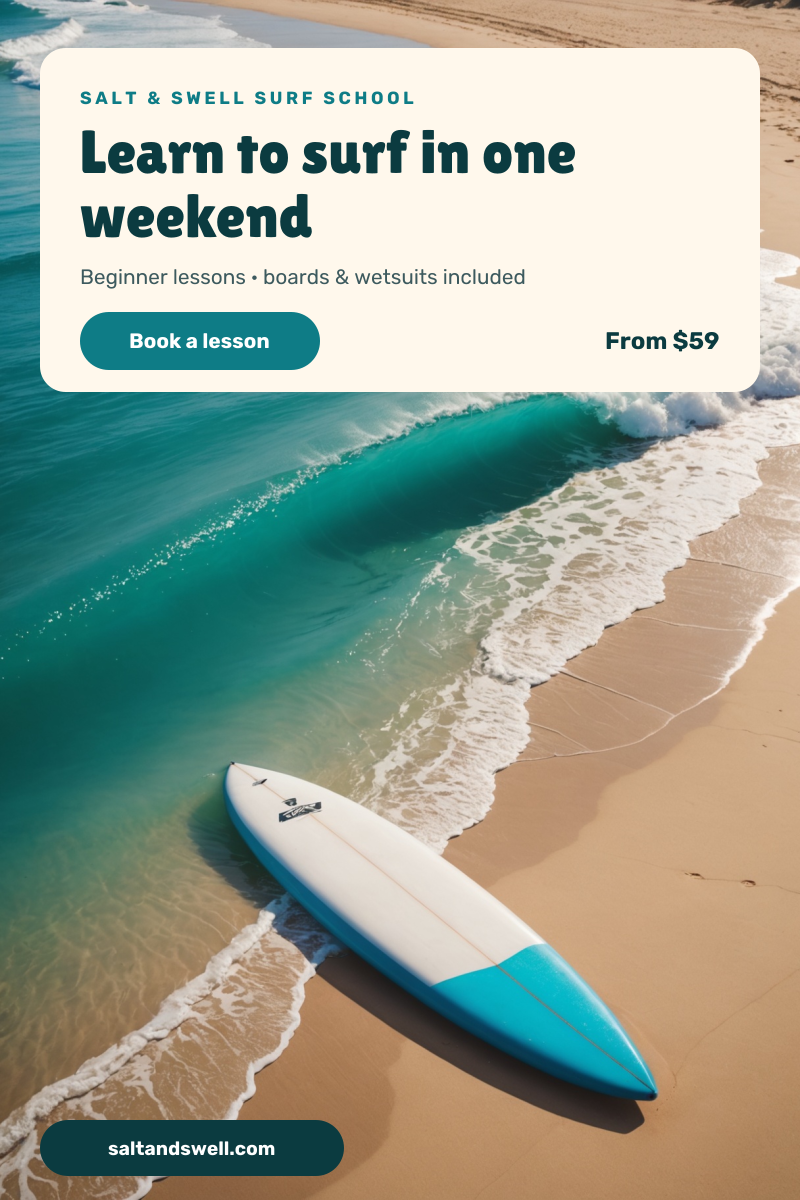
Turquoise wave and surfboard photo with a cream headline card and website tag.
Your copy opens in the editor in seconds.
Use this template