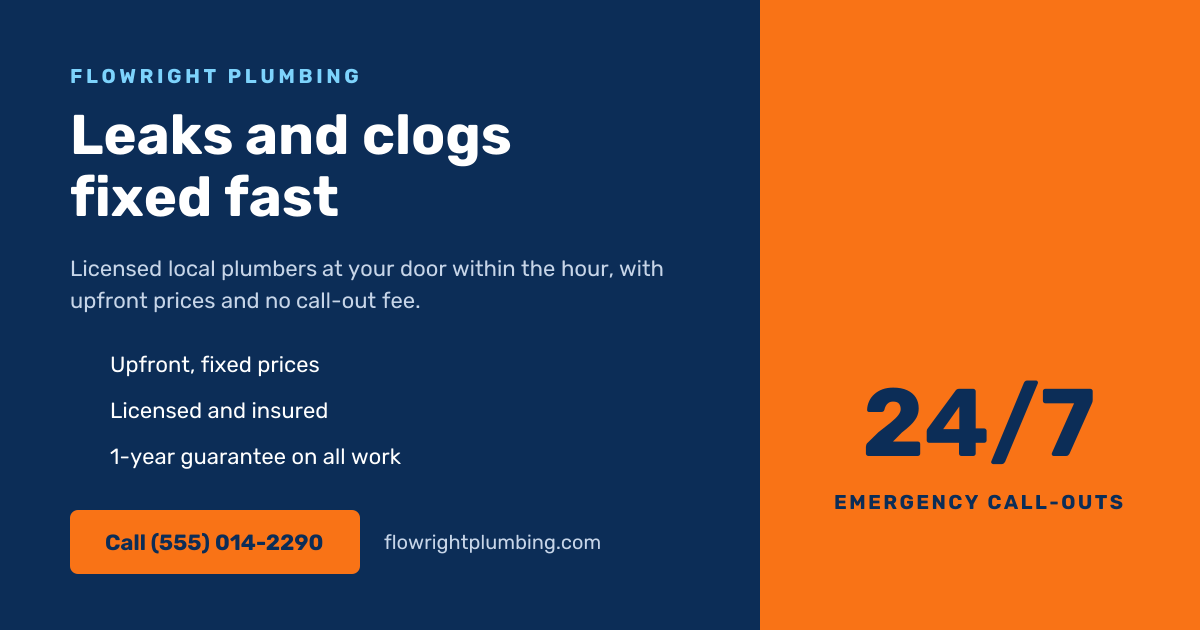
Preview of the Insurance Agent Facebook Post template: white landscape post with a navy right panel holding a teal shield icon, home · auto · life and a free quote line, and on the left an agency label, a bold navy headline, a short pitch, two checked benefits, a red get a free quote button and a phone number
Social media

Insurance Agent Facebook Post Template

A Facebook post for insurance agents and agencies. A navy panel with a shield and Home · Auto · Life sits on the right, and the left side holds your agency name, a Protect what matters most headline, a line about comparing cover with a local agent, two benefits, a red Get a free quote button and your phone number.

Opens your own copy in the Liena editor — the original stays untouched. Free with a Liena account; downloads on the free plan include a small watermark.

Format
Facebook post
Size
1200 × 630 px (40:21)
Fonts
Lexend
Colours
Editable layers
15
Export
PNG, full resolution

Design details

Lexend is clear and friendly at every size. Navy and teal feel safe and trustworthy, and the red button draws the eye to the call to action.

Best for

  • Insurance agents and brokers
  • Home, auto and life insurance promotions
  • Free quote campaigns
  • Facebook and LinkedIn feeds

How to customise it

  • Change the agency name and the headline.
  • Edit the types of cover on the right panel.
  • Update the two benefits and the button text.
  • Replace the phone number with yours.

Everything in this template is editable

This isn’t a flat image. The design opens as 15 separate layers you can select and change individually.

9 text layers

Double-click to rewrite. Change font (Lexend by default), size, weight, line height, letter spacing, alignment, case, colour and shadow.

3 shapes

Recolour fills with any hex or brand colour, change opacity and corner radius, or resize and rotate decorative elements.

3 icons

Recolour, resize or delete icons, and add new ones from the built-in Iconify icon search.

Layers & layout

Drag to move, resize from any handle, rotate, nudge with arrow keys, reorder or hide layers, duplicate and delete — with undo and redo.

Background & brand

Change the background colour or add a background image, and recolour any shape or text to match your style.

How to use this template

  1. Click “Use this template”. If you’re new to Liena, create a free account first — you’ll come straight back to this design.
  2. Edit the text, replace images and adjust colours. Changes save automatically every 30 seconds, or press Save at any time.
  3. Export a PNG at 1200 × 630 px. Your design stays in your dashboard to edit again later.
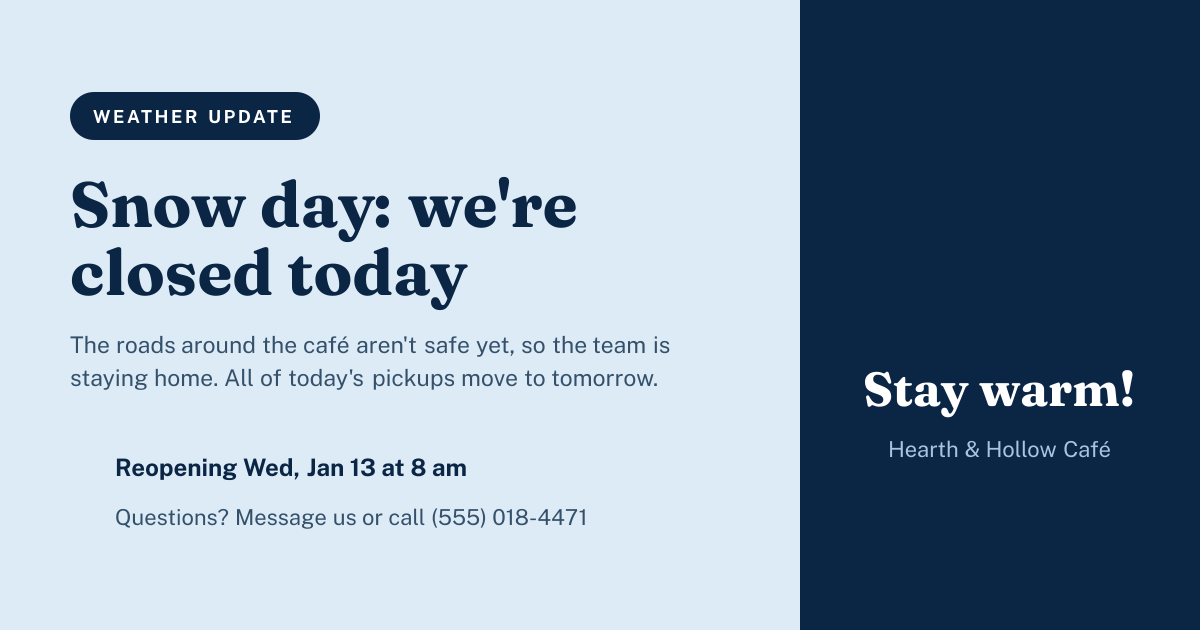
Preview of the Snow Day Closure Post template: icy blue post with a closed-today headline, reopening time, contact line and a snowflake panel
Social media

Snow Day Closure Post

Icy blue post with a closed-today headline, reopening time, contact line and a snowflake panel.
Facebook post · 1200 × 630
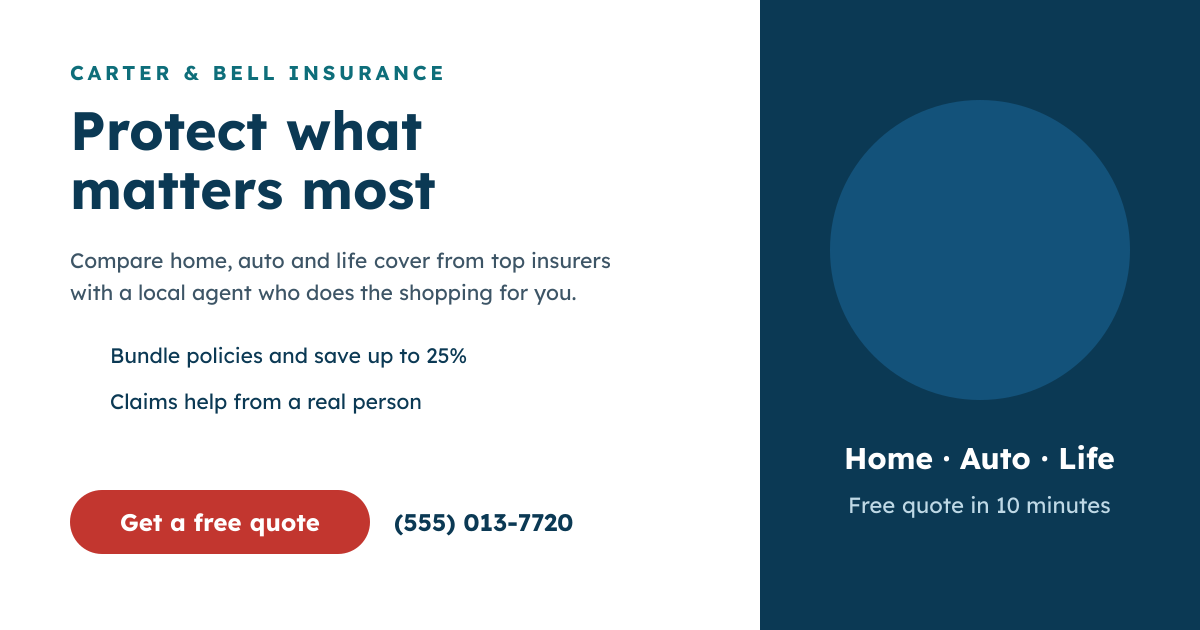
Preview of the Plumbing Services Facebook Post template: navy post with a fixed-fast headline, three ticks and a call button beside an orange 24/7 panel
Social media

Plumbing Services Facebook Post

Navy post with a fixed-fast headline, three ticks and a call button beside an orange 24/7 panel.
Facebook post · 1200 × 630
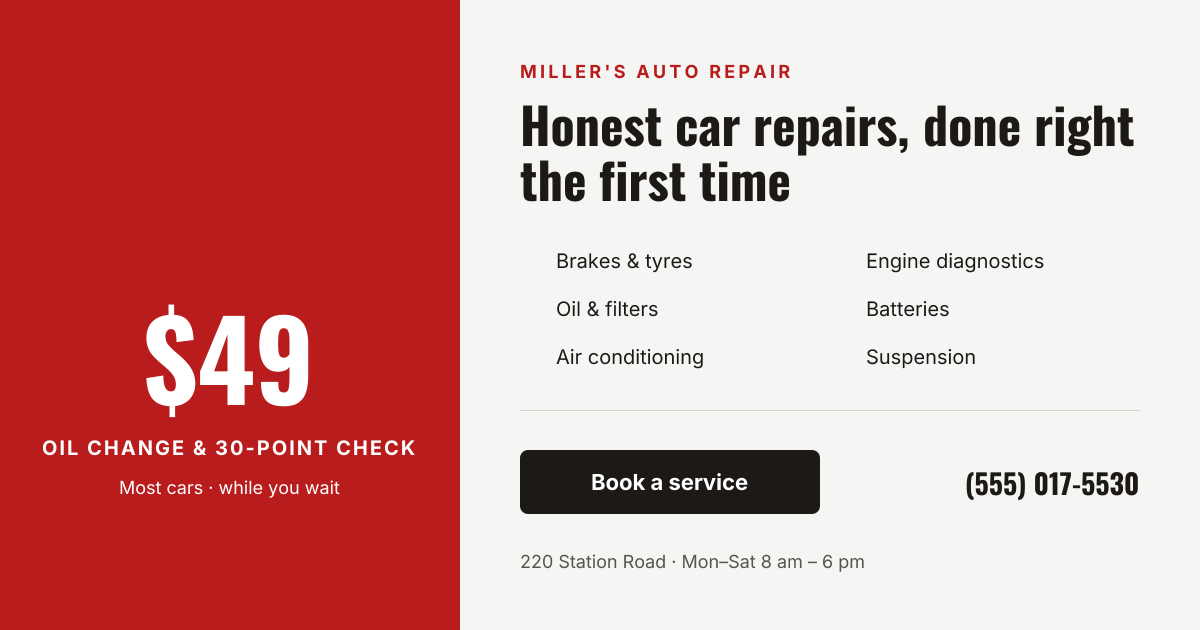
Preview of the Auto Repair Facebook Post template: red offer panel with a car icon and $49 price beside a condensed headline and six repair services
Social media

Auto Repair Facebook Post

Red offer panel with a car icon and $49 price beside a condensed headline and six repair services.
Facebook post · 1200 × 630
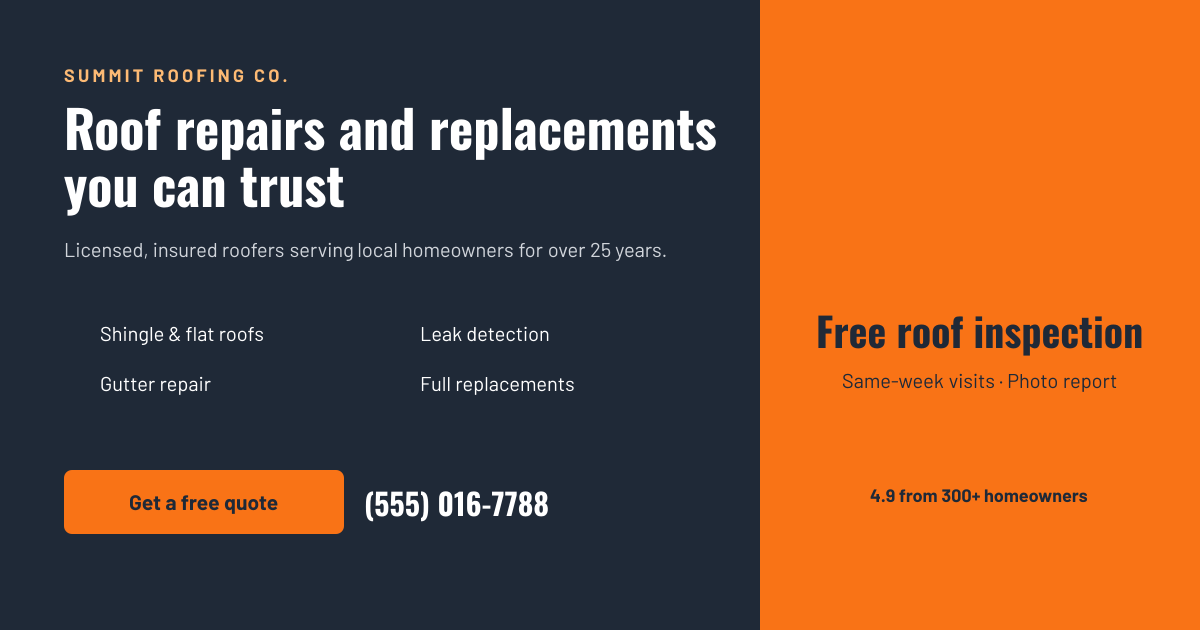
Preview of the Roofing Company Facebook Post template: charcoal post with a bold roofing headline and four services beside an orange panel with a house icon and rating
Social media

Roofing Company Facebook Post

Charcoal post with a bold roofing headline and four services beside an orange panel with a house icon and rating.

Facebook post · 1200 × 630

Start with the insurance agent facebook post template

Your copy opens in the editor in seconds.

Use this template