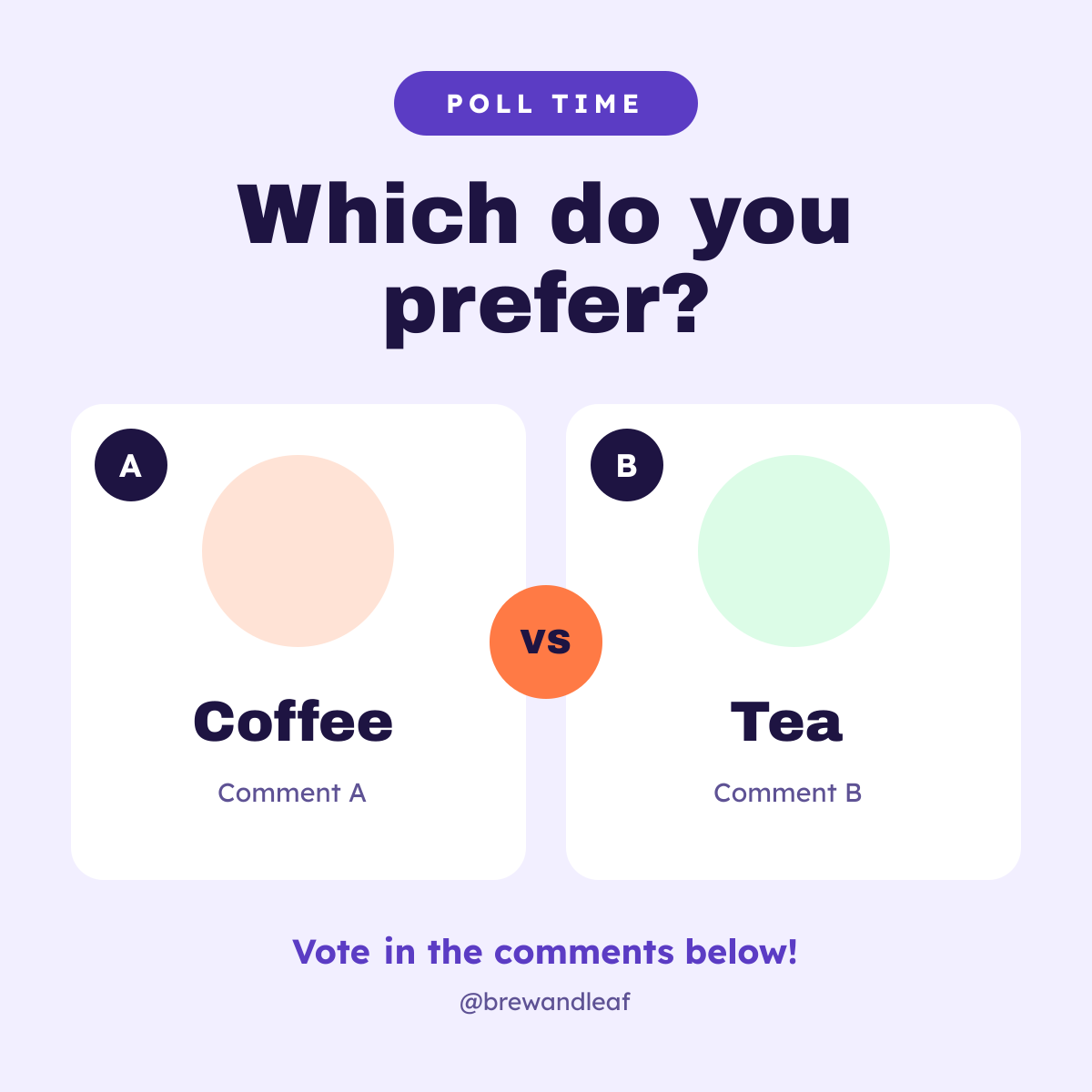
Preview of the Poll Instagram Post template: lavender square poll post with a purple poll time pill, a bold which do you prefer? question, two white option cards labelled a and b with coffee and tea icons, an orange vs badge and a vote-in-the-comments line
Social media

Poll Instagram Post Template

A simple poll Instagram post that gets followers commenting. A purple Poll Time pill and a bold Which do you prefer? question sit above two white cards, A for coffee and B for tea, each with a big icon on a soft circle, the option name and a Comment A or Comment B note, with an orange VS badge between them and a call to vote in the comments.

Opens your own copy in the Liena editor — the original stays untouched. Free with a Liena account; downloads on the free plan include a small watermark.

Format
Instagram post
Size
1080 × 1080 px (1:1)
Fonts
Lexend, Archivo Black
Colours
Editable layers
21
Export
PNG, full resolution

Design details

Archivo Black makes the question and options bold and punchy, and Lexend keeps the small text friendly. Lavender, purple and orange are playful and stand out in the feed.

Best for

  • This-or-that and would-you-rather posts
  • Asking followers to pick a new product or flavour
  • Engagement posts for slow days
  • Instagram and Facebook feed polls

How to customise it

  • Change the question and the two options.
  • Swap the coffee and leaf icons for your own.
  • Recolour each option's circle and icon.
  • Update the handle at the bottom.

Everything in this template is editable

This isn’t a flat image. The design opens as 21 separate layers you can select and change individually.

11 text layers

Double-click to rewrite. Change font (Lexend, Archivo Black by default), size, weight, line height, letter spacing, alignment, case, colour and shadow.

8 shapes

Recolour fills with any hex or brand colour, change opacity and corner radius, or resize and rotate decorative elements.

2 icons

Recolour, resize or delete icons, and add new ones from the built-in Iconify icon search.

Layers & layout

Drag to move, resize from any handle, rotate, nudge with arrow keys, reorder or hide layers, duplicate and delete — with undo and redo.

Background & brand

Change the background colour or add a background image, and recolour any shape or text to match your style.

How to use this template

  1. Click “Use this template”. If you’re new to Liena, create a free account first — you’ll come straight back to this design.
  2. Edit the text, replace images and adjust colours. Changes save automatically every 30 seconds, or press Save at any time.
  3. Export a PNG at 1080 × 1080 px. Your design stays in your dashboard to edit again later.
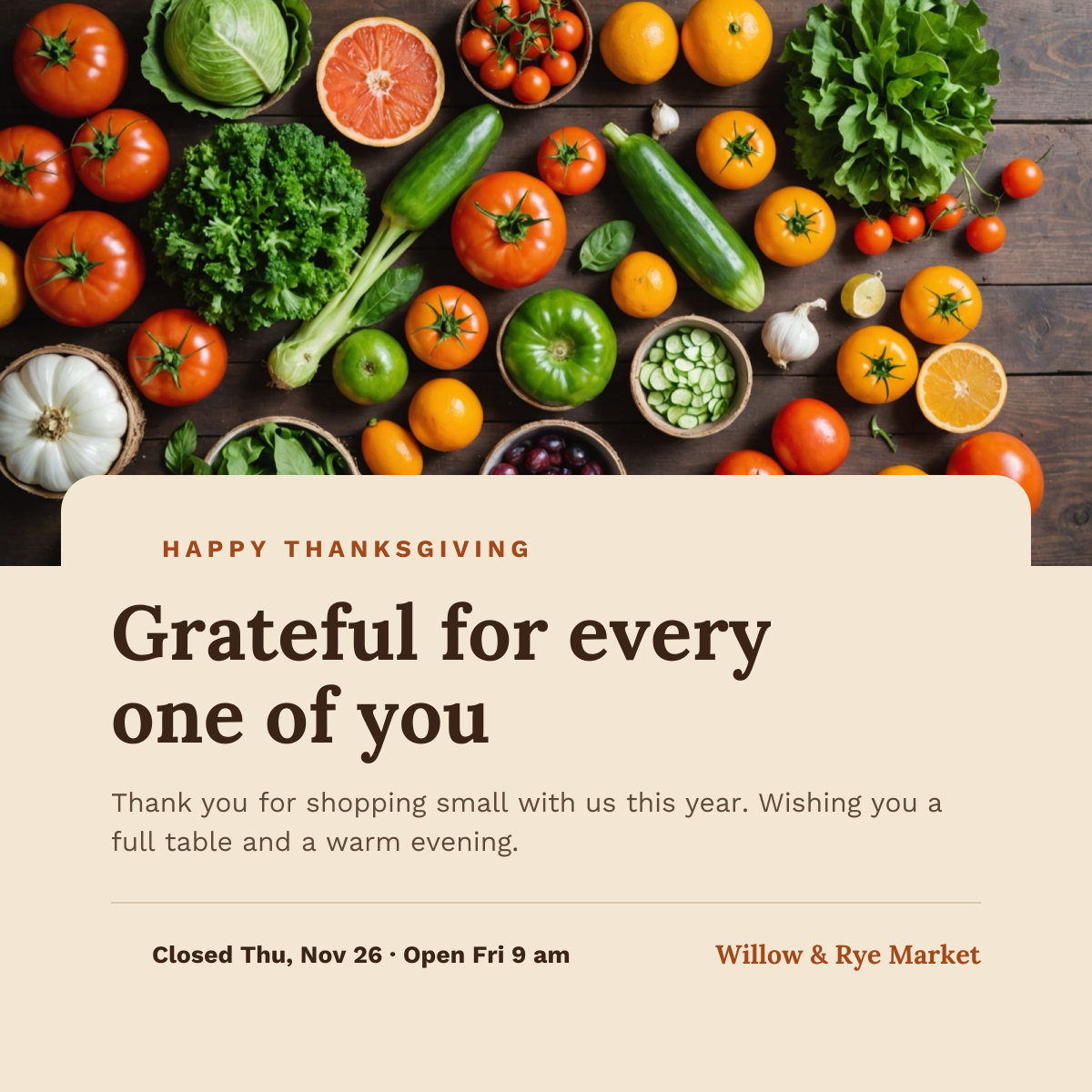
Preview of the Thanksgiving Instagram Post template: harvest produce photo above a cream card with a thank-you headline and holiday hours
Social media

Thanksgiving Instagram Post

Harvest produce photo above a cream card with a thank-you headline and holiday hours.
Instagram post · 1080 × 1080
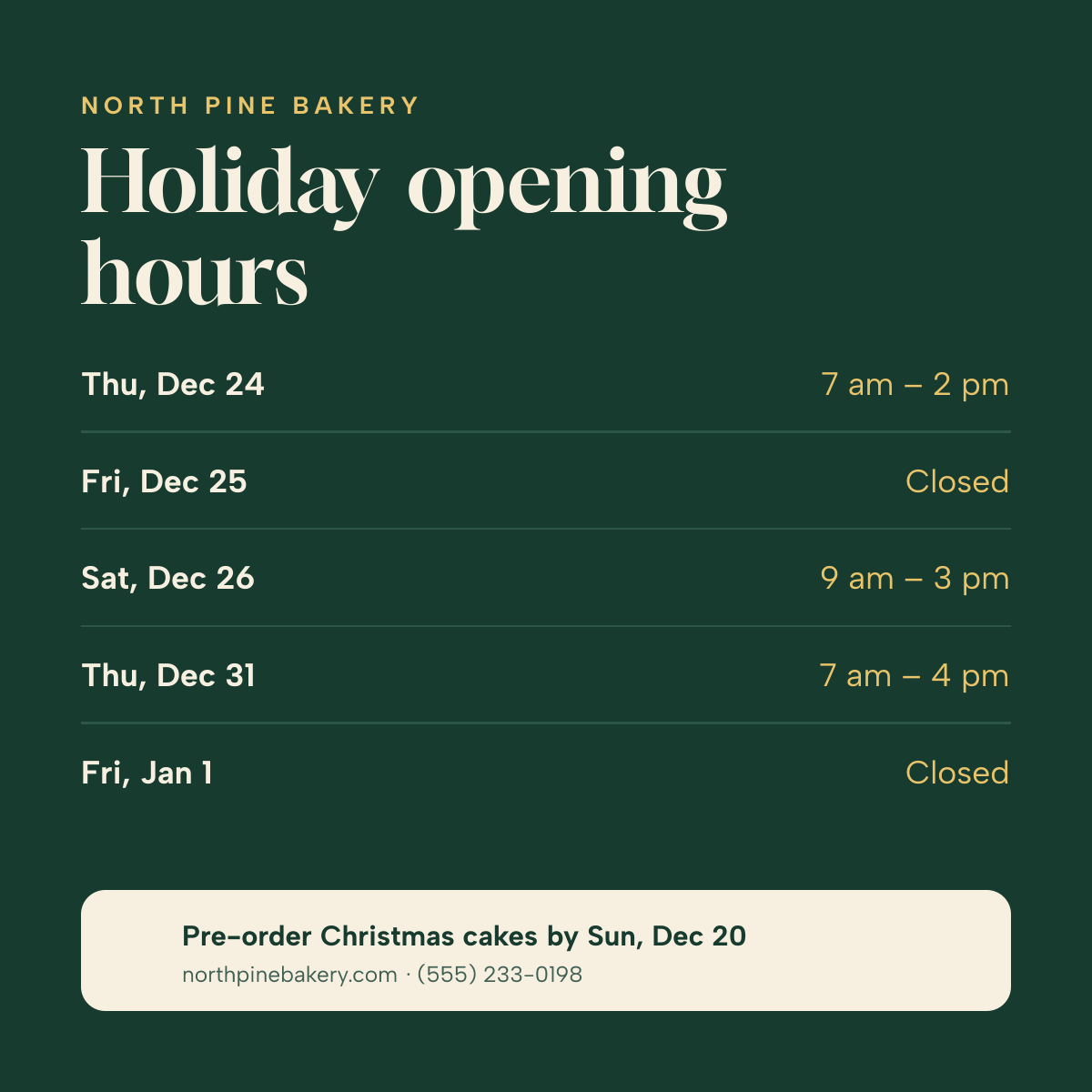
Preview of the Holiday Hours Post template: day-by-day christmas and new year opening times on deep green, with a pre-order note
Social media

Holiday Hours Post

Day-by-day Christmas and New Year opening times on deep green, with a pre-order note.
Instagram post · 1080 × 1080
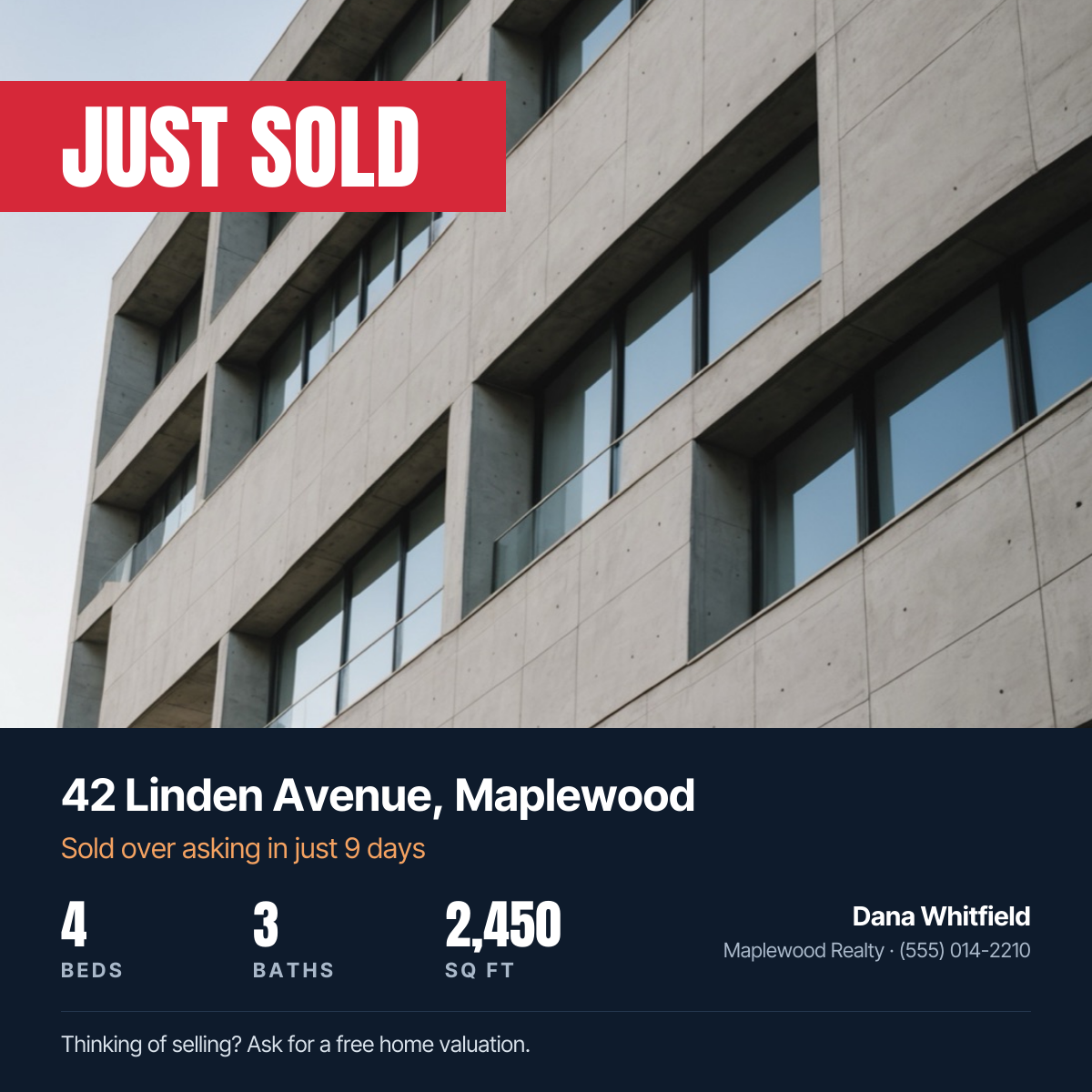
Preview of the Just Sold Real Estate Post template: property photo with a red just sold banner, address, home stats and agent contact
Social media

Just Sold Real Estate Post

Property photo with a red Just Sold banner, address, home stats and agent contact.
Instagram post · 1080 × 1080
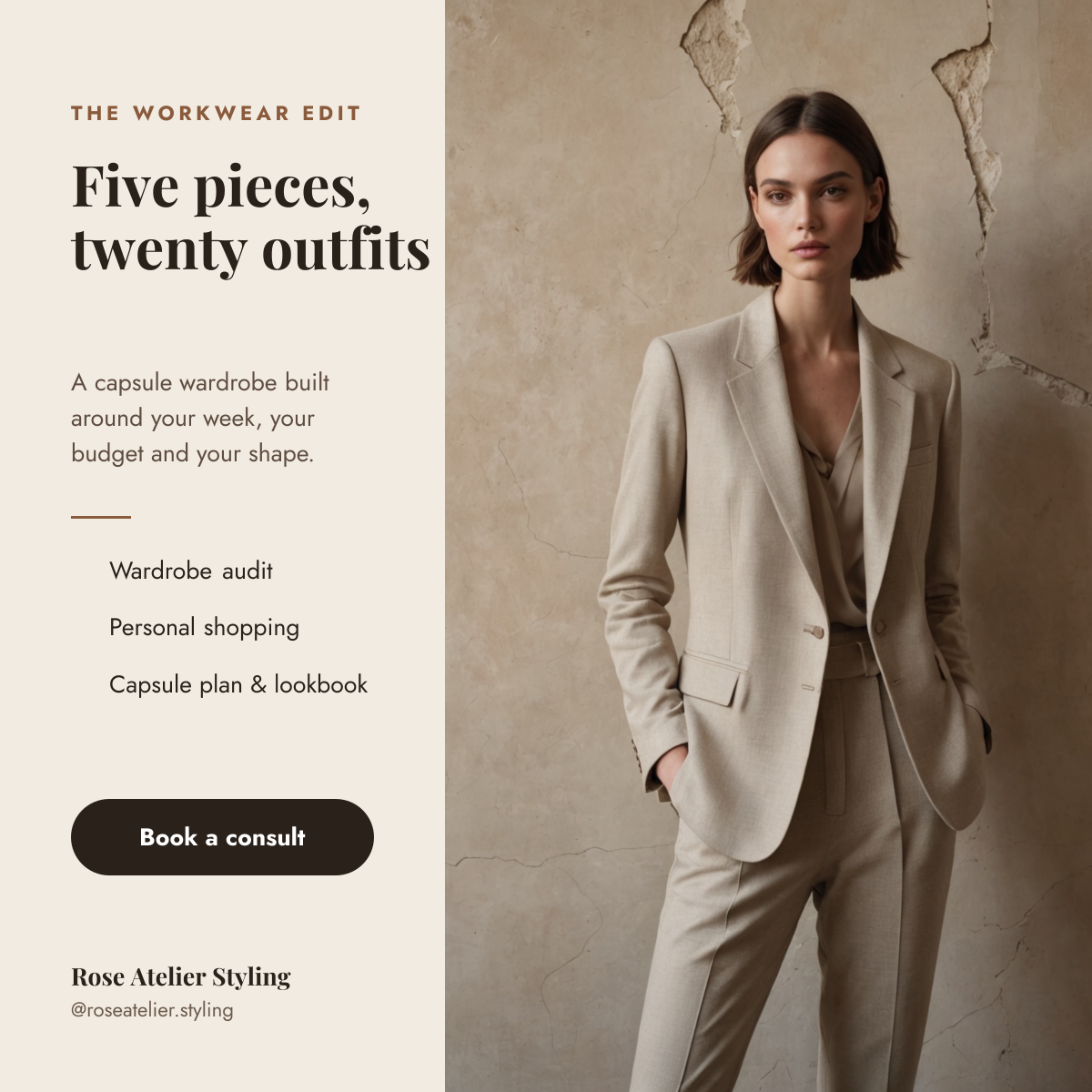
Preview of the Personal Stylist Post template: tailored suit photo beside a cream column with a capsule wardrobe headline, services and a booking button
Social media

Personal Stylist Post

Tailored suit photo beside a cream column with a capsule wardrobe headline, services and a booking button.

Instagram post · 1080 × 1080

Start with the poll instagram post template

Your copy opens in the editor in seconds.

Use this template