 liena
Free Business Card Maker
Liena’s free business card maker designs a standard 3.5×2 in business card (1050×600 px at 300 DPI) in seconds, from an AI prompt or a template.
Free account · 5 AI designs a month · every template free to edit · no credit card
business card templates
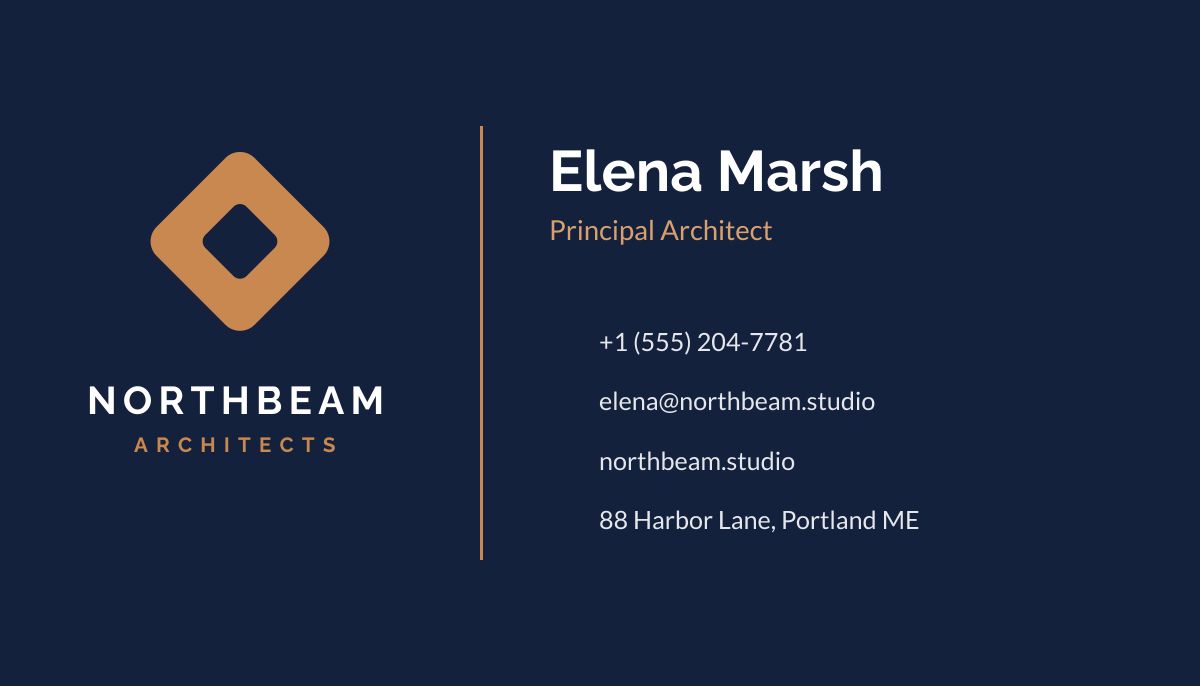
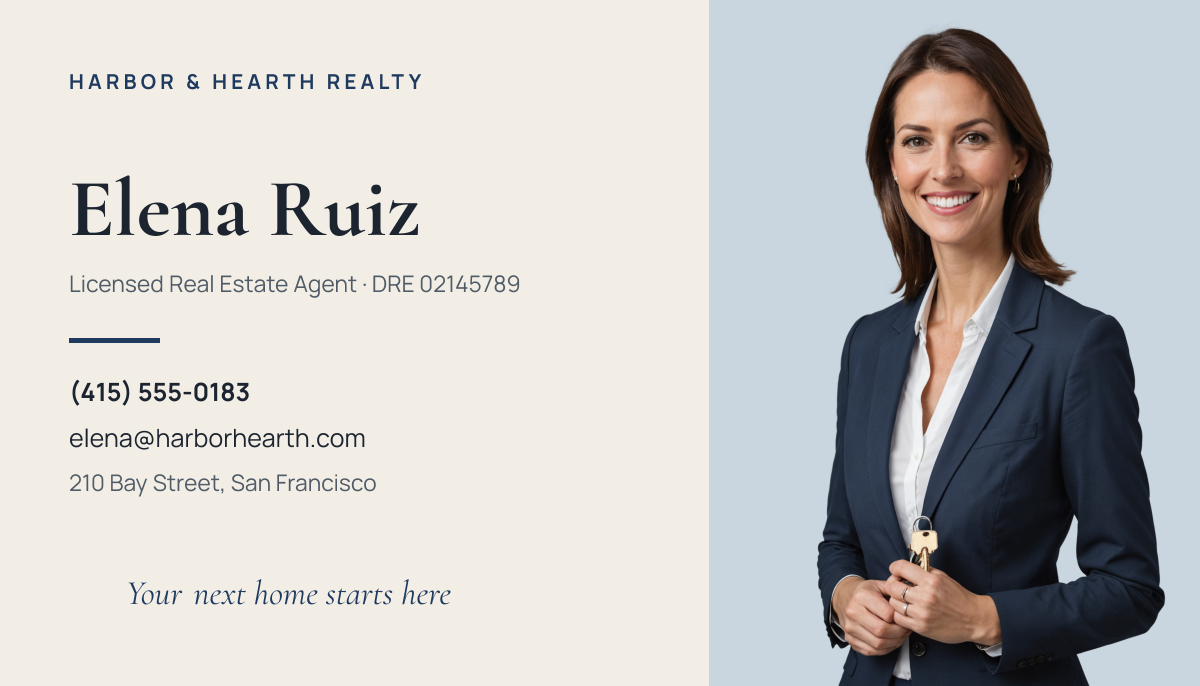
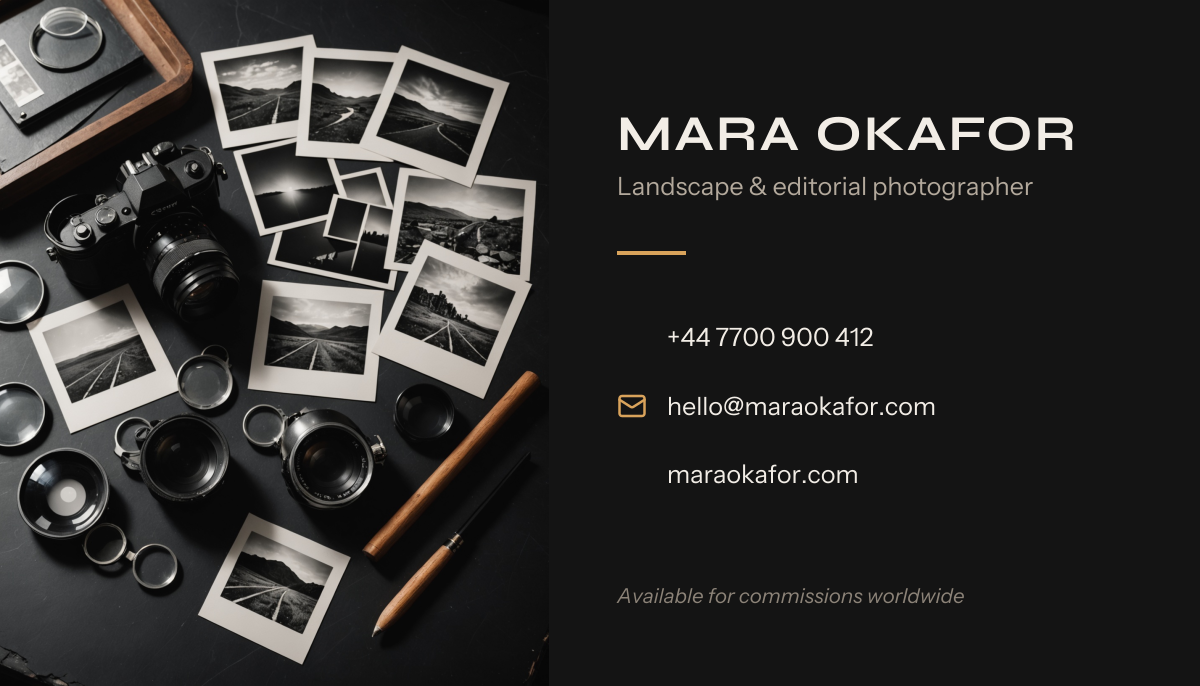
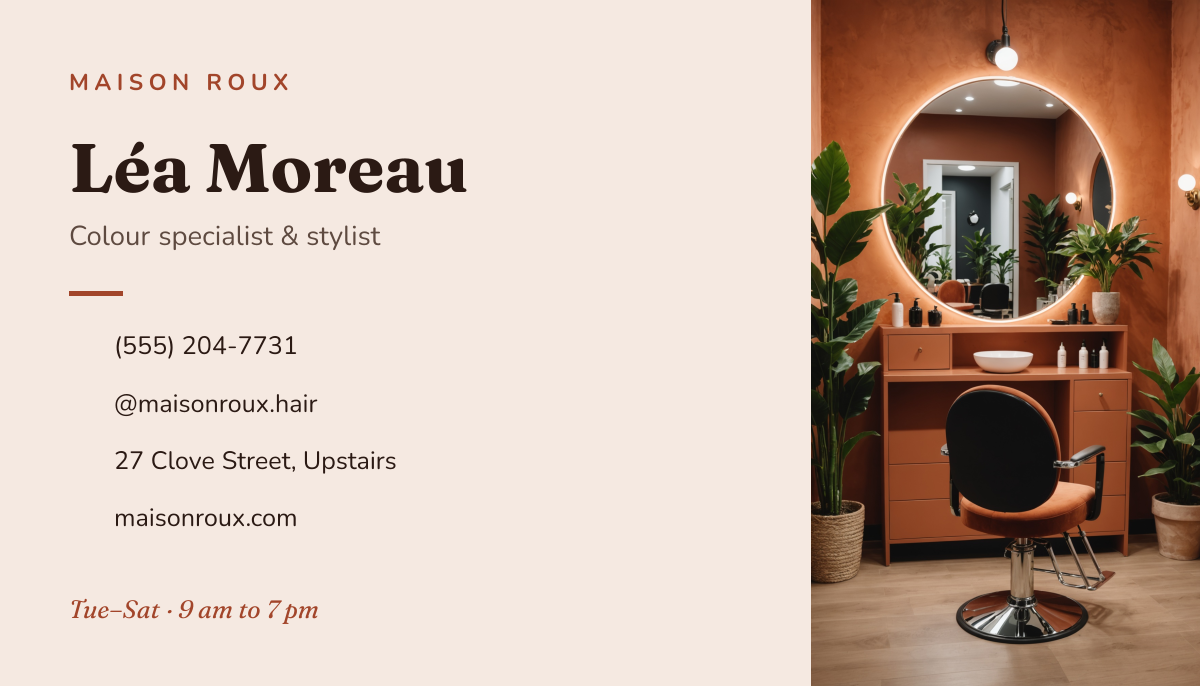
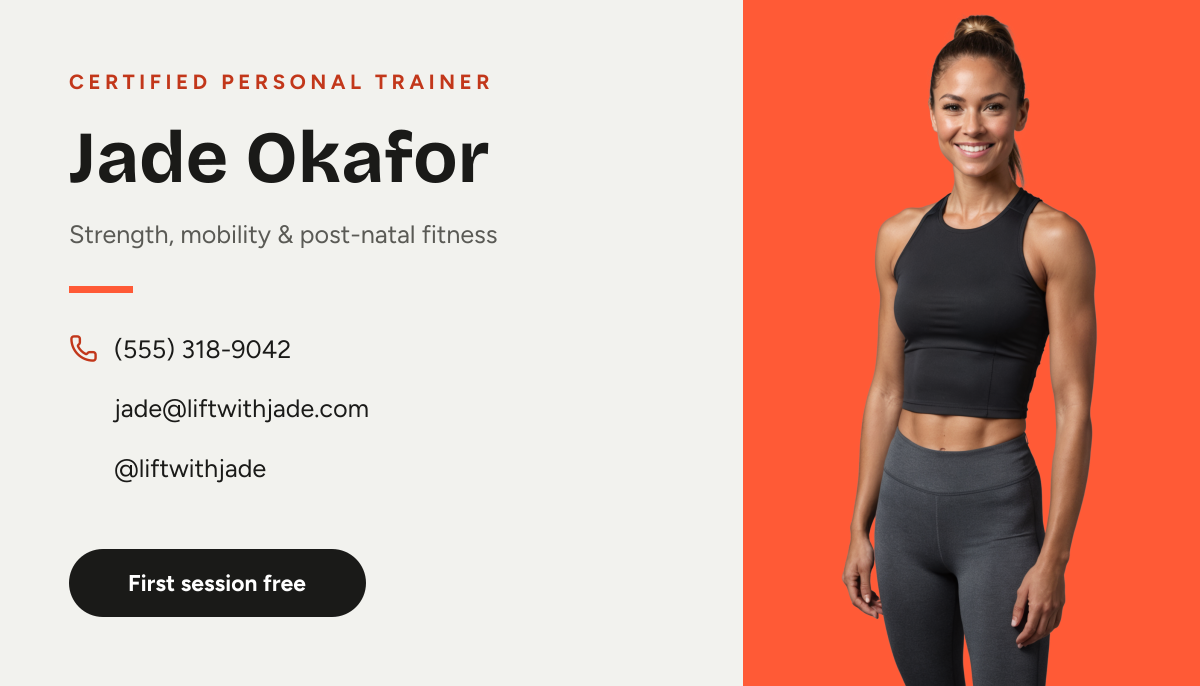
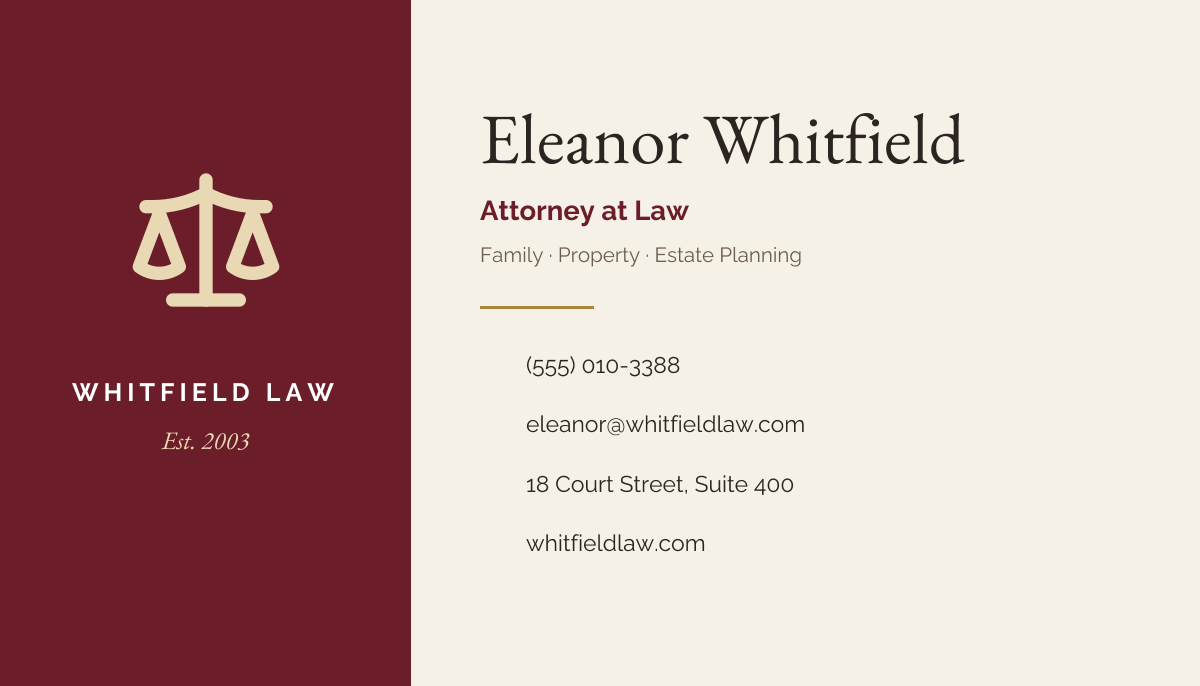
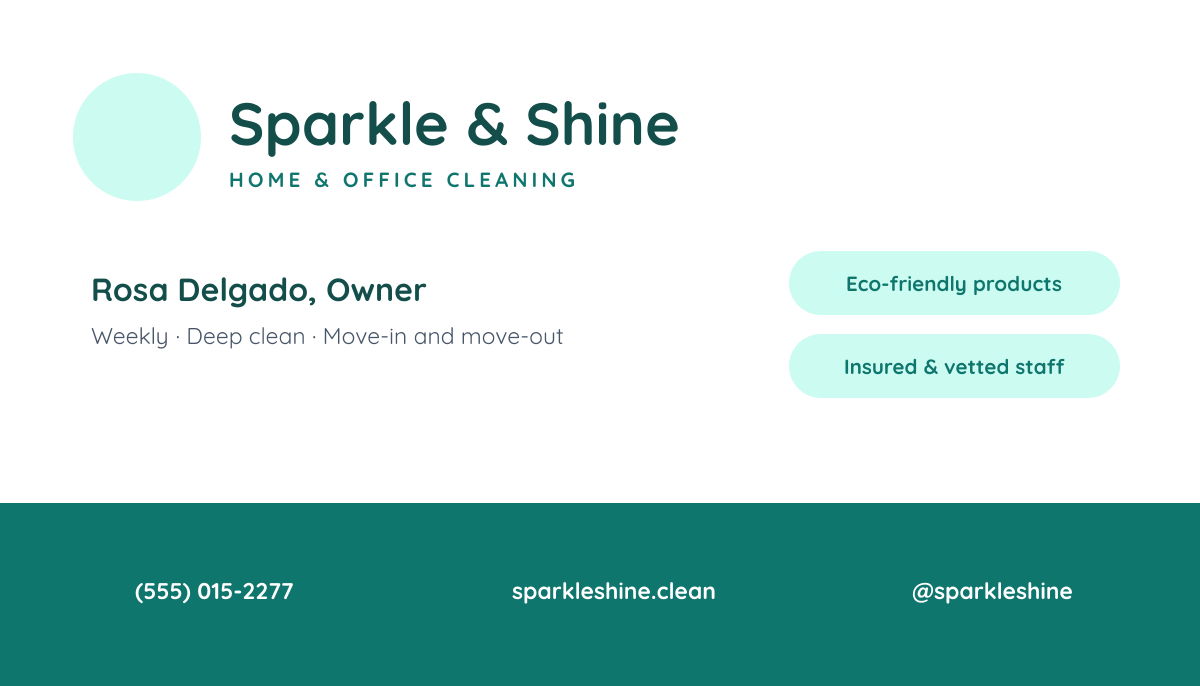
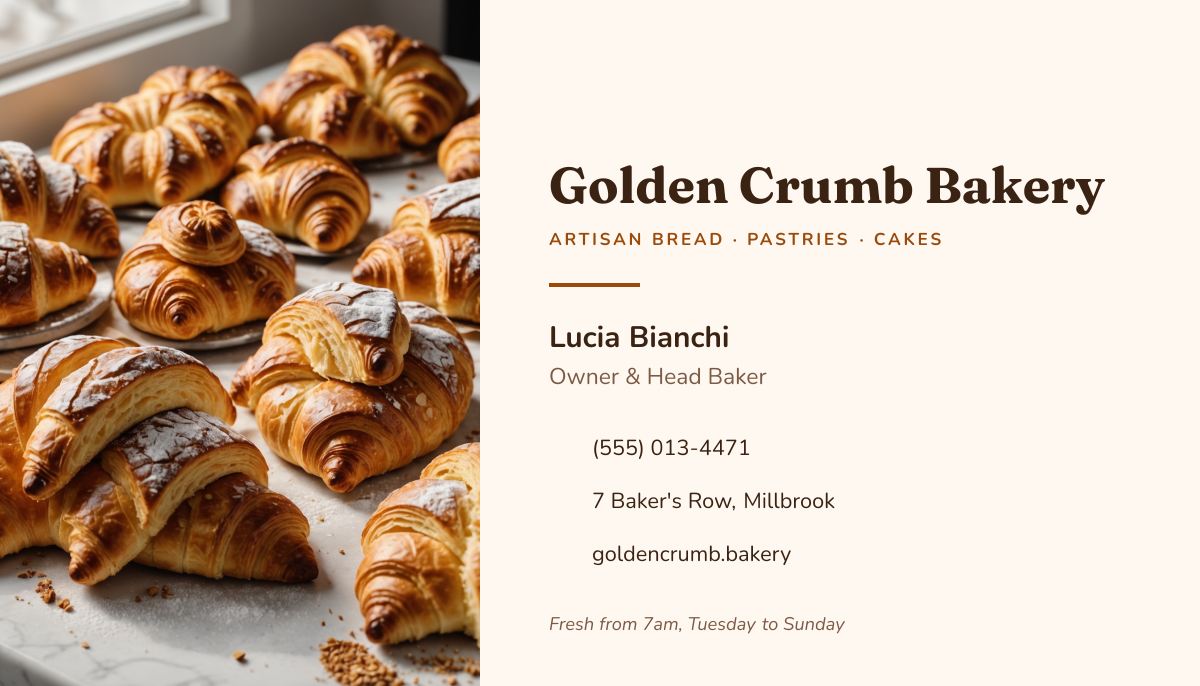
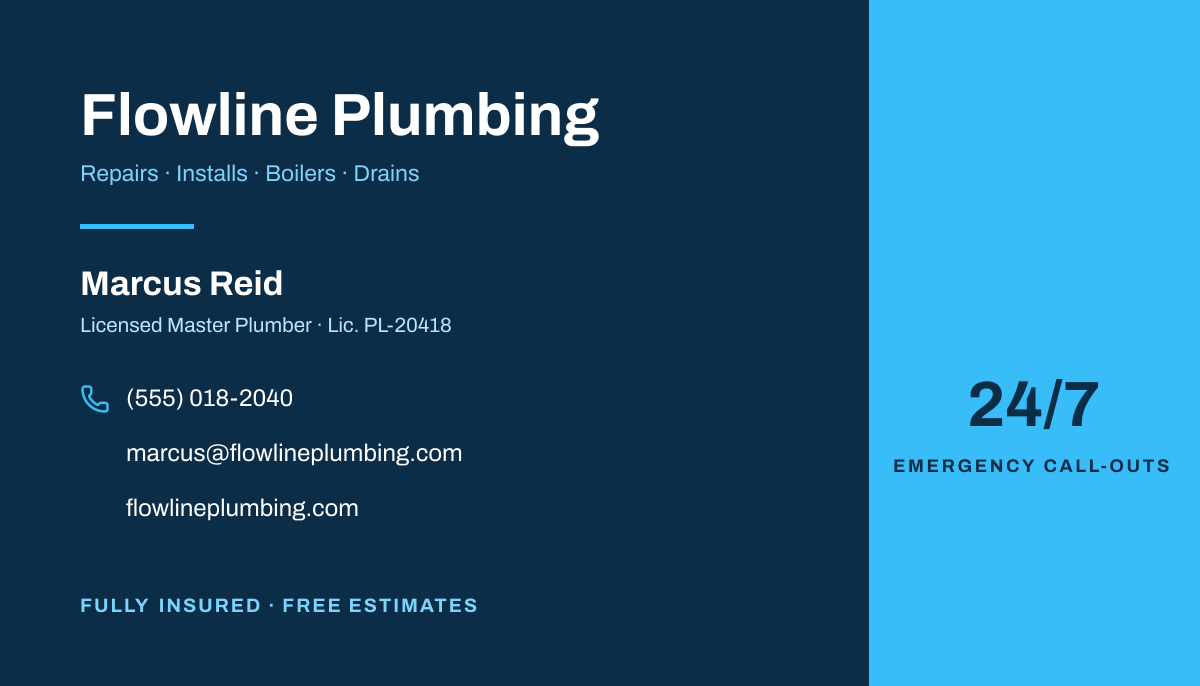
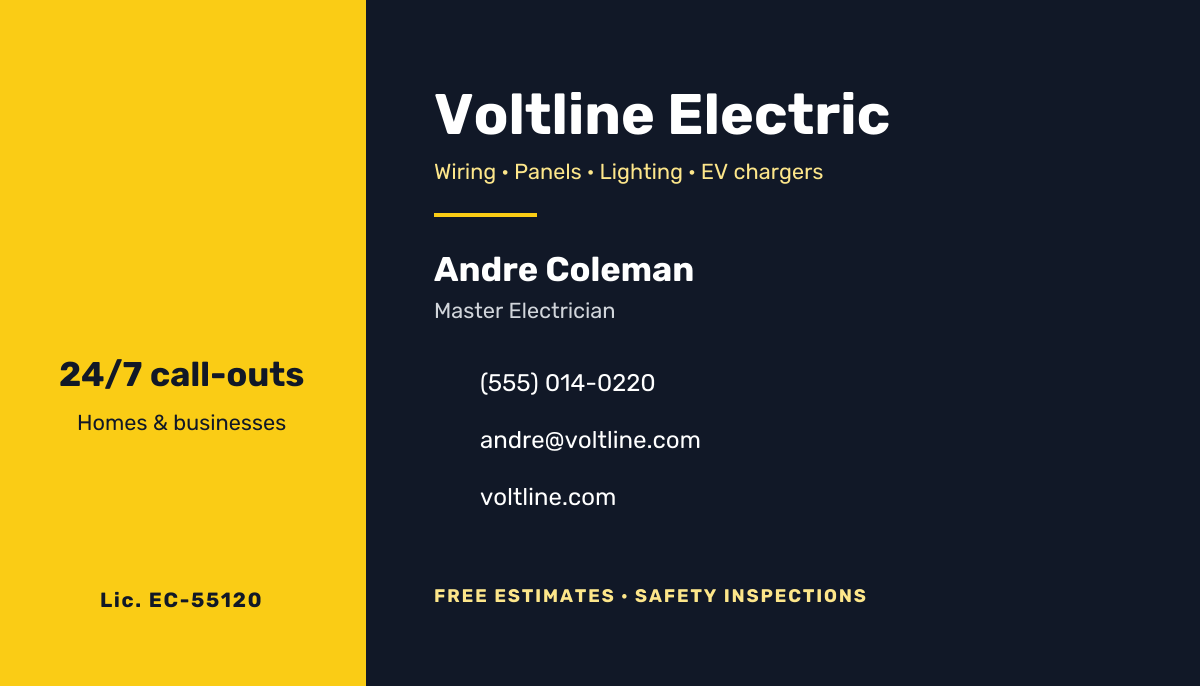
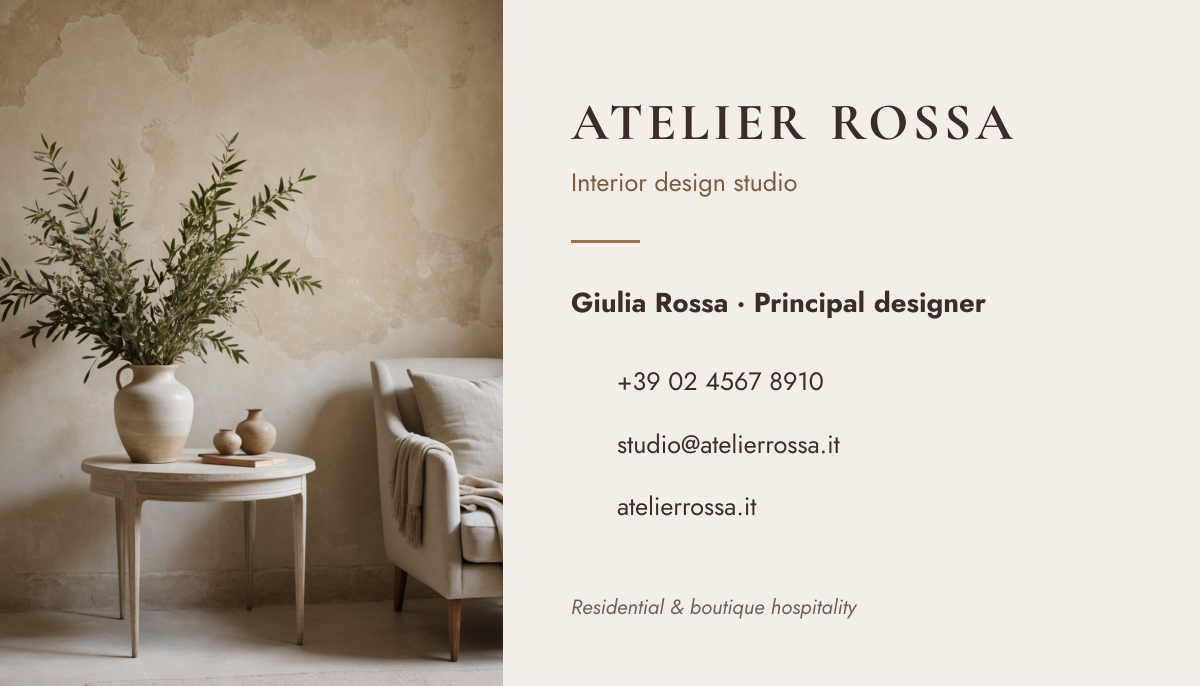
Click any design to open your own copy in the editor.

How to make a business card in 3 steps
1
Prompt or pick
Describe your card in a sentence and AI designs it, or open one of the templates. The canvas is already 1050 × 600 px.
2
Edit anything
Every text, photo, shape and icon is its own layer. Rewrite the copy, drop in your photos, match your brand colours and move things around.
3
Download
Export a full-resolution PNG and send it to a print shop or print it on business card sheets. Your card stays in your dashboard to reuse next time.
business card size and specs
- Size
- 1050 × 600 px3.5 × 2 in at 300 DPI, landscape.
- Print size
- 3.5 × 2 inThe standard card in the US and Canada. Most of Europe uses 85 × 55 mm.
- Resolution
- 300 DPIThe resolution print shops ask for.
- Safe zone
- 38 px (1/8 in) from every edgeCards are trimmed after printing; keep text inside this line.
- Bleed
- Not includedShops usually want 1/8 in extra on each side for edge-to-edge colour. Ask how they handle trim-size files.
- Back side
- A separate designMake the back at the same size and send both files.
- File type
- PNG (from Liena)Most print shops accept PNG. Save it as a PDF from the print dialog if they ask for one.
- Colour
- RGBPrint shops convert to CMYK, so bright blues and greens may print slightly duller.
business cards for every kind of business
Each one opens a template written for that business, ready for your own photos and details.
- Real estate agentsYour photo, brokerage and direct line.
- PhotographersYour speciality and your portfolio link.
- Interior designersStudio name, services and website.
- ArchitectsA clean card for a studio or practice.
- Hair stylistsSalon, booking number and Instagram.
- Personal trainersCoaching services and how to book.
- Massage therapistsTreatments, licence and booking.
- DentistsClinic details and appointment line.
- FloristsWedding and event florals.
- BakeriesCustom cakes and order details.
- Cleaning servicesServices, areas and a number to call.
- PlumbersEmergency number and licence.
- ElectriciansServices, licence and phone.
- LawyersFirm, practice area and contact details.
How to design a business card that works
Put only what people need to reach you
A business card has room for about five lines: your name, your role or business, a phone number, an email address and a website. Pick the one or two ways you actually want to be contacted and leave the rest off. A street address only belongs on the card if people come to you, like a salon or a clinic.
Size text for a card held in the hand
At 300 DPI, 1 pt is about 4 px. Set your name at 50–70 px (12–16 pt) and contact details at 30–40 px (7–10 pt); anything below 30 px is hard to read once printed. Use one or two typefaces, and avoid thin weights for small text, because they break up on textured card.
Keep 1/8 in clear of the edge
Cards are printed on large sheets and cut, and the cut can drift by a millimetre or so. Keep text and logos at least 38 px (1/8 in) inside every edge; the dashed box on the canvas marks this line. If your design has colour or a photo right to the edge, ask the print shop how they want the bleed, because Liena exports at the trim size.
Use the back for one thing
A two-sided card gives you a second surface, but don’t repeat the front. Use it for your logo on a brand colour, a short line about what you do, or a QR code to your booking page or portfolio. Make the back as its own design at the same size, and keep QR codes at least 0.6 in (180 px) square.
Choose a finish that suits how cards get used
Matte or uncoated card lets people write a note on it, which helps for appointment cards. Gloss makes photos richer but shows fingerprints. Thicker card, around 14–16 pt (350–400 gsm), feels more substantial than standard stock and is worth it for most businesses.
Proof at actual size
A design that looks fine filling your screen can be unreadable at 3.5 × 2 in. Print one at 100% scale on plain paper, cut it out and check the phone number, email and website by reading them aloud. A single wrong digit on 500 cards is the most expensive typo in print.
Frequently asked questions
Is the business card maker free?
Yes. A free Liena account lets you edit every template as often as you like, make 5 AI designs a month and download full-resolution PNGs to print. You don’t need a credit card.
Can I remove the watermark?
Downloads on the free plan include a small Liena watermark in the corner. Liena Pro ($29 a month, cancel anytime) removes the watermark from every export and raises your AI designs to 50 a month.
What size is a business card?
3.5 × 2 in (88.9 × 50.8 mm) in the US and Canada. Liena’s canvas is 1050 × 600 px, which is 3.5 × 2 in at 300 DPI. In most of Europe, cards are 85 × 55 mm.
Can I make an 85 × 55 mm European card?
Yes. Open your card, select Resize design and enter 1004 × 650 px, which is 85 × 55 mm at 300 DPI, with “Scale content to fit” ticked. Check the layout afterwards, because the shape is slightly less wide.
Can I make a double-sided business card?
Yes, as two designs. Make the front, then make the back as a separate design at 1050 × 600 px. Download both PNGs and tell the print shop which is the front.
Is the file good enough for a print shop?
Yes. Liena exports 1050 × 600 px, which is 300 DPI at 3.5 × 2 in, the resolution print shops ask for. Most shops also want 1/8 in bleed for designs with colour to the edge; Liena exports at the trim size, so ask the shop how they handle that, or keep a light border.
Can I print business cards at home?
Yes, on perforated business card sheets from an office supply store. Use the sheet maker’s free layout template, place your PNG at 3.5 × 2 in in each slot and print at 100% scale.
Can I edit the design the AI makes?
Yes. The AI builds a layered design, not a flat image. Every headline, photo, shape and icon is a separate layer you can rewrite, replace, recolour, move or delete, with undo and redo.
More free design makers
Flyer Maker
Printable 8.5 × 11 in flyers, from a prompt or a template.
LinkedIn Banner Maker
Profile backgrounds that say what you do, from a prompt or a template.
Menu Maker
Printable one-page menus, from a prompt or a template.
Poster Maker
Printable Letter and 11 × 17 in posters, from a prompt or a template.
All design makers
Every format Liena can design, grouped by social, YouTube and podcast, print and business.
Make your business card now
Describe it in a sentence. Your design opens in the editor, ready to tweak.