 liena
Free Poster Maker
Liena’s free poster maker designs a printable 8.5×11 in or 11×17 in poster in seconds, from an AI prompt or a template.
Free account · 5 AI designs a month · every template free to edit · no credit card
poster templates
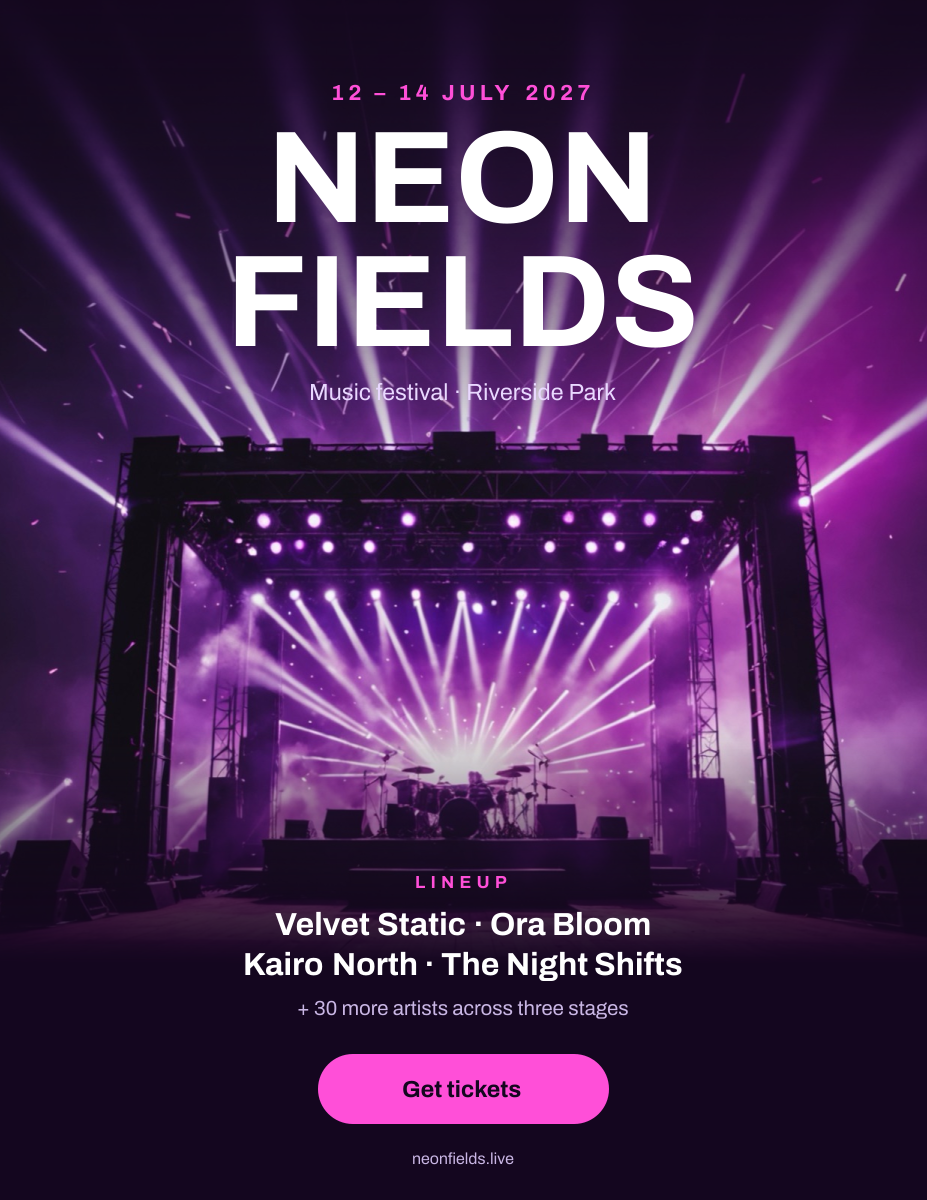
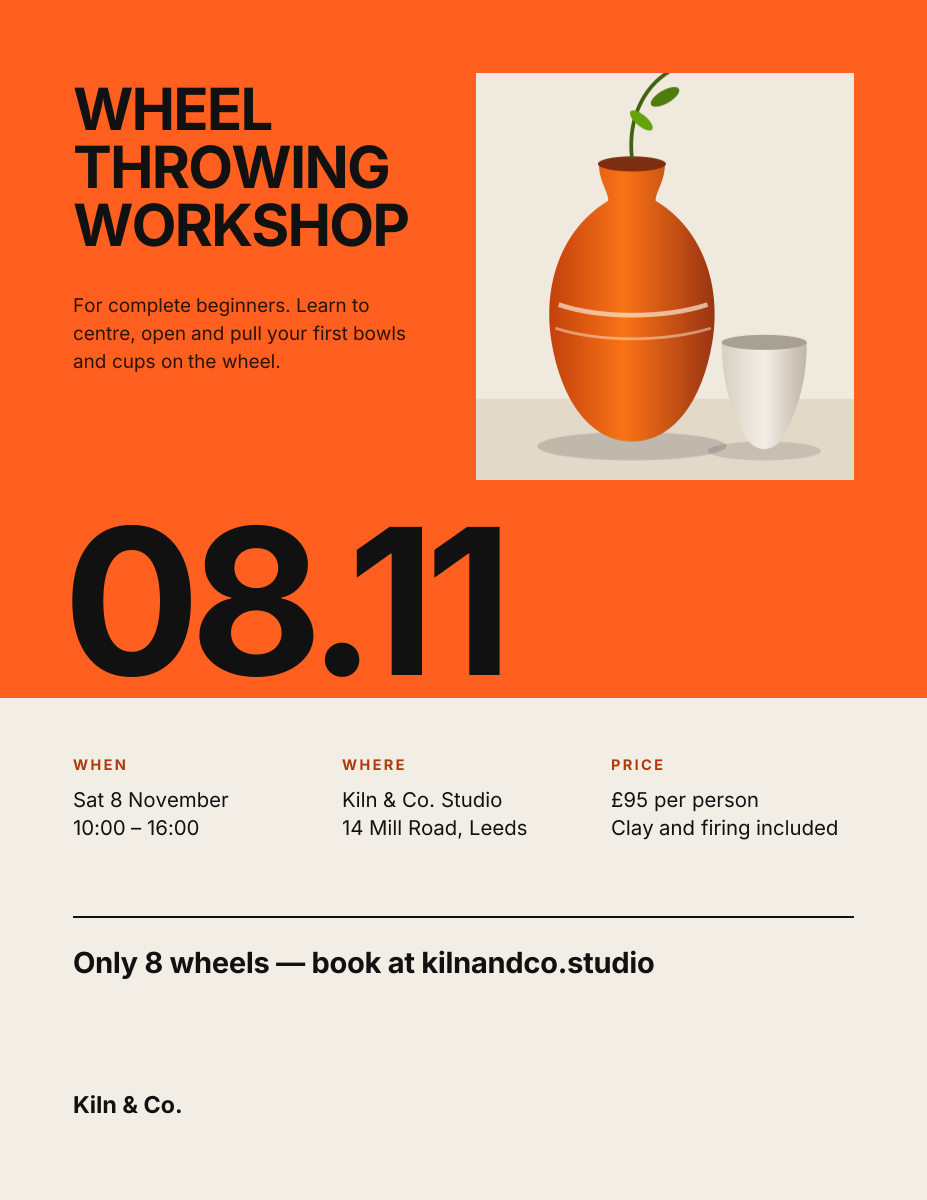
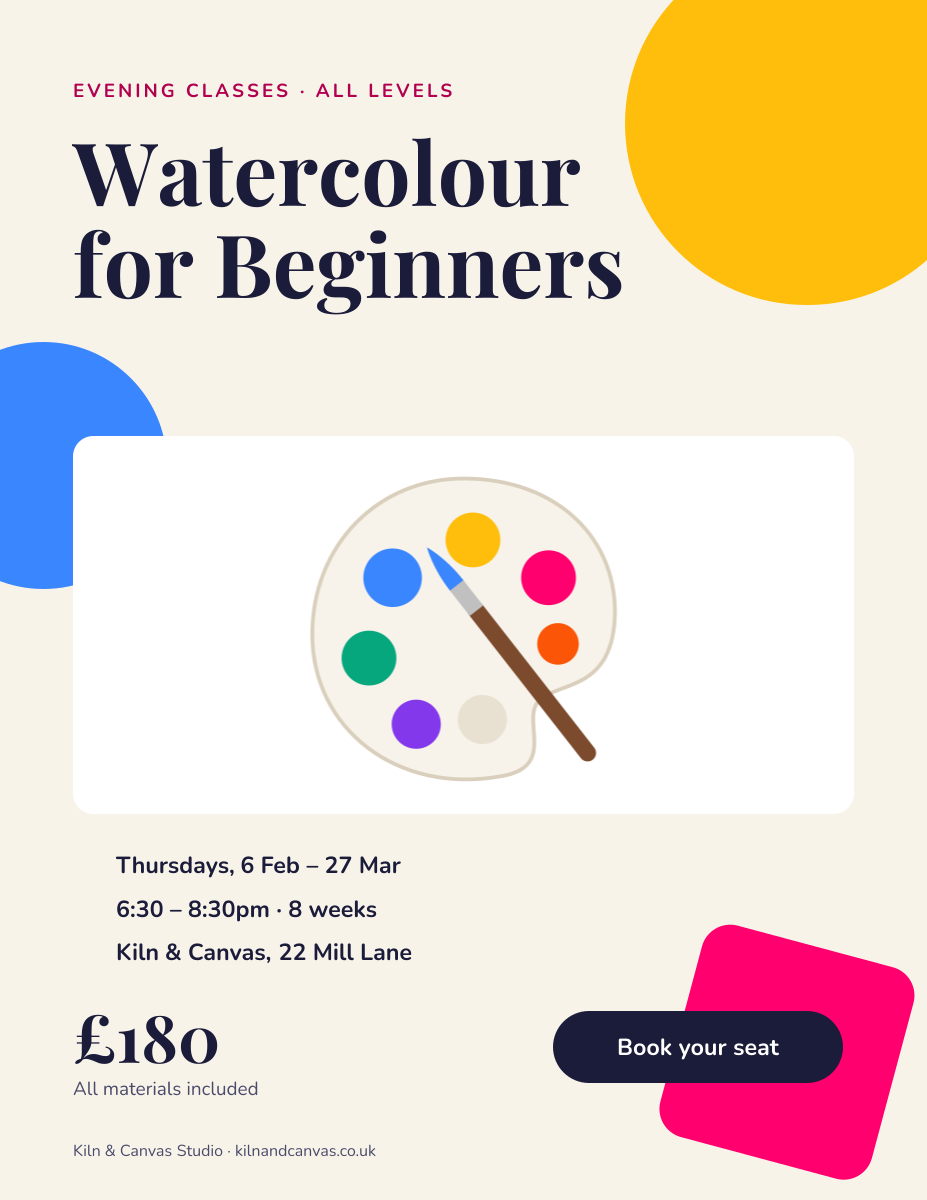
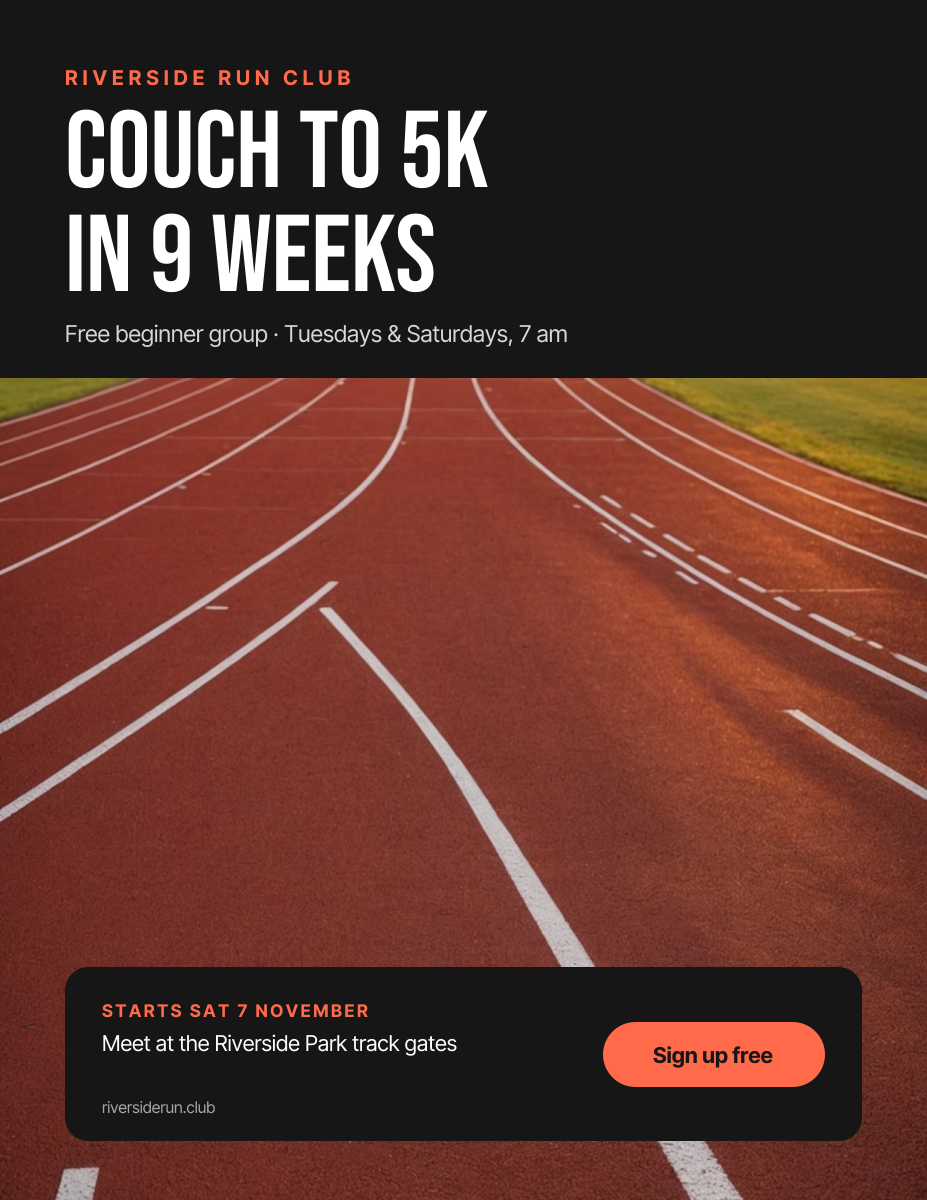
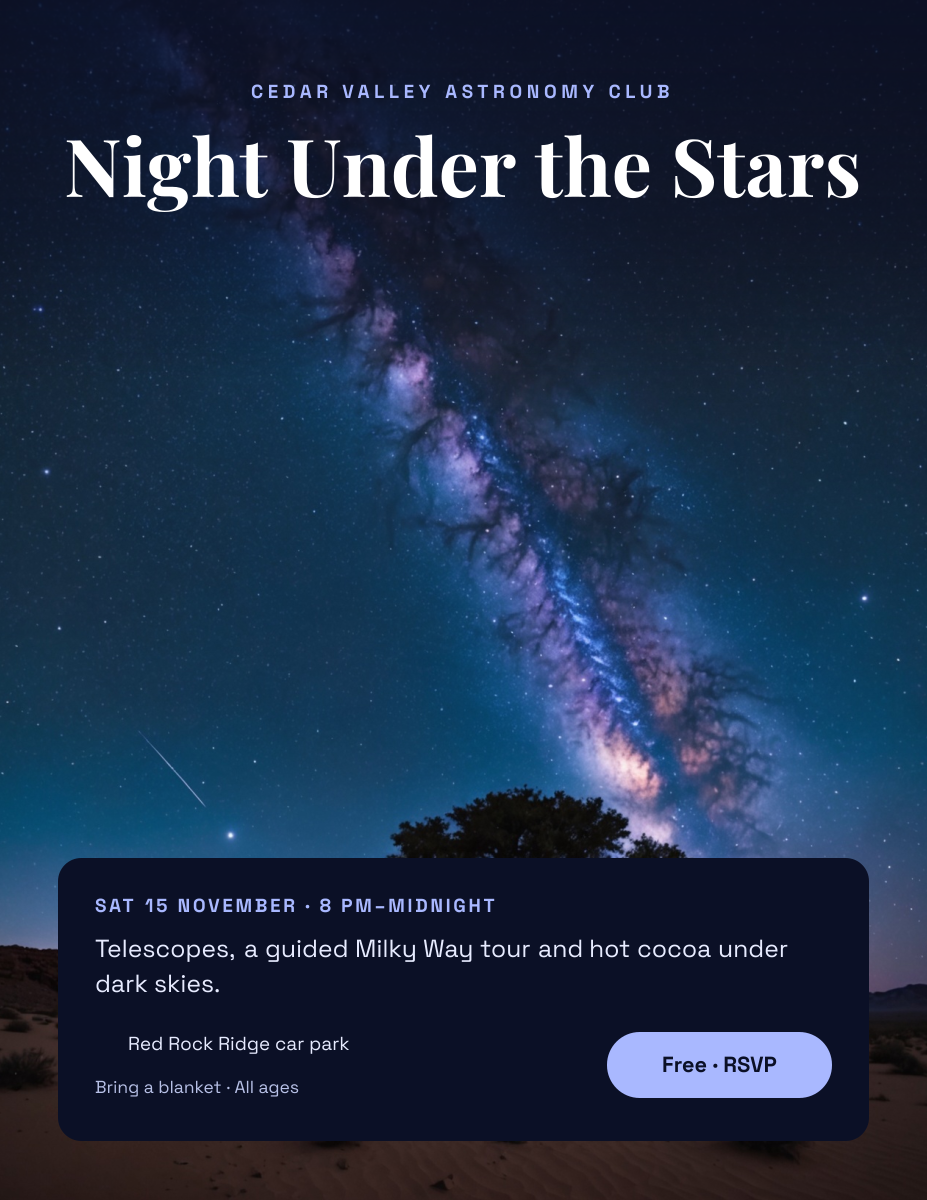
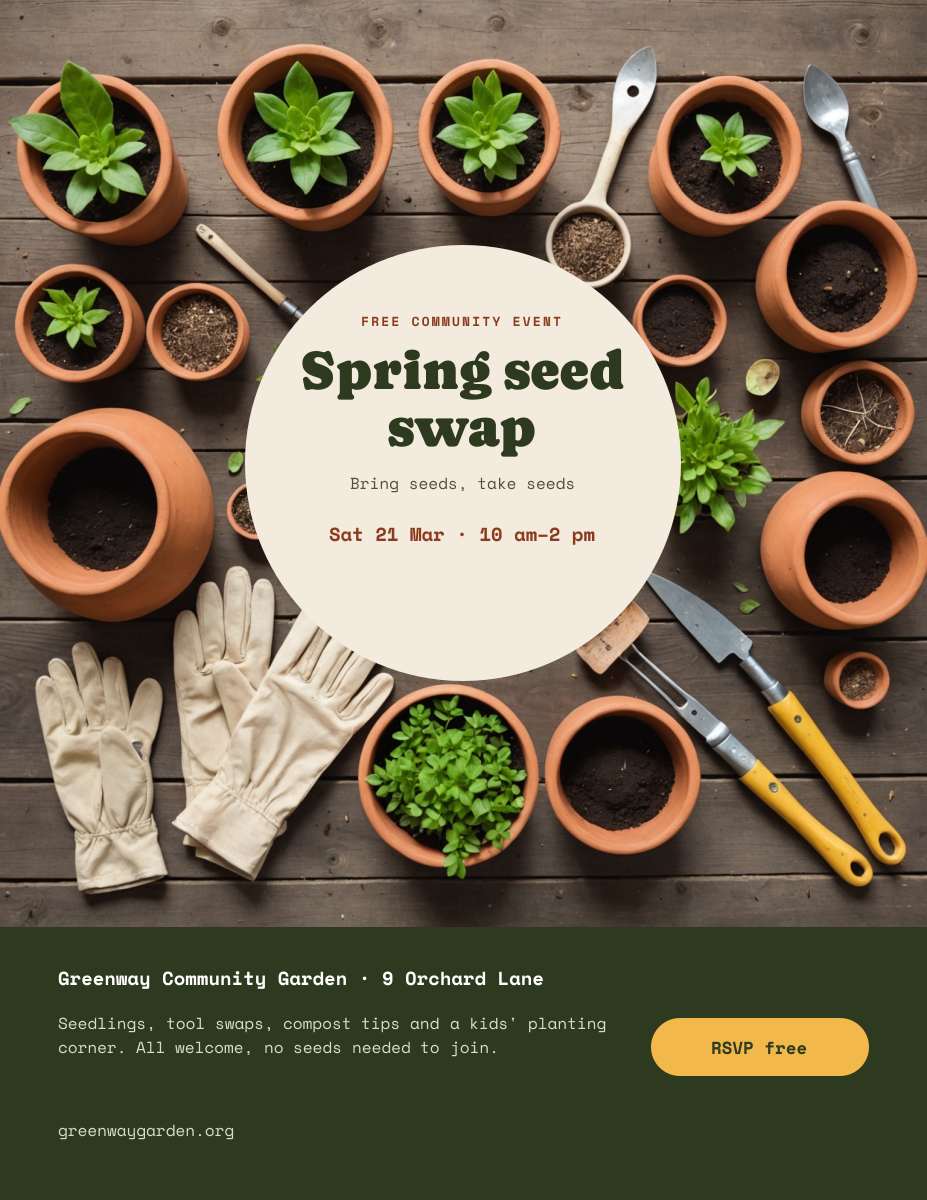
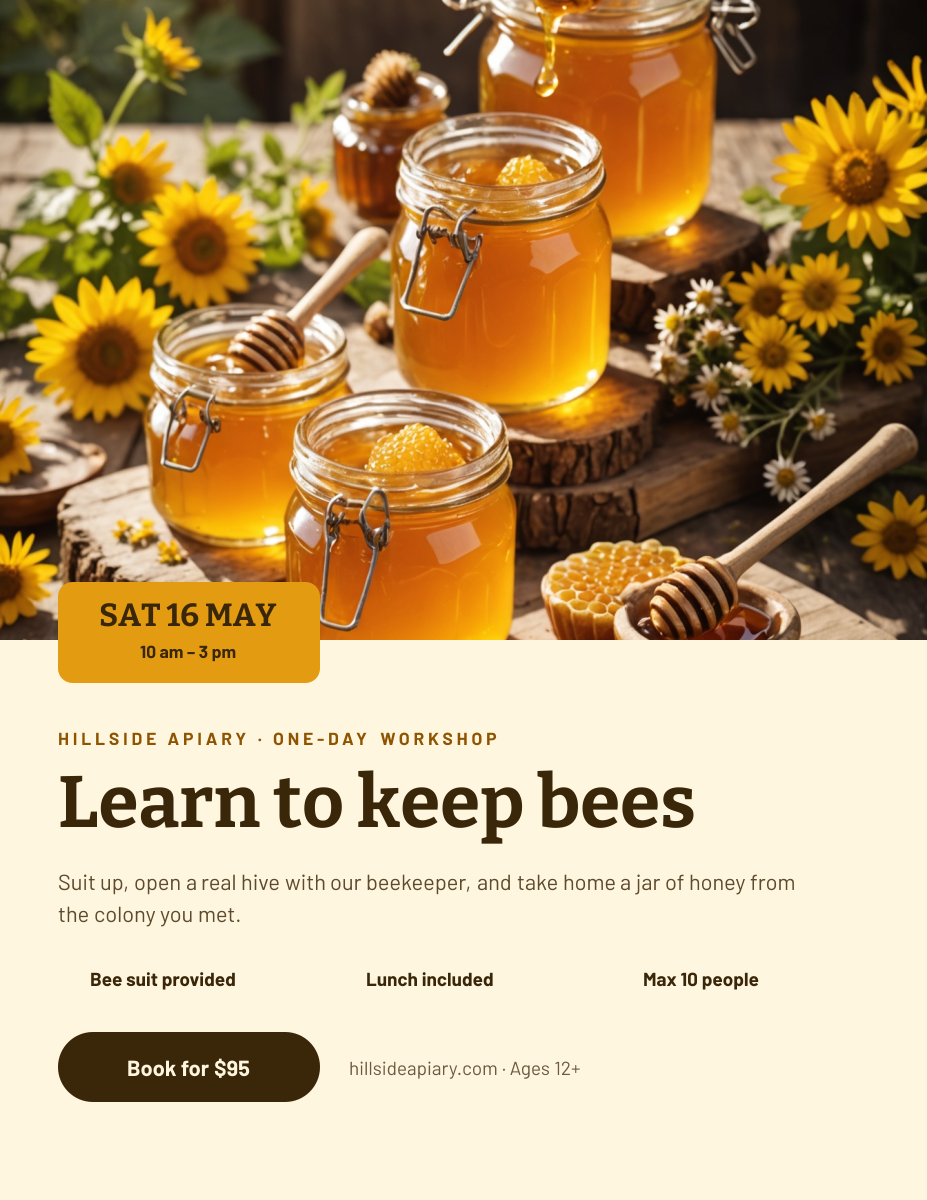
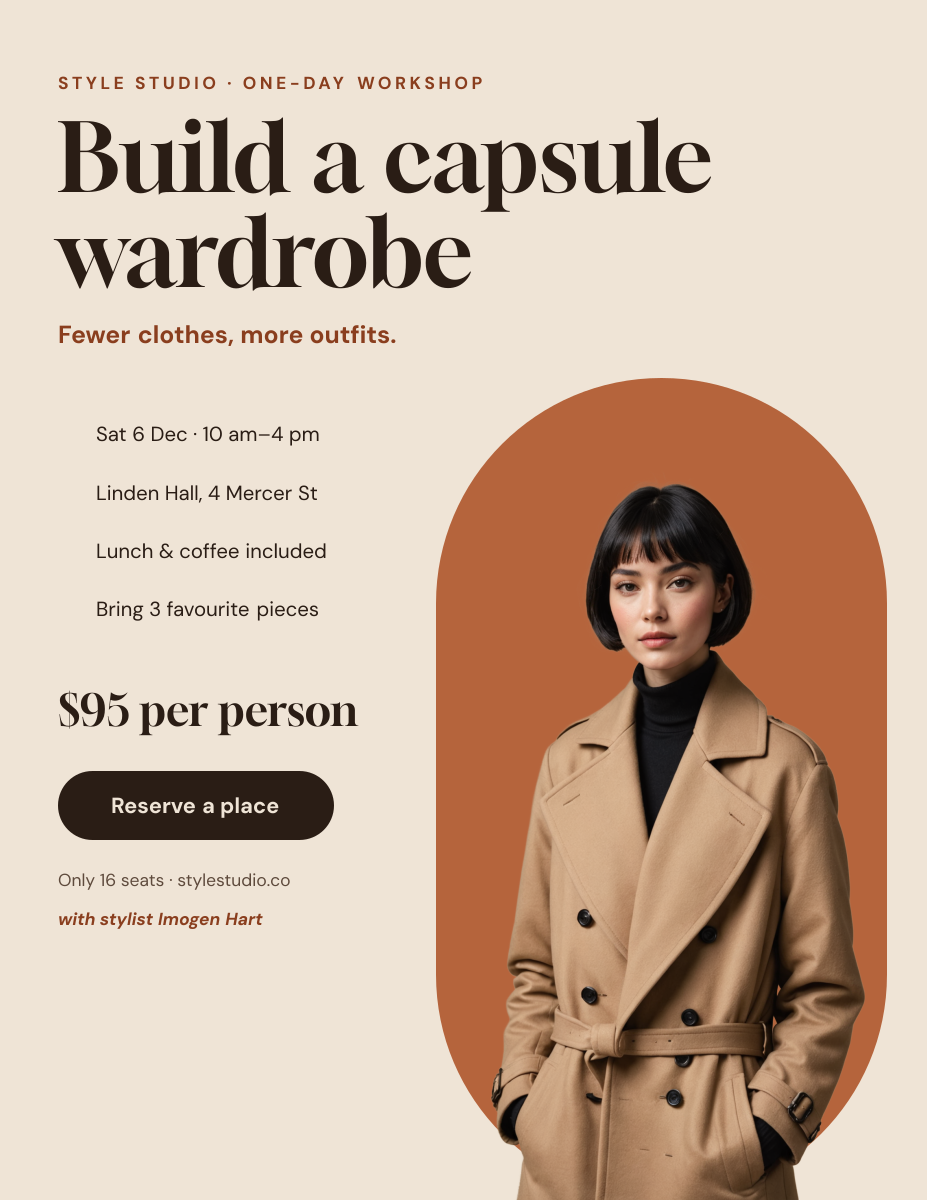
Click any design to open your own copy in the editor.
How to make a poster in 3 steps
1
Prompt or pick
Describe your poster in a sentence and AI designs it, or open one of the templates. The canvas is already 1275 × 1650 px.
2
Edit anything
Every text, photo, shape and icon is its own layer. Rewrite the copy, drop in your photos, match your brand colours and move things around.
3
Download
Export a full-resolution PNG and print it at home or send it to a print shop. Your poster stays in your dashboard to reuse next time.
poster size and specs
- Letter size
- 1275 × 1650 px8.5 × 11 in at 150 DPI. Prints on any home or office printer.
- Tabloid size
- 1650 × 2550 px11 × 17 in at 150 DPI. Needs a tabloid printer or a print shop.
- Larger posters
- Custom size in the editorFor example 2700 × 3600 px for 18 × 24 in at 150 DPI.
- Safe zone
- 75 px (0.5 in) from every edgeClear of the unprintable edge and any trimming.
- Bleed
- Not includedLiena exports at trim size. For edge-to-edge colour, ask your print shop how to handle bleed.
- File type
- PNG (from Liena)Print shops accept PNG. Save it as a PDF from the print dialog if they ask for one.
- Colour
- RGBPrint shops convert to CMYK, so bright blues and greens may print slightly duller.
posters for every kind of business
Each one opens a template written for that business, ready for your own photos and details.
- Art studiosPainting and drawing classes for beginners.
- Pottery studiosWheel and hand-building workshops.
- Farms & beekeepersFarm tours, tastings and hands-on workshops.
- StylistsStyling workshops and wardrobe sessions.
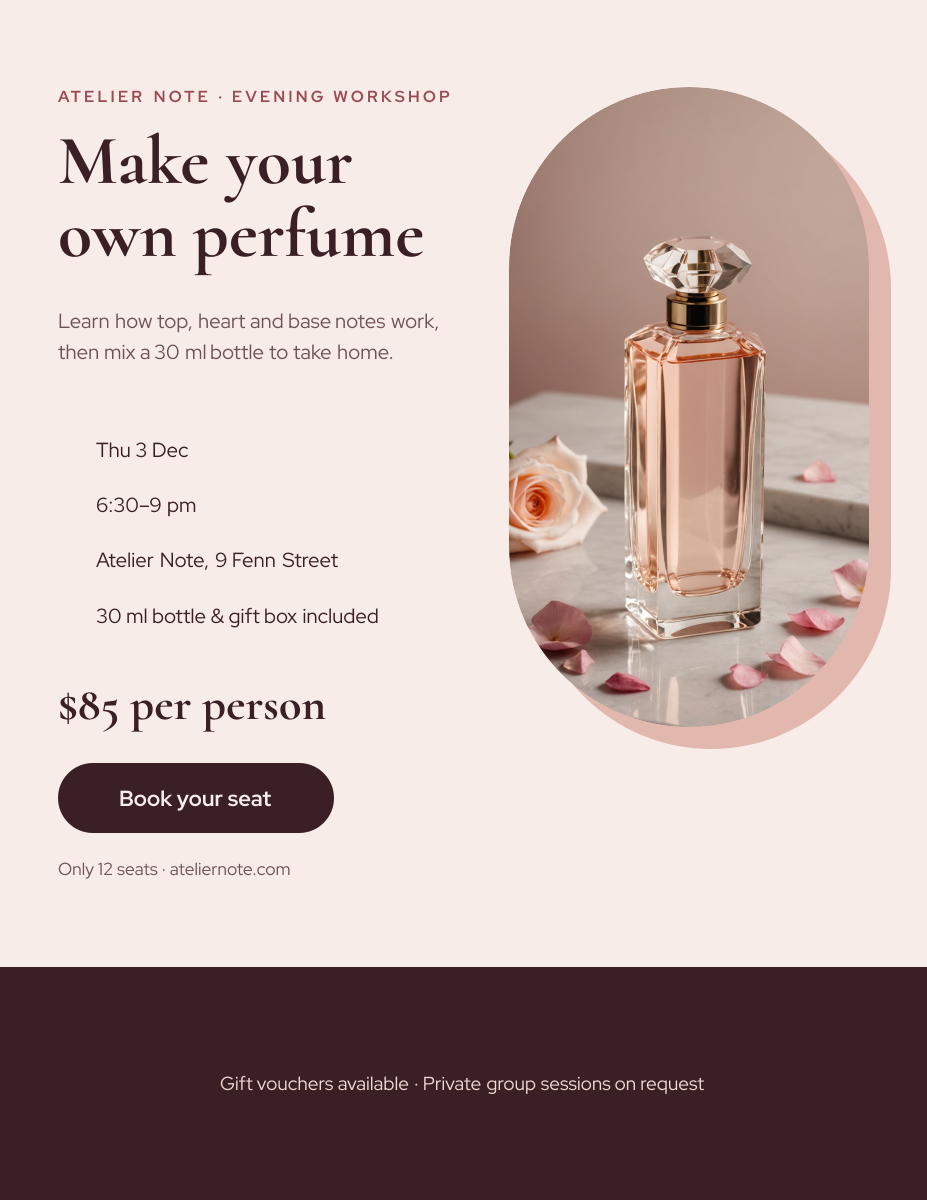
- Perfume & candle makersMake-your-own evenings and gift experiences.
- Running clubsWeekly runs and new-member nights.
- Community gardensSeed swaps, work days and open days.
- Science & astronomy clubsStargazing nights and public talks.
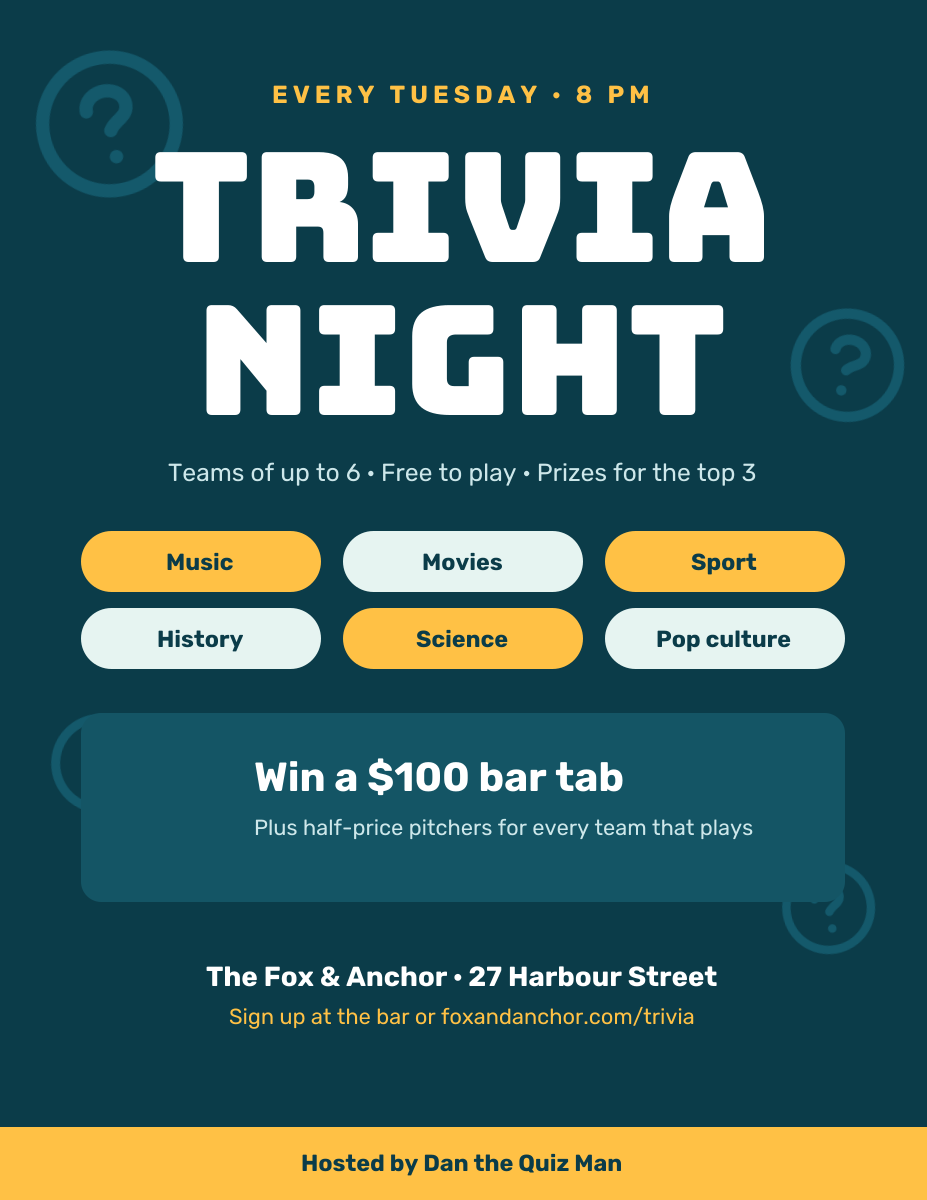
- Bars & pubsQuiz nights and weekly events.
- Music venuesOpen mics and live music nights.
- FestivalsLine-ups, dates and ticket links.
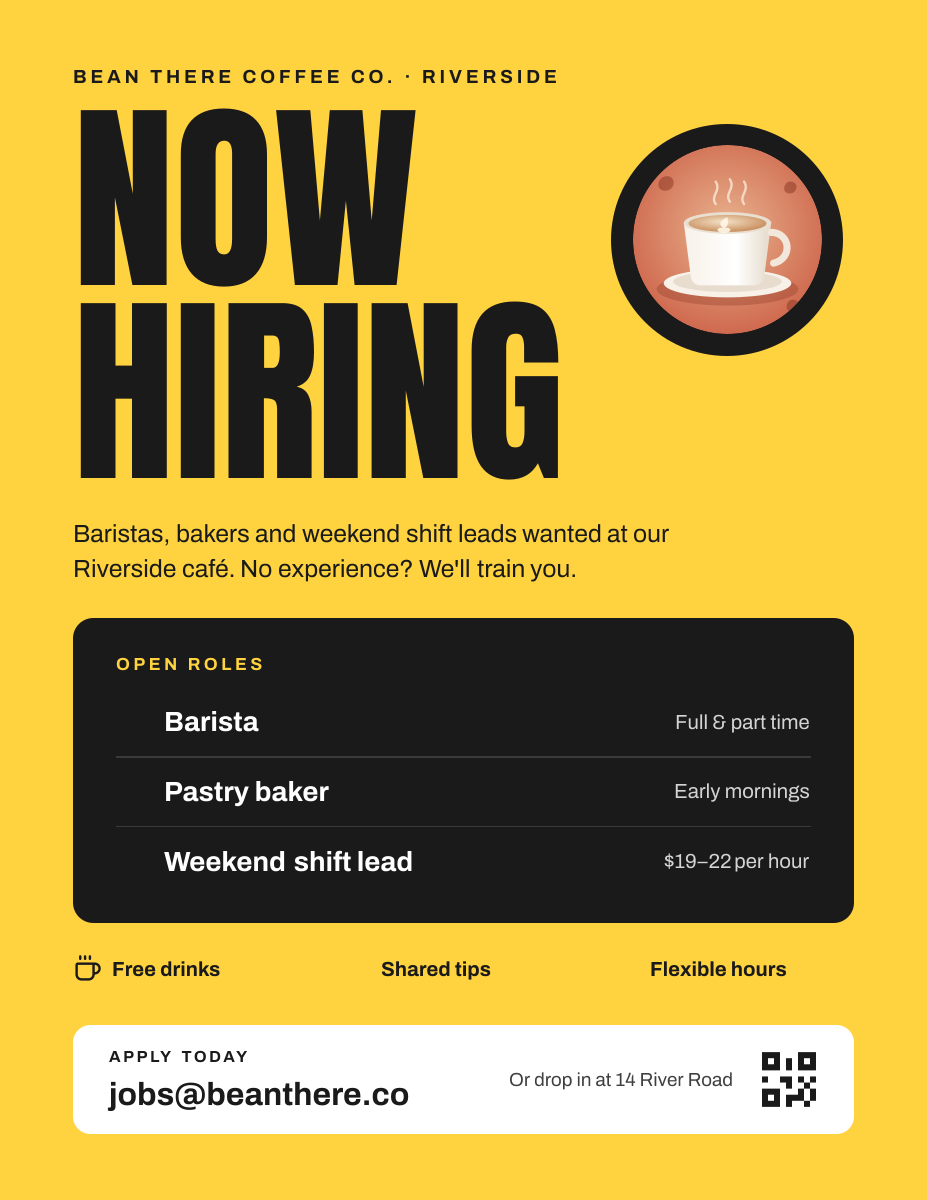
- Shops & restaurantsNow-hiring posters for the window.
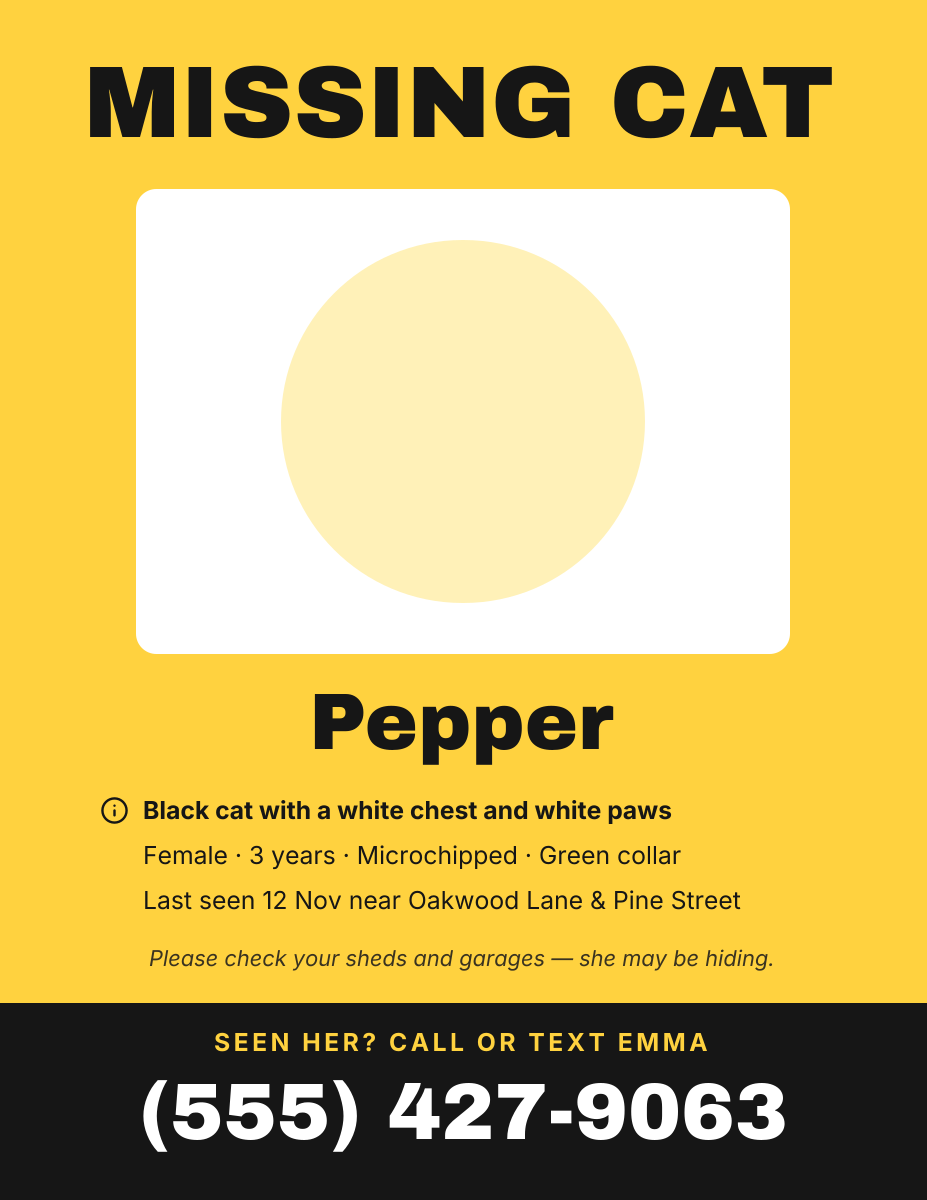
- Pet ownersLost pet posters with a photo and a reward.
- Charities & clinicsBlood drives and health days.
How to design a poster that works
Design for the distance people will read from
A poster is read from further away than a flyer, often from across a street or a room. A useful rule is about 1 inch of letter height for every 10 feet of viewing distance. On an 11 × 17 in poster, 150 px is one printed inch, so a headline set at 300–450 px can be read from 15–20 feet. Body text should be at least 40 px on Letter and 50 px on 11 × 17.
One image, one headline, one action
The posters people notice have a single focal point: one strong photo or illustration, a headline of five words or fewer, and one next step. Give the image at least a third of the page and leave empty space around the headline. If you’re listing more than four or five details, the poster is doing a flyer’s job; move the details to a website or a handout.
Pick the size for where it will hang
Letter (8.5 × 11 in) is right for noticeboards, shop counters and doors, and you can print it at home. Tabloid (11 × 17 in) is better for shop windows, lamp posts and hallways, where people see it from further away, but most home printers can’t take the paper, so plan on a print shop. For 18 × 24 in and larger, set a custom size in the editor and use the sharpest photos you have.
Use colour to stand out from the wall
Most noticeboards are a jumble of white paper. A solid, saturated background, such as deep blue, orange or yellow, makes a poster visible before anyone reads it. Keep text in strong contrast with it, like white on dark or black on yellow, and avoid placing text over the busy parts of a photo. Bright on-screen colours print slightly duller, so lean bolder than you think.
Keep 0.5 in clear and expect trimming
Keep text, logos and dates at least 75 px (0.5 in) from every edge; the dashed box on the canvas marks this line. Home printers can’t print the outer 0.25 in, and print shops trim posters slightly. If you want colour right to the edge, ask the shop how they handle bleed, or keep a white border as part of the design.
Check it at full size
Print one copy at 100% scale and stick it on a wall. Step back to the distance people will read it from: if you can’t read the headline and the date in two seconds, make them bigger. Check every date, time, address and phone number twice before printing a stack.
Frequently asked questions
Is the poster maker free?
Yes. A free Liena account lets you edit every template as often as you like, make 5 AI designs a month and download full-resolution PNGs to print. You don’t need a credit card.
Can I remove the watermark?
Downloads on the free plan include a small Liena watermark in the corner. Liena Pro ($29 a month, cancel anytime) removes the watermark from every export and raises your AI designs to 50 a month.
What size is a poster?
Common poster sizes are 11 × 17 in (tabloid), 18 × 24 in and 24 × 36 in, and 8.5 × 11 in Letter is used for small posters. Liena’s poster canvases are 1275 × 1650 px (Letter) and 1650 × 2550 px (11 × 17 in), both at 150 DPI.
Can I make an 18 × 24 or 24 × 36 in poster?
Yes. Open your design, select Resize design and enter a custom size: 2700 × 3600 px for 18 × 24 in or 3600 × 5400 px for 24 × 36 in, both 150 DPI. Keep “Scale content to fit” ticked, then check the layout and use sharp, high-resolution photos.
Can I print an 11 × 17 in poster at home?
Only if your printer takes 11 × 17 in (tabloid or ledger) paper. Most home printers take Letter only, so send the PNG to a print shop or an office supply store with a print counter.
Can I edit the design the AI makes?
Yes. The AI builds a layered design, not a flat image. Every headline, photo, shape and icon is a separate layer you can rewrite, replace, recolour, move or delete, with undo and redo.
How do I print my poster?
Download the PNG and print it at 100% scale, or with “Fit to page” on Letter paper. For a print shop, send them the PNG and the size you want, or save it as a PDF from your computer’s print dialog if they ask for one.
More free design makers
Event Poster Maker
Concerts, parties and fundraisers on paper, from a prompt or a template.
Flyer Maker
Printable 8.5 × 11 in flyers, from a prompt or a template.
Menu Maker
Printable one-page menus, from a prompt or a template.
Instagram Post Maker
Square and portrait feed posts, from a prompt or a template.
All design makers
Every format Liena can design, grouped by social, YouTube and podcast, print and business.
Make your poster now
Describe it in a sentence. Your design opens in the editor, ready to tweak.