 liena
Free Menu Maker
Liena’s free menu maker designs a printable 8.5×11 in or A4 menu in seconds, from an AI prompt or a template.
Free account · 5 AI designs a month · every template free to edit · no credit card
menu templates
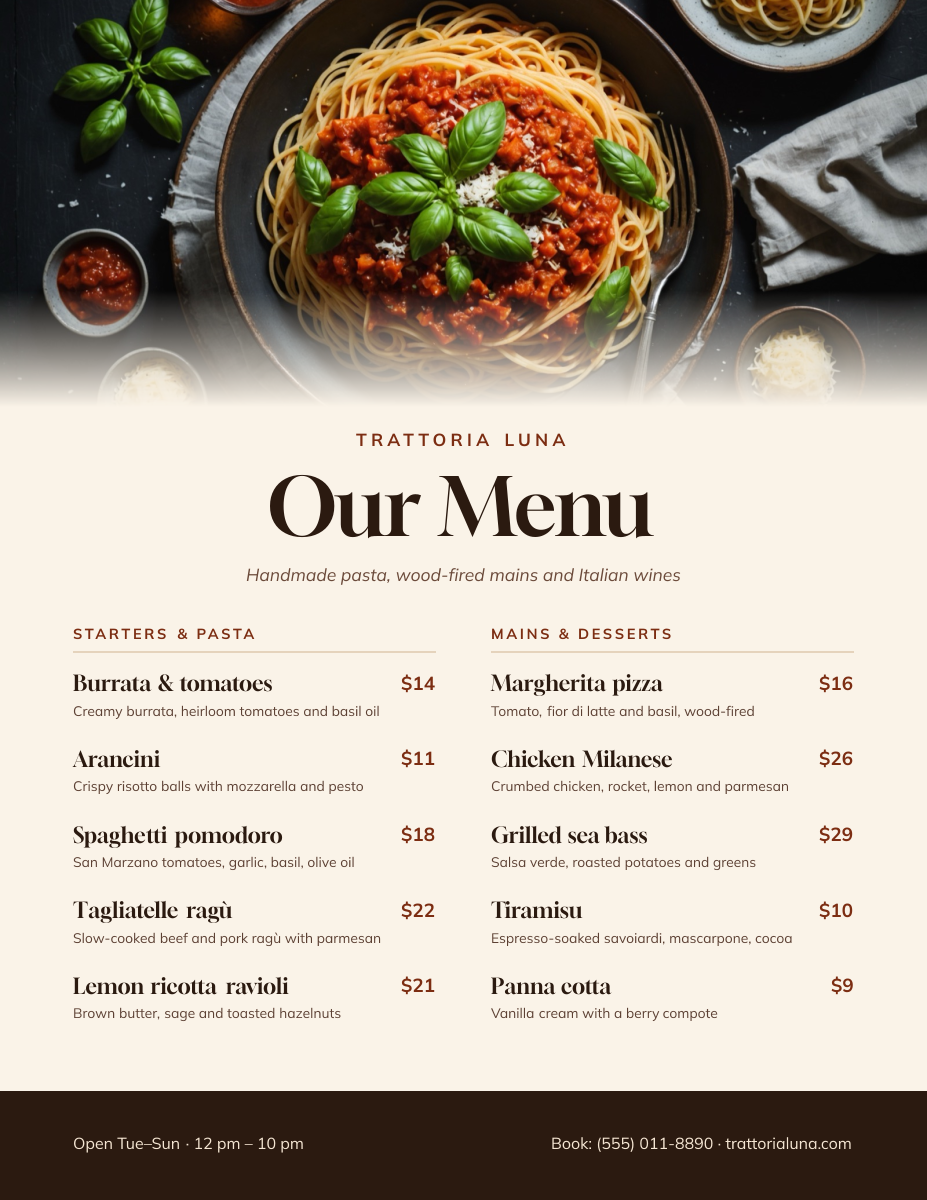
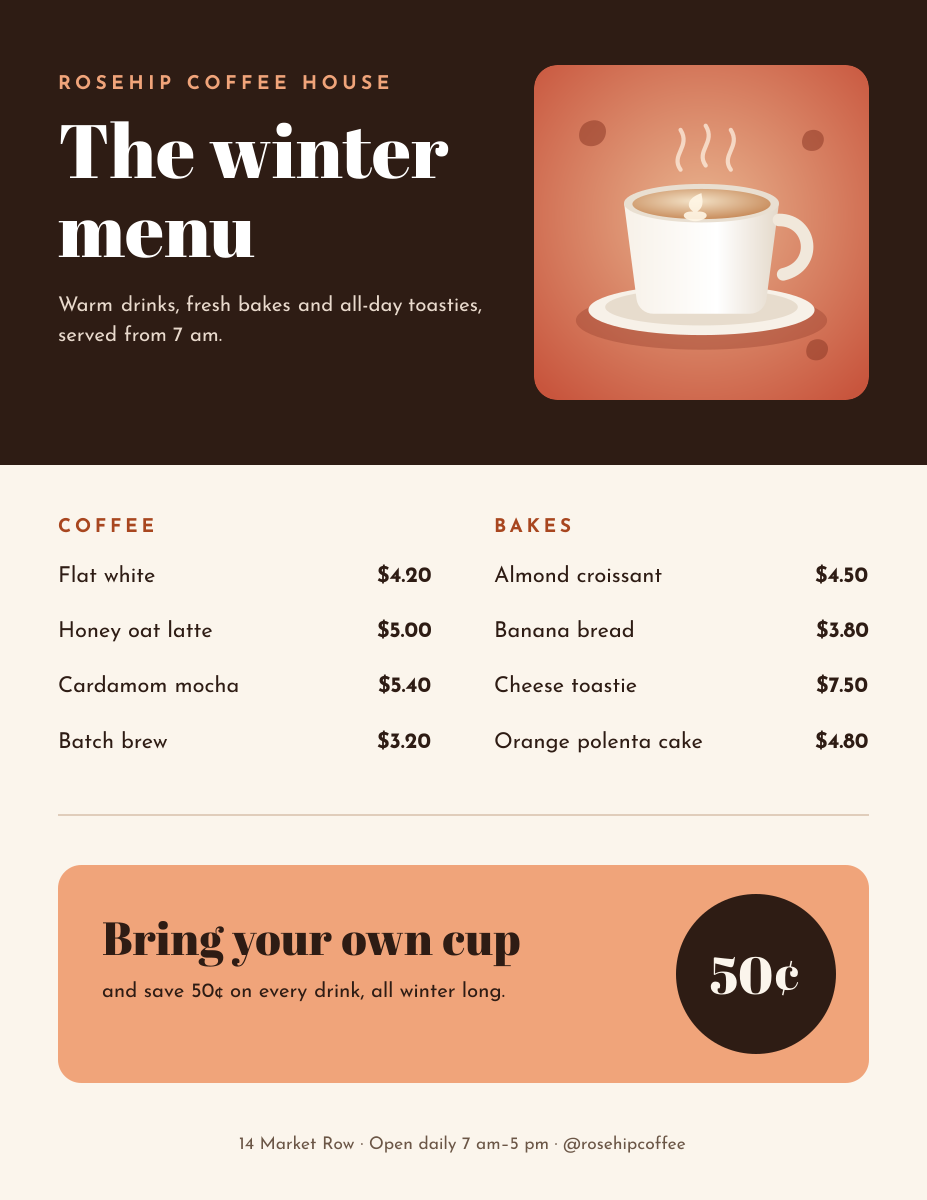
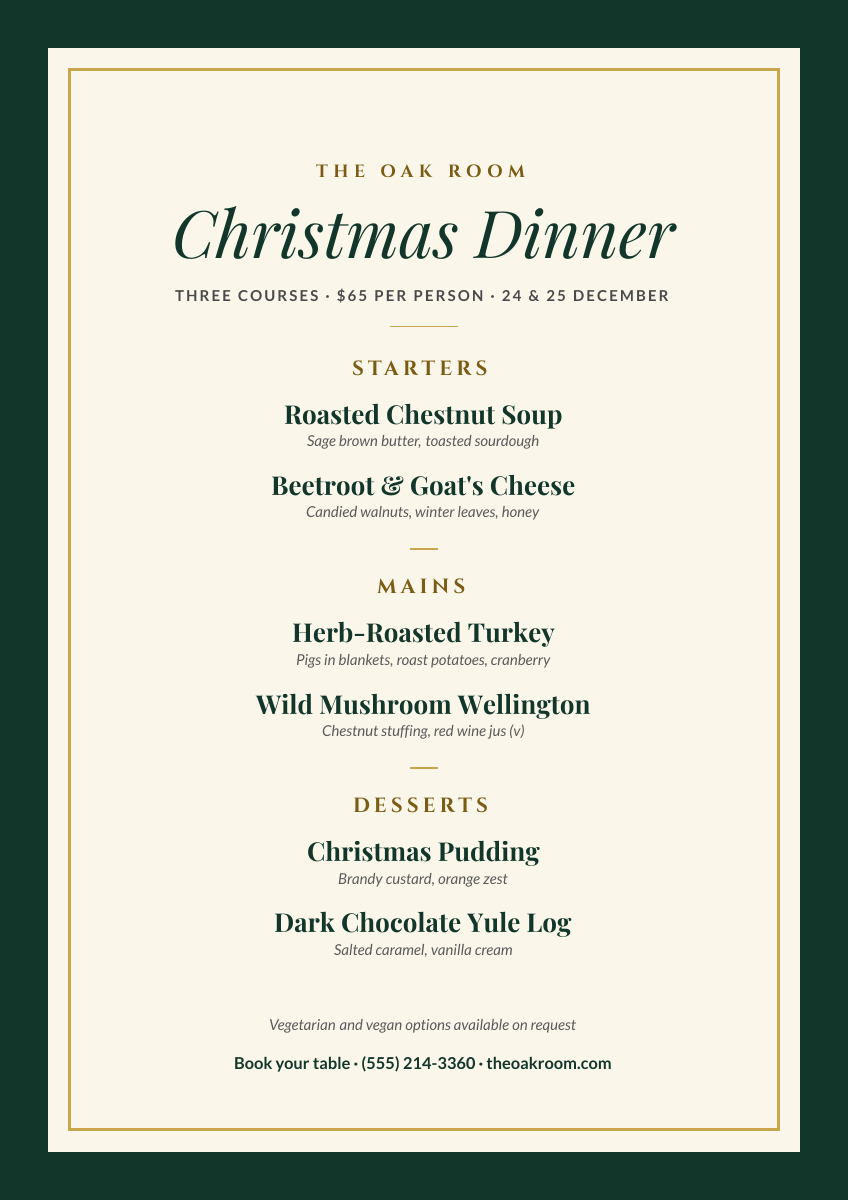
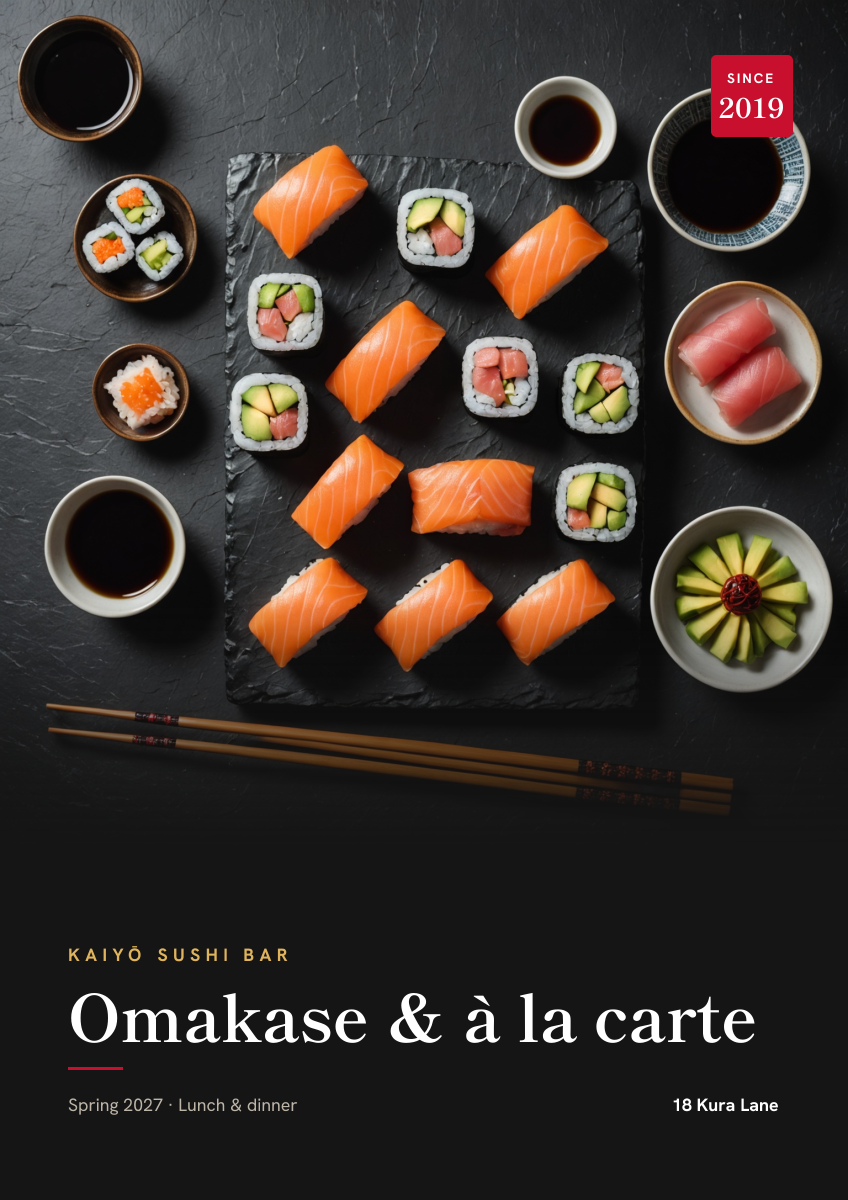
Click any design to open your own copy in the editor.
How to make a menu in 3 steps
1
Prompt or pick
Describe your menu in a sentence and AI designs it, or open one of the templates. The canvas is already 1275 × 1650 px.
2
Edit anything
Every text, photo, shape and icon is its own layer. Rewrite the copy, drop in your photos, match your brand colours and move things around.
3
Download
Export a full-resolution PNG and print it at home or send it to a print shop. Your menu stays in your dashboard to reuse next time.
menu size and specs
- Letter size
- 1275 × 1650 px8.5 × 11 in at 150 DPI, the usual one-page menu in the US and Canada.
- A4 size
- 1240 × 1754 px210 × 297 mm at 150 DPI, the usual size elsewhere.
- Resolution
- 150 DPISharp on home and office printers. Print shops usually ask for 300 DPI.
- Safe zone
- 75 px (0.5 in) from every edgeClear of the unprintable edge on home and office printers.
- Pages
- One page per designFor a two-sided or folded menu, make each side as its own design.
- File type
- PNG (from Liena)Prints from any computer. Save it as a PDF from the print dialog if a shop asks for one.
menus for every kind of business
Each one starts an AI design written for that business, at 1275 × 1650 px, ready for your own photos and details.
- Italian restaurantsStarters, pastas and mains with prices.
- CafésCoffee, tea and pastries on one page.
- Brunch spotsWeekend brunch dishes and drinks.
- PizzeriasPizzas, sizes and toppings.
- BarsCocktails, wines and beers.
- BakeriesBreads, cakes and daily bakes.
- Food trucksA short menu people read from the queue.
- Takeaway & deliveryMenus to hand out or tuck in bags.
- Weddings & private eventsCourses for the table, no prices.
- Holiday dinnersSet menus for Christmas and New Year.
How to design a menu that works
Group dishes the way people order
Most diners scan a menu for 1–2 minutes, looking for a section rather than reading top to bottom. Split it into the courses people order in, such as starters, mains, sides and desserts, with clear section headings at 50–70 px. Keep each section to about seven items; past that, choices get harder and people default to what they know.
Size text for dim light
Restaurants are often dimly lit, so menu text needs to be bigger than you’d use in a document. At 150 DPI, 1 pt is about 2 px: set dish names at 30–36 px (14–17 pt) and descriptions at 24–28 px (11–13 pt), never smaller. Use one typeface for headings and one for dishes, and keep the text dark on a light background unless your room is bright.
Write short, specific descriptions
A description of 8–15 words is enough: the main ingredient, how it’s cooked and one detail that makes it yours, like “wood-fired”, “house-made” or the farm it comes from. Mark vegetarian, vegan and gluten-free dishes with a small letter or icon and explain the key once at the bottom of the page.
Place prices after the description
Put the price at the end of the description in the same size as the text, rather than in a column down the right edge. A price column invites people to scan for the cheapest dish. Many menus also drop currency signs and dotted leader lines, which makes the page calmer to read.
Highlight two or three dishes
The dishes you most want to sell, such as house specials or the most profitable plates, deserve a box, a small icon or a little more space around them. Highlight two or three at most; if everything is highlighted, nothing is. A single photo works well on a café or takeaway menu, but most sit-down menus look better with none.
Plan for changes and wear
Prices and dishes change, so keep your menu in Liena and update the text when they do, then download a new PNG. For menus that are handled every day, print on heavier paper and laminate them, or use a clipboard or menu cover. Print one copy first and read it at the table, in the room’s normal light.
Frequently asked questions
Is the menu maker free?
Yes. A free Liena account lets you edit every template as often as you like, make 5 AI designs a month and download full-resolution PNGs to print. You don’t need a credit card.
Can I remove the watermark?
Downloads on the free plan include a small Liena watermark in the corner. Liena Pro ($29 a month, cancel anytime) removes the watermark from every export and raises your AI designs to 50 a month.
What size is a menu?
8.5 × 11 in (US Letter) is the most common one-page menu in the US and Canada, and A4 (210 × 297 mm) elsewhere. Liena’s canvases are 1275 × 1650 px and 1240 × 1754 px, both at 150 DPI. For a larger size, such as 8.5 × 14 in, set a custom size with Resize design.
Can I make a two-sided or folded menu?
Yes, one page at a time. Make each side or panel as its own design at the same size, download each PNG, and print them back to back or ask your print shop to assemble them.
How do I update prices or dishes?
Open the menu from your dashboard, click the text you want to change and type the new price or dish. Download the PNG again and reprint. The layout stays as it is.
Can I edit the design the AI makes?
Yes. The AI builds a layered design, not a flat image. Every headline, photo, shape and icon is a separate layer you can rewrite, replace, recolour, move or delete, with undo and redo.
How do I print my menu?
Download the PNG, open it on your computer and print it on Letter or A4 paper with “Fit to page” on. For a print shop, send them the PNG, or save it as a PDF from your computer’s print dialog if they ask for one.
More free design makers
Flyer Maker
Printable 8.5 × 11 in flyers, from a prompt or a template.
Poster Maker
Printable Letter and 11 × 17 in posters, from a prompt or a template.
Business Card Maker
Standard 3.5 × 2 in cards, from a prompt or a template.
Instagram Post Maker
Square and portrait feed posts, from a prompt or a template.
All design makers
Every format Liena can design, grouped by social, YouTube and podcast, print and business.
Make your menu now
Describe it in a sentence. Your design opens in the editor, ready to tweak.