 liena
Free Event Poster Maker
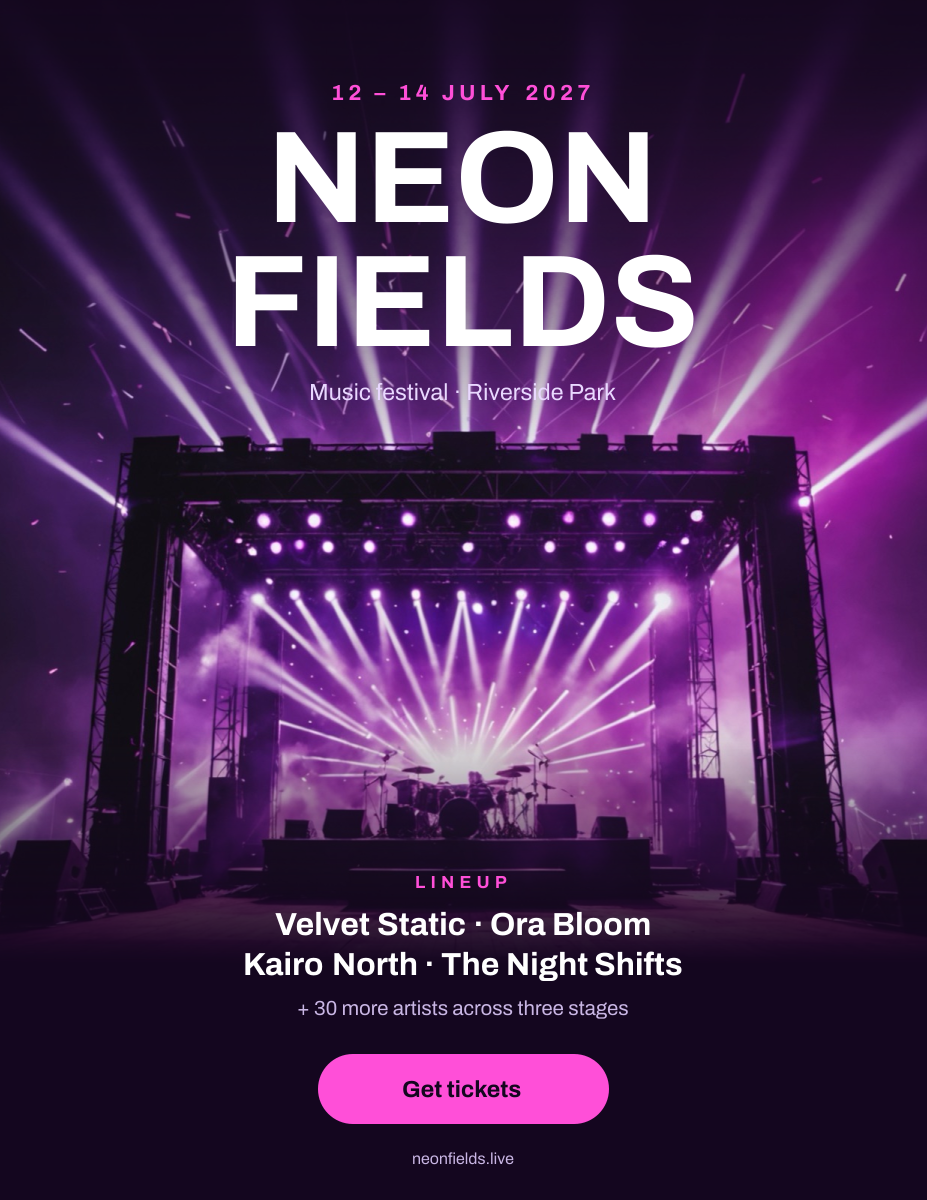
Liena’s free event poster maker designs a printable 8.5×11 in or 11×17 in event poster in seconds, from an AI prompt or a template.
Free account · 5 AI designs a month · every template free to edit · no credit card
event poster templates
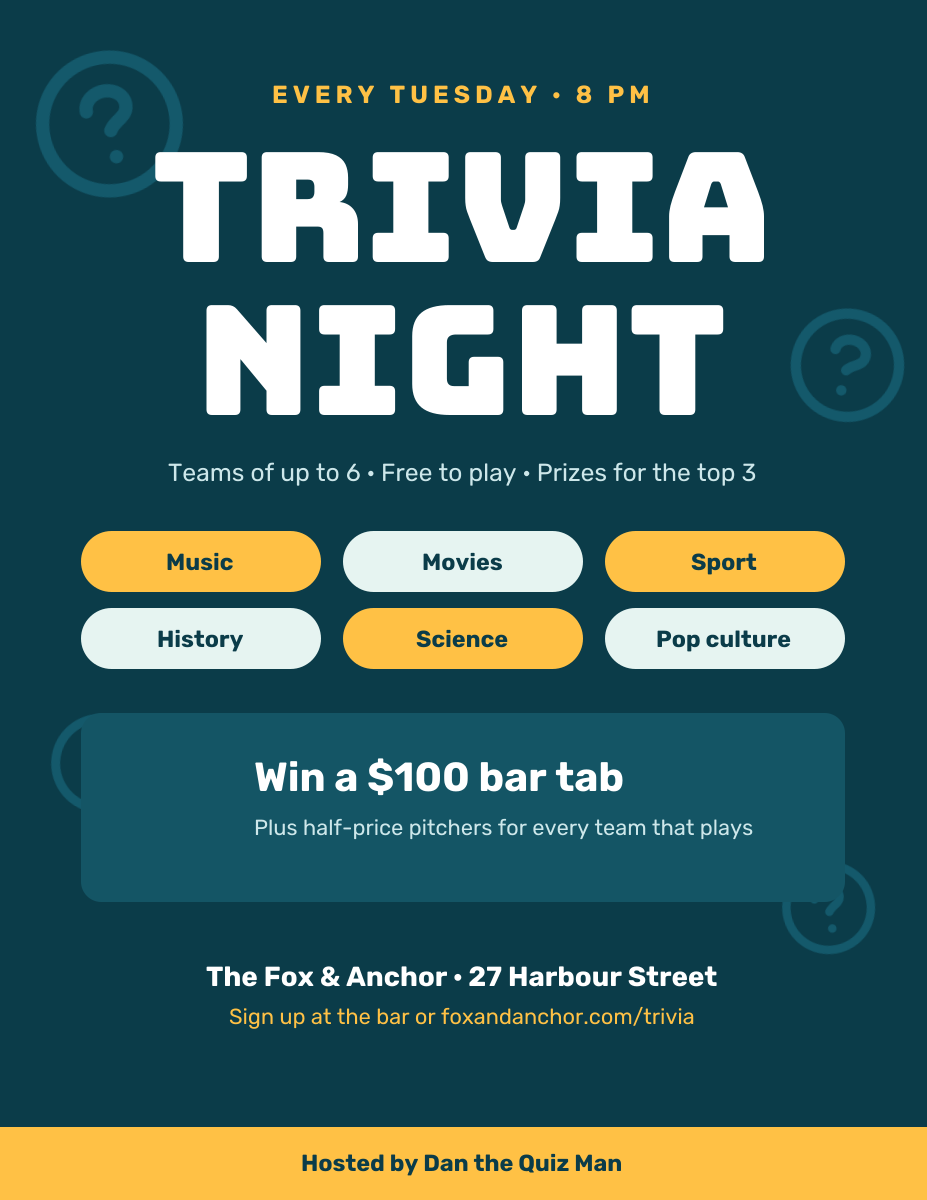
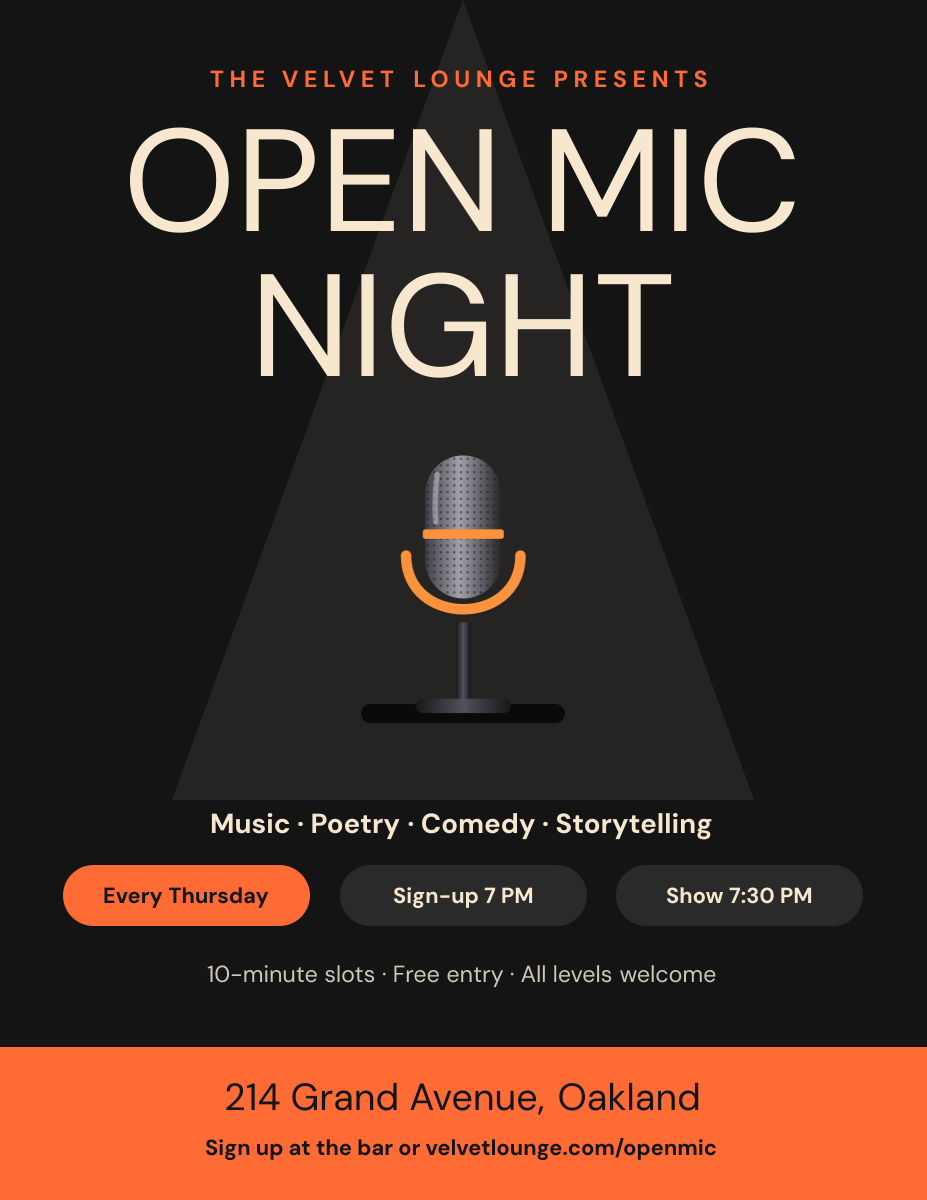
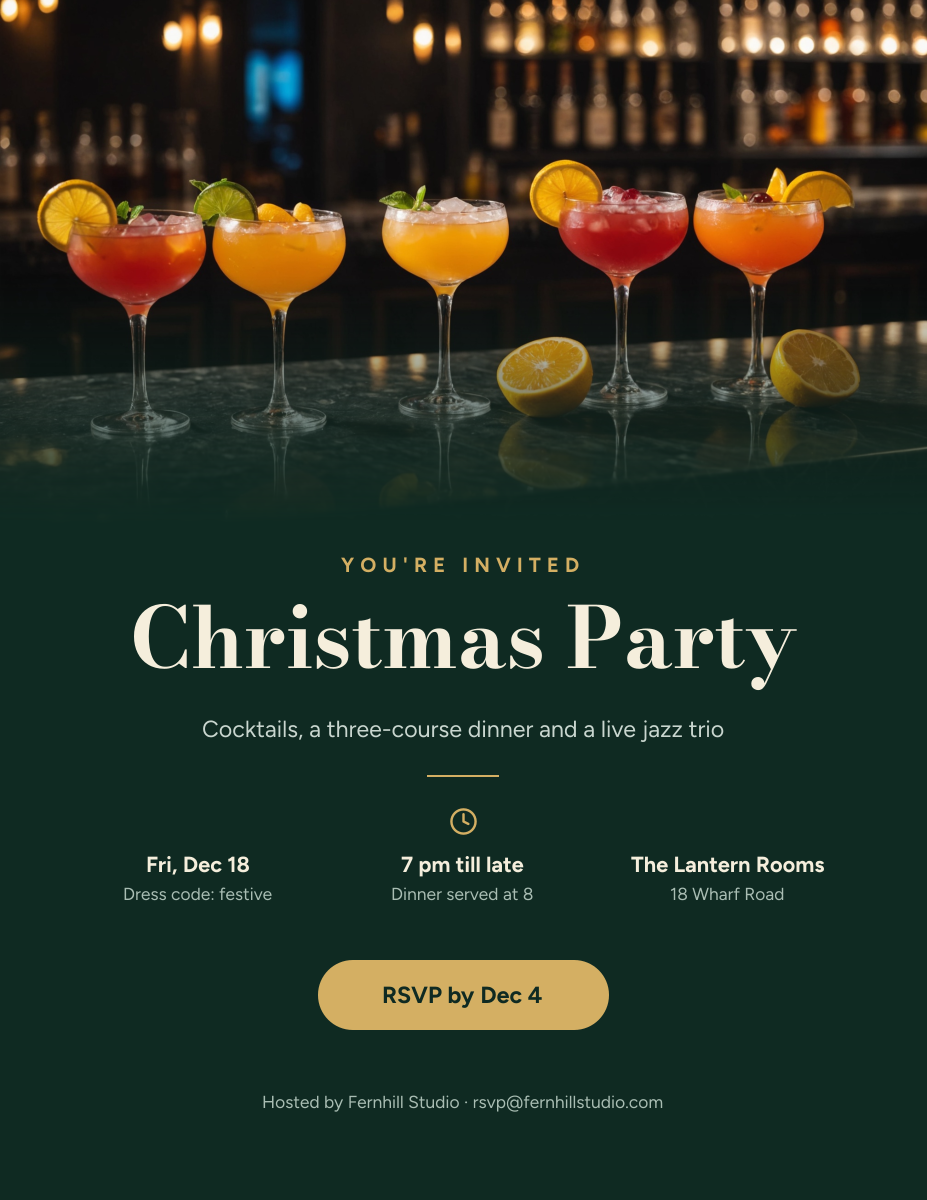
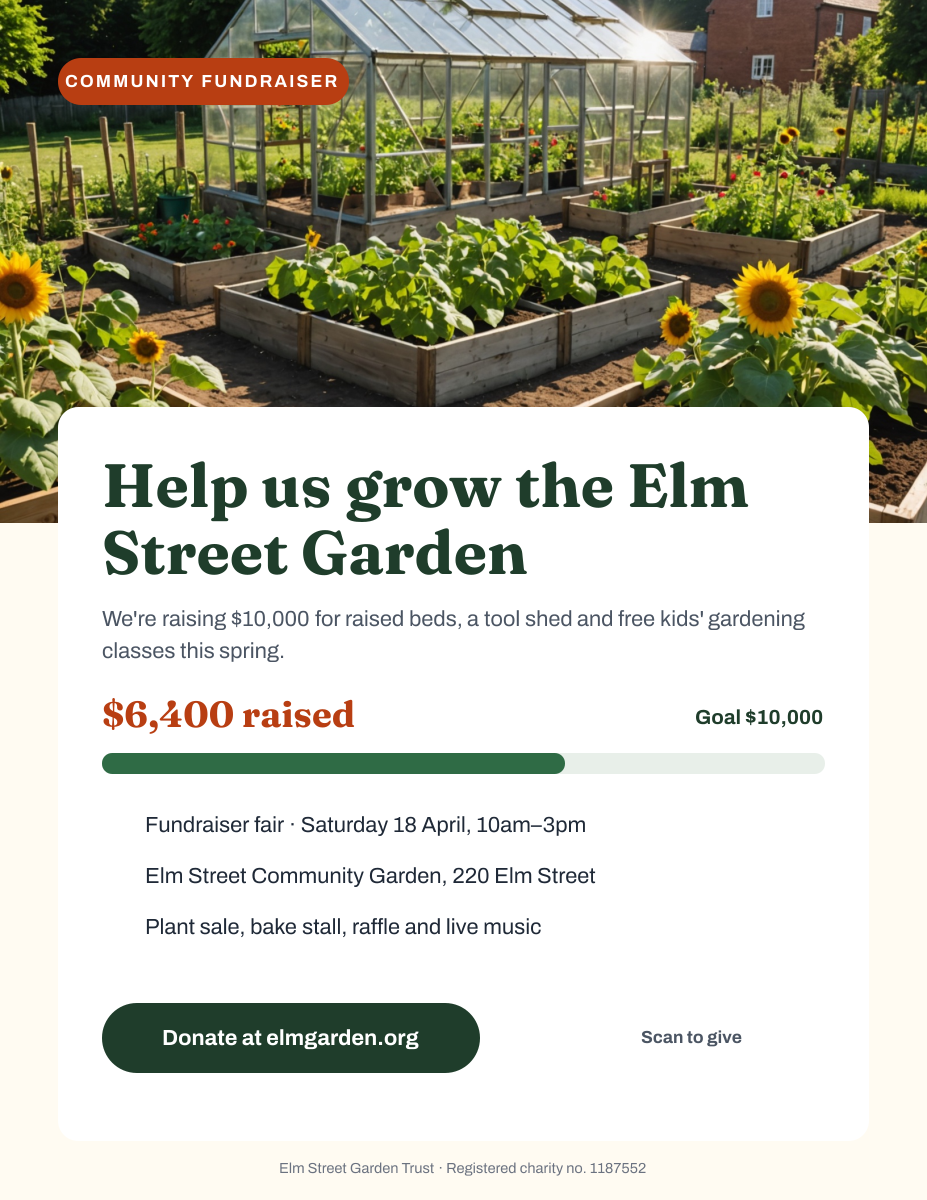
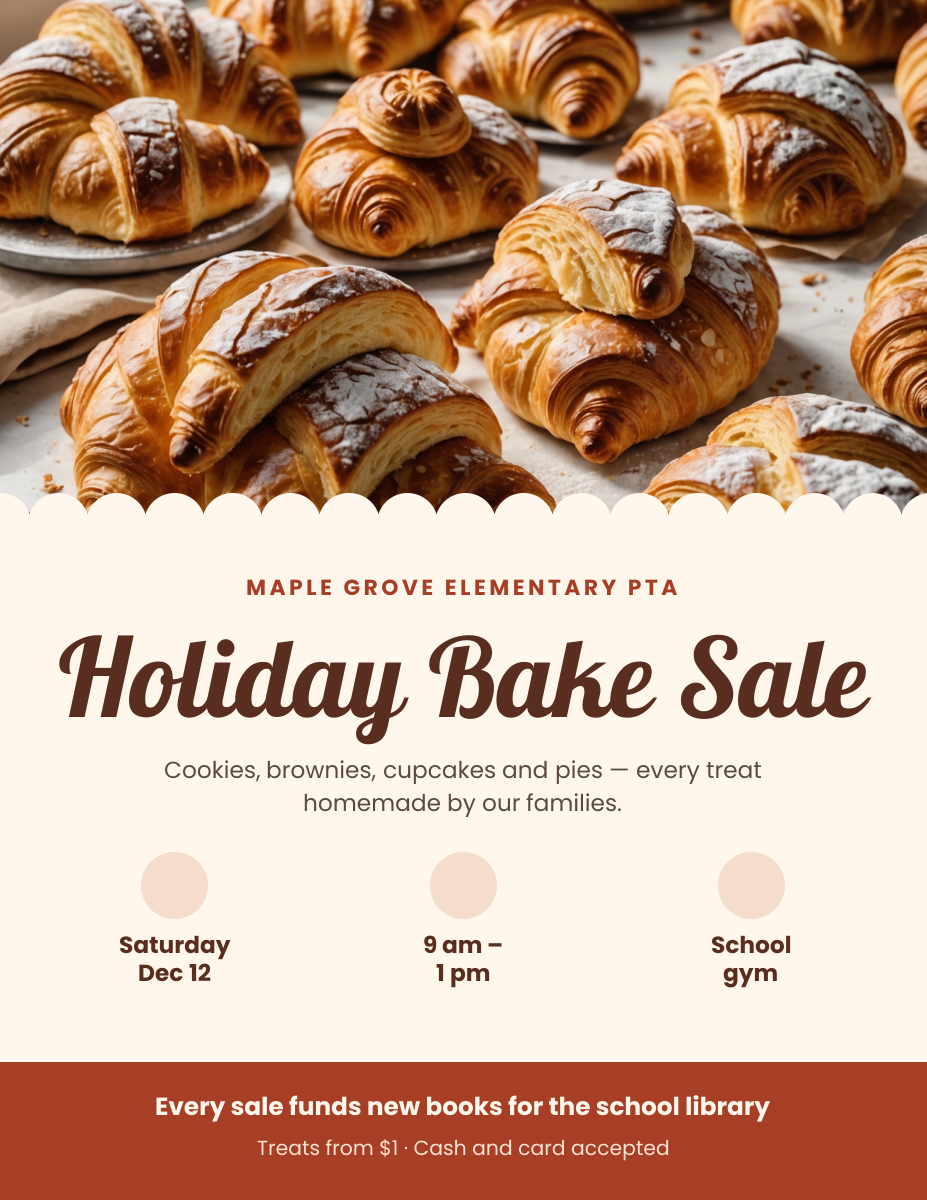
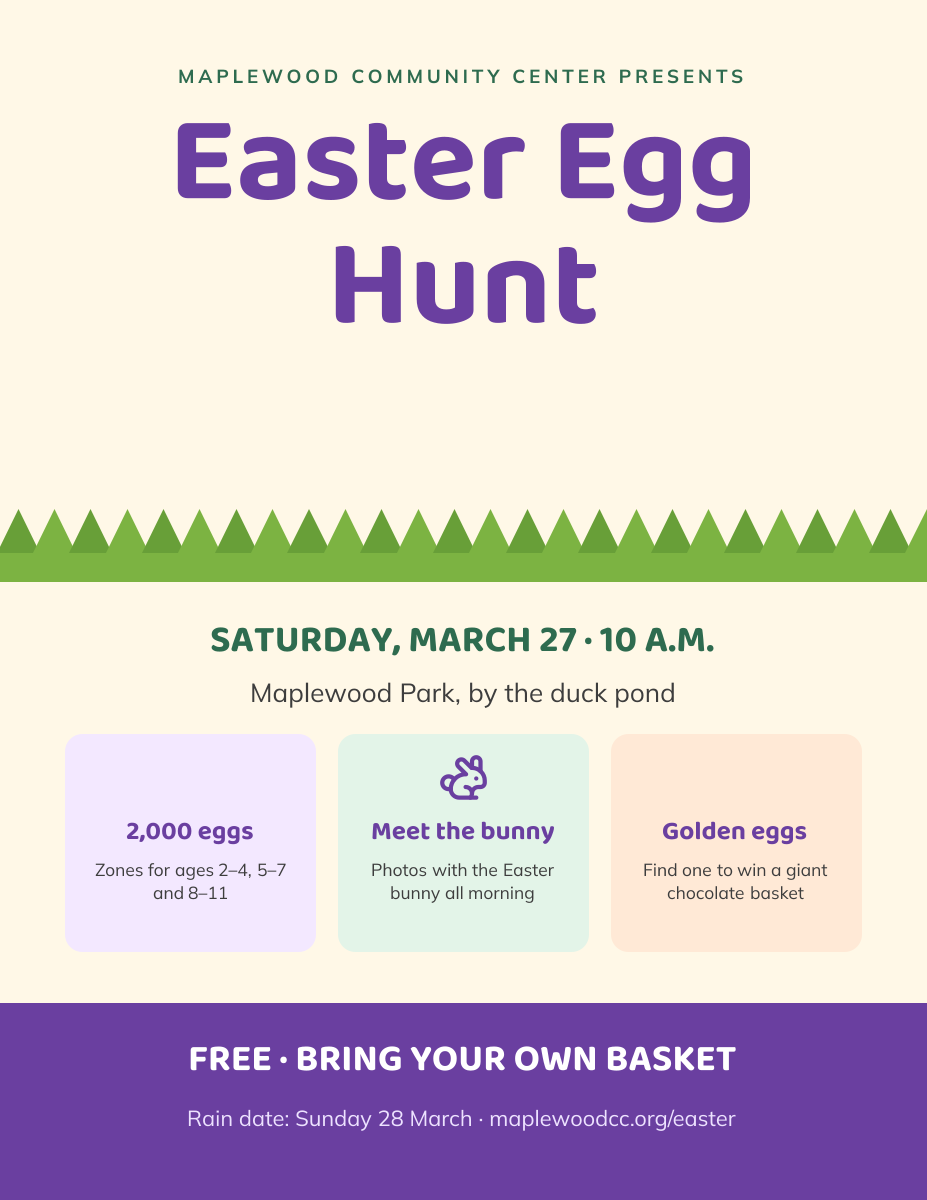
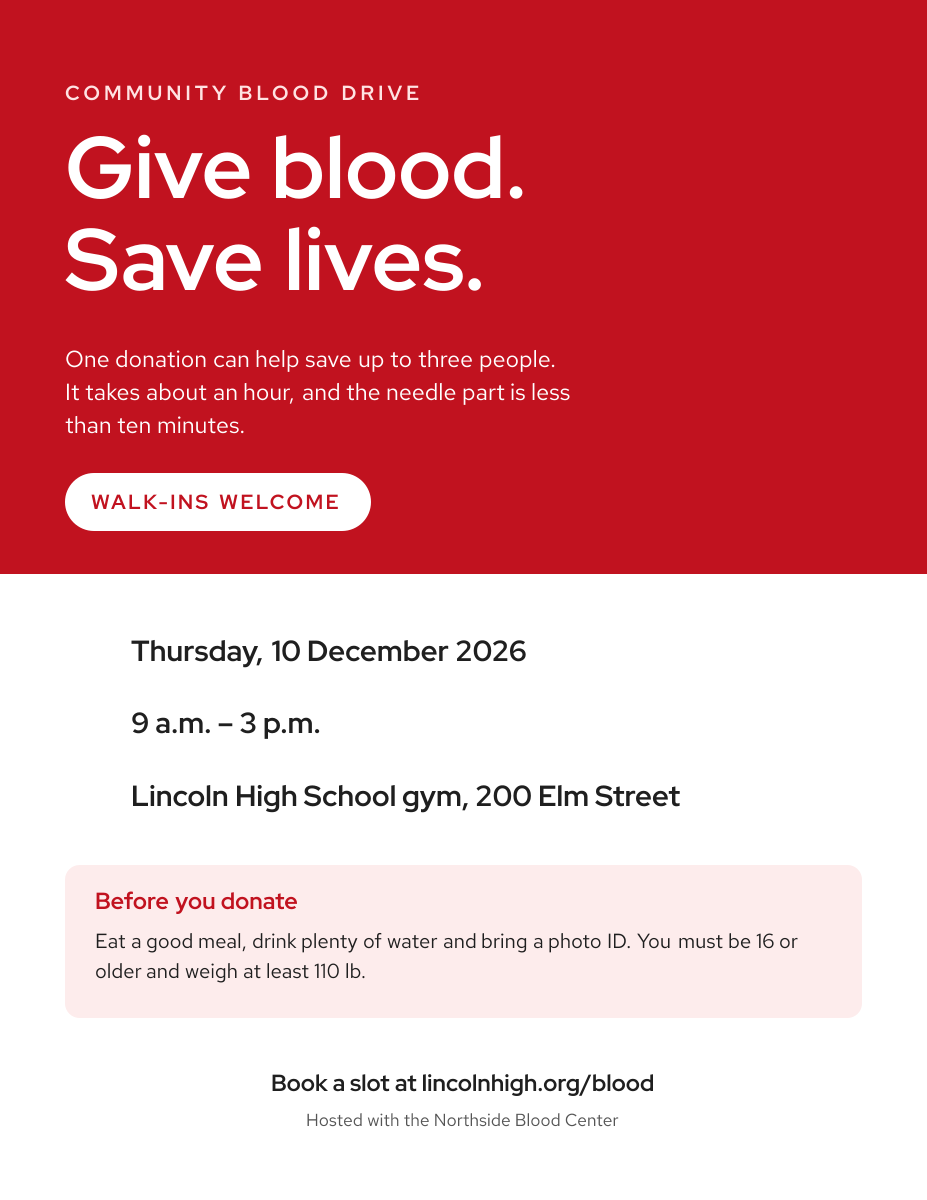
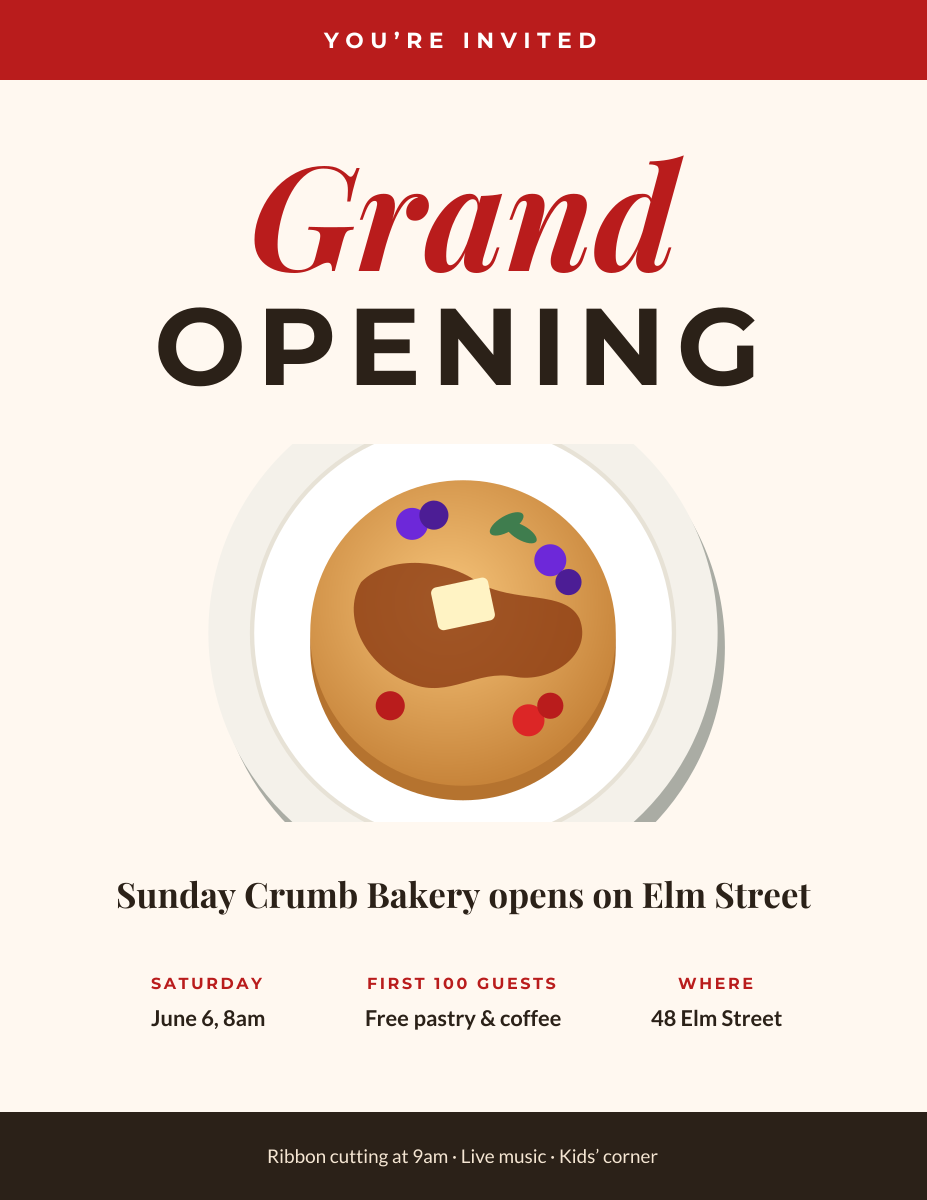
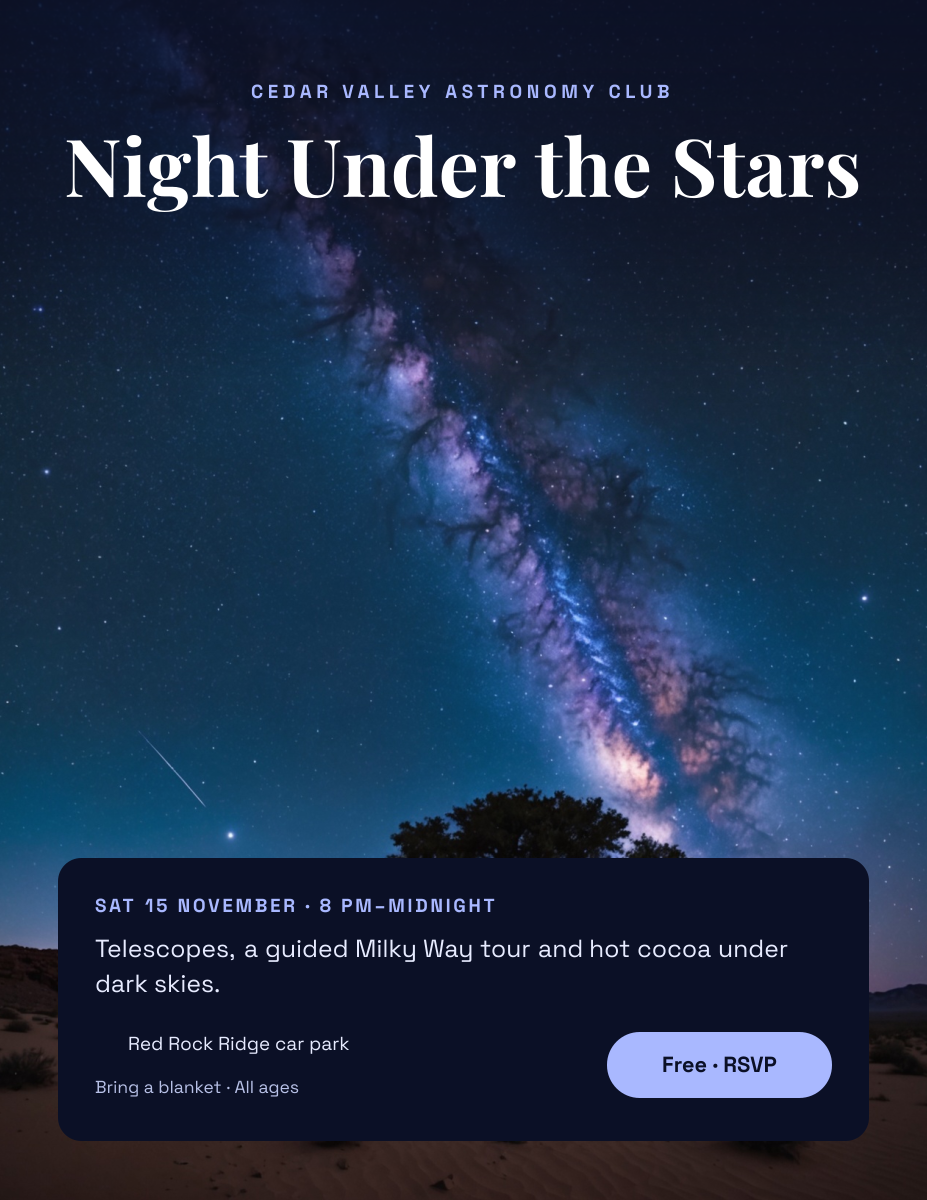
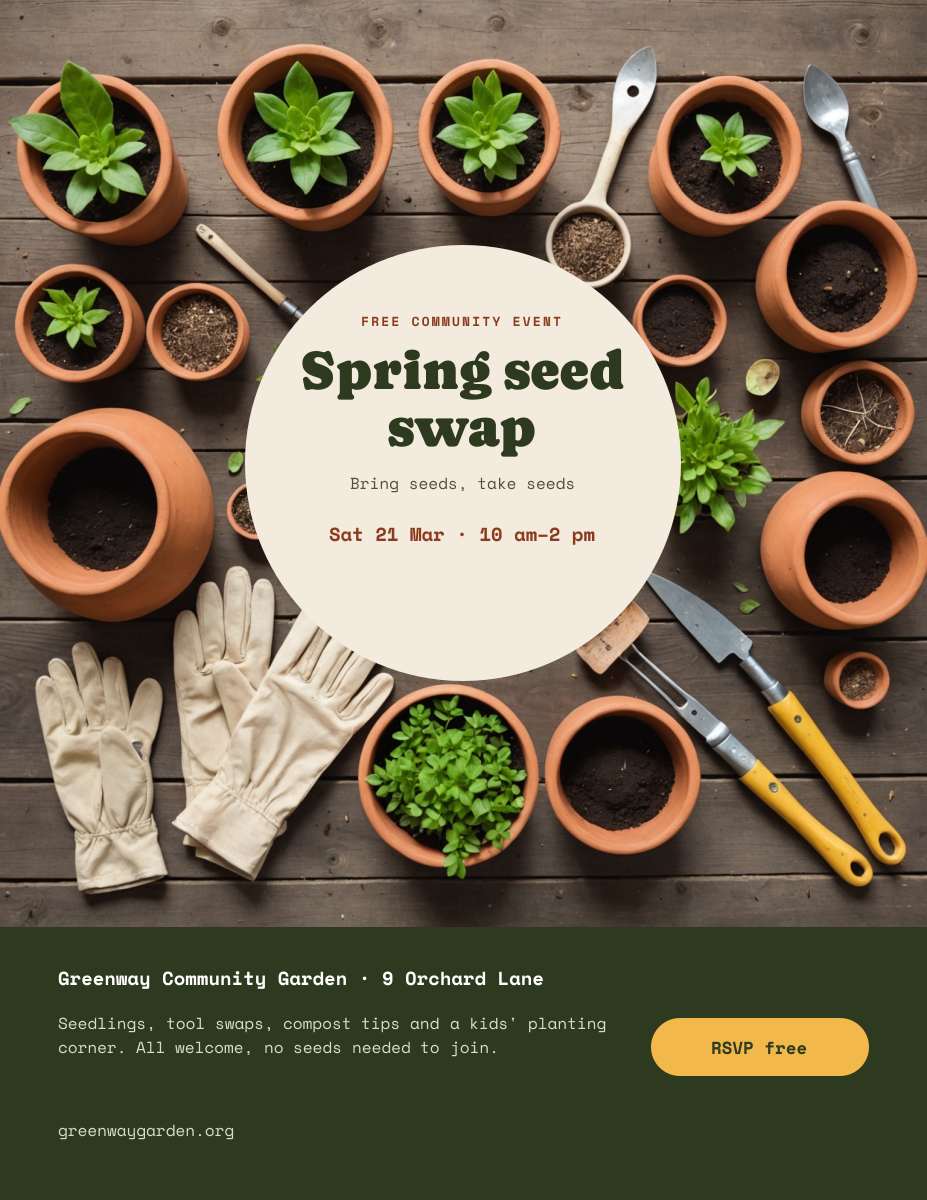
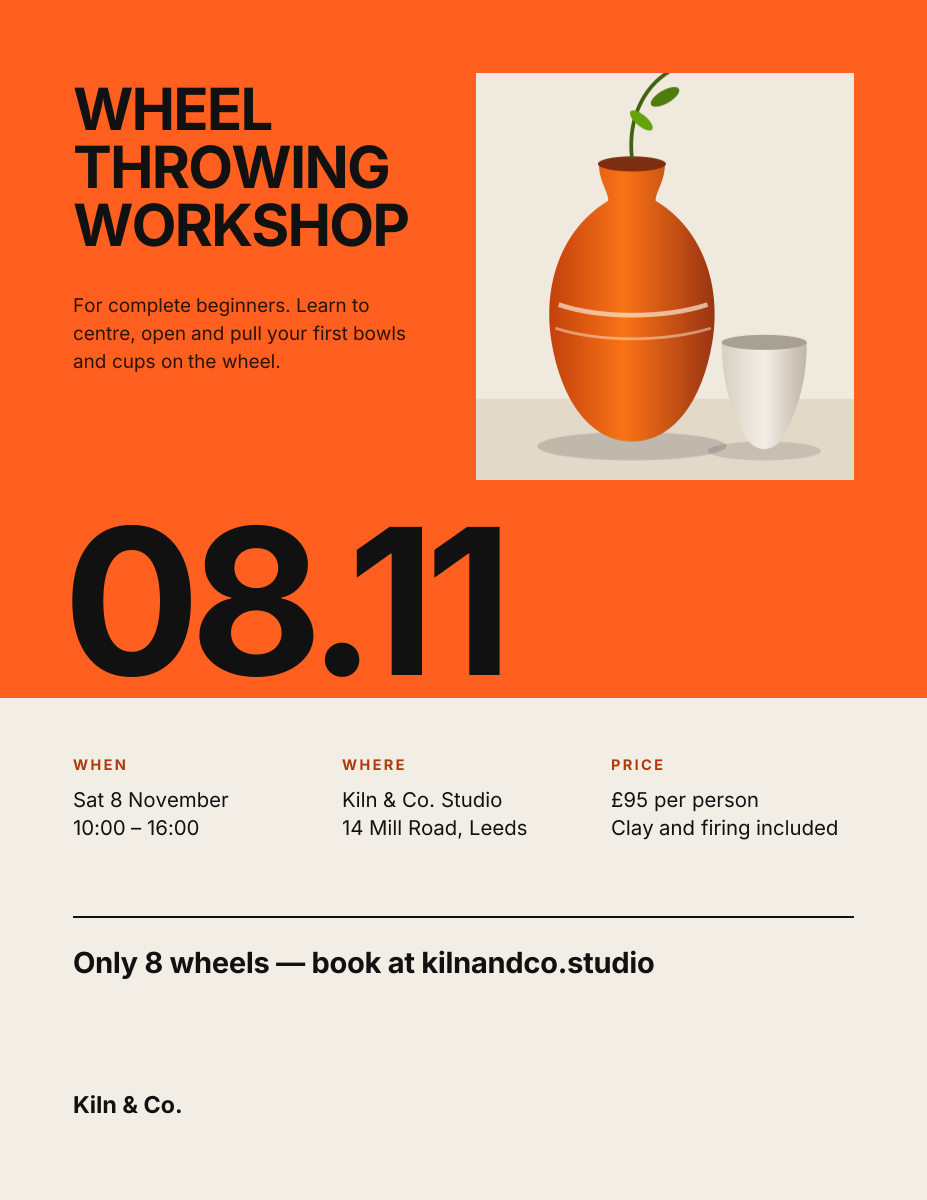
Click any design to open your own copy in the editor.
How to make an event poster in 3 steps
1
Prompt or pick
Describe your poster in a sentence and AI designs it, or open one of the templates. The canvas is already 1275 × 1650 px.
2
Edit anything
Every text, photo, shape and icon is its own layer. Rewrite the copy, drop in your photos, match your brand colours and move things around.
3
Download
Export a full-resolution PNG and print it at home or send it to a print shop. Your poster stays in your dashboard to reuse next time.
event poster size and specs
- Letter size
- 1275 × 1650 px8.5 × 11 in at 150 DPI. Prints on any home or office printer.
- Tabloid size
- 1650 × 2550 px11 × 17 in at 150 DPI. Needs a tabloid printer or a print shop.
- Safe zone
- 75 px (0.5 in) from every edgeClear of the unprintable edge and any trimming.
- Bleed
- Not includedLiena exports at trim size. For edge-to-edge colour, ask your print shop how to handle bleed.
- File type
- PNG (from Liena)Print shops accept PNG. Save it as a PDF from the print dialog if they ask for one.
- Colour
- RGBPrint shops convert to CMYK, so bright blues and greens may print slightly duller.
event posters for every kind of business
Each one opens a template written for that business, ready for your own photos and details.
- Music venues & festivalsLine-ups, dates and ticket links.
- Bars & pubsQuiz nights and weekly specials.
- Cafés & bookshopsOpen mics, readings and comedy nights.
- Offices & HR teamsHoliday parties and team events.
- Charities & nonprofitsFundraisers, galas and appeals.
- Schools & PTAsBake sales and school fundraisers.
- Churches & community centresEgg hunts and family days.
- Hospitals & blood banksBlood drives and health days.
- New shops & restaurantsGrand openings and launch days.
- Makers & teachersWorkshops and one-off classes.
- Clubs & societiesTalks, meetups and open nights.
- Sports clubsGroup runs, races and sign-up days.
- Community groupsSwaps, markets and volunteer days.
- NeighboursYard sales and street sales.
How to design an event poster that works
Lead with what the event is, not what it’s called
“Live Jazz, Free Entry” tells a passer-by more than “The Blue Door Sessions Vol. 3”. Make the headline say what will happen, in five words or fewer, and put the event’s name in smaller type underneath if it has one. On an 11 × 17 in poster, a 300–450 px headline can be read from 15–20 feet away.
Write the date the way people check it
Put the day, the date and the start time together on one line, such as “Friday 6 June · 8pm”, set at 70–110 px so it’s the second thing people read. Including the day of the week saves people a calendar check, but make sure it matches the date; it’s the most common mistake on event posters. Add the end time if people need to plan around it.
Answer where and how much
Give the venue name and the street address, not just the venue, because many readers won’t know it. Then say what it costs: “Free entry”, “$10 at the door” or “Tickets $15 online”. If tickets are online, print a short web address at 50 px or more, or a QR code at least 1 in (150 px) square, and test it from the printed copy.
Let the mood come from one image and two colours
People decide in a second whether an event is for them, mostly from the image and colours. A dark background with one bright accent reads as nightlife; pastels and rounded type read as family-friendly; plenty of white space reads as a talk or a class. Pick one photo or illustration that shows the experience, not the venue’s outside, and keep text off its busiest parts.
Keep sponsors and small print at the bottom
Sponsor logos, age limits and accessibility notes matter, but they shouldn’t compete with the headline. Put them in a band along the bottom, above the 75 px safe margin, at the same height, in one colour if you can. Two or three logos fit comfortably on a Letter poster; for more, list the names in text.
Put posters up two to three weeks ahead
Two to three weeks before the event gives people time to plan without forgetting. Check them a week out and replace any that are torn or covered. Make a matching social post from the same design so the poster and your feed look like one campaign.
Frequently asked questions
Is the event poster maker free?
Yes. A free Liena account lets you edit every template as often as you like, make 5 AI designs a month and download full-resolution PNGs to print. You don’t need a credit card.
Can I remove the watermark?
Downloads on the free plan include a small Liena watermark in the corner. Liena Pro ($29 a month, cancel anytime) removes the watermark from every export and raises your AI designs to 50 a month.
What size should an event poster be?
8.5 × 11 in (Letter) for noticeboards and doors, and 11 × 17 in (tabloid) for windows and walls seen from further away. Liena’s canvases are 1275 × 1650 px and 1650 × 2550 px, both at 150 DPI.
What should an event poster include?
What the event is, the day, date and start time, the venue and address, the price, and how to get tickets or sign up. Keep everything else, such as the full programme, on your website or ticket page.
Can I make a matching social post?
Yes. Open your poster, select Resize design and pick a preset such as Instagram Post or Instagram Story, with “Scale content to fit” ticked. Rearrange anything that no longer fits, then download it as a separate PNG.
Can I edit the design the AI makes?
Yes. The AI builds a layered design, not a flat image. Every headline, photo, shape and icon is a separate layer you can rewrite, replace, recolour, move or delete, with undo and redo.
How do I print my event poster?
Download the PNG and print it on Letter paper with “Fit to page” on. For 11 × 17 in, send the PNG to a print shop, or save it as a PDF from your computer’s print dialog if they ask for one.
More free design makers
Poster Maker
Printable Letter and 11 × 17 in posters, from a prompt or a template.
Flyer Maker
Printable 8.5 × 11 in flyers, from a prompt or a template.
Instagram Story Maker
Full-screen 9:16 Stories, from a prompt or a template.
Facebook Post Maker
Landscape, portrait and square feed posts, from a prompt or a template.
All design makers
Every format Liena can design, grouped by social, YouTube and podcast, print and business.
Make your event poster now
Describe it in a sentence. Your design opens in the editor, ready to tweak.