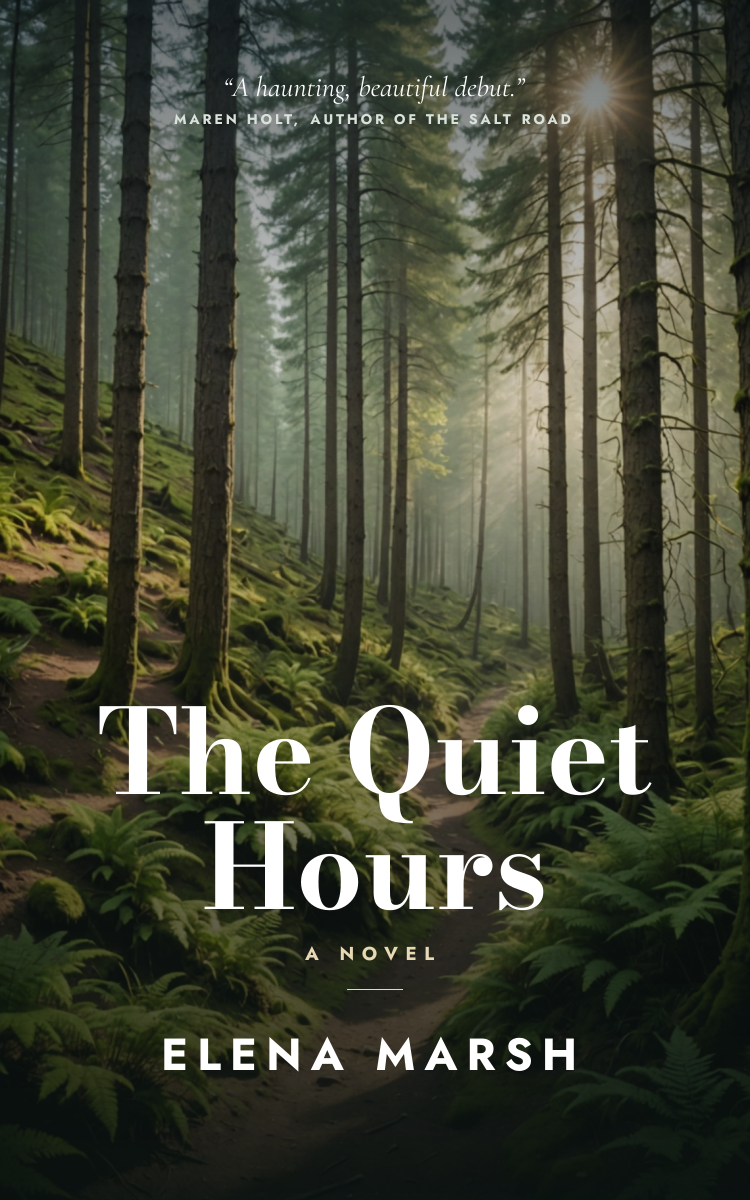
Preview of the Book Cover template: moody forest book cover with a cover quote, a large bodoni title, a novel, a gold rule and the author name in tracked capitals
Creators & events

Book Cover Template

An eBook cover for self-published novels, thrillers and literary fiction. A misty forest photo fades to near black under a large two-line serif title, with a cover quote and its source at the top and the author name in tracked capitals at the bottom, sized for Kindle and other eBook stores.

Opens your own copy in the Liena editor — the original stays untouched. Free with a Liena account; downloads on the free plan include a small watermark.

Format
eBook cover (Kindle)
Size
1600 × 2560 px (5:8)
Fonts
Cormorant Garamond, Jost, Bodoni Moda
Colours
Editable layers
8
Export
PNG, full resolution

Design details

Bodoni Moda gives the title a classic, high-contrast look that still reads as a thumbnail. The dark fade at the bottom keeps the title and author name clear on any photo.

Best for

  • Kindle and KDP eBook covers
  • Thriller, mystery and literary fiction
  • Wattpad and serial fiction covers
  • Book launch social posts

How to customise it

  • Swap the photo for one that fits your story.
  • Change the title, author name and genre line.
  • Edit or remove the cover quote.
  • Recolour the gold accents.

Everything in this template is editable

This isn’t a flat image. The design opens as 8 separate layers you can select and change individually.

5 text layers

Double-click to rewrite. Change font (Cormorant Garamond, Jost, Bodoni Moda by default), size, weight, line height, letter spacing, alignment, case, colour and shadow.

1 image

Replace with your own upload, then crop, zoom, pan, flip, round the corners and adjust brightness, contrast, saturation or blur.

2 shapes

Recolour fills with any hex or brand colour, change opacity and corner radius, or resize and rotate decorative elements.

Layers & layout

Drag to move, resize from any handle, rotate, nudge with arrow keys, reorder or hide layers, duplicate and delete — with undo and redo.

Background & brand

Change the background colour or add a background image, and recolour any shape or text to match your style.

How to use this template

  1. Click “Use this template”. If you’re new to Liena, create a free account first — you’ll come straight back to this design.
  2. Edit the text, replace images and adjust colours. Changes save automatically every 30 seconds, or press Save at any time.
  3. Export a PNG at 1600 × 2560 px. Your design stays in your dashboard to edit again later.
Preview of the YouTube Thumbnail template: high-contrast challenge thumbnail with a highlight banner and arrow
Creators & events

YouTube Thumbnail

High-contrast challenge thumbnail with a highlight banner and arrow.
YouTube thumbnail · 1280 × 720
Preview of the Podcast Cover Art template: 3000 × 3000 show artwork with a microphone and bold title
Creators & events

Podcast Cover Art

3000 × 3000 show artwork with a microphone and bold title.

Podcast cover art · 3000 × 3000
Preview of the Blog Featured Image template: article header with category tag, title, byline and illustration
Creators & events

Blog Featured Image

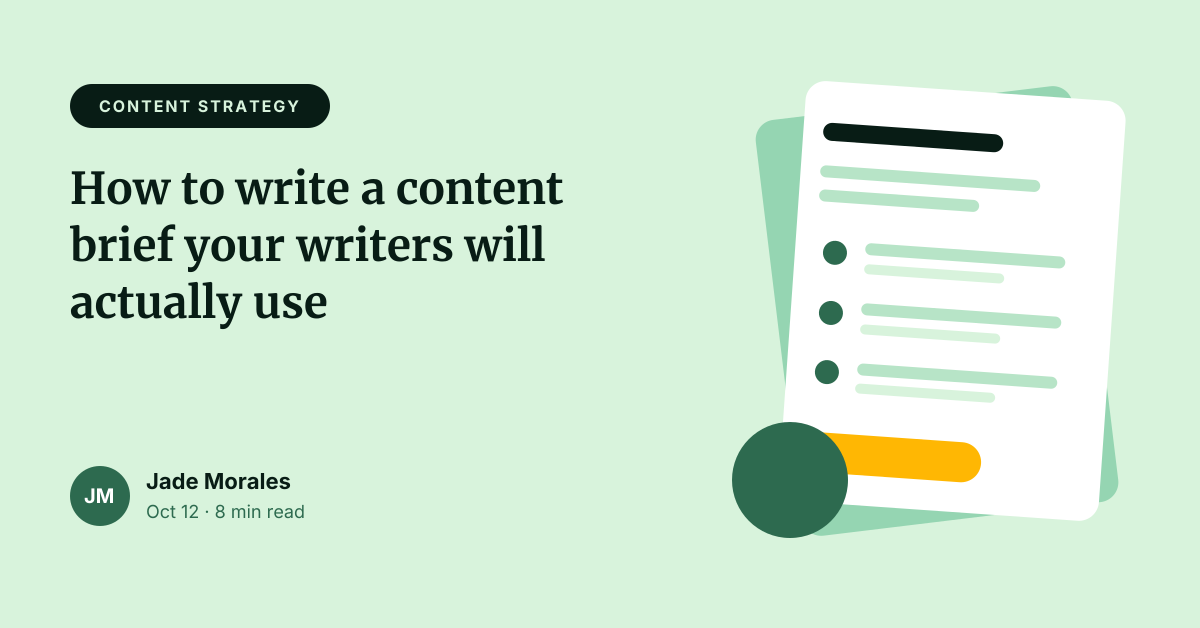
Article header with category tag, title, byline and illustration.
Web banner · 1200 × 628
Preview of the Online Course Promotion template: course launch post with a numbered curriculum, price and enrol button
Creators & events

Online Course Promotion

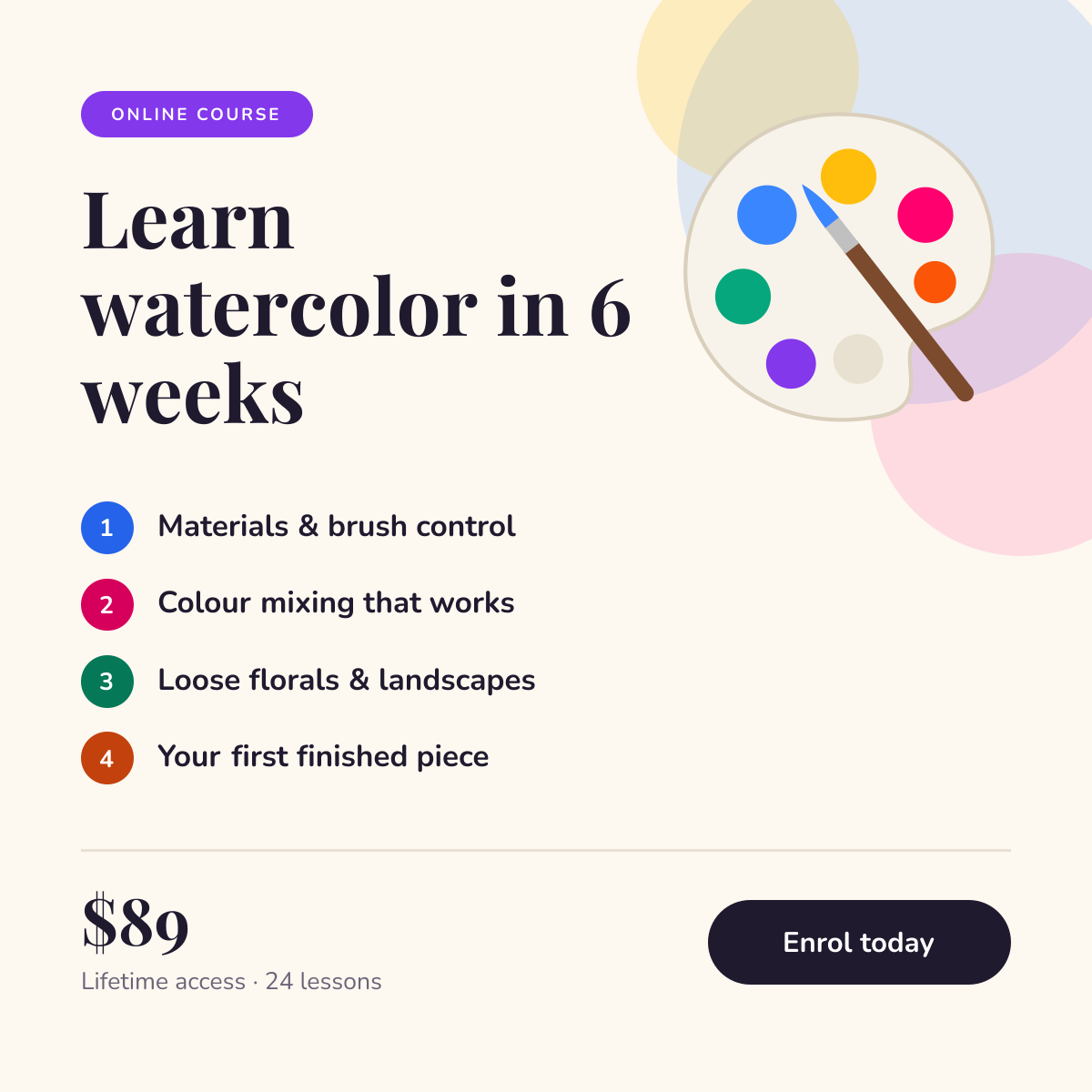
Course launch post with a numbered curriculum, price and enrol button.

Instagram post · 1080 × 1080

Start with the book cover template

Your copy opens in the editor in seconds.

Use this template