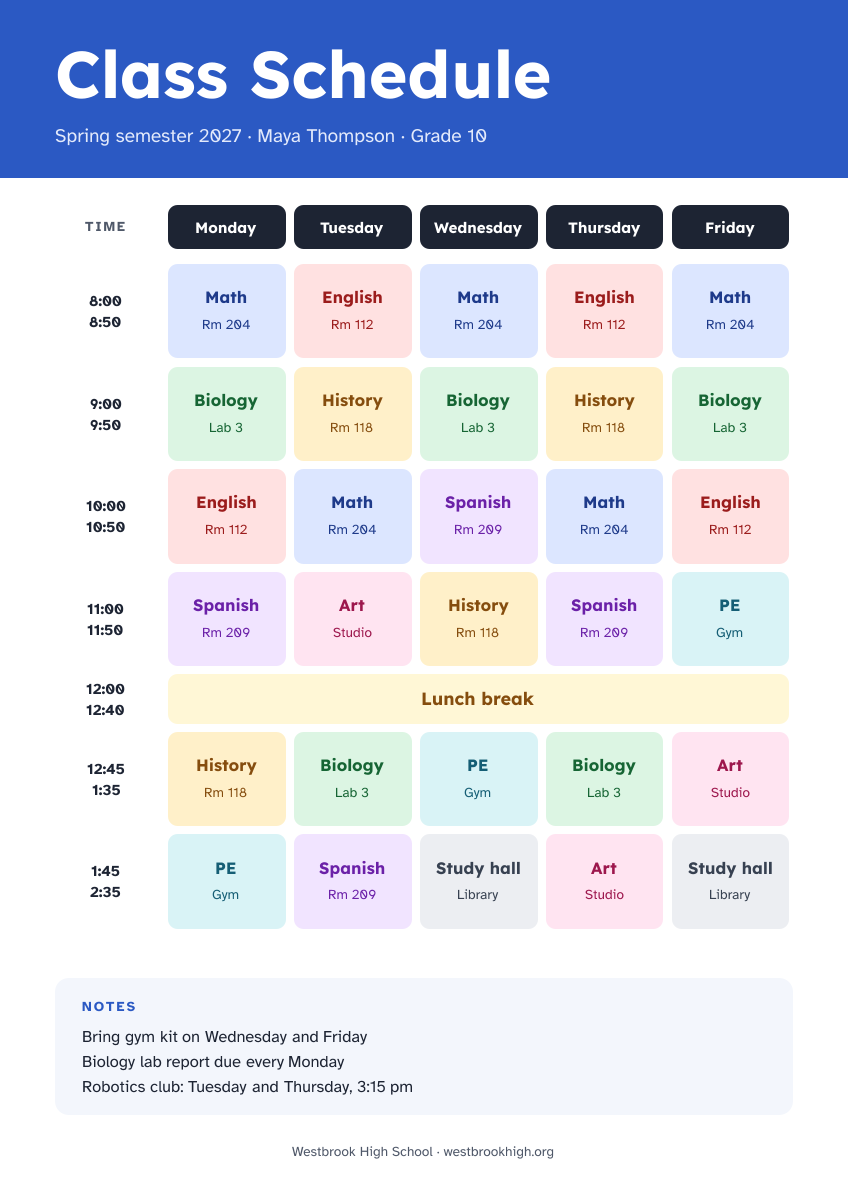
Preview of the Class Schedule template: white a4 timetable with a blue header holding a class schedule title, semester and student name, dark day pills for monday to friday, seven time slots with pastel colour-coded subject tiles and room numbers, a yellow lunch break row, a light blue notes box and the school name
Business & branding

Class Schedule Template

A weekly class schedule for students. Each subject has its own pastel colour and room, so Math, English, Biology, History, Spanish, Art, PE and Study hall are easy to spot across Monday to Friday. A lunch break row splits the day, and a notes box holds reminders like gym kit and clubs.

Opens your own copy in the Liena editor — the original stays untouched. Free with a Liena account; downloads on the free plan include a small watermark.

Format
A4 document cover
Size
1240 × 1754 px (0.71:1)
Fonts
Lexend, Atkinson Hyperlegible
Colours
Editable layers
118
Export
PNG, full resolution

Design details

Lexend and Atkinson Hyperlegible were made to be easy to read, which suits a busy grid. Soft pastels colour-code each subject without clutter.

Best for

  • High school and middle school timetables
  • College class schedules
  • Teachers' weekly plans
  • Homeschool and tutoring timetables

How to customise it

  • Change the name, grade and semester.
  • Edit the times and subjects in each slot.
  • Recolour a subject's tiles to match your folders.
  • Update the notes and school name.

Everything in this template is editable

This isn’t a flat image. The design opens as 118 separate layers you can select and change individually.

79 text layers

Double-click to rewrite. Change font (Lexend, Atkinson Hyperlegible by default), size, weight, line height, letter spacing, alignment, case, colour and shadow.

38 shapes

Recolour fills with any hex or brand colour, change opacity and corner radius, or resize and rotate decorative elements.

1 icon

Recolour, resize or delete icons, and add new ones from the built-in Iconify icon search.

Layers & layout

Drag to move, resize from any handle, rotate, nudge with arrow keys, reorder or hide layers, duplicate and delete — with undo and redo.

Background & brand

Change the background colour or add a background image, and recolour any shape or text to match your style.

How to use this template

  1. Click “Use this template”. If you’re new to Liena, create a free account first — you’ll come straight back to this design.
  2. Edit the text, replace images and adjust colours. Changes save automatically every 30 seconds, or press Save at any time.
  3. Export a PNG at 1240 × 1754 px. Your design stays in your dashboard to edit again later.
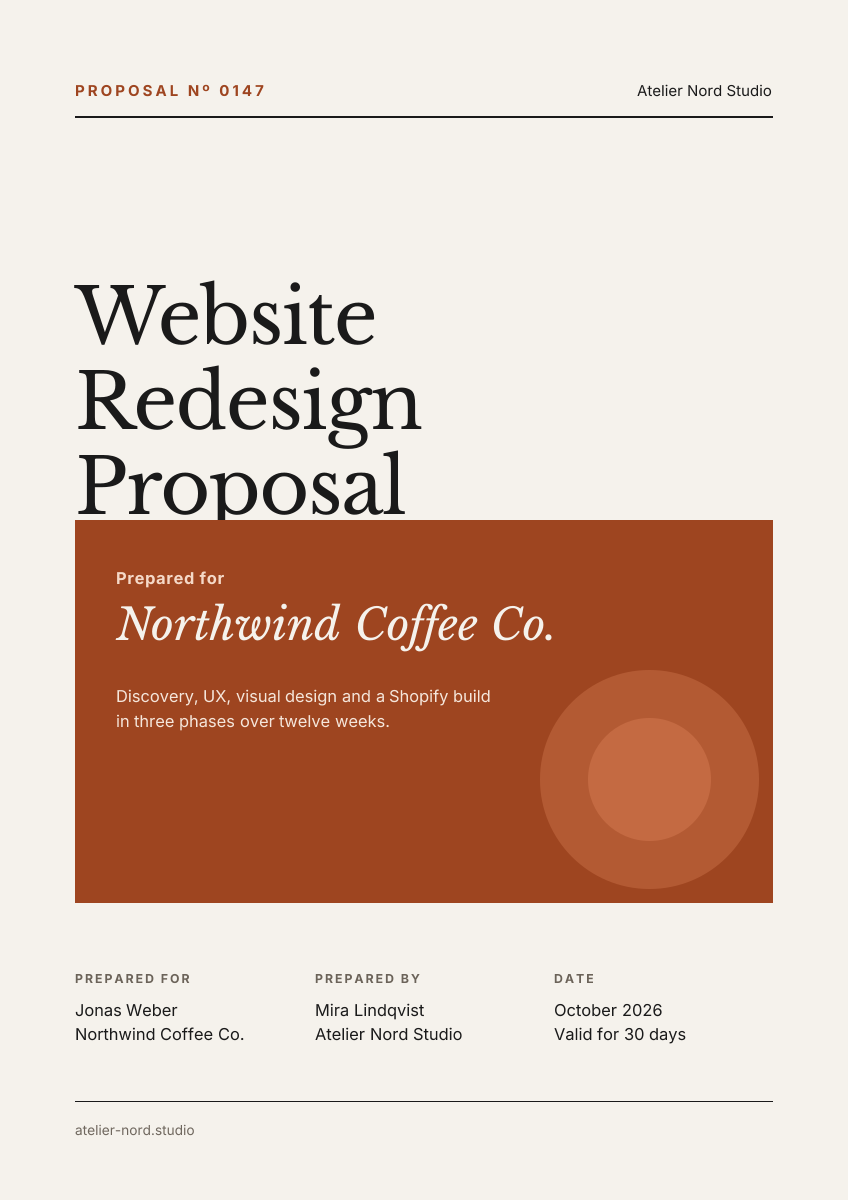
Preview of the Business Proposal Cover template: editorial a4 cover page with client, scope and a details table
Business & branding

Business Proposal Cover

Editorial A4 cover page with client, scope and a details table.
A4 document cover · 1240 × 1754
Preview of the Annual Report Cover template: dark a4 report cover with a giant year and concentric circle graphic
Business & branding

Annual Report Cover

Dark A4 report cover with a giant year and concentric circle graphic.
A4 document cover · 1240 × 1754
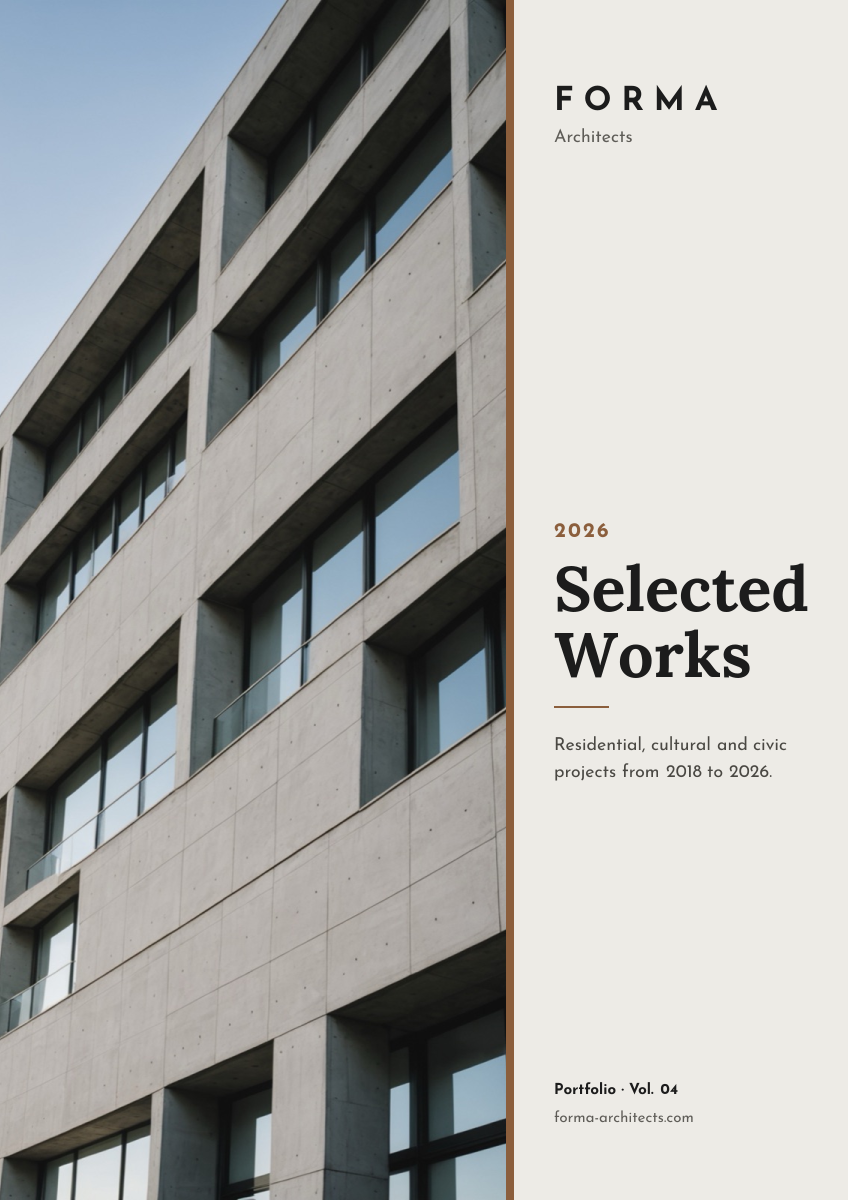
Preview of the Architecture Portfolio Cover template: full-height building photo beside a minimal serif title column
Business & branding

Architecture Portfolio Cover

Full-height building photo beside a minimal serif title column.

A4 document cover · 1240 × 1754
Preview of the Nonprofit Impact Report Cover template: community garden photo with a mission headline and three headline stats
Business & branding

Nonprofit Impact Report Cover

Community garden photo with a mission headline and three headline stats.

A4 document cover · 1240 × 1754

Start with the class schedule template

Your copy opens in the editor in seconds.

Use this template