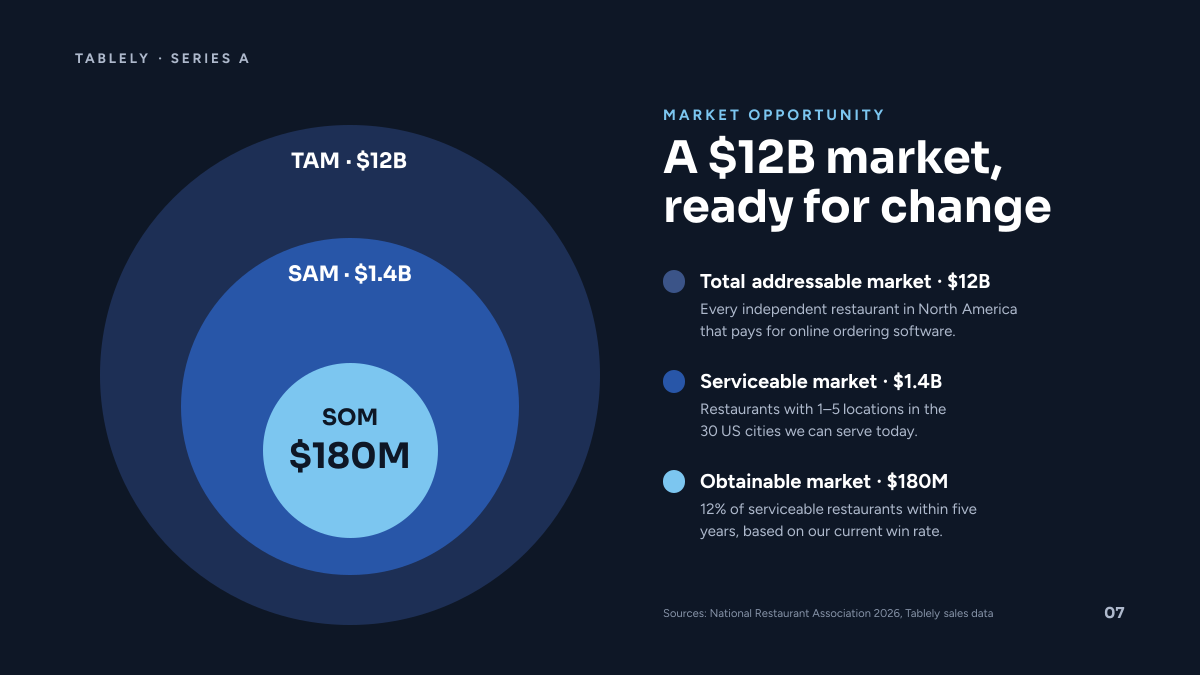
Preview of the Market Size Slide template: dark navy 16:9 slide with three nested circles labelled tam $12b, sam $1.4b and som $180m, a company and round label, a market opportunity eyebrow, a white two-line title, three colour-keyed explanations of each market, a sources line and a slide number
Business & branding

Market Size Slide Template

A TAM, SAM and SOM slide for pitch decks. Three nested circles show your total, serviceable and obtainable market at a glance, while the right side explains each number in one or two lines under a bold title. A sources line and slide number finish it off.

Opens your own copy in the Liena editor — the original stays untouched. Free with a Liena account; downloads on the free plan include a small watermark.

Format
Presentation slide (16:9)
Size
1920 × 1080 px (16:9)
Fonts
Figtree, Sora
Colours
Editable layers
21
Export
PNG, full resolution

Design details

Sora's geometric letters suit numbers and labels, with Figtree for the explanations. Shades of blue on navy show the markets getting smaller.

Best for

  • Startup pitch decks
  • Investor and board updates
  • Business plans
  • Market research summaries

How to customise it

  • Change the three market values.
  • Rewrite each market description.
  • Edit the title and company label.
  • Update the sources and slide number.

Everything in this template is editable

This isn’t a flat image. The design opens as 21 separate layers you can select and change individually.

15 text layers

Double-click to rewrite. Change font (Figtree, Sora by default), size, weight, line height, letter spacing, alignment, case, colour and shadow.

6 shapes

Recolour fills with any hex or brand colour, change opacity and corner radius, or resize and rotate decorative elements.

Layers & layout

Drag to move, resize from any handle, rotate, nudge with arrow keys, reorder or hide layers, duplicate and delete — with undo and redo.

Background & brand

Change the background colour or add a background image, and recolour any shape or text to match your style.

How to use this template

  1. Click “Use this template”. If you’re new to Liena, create a free account first — you’ll come straight back to this design.
  2. Edit the text, replace images and adjust colours. Changes save automatically every 30 seconds, or press Save at any time.
  3. Export a PNG at 1920 × 1080 px. Your design stays in your dashboard to edit again later.
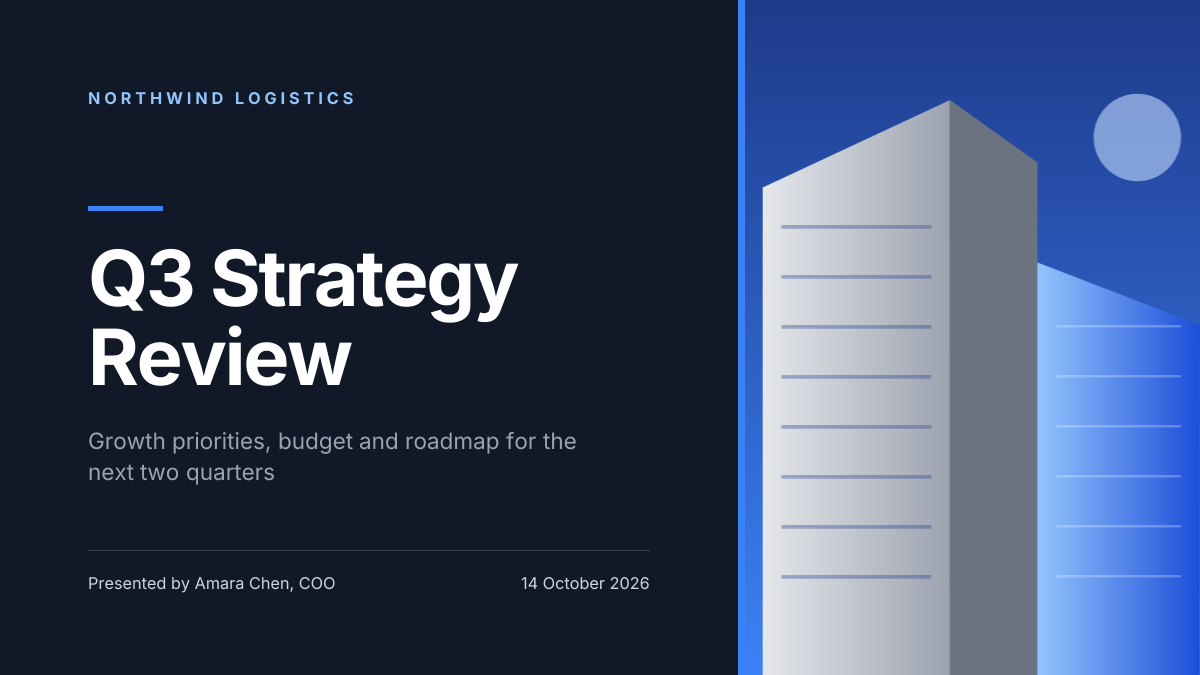
Preview of the Corporate Presentation Cover template: dark 16:9 title slide with an architectural image panel
Business & branding

Corporate Presentation Cover

Dark 16:9 title slide with an architectural image panel.
Presentation slide (16:9) · 1920 × 1080
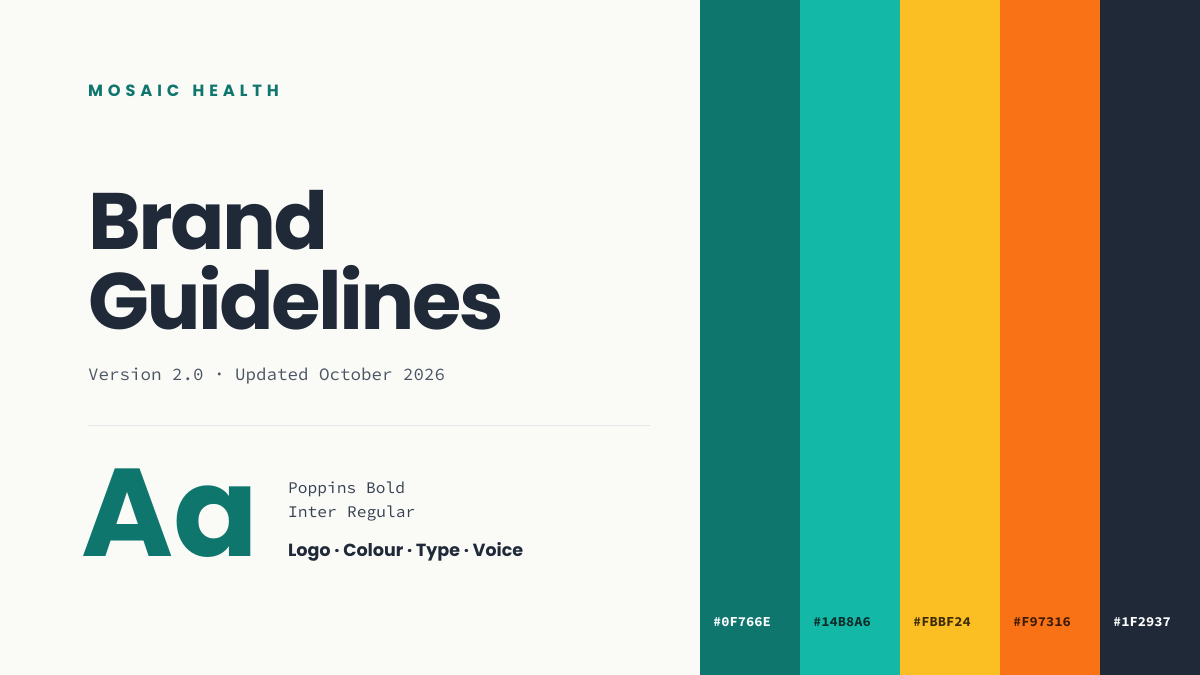
Preview of the Brand Guidelines Cover template: brand book opener with colour swatches, hex codes and a type specimen
Business & branding

Brand Guidelines Cover

Brand book opener with colour swatches, hex codes and a type specimen.
Presentation slide (16:9) · 1920 × 1080
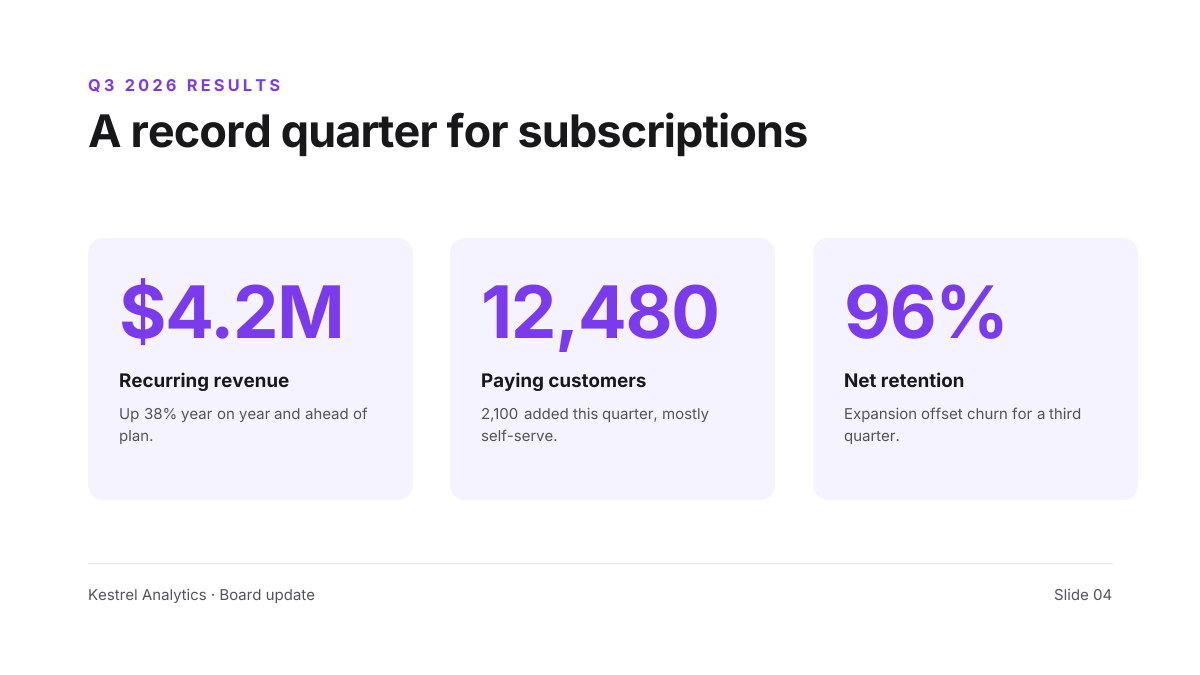
Preview of the Quarterly Results Slide template: three big-number kpi cards under a one-line takeaway headline
Business & branding

Quarterly Results Slide

Three big-number KPI cards under a one-line takeaway headline.
Presentation slide (16:9) · 1920 × 1080
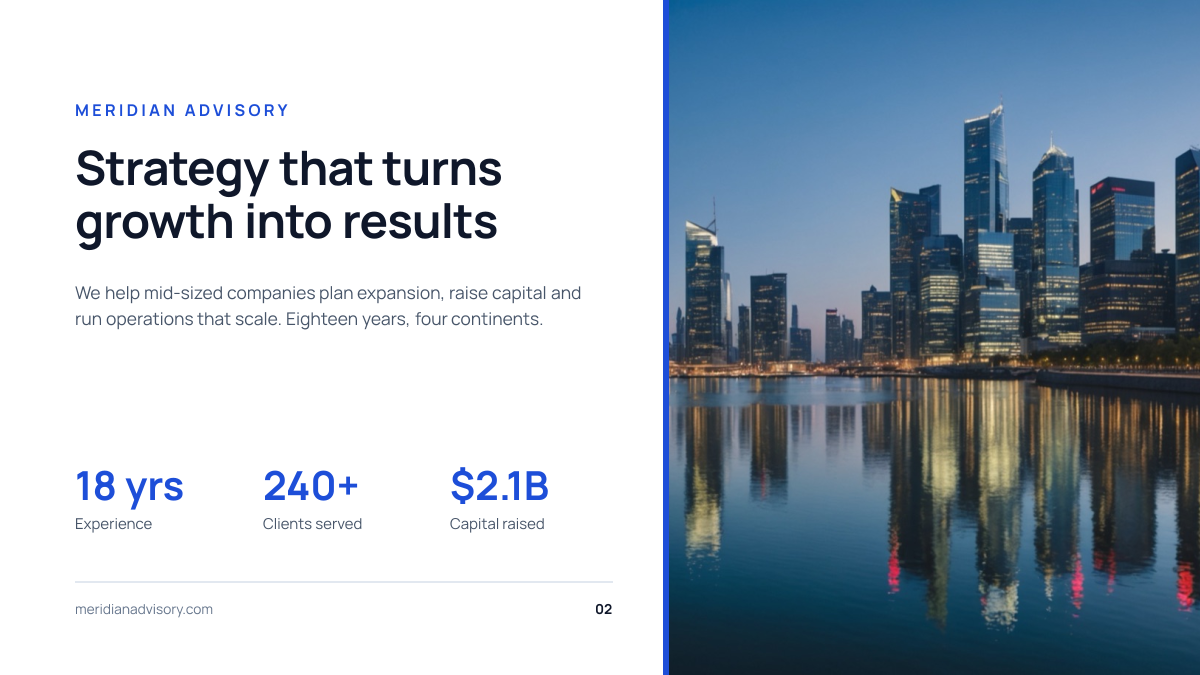
Preview of the Company Overview Slide template: clean white slide with three key stats beside a city skyline photo
Business & branding

Company Overview Slide

Clean white slide with three key stats beside a city skyline photo.

Presentation slide (16:9) · 1920 × 1080

Start with the market size slide template

Your copy opens in the editor in seconds.

Use this template