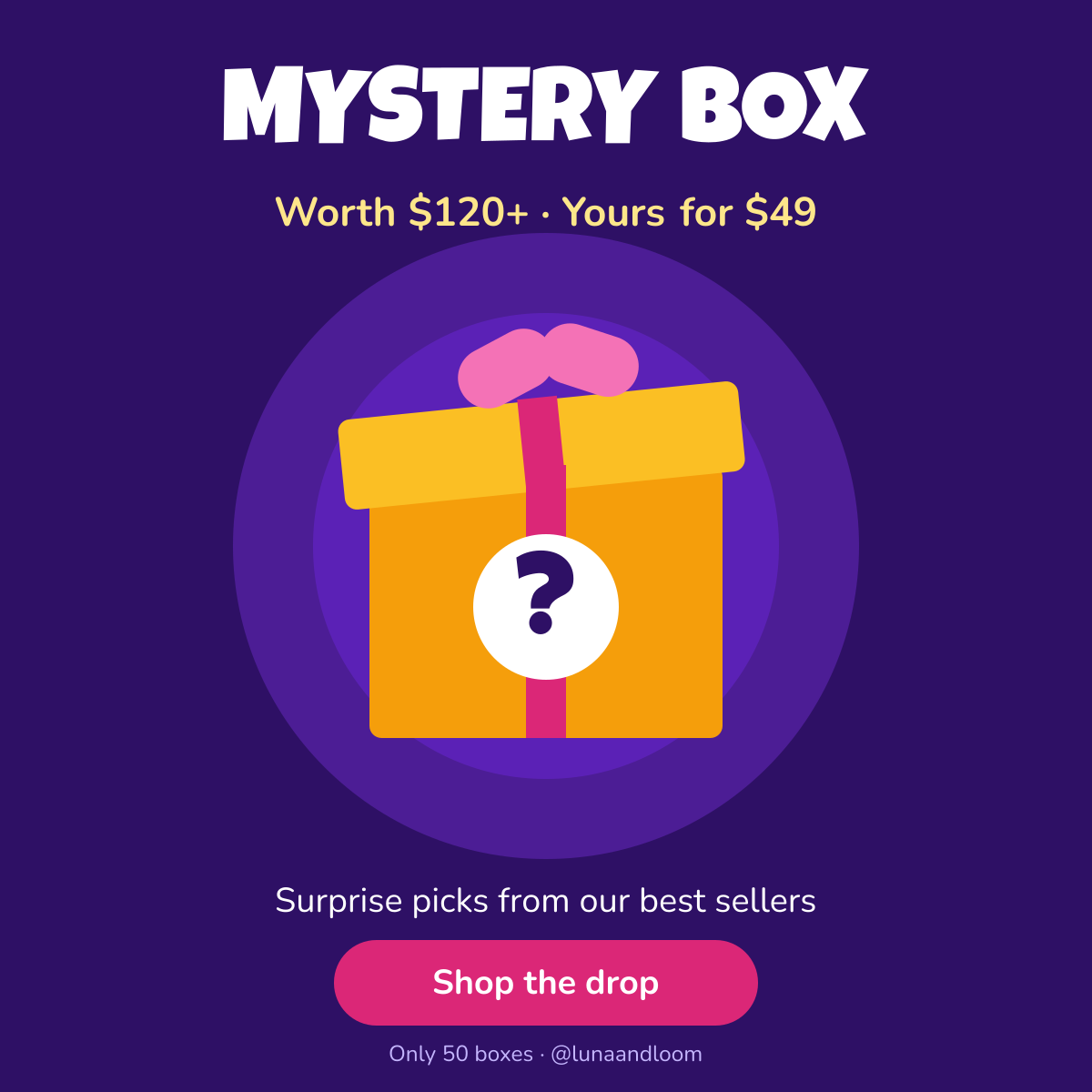
Preview of the Mystery Box Post template: deep purple square post with two violet circles, a white mystery box title, a yellow worth $120+ · yours for $49 line, an amber gift box with a tilted lid, a pink ribbon and bow and a white circle with a question mark, yellow and pink sparkles, a short line, a pink shop the drop button and a lilac stock and handle line
E-commerce & retail

Mystery Box Post Template

A mystery box post to sell surprise bundles from your shop. A gift box with a big question mark sits under a bold Mystery Box title and the value and price. A short line, a Shop the drop button and how many boxes are left close it out.

Opens your own copy in the Liena editor — the original stays untouched. Free with a Liena account; downloads on the free plan include a small watermark.

Format
Instagram post
Size
1080 × 1080 px (1:1)
Fonts
Luckiest Guy, Nunito
Colours
Editable layers
20
Export
PNG, full resolution

Design details

Luckiest Guy is round and playful, like a toy box, with Nunito for the details. Deep purple, amber and pink feel exciting and fun.

Best for

  • Small shops and online stores
  • Mystery bundle drops
  • Clearing extra stock
  • Holiday and birthday sales

How to customise it

  • Change the value and price.
  • Edit how many boxes are left.
  • Recolour the box and ribbon.
  • Update the button and handle.

Everything in this template is editable

This isn’t a flat image. The design opens as 20 separate layers you can select and change individually.

6 text layers

Double-click to rewrite. Change font (Luckiest Guy, Nunito by default), size, weight, line height, letter spacing, alignment, case, colour and shadow.

10 shapes

Recolour fills with any hex or brand colour, change opacity and corner radius, or resize and rotate decorative elements.

4 icons

Recolour, resize or delete icons, and add new ones from the built-in Iconify icon search.

Layers & layout

Drag to move, resize from any handle, rotate, nudge with arrow keys, reorder or hide layers, duplicate and delete — with undo and redo.

Background & brand

Change the background colour or add a background image, and recolour any shape or text to match your style.

How to use this template

  1. Click “Use this template”. If you’re new to Liena, create a free account first — you’ll come straight back to this design.
  2. Edit the text, replace images and adjust colours. Changes save automatically every 30 seconds, or press Save at any time.
  3. Export a PNG at 1080 × 1080 px. Your design stays in your dashboard to edit again later.
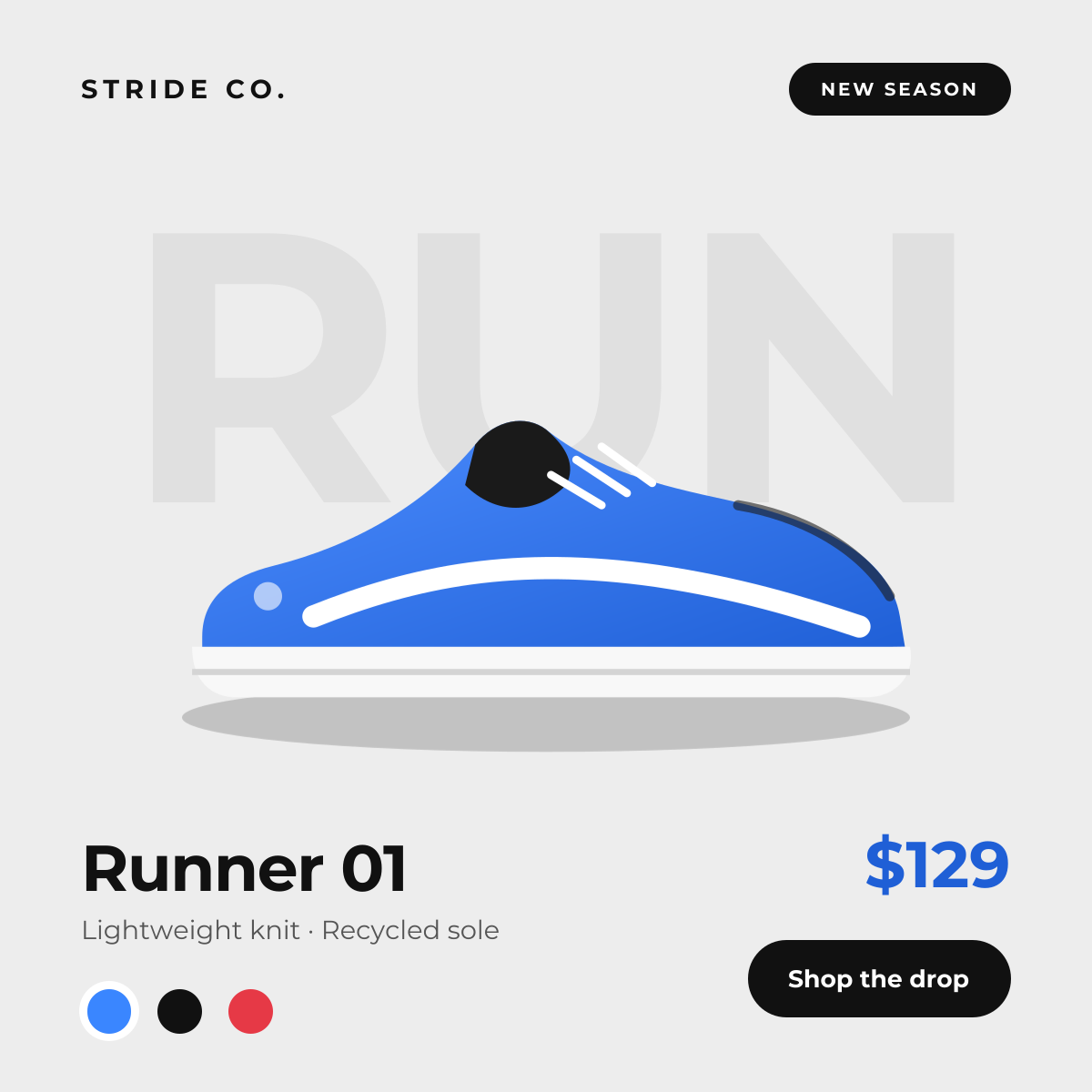
Preview of the Product Showcase template: studio-style product drop with background type and colour swatches
E-commerce & retail

Product Showcase

Studio-style product drop with background type and colour swatches.
Instagram post · 1080 × 1080
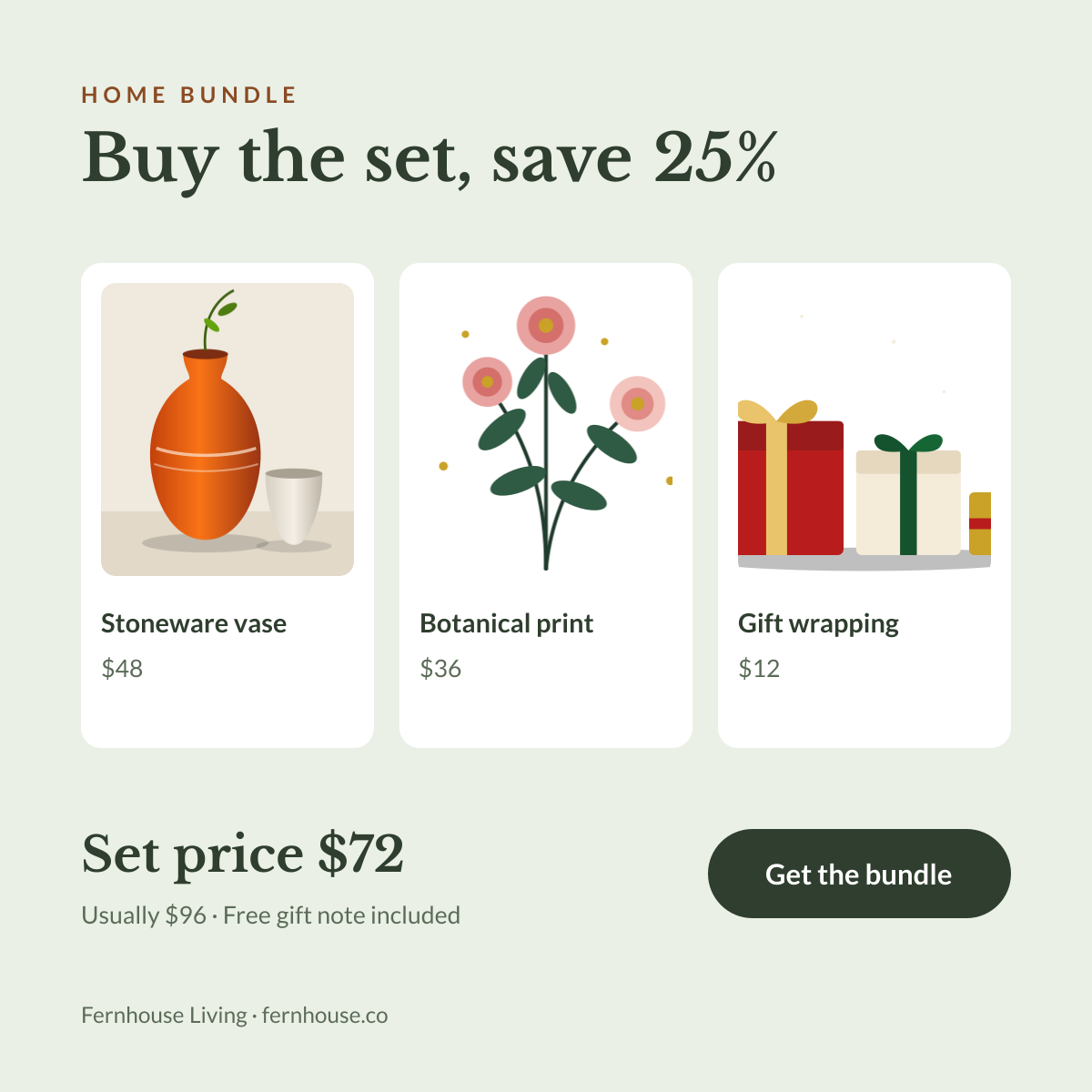
Preview of the Product Bundle Deal template: three product cards with prices and a bundle price that shows the saving
E-commerce & retail

Product Bundle Deal

Three product cards with prices and a bundle price that shows the saving.
Instagram post · 1080 × 1080
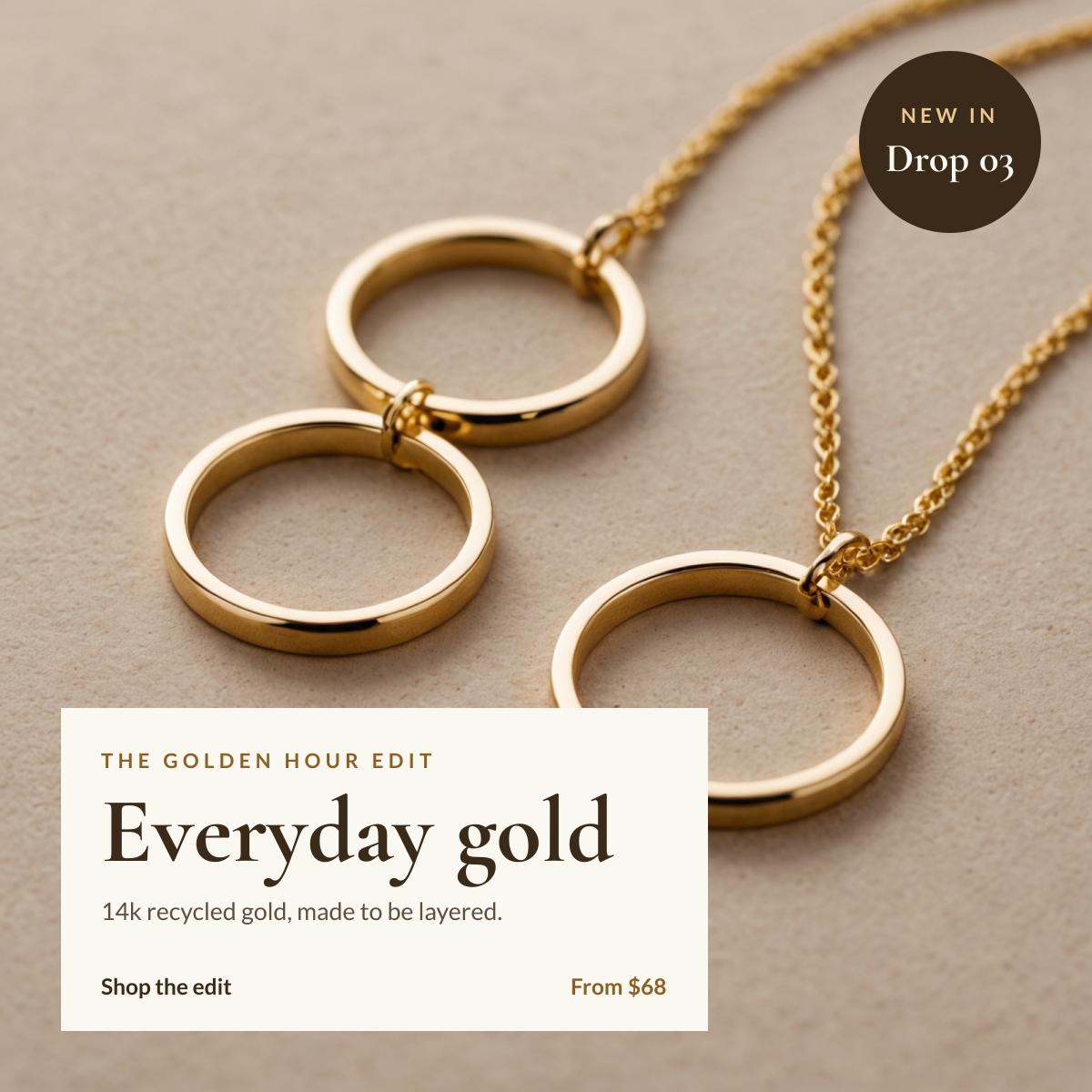
Preview of the Jewelry Collection Post template: gold jewelry product photo with a cream caption panel and a new-in badge
E-commerce & retail

Jewelry Collection Post

Gold jewelry product photo with a cream caption panel and a new-in badge.
Instagram post · 1080 × 1080
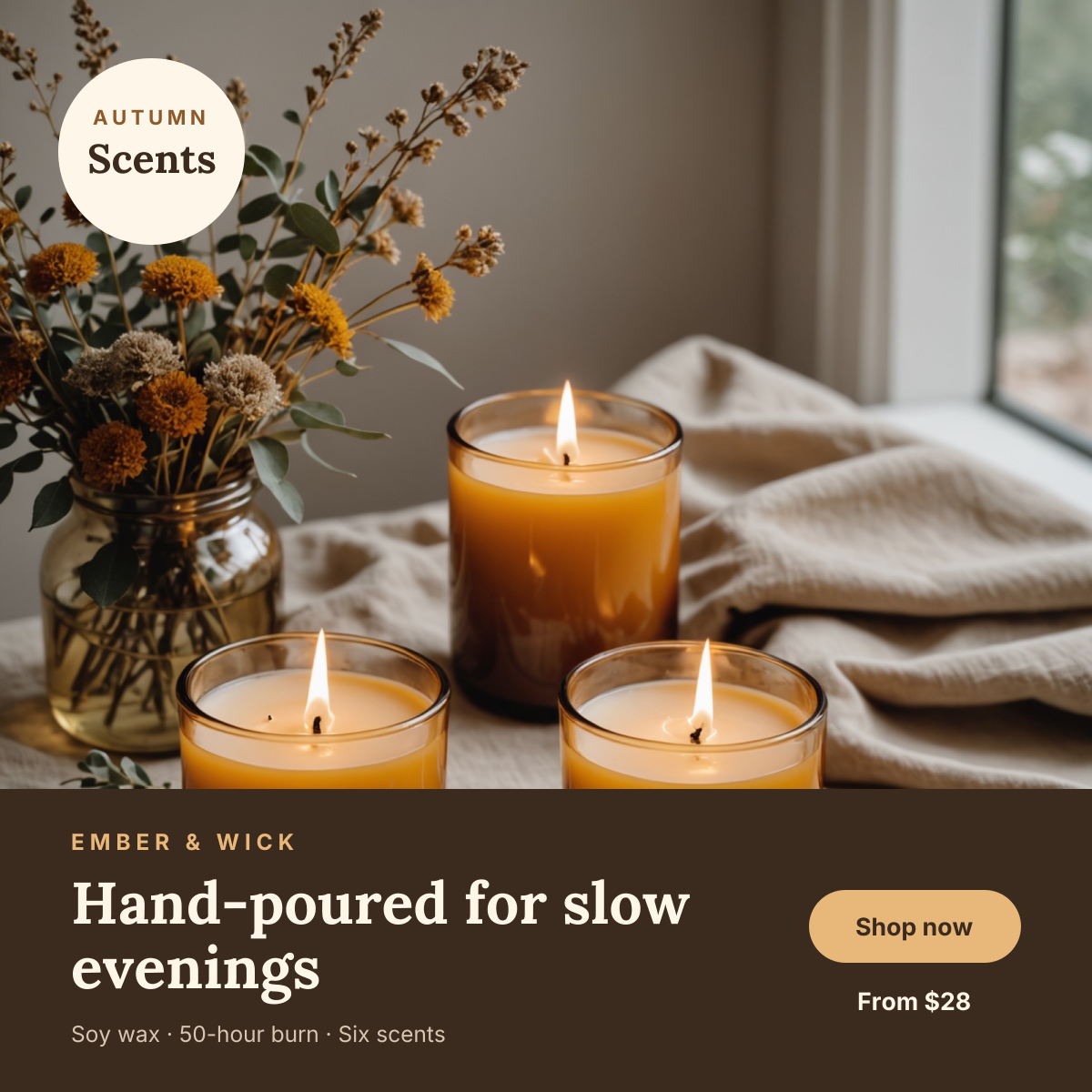
Preview of the Candle Shop Post template: glowing candle product photo with a dark brown shop band and price
E-commerce & retail

Candle Shop Post

Glowing candle product photo with a dark brown shop band and price.

Instagram post · 1080 × 1080

Start with the mystery box post template

Your copy opens in the editor in seconds.

Use this template