 liena
Social media
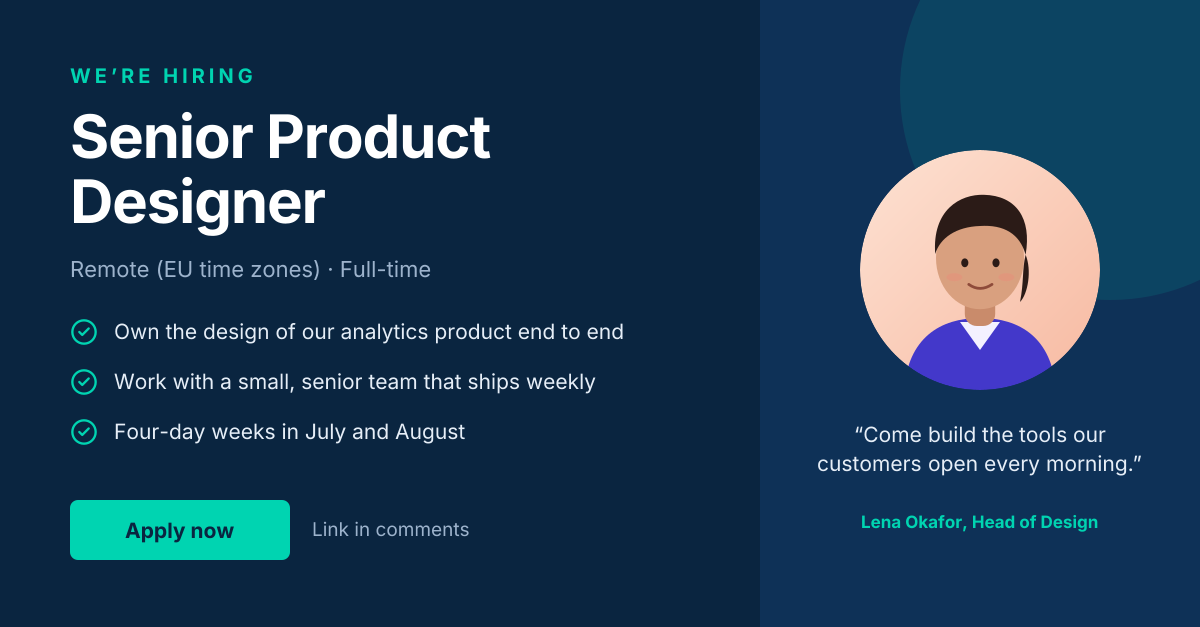
LinkedIn Hiring Post
“We’re hiring” post with role highlights and a hiring-manager quote.
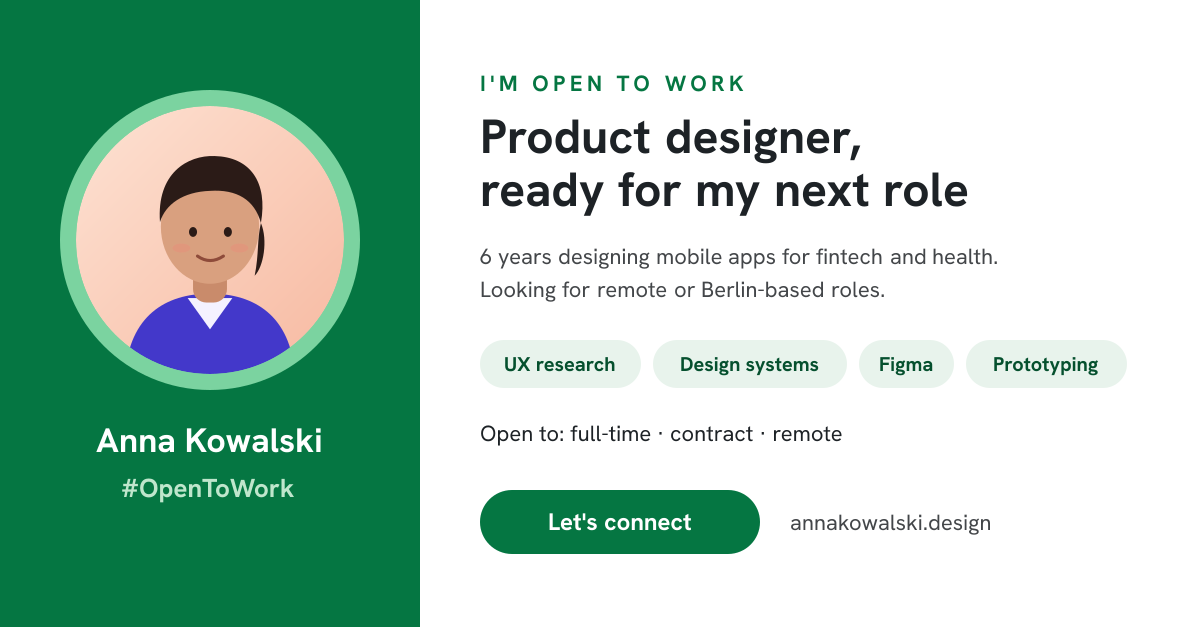
An open to work post to tell your network you're looking. A green panel with your photo, name and #OpenToWork sits beside the role you want, a two-line summary of your experience and four skill chips. The job types you're open to and a Let's connect button with your website finish it off.
Opens your own copy in the Liena editor — the original stays untouched. Free with a Liena account; downloads on the free plan include a small watermark.
Hanken Grotesk is clean and friendly, with plenty of room to read. LinkedIn's open to work green makes the message clear at a glance.
This isn’t a flat image. The design opens as 20 separate layers you can select and change individually.
Double-click to rewrite. Change font (Hanken Grotesk by default), size, weight, line height, letter spacing, alignment, case, colour and shadow.
Replace with your own upload, then crop, zoom, pan, flip, round the corners and adjust brightness, contrast, saturation or blur.
Recolour fills with any hex or brand colour, change opacity and corner radius, or resize and rotate decorative elements.
Drag to move, resize from any handle, rotate, nudge with arrow keys, reorder or hide layers, duplicate and delete — with undo and redo.
Change the background colour or add a background image, and recolour any shape or text to match your style.
“We’re hiring” post with role highlights and a hiring-manager quote.
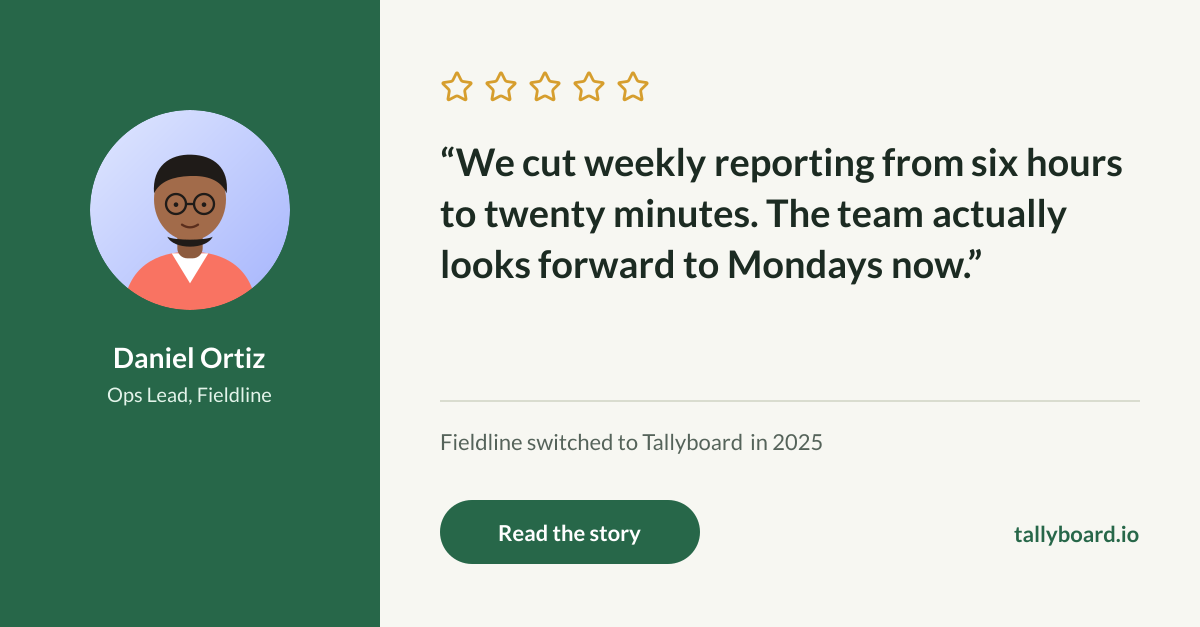
Five-star review card with a customer portrait, pull quote and story link.
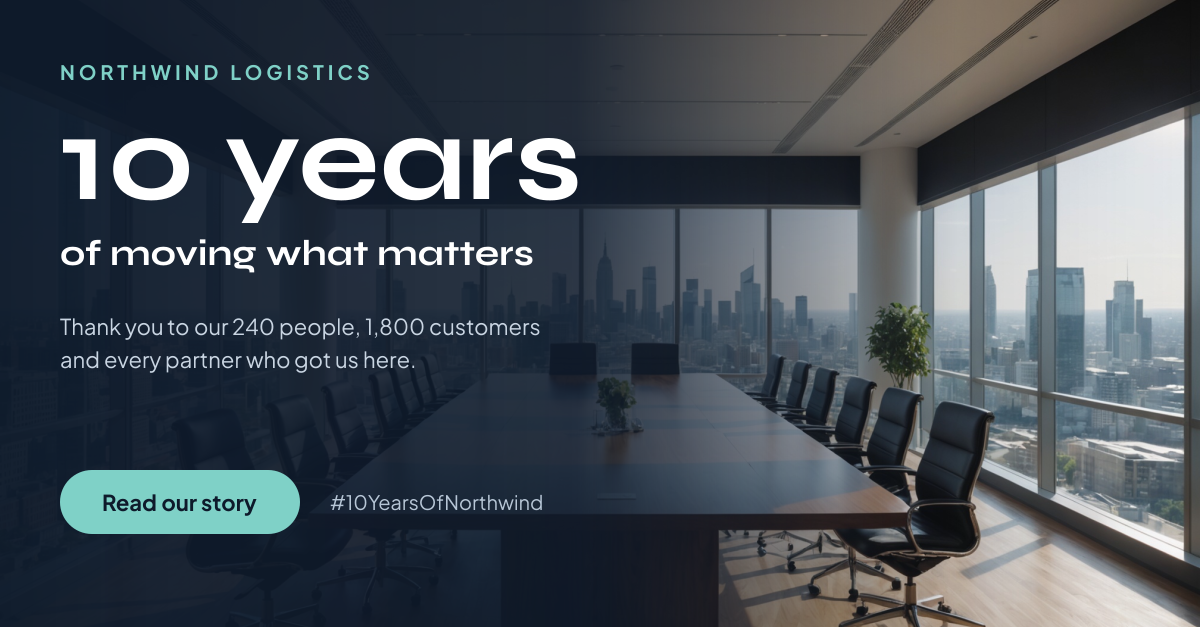
Boardroom photo with a big anniversary headline, thank-you note and story button.
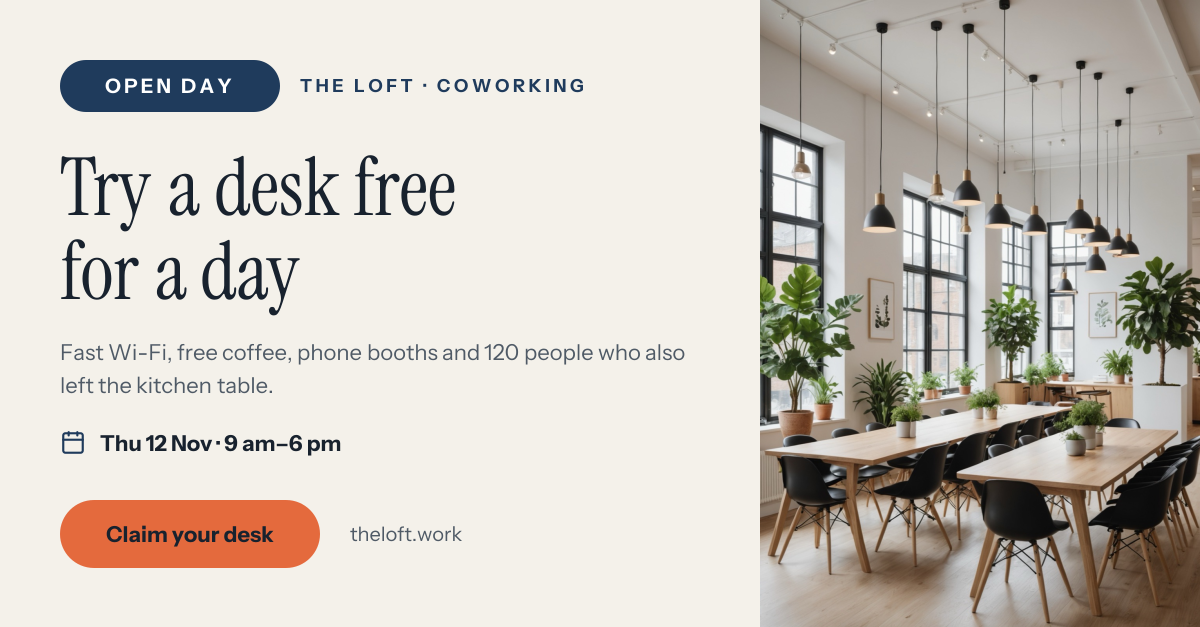
Bright coworking photo with an Open Day pill, serif headline, date and desk button.
Your copy opens in the editor in seconds.
Use this template