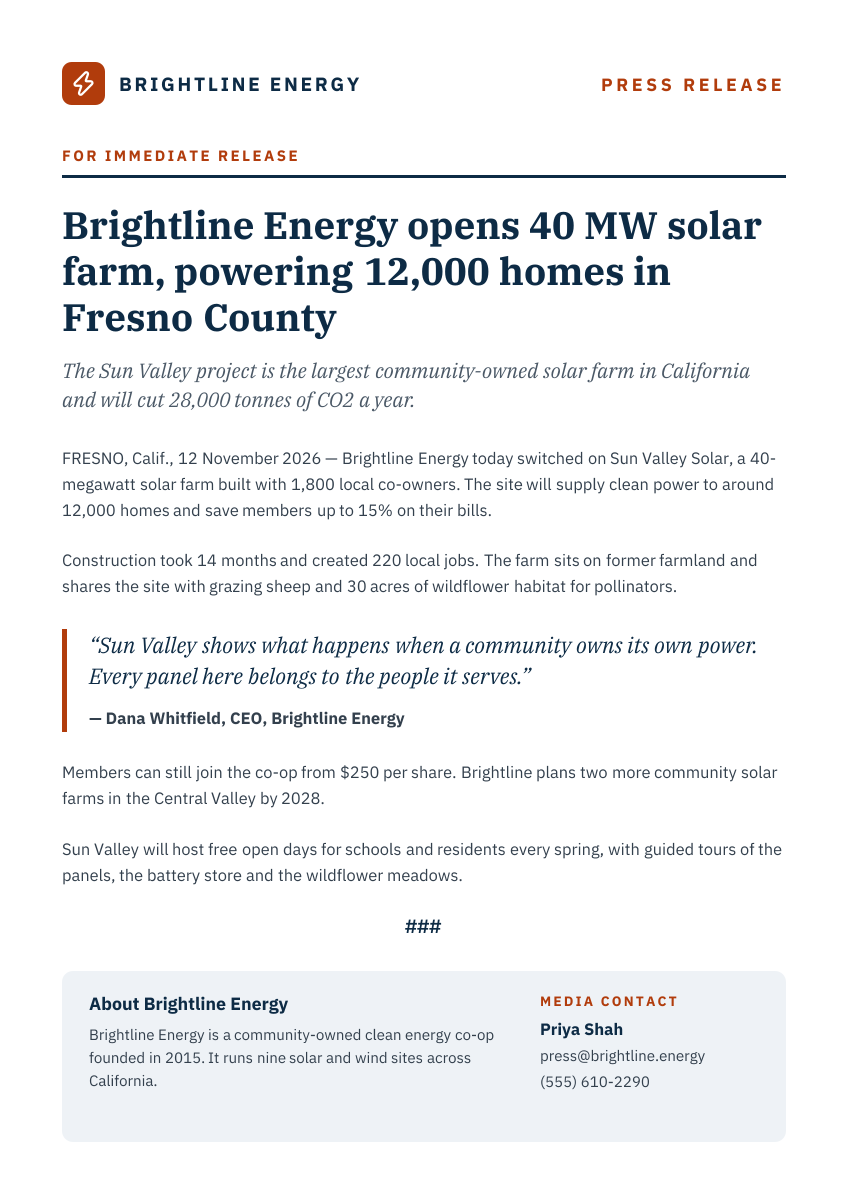
Preview of the Press Release template: white a4 press release with a logo and press release header, a serif headline and subhead, dated body paragraphs, a pull quote, an end mark and a grey about and media contact box
Business & branding

Press Release Template

A clean press release layout that follows the format journalists expect. It opens with your logo, a For Immediate Release line and a bold headline and subhead, then a dateline and body paragraphs, a pull quote from your CEO, the ### end mark, and a grey box with the About section and media contact.

Opens your own copy in the Liena editor — the original stays untouched. Free with a Liena account; downloads on the free plan include a small watermark.

Format
A4 document cover
Size
1240 × 1754 px (0.71:1)
Fonts
IBM Plex Sans, IBM Plex Serif
Colours
Editable layers
23
Export
PNG, full resolution

Design details

IBM Plex Serif gives the headline and quote a newspaper feel, and IBM Plex Sans keeps the body copy clear at A4 size. A single orange accent marks the label, quote bar and contact heading.

Best for

  • Product and service launch announcements
  • Openings, funding and partnership news
  • Nonprofit and community project news
  • Event and award announcements

How to customise it

  • Replace the logo icon and company name with your own.
  • Write your headline, subhead, dateline and paragraphs.
  • Edit the quote and who said it.
  • Update the About text and media contact details.

Everything in this template is editable

This isn’t a flat image. The design opens as 23 separate layers you can select and change individually.

18 text layers

Double-click to rewrite. Change font (IBM Plex Sans, IBM Plex Serif by default), size, weight, line height, letter spacing, alignment, case, colour and shadow.

4 shapes

Recolour fills with any hex or brand colour, change opacity and corner radius, or resize and rotate decorative elements.

1 icon

Recolour, resize or delete icons, and add new ones from the built-in Iconify icon search.

Layers & layout

Drag to move, resize from any handle, rotate, nudge with arrow keys, reorder or hide layers, duplicate and delete — with undo and redo.

Background & brand

Change the background colour or add a background image, and recolour any shape or text to match your style.

How to use this template

  1. Click “Use this template”. If you’re new to Liena, create a free account first — you’ll come straight back to this design.
  2. Edit the text, replace images and adjust colours. Changes save automatically every 30 seconds, or press Save at any time.
  3. Export a PNG at 1240 × 1754 px. Your design stays in your dashboard to edit again later.
Preview of the Business Proposal Cover template: editorial a4 cover page with client, scope and a details table
Business & branding

Business Proposal Cover

Editorial A4 cover page with client, scope and a details table.
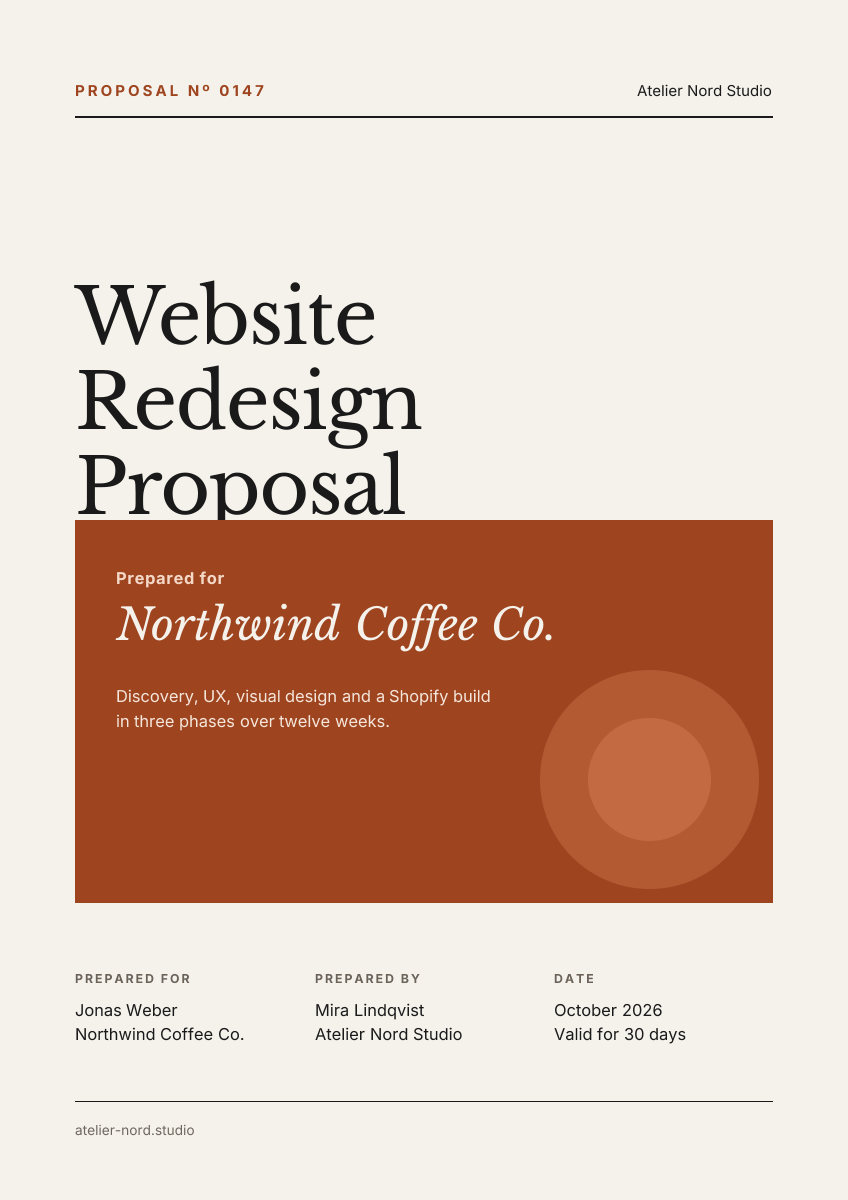
A4 document cover · 1240 × 1754
Preview of the Annual Report Cover template: dark a4 report cover with a giant year and concentric circle graphic
Business & branding

Annual Report Cover

Dark A4 report cover with a giant year and concentric circle graphic.
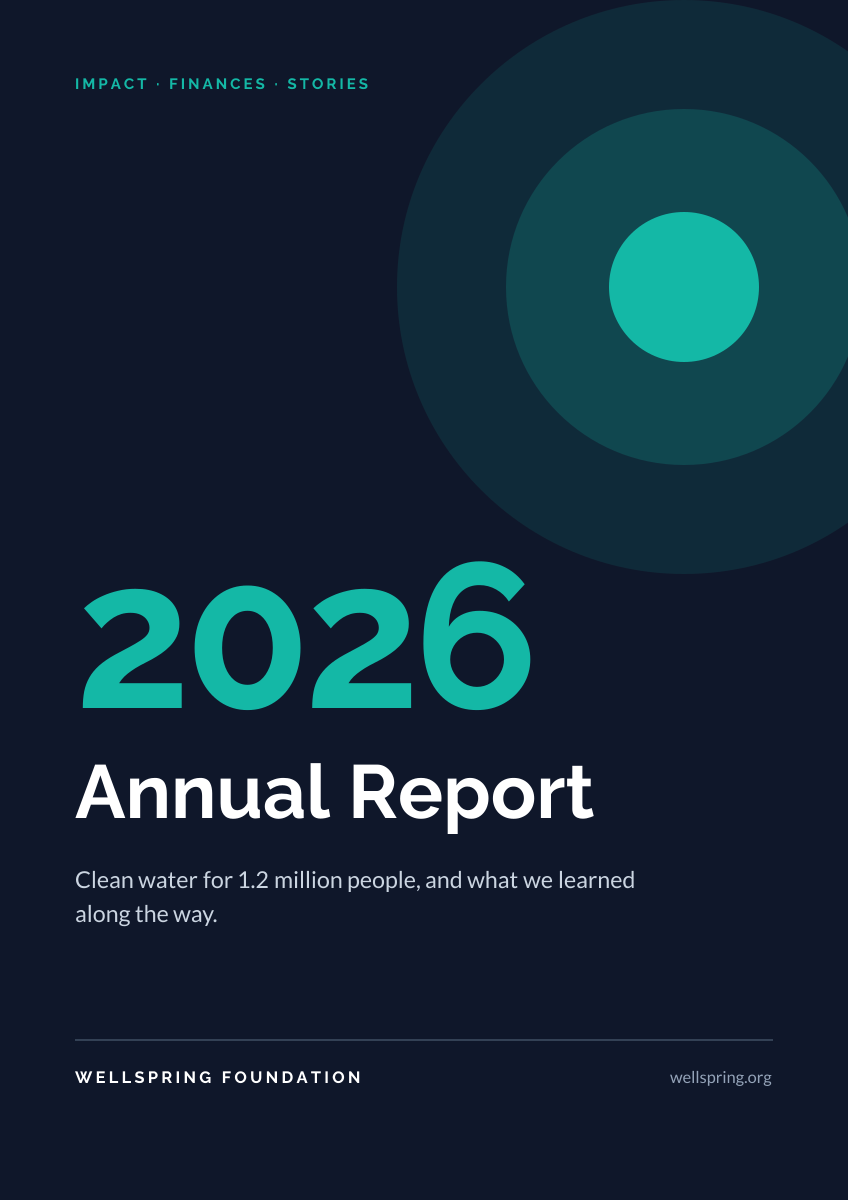
A4 document cover · 1240 × 1754
Preview of the Architecture Portfolio Cover template: full-height building photo beside a minimal serif title column
Business & branding

Architecture Portfolio Cover

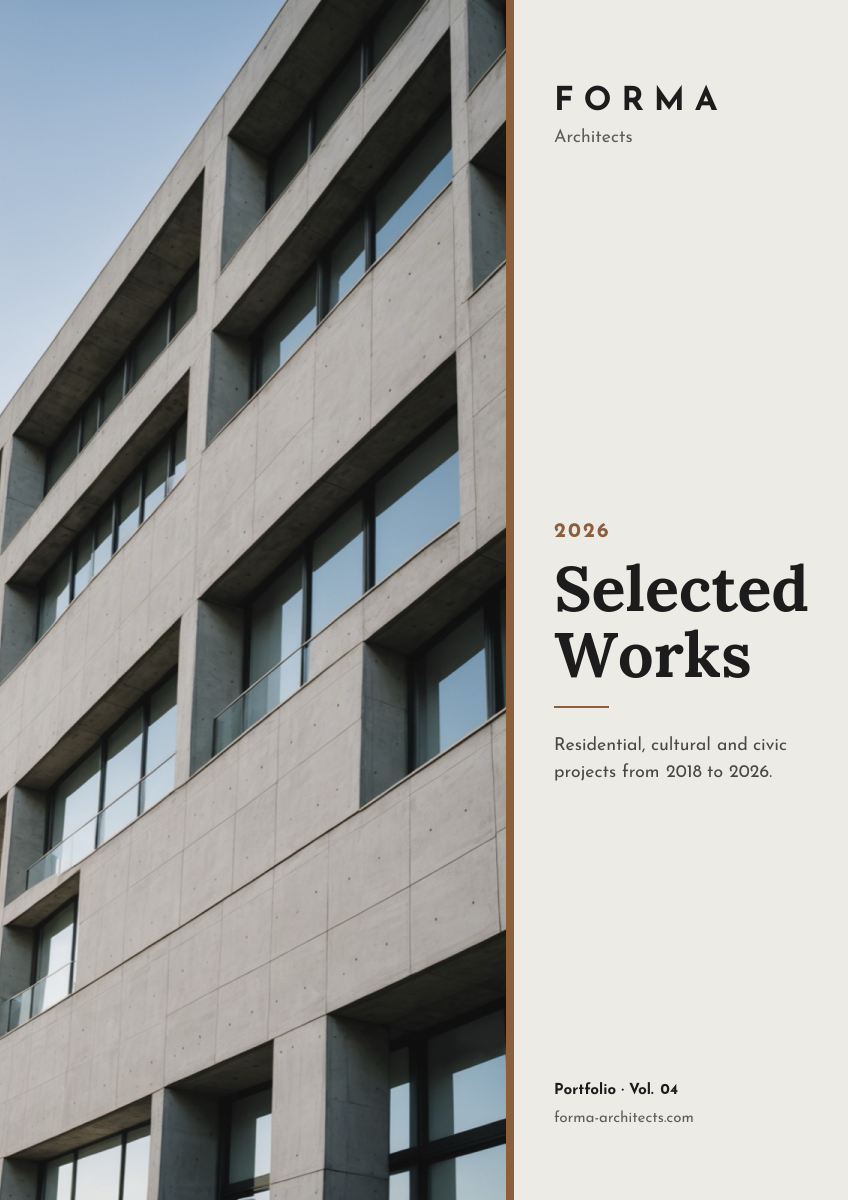
Full-height building photo beside a minimal serif title column.
A4 document cover · 1240 × 1754
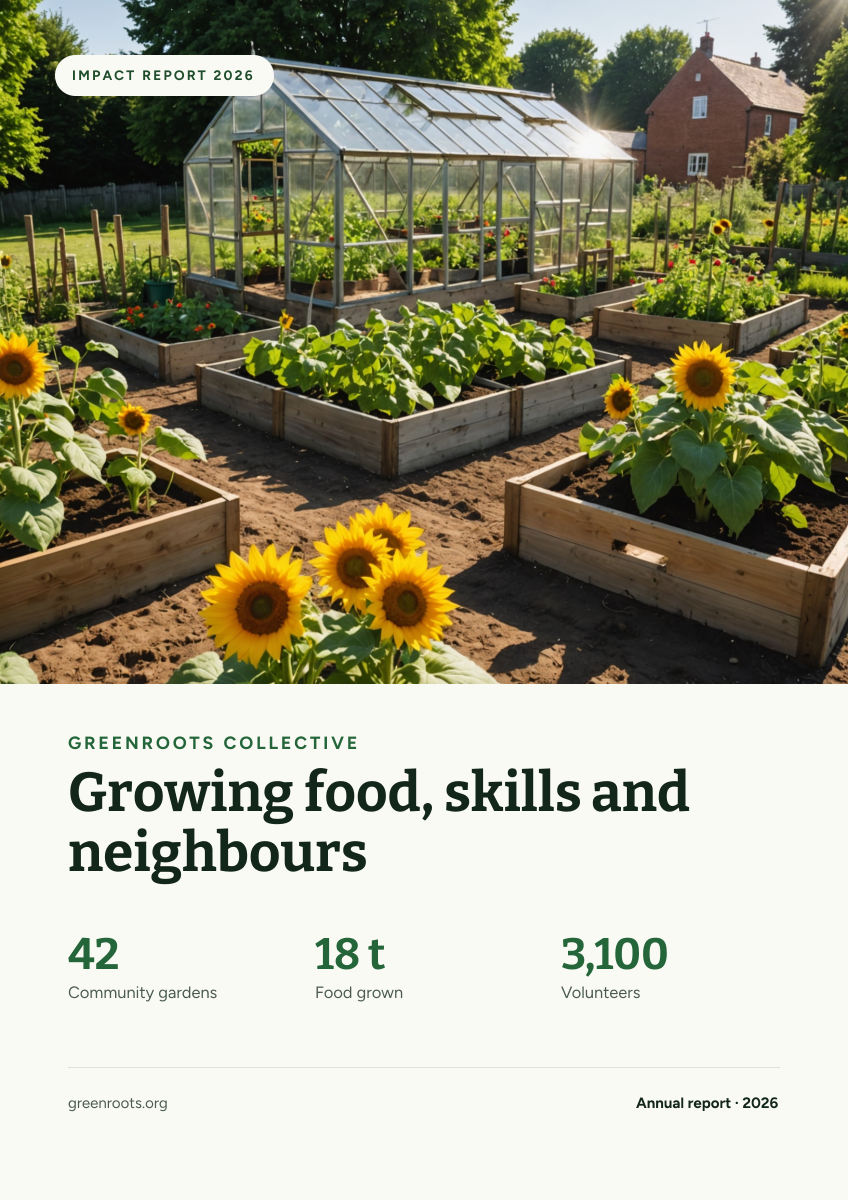
Preview of the Nonprofit Impact Report Cover template: community garden photo with a mission headline and three headline stats
Business & branding

Nonprofit Impact Report Cover

Community garden photo with a mission headline and three headline stats.

A4 document cover · 1240 × 1754

Start with the press release template

Your copy opens in the editor in seconds.

Use this template