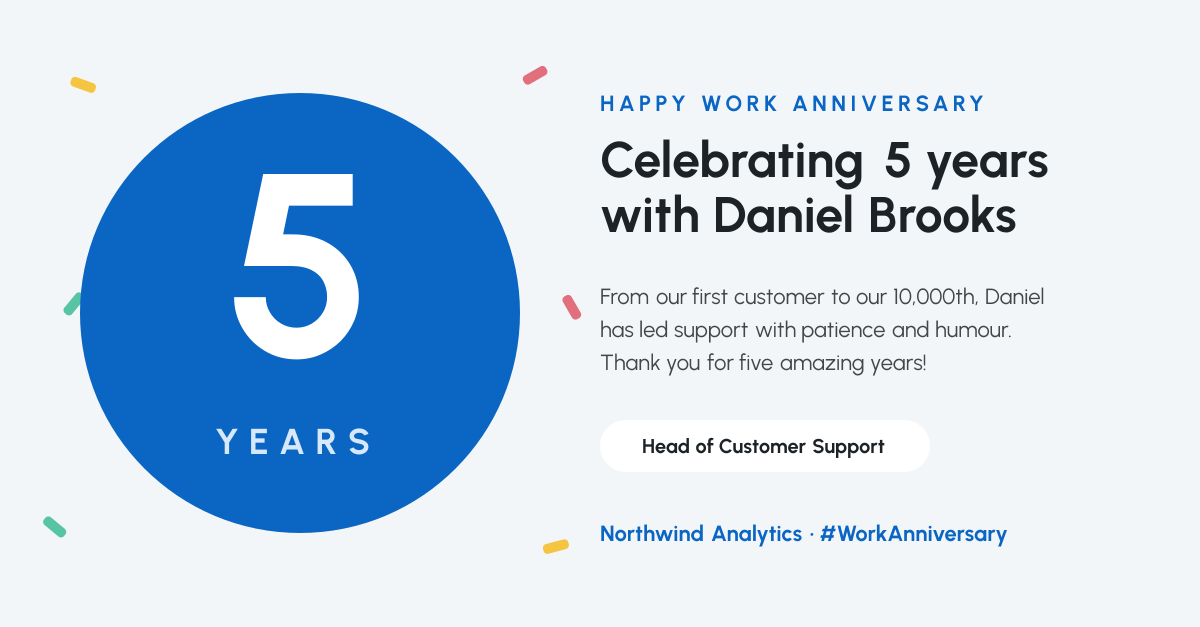
Preview of the Work Anniversary LinkedIn Post template: light grey linkedin post with a blue circle holding a large white 5 and years, scattered confetti, a blue happy work anniversary label, a dark two-line celebrating 5 years with daniel brooks title, a three-line thank-you, a white role chip and a blue company and hashtag line
Social media

Work Anniversary LinkedIn Post Template

A work anniversary post to celebrate your team on LinkedIn. A big number in a blue circle shows the years, next to a headline with the employee's name, a short thank-you about their impact and a chip with their role. Your company name and #WorkAnniversary sit at the bottom.

Opens your own copy in the Liena editor — the original stays untouched. Free with a Liena account; downloads on the free plan include a small watermark.

Format
LinkedIn post
Size
1200 × 627 px (1.91:1)
Fonts
Urbanist
Colours
Editable layers
15
Export
PNG, full resolution

Design details

Urbanist's clean, geometric letters suit a big number and short copy. LinkedIn blue with bright confetti feels professional and celebratory.

Best for

  • Employee work anniversaries
  • HR and employer branding posts
  • Team milestones
  • Your own work anniversary

How to customise it

  • Change the number of years.
  • Edit the name and thank-you note.
  • Update the role chip and company name.
  • Recolour the circle to your brand colour.

Everything in this template is editable

This isn’t a flat image. The design opens as 15 separate layers you can select and change individually.

7 text layers

Double-click to rewrite. Change font (Urbanist by default), size, weight, line height, letter spacing, alignment, case, colour and shadow.

8 shapes

Recolour fills with any hex or brand colour, change opacity and corner radius, or resize and rotate decorative elements.

Layers & layout

Drag to move, resize from any handle, rotate, nudge with arrow keys, reorder or hide layers, duplicate and delete — with undo and redo.

Background & brand

Change the background colour or add a background image, and recolour any shape or text to match your style.

How to use this template

  1. Click “Use this template”. If you’re new to Liena, create a free account first — you’ll come straight back to this design.
  2. Edit the text, replace images and adjust colours. Changes save automatically every 30 seconds, or press Save at any time.
  3. Export a PNG at 1200 × 627 px. Your design stays in your dashboard to edit again later.
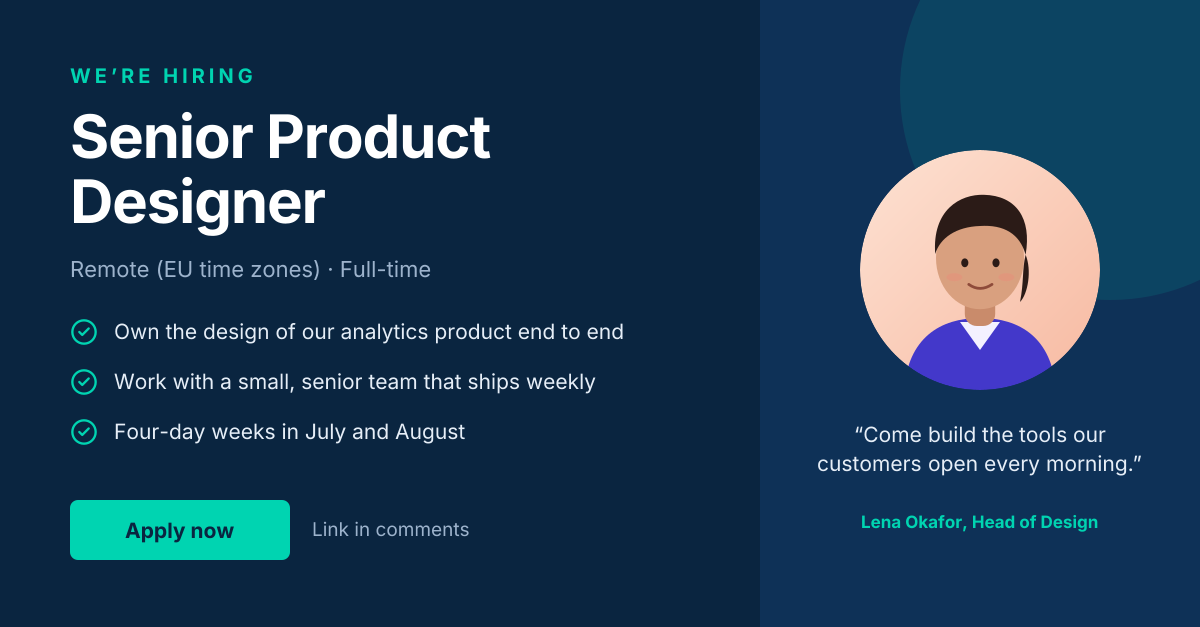
Preview of the LinkedIn Hiring Post template: “we’re hiring” post with role highlights and a hiring-manager quote
Social media

LinkedIn Hiring Post

“We’re hiring” post with role highlights and a hiring-manager quote.
LinkedIn post · 1200 × 627
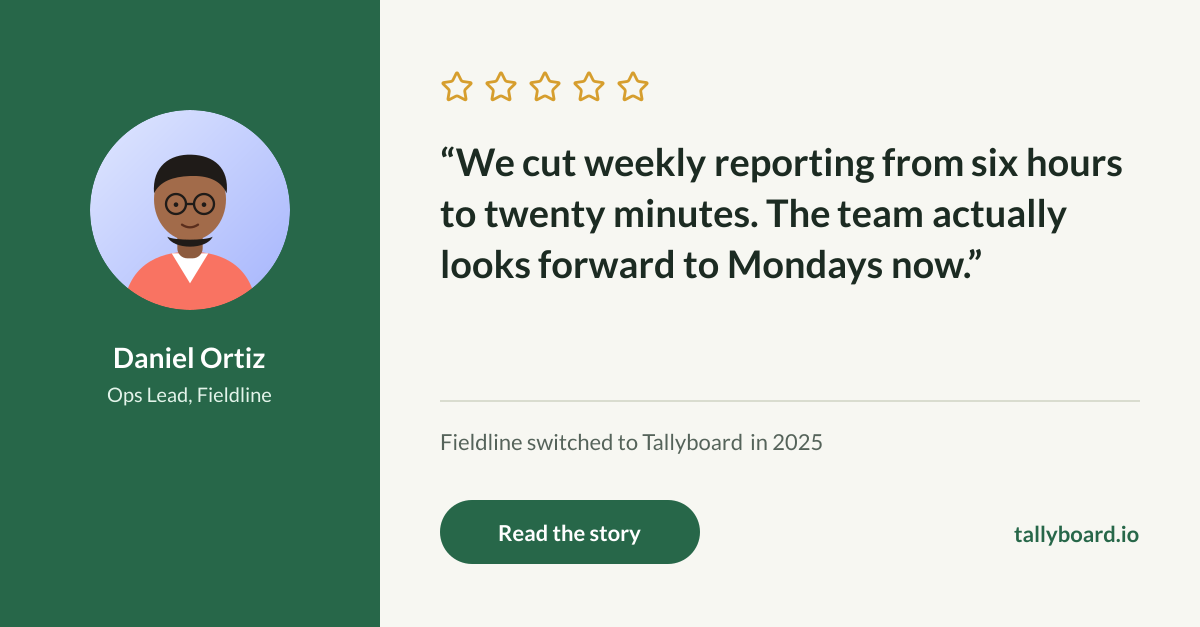
Preview of the Customer Testimonial Post template: five-star review card with a customer portrait, pull quote and story link
Social media

Customer Testimonial Post

Five-star review card with a customer portrait, pull quote and story link.

LinkedIn post · 1200 × 627
Preview of the Company Milestone Post template: boardroom photo with a big anniversary headline, thank-you note and story button
Social media

Company Milestone Post

Boardroom photo with a big anniversary headline, thank-you note and story button.
LinkedIn post · 1200 × 627
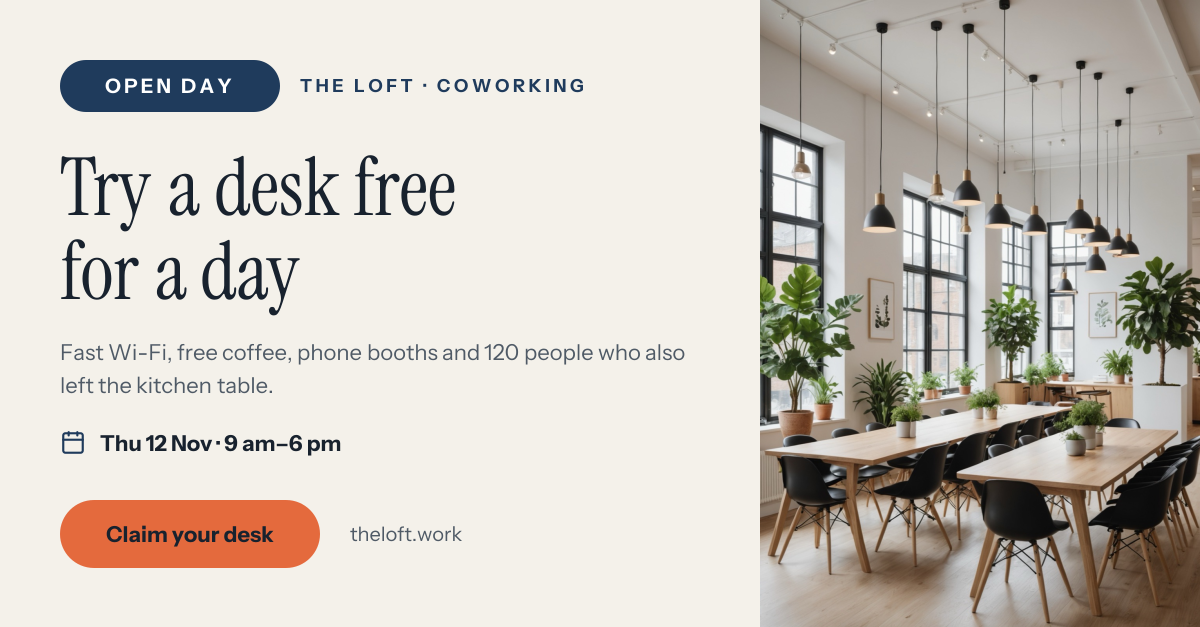
Preview of the Coworking Open Day Post template: bright coworking photo with an open day pill, serif headline, date and desk button
Social media

Coworking Open Day Post

Bright coworking photo with an Open Day pill, serif headline, date and desk button.

LinkedIn post · 1200 × 627

Start with the work anniversary linkedin post template

Your copy opens in the editor in seconds.

Use this template