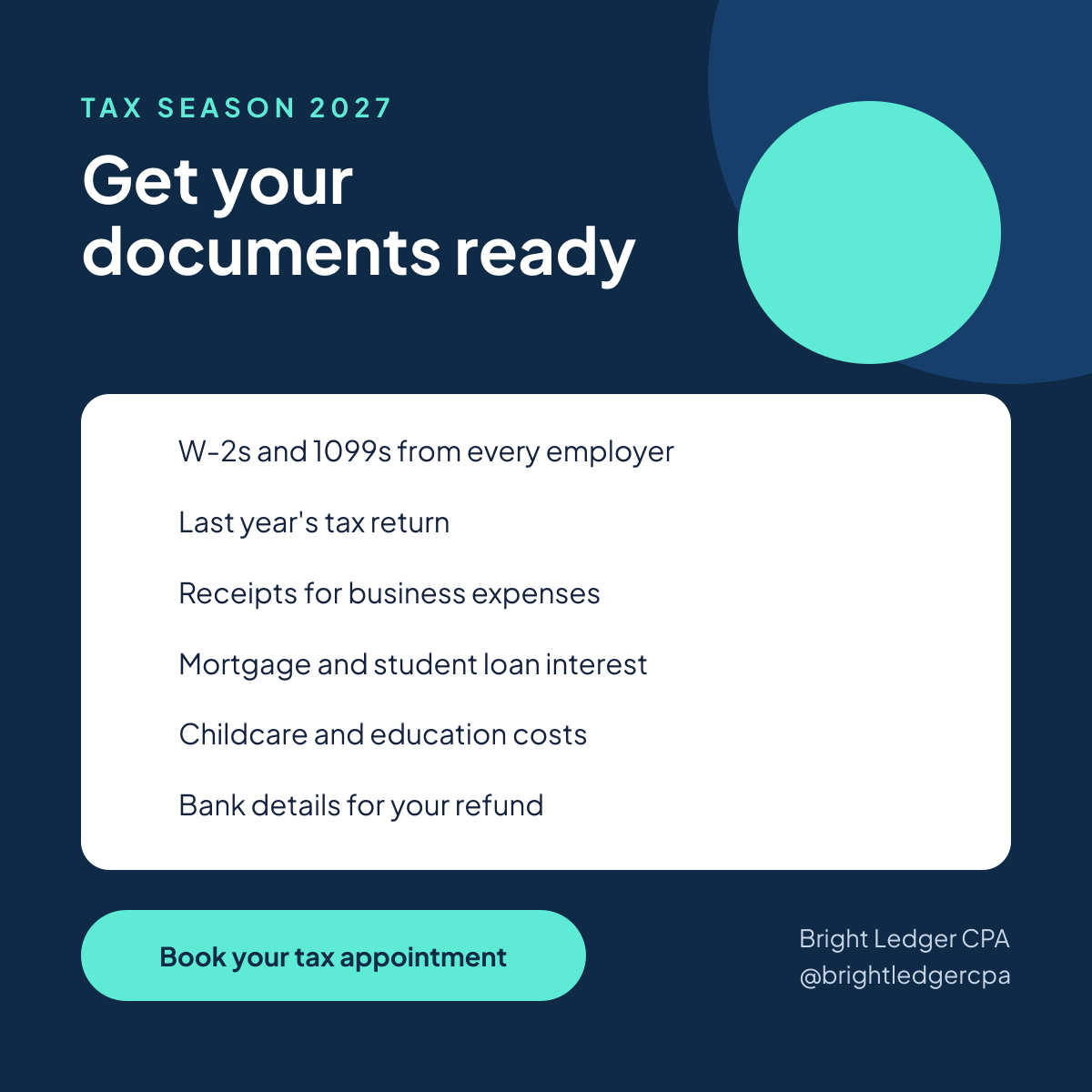
Preview of the Accountant Instagram Post template: navy square post with a mint circle holding a navy calculator icon, a mint tax season 2027 label, a white two-line get your documents ready title, a white card with six checked tax documents, a mint book your tax appointment button and the firm name and handle
Social media

Accountant Instagram Post Template

An Instagram post for accountants and CPAs at tax time. A bold title and a calculator icon sit above a checklist of six documents clients should bring, from W-2s to bank details. A Book your tax appointment button and your firm's handle make it easy to act on.

Opens your own copy in the Liena editor — the original stays untouched. Free with a Liena account; downloads on the free plan include a small watermark.

Format
Instagram post
Size
1080 × 1080 px (1:1)
Fonts
Plus Jakarta Sans
Colours
Editable layers
21
Export
PNG, full resolution

Design details

Plus Jakarta Sans is modern and clear, which suits a checklist. Navy and mint feel trustworthy and fresh.

Best for

  • Accountants and CPAs
  • Tax preparers and bookkeepers
  • Tax season reminders
  • Client checklists

How to customise it

  • Change the tax year.
  • Edit the six checklist items.
  • Update the button text.
  • Add your firm name and handle.

Everything in this template is editable

This isn’t a flat image. The design opens as 21 separate layers you can select and change individually.

10 text layers

Double-click to rewrite. Change font (Plus Jakarta Sans by default), size, weight, line height, letter spacing, alignment, case, colour and shadow.

4 shapes

Recolour fills with any hex or brand colour, change opacity and corner radius, or resize and rotate decorative elements.

7 icons

Recolour, resize or delete icons, and add new ones from the built-in Iconify icon search.

Layers & layout

Drag to move, resize from any handle, rotate, nudge with arrow keys, reorder or hide layers, duplicate and delete — with undo and redo.

Background & brand

Change the background colour or add a background image, and recolour any shape or text to match your style.

How to use this template

  1. Click “Use this template”. If you’re new to Liena, create a free account first — you’ll come straight back to this design.
  2. Edit the text, replace images and adjust colours. Changes save automatically every 30 seconds, or press Save at any time.
  3. Export a PNG at 1080 × 1080 px. Your design stays in your dashboard to edit again later.
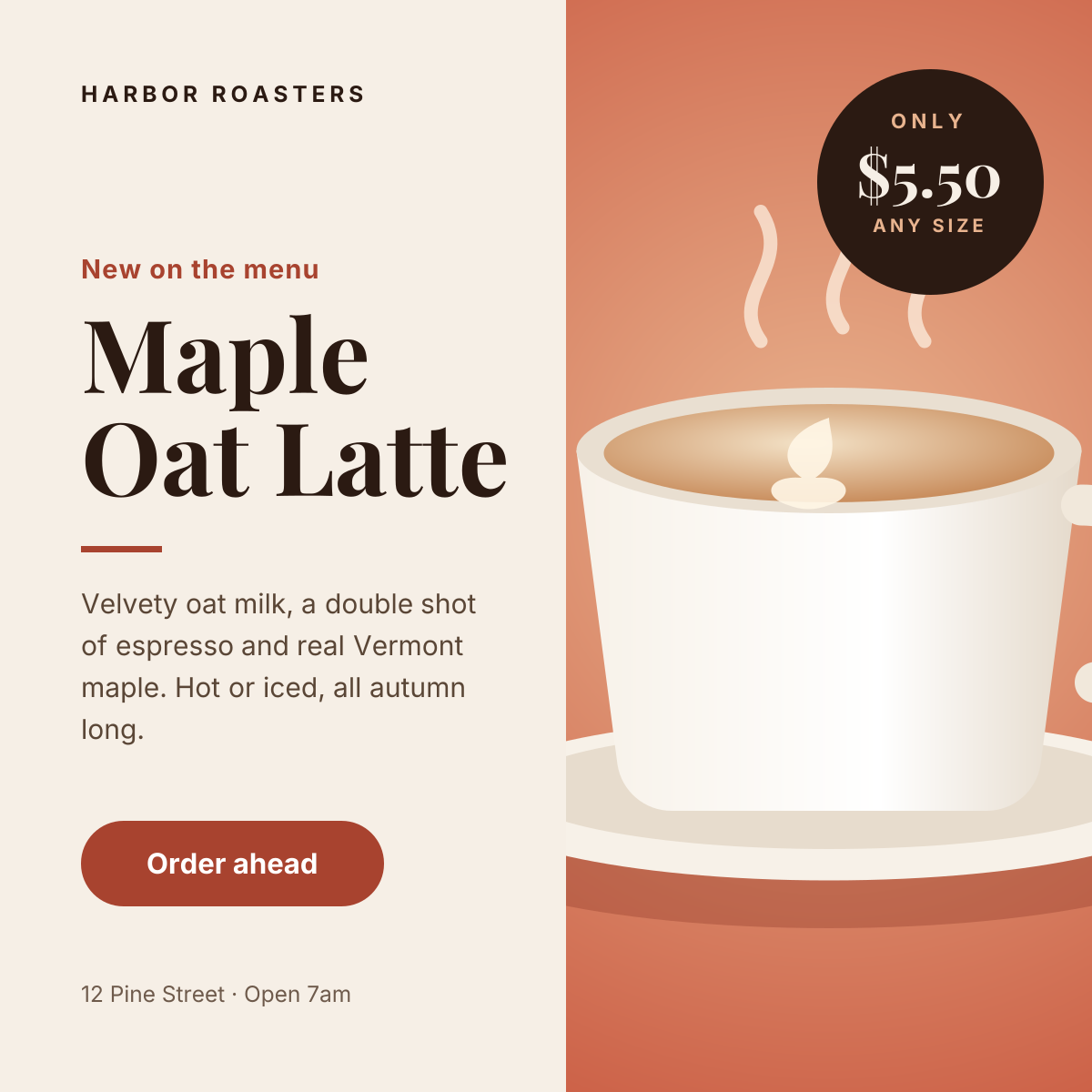
Preview of the Instagram Promotional Post template: split layout with a product photo, price badge and a clear order button
Social media

Instagram Promotional Post

Split layout with a product photo, price badge and a clear order button.
Instagram post · 1080 × 1080
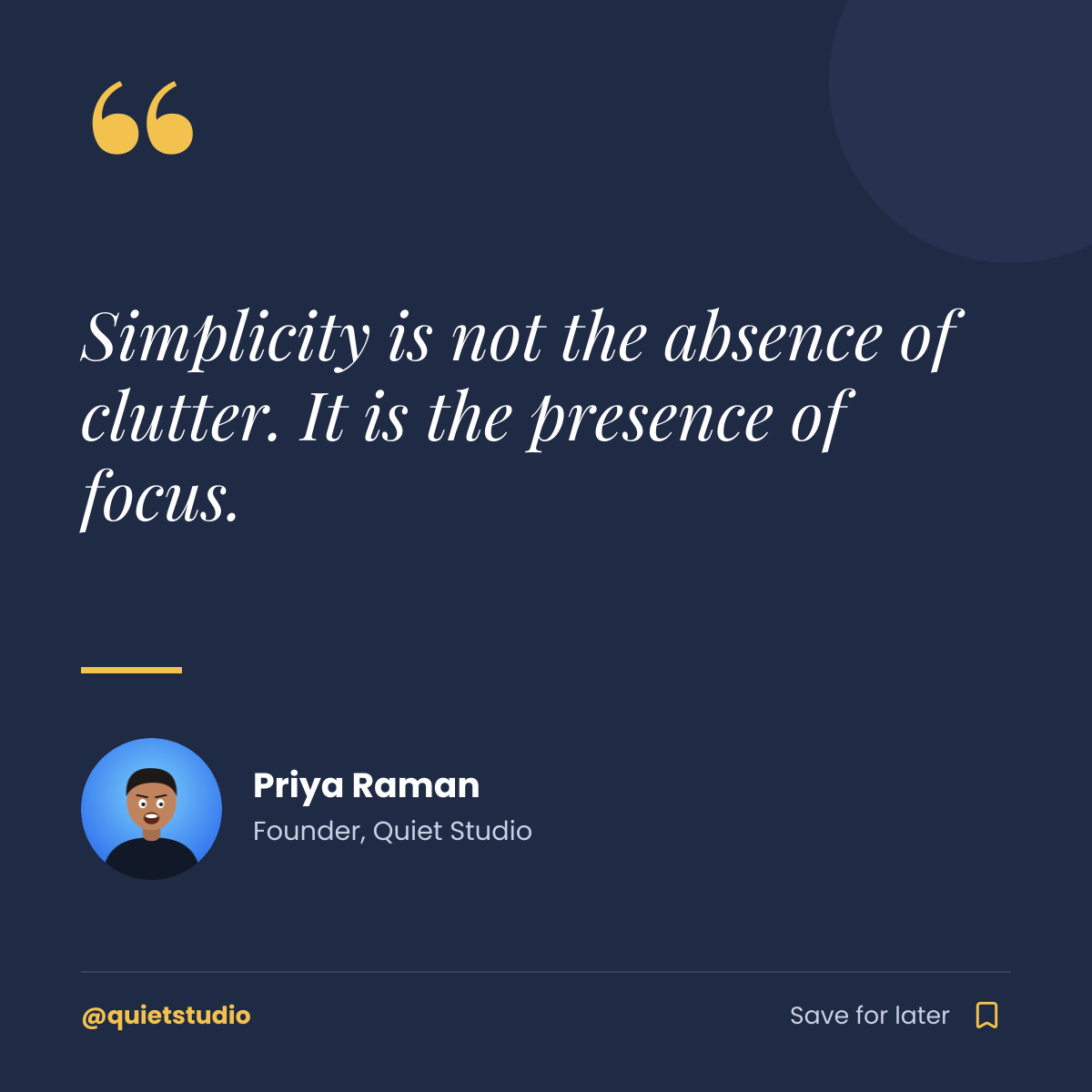
Preview of the Instagram Quote Post template: navy quote card with a gold quote mark, author portrait and save prompt
Social media

Instagram Quote Post

Navy quote card with a gold quote mark, author portrait and save prompt.

Instagram post · 1080 × 1080
Preview of the Instagram Giveaway Post template: bold giveaway headline with the prize, three entry steps and terms
Social media

Instagram Giveaway Post

Bold giveaway headline with the prize, three entry steps and terms.
Instagram post · 1080 × 1080
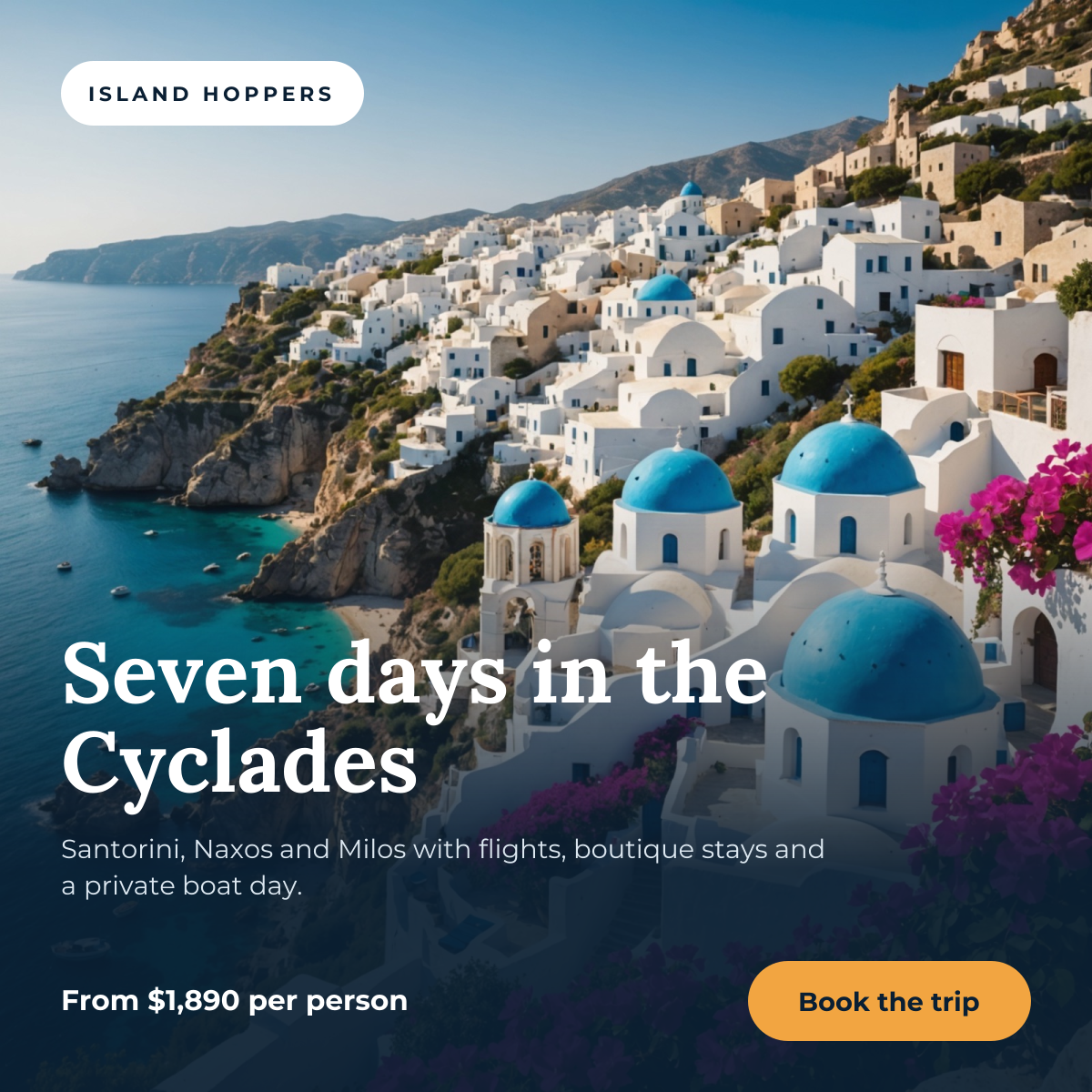
Preview of the Instagram Travel Post template: full-bleed destination photo with a trip headline, price and booking button
Social media

Instagram Travel Post

Full-bleed destination photo with a trip headline, price and booking button.

Instagram post · 1080 × 1080

Start with the accountant instagram post template

Your copy opens in the editor in seconds.

Use this template