Preview of the Black History Month Post template: near-black square post with a gold celebrating every february line, a large cream black history month title, a gold italic honoring the past. inspiring the future. line, a short note on sharing stories, a handle, a gold ring with a four-point star, and red, gold and green stripes along the bottom
Social media

Black History Month Post Template

A Black History Month post for February. A large serif title and a gold Honoring the past. Inspiring the future. line sit on a dark background, with a short note on the stories you'll share and red, gold and green stripes along the bottom.

Opens your own copy in the Liena editor — the original stays untouched. Free with a Liena account; downloads on the free plan include a small watermark.

Format
Instagram post
Size
1080 × 1080 px (1:1)
Fonts
Inter, Playfair Display
Colours
Editable layers
11
Export
PNG, full resolution

Design details

Playfair Display gives the title weight and dignity, with Inter for clear details. Red, gold and green on near-black are the colours most linked with the month.

Best for

  • Libraries, schools and museums
  • Businesses marking Black History Month
  • Community groups and nonprofits
  • Kicking off a February post series

How to customise it

  • Edit the note to describe your plans.
  • Change the quote line.
  • Replace the handle with yours.
  • Swap the star for another icon.

Everything in this template is editable

This isn’t a flat image. The design opens as 11 separate layers you can select and change individually.

5 text layers

Double-click to rewrite. Change font (Inter, Playfair Display by default), size, weight, line height, letter spacing, alignment, case, colour and shadow.

5 shapes

Recolour fills with any hex or brand colour, change opacity and corner radius, or resize and rotate decorative elements.

1 icon

Recolour, resize or delete icons, and add new ones from the built-in Iconify icon search.

Layers & layout

Drag to move, resize from any handle, rotate, nudge with arrow keys, reorder or hide layers, duplicate and delete — with undo and redo.

Background & brand

Change the background colour or add a background image, and recolour any shape or text to match your style.

How to use this template

  1. Click “Use this template”. If you’re new to Liena, create a free account first — you’ll come straight back to this design.
  2. Edit the text, replace images and adjust colours. Changes save automatically every 30 seconds, or press Save at any time.
  3. Export a PNG at 1080 × 1080 px. Your design stays in your dashboard to edit again later.
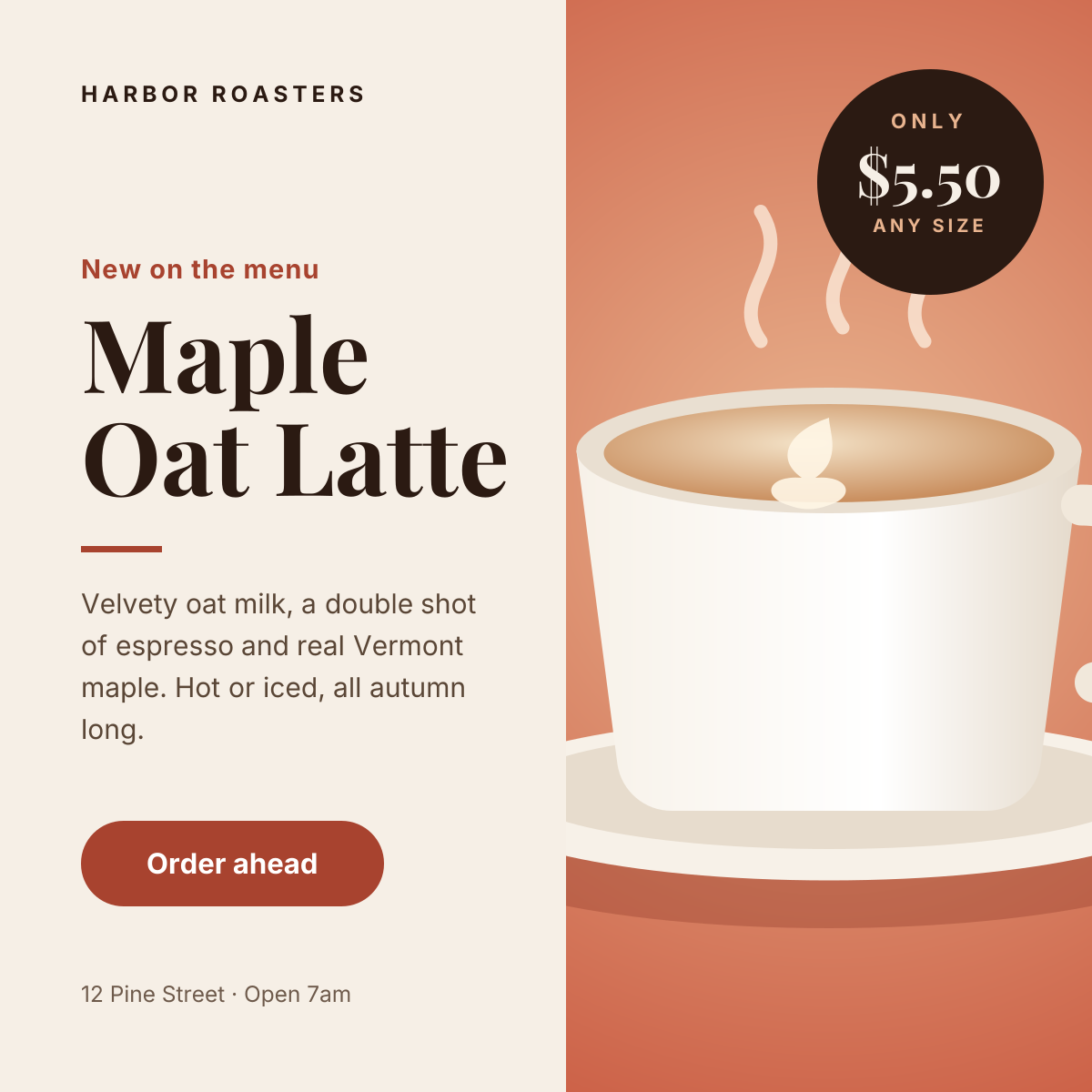
Preview of the Instagram Promotional Post template: split layout with a product photo, price badge and a clear order button
Social media

Instagram Promotional Post

Split layout with a product photo, price badge and a clear order button.

Instagram post · 1080 × 1080
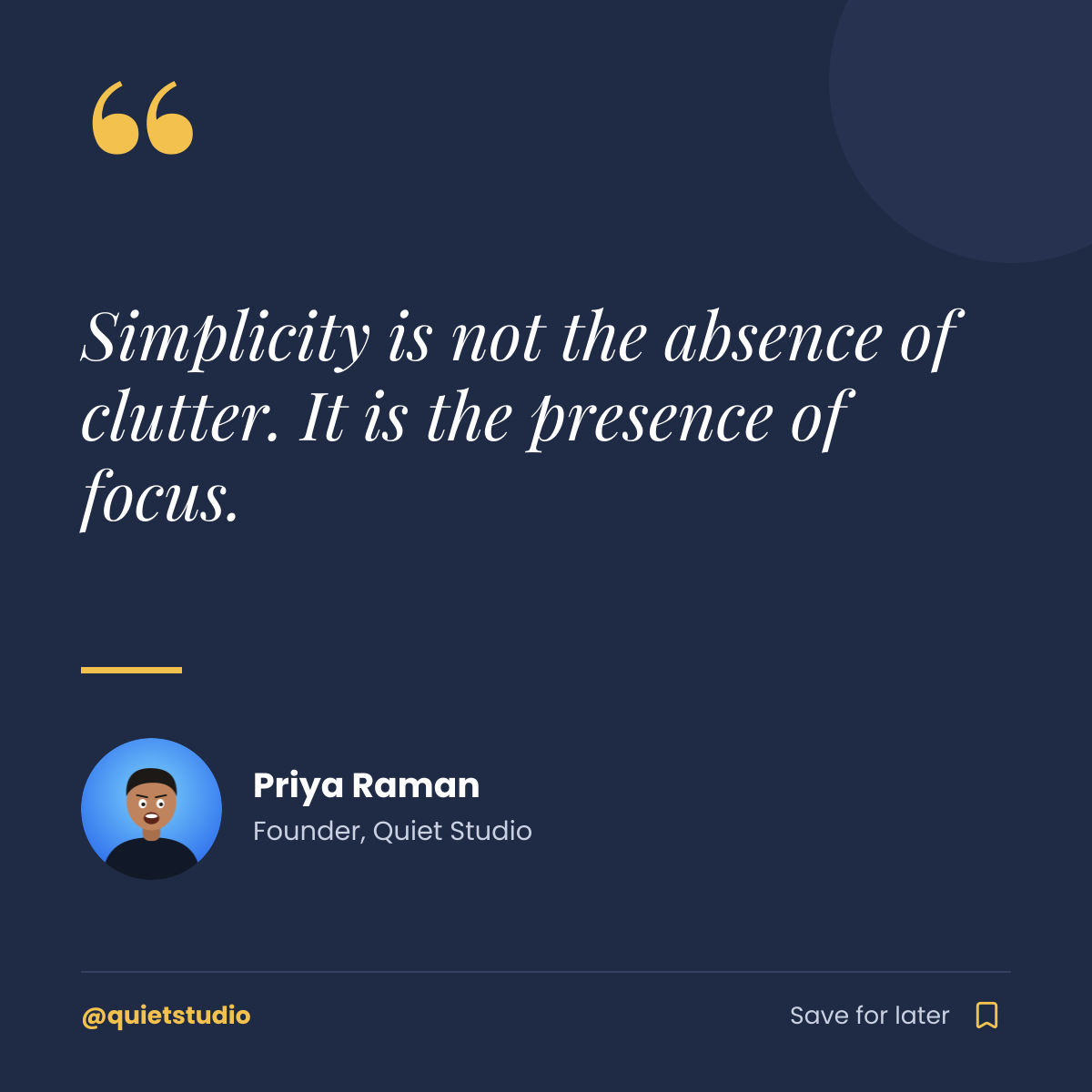
Preview of the Instagram Quote Post template: navy quote card with a gold quote mark, author portrait and save prompt
Social media

Instagram Quote Post

Navy quote card with a gold quote mark, author portrait and save prompt.

Instagram post · 1080 × 1080
Preview of the Instagram Giveaway Post template: bold giveaway headline with the prize, three entry steps and terms
Social media

Instagram Giveaway Post

Bold giveaway headline with the prize, three entry steps and terms.
Instagram post · 1080 × 1080
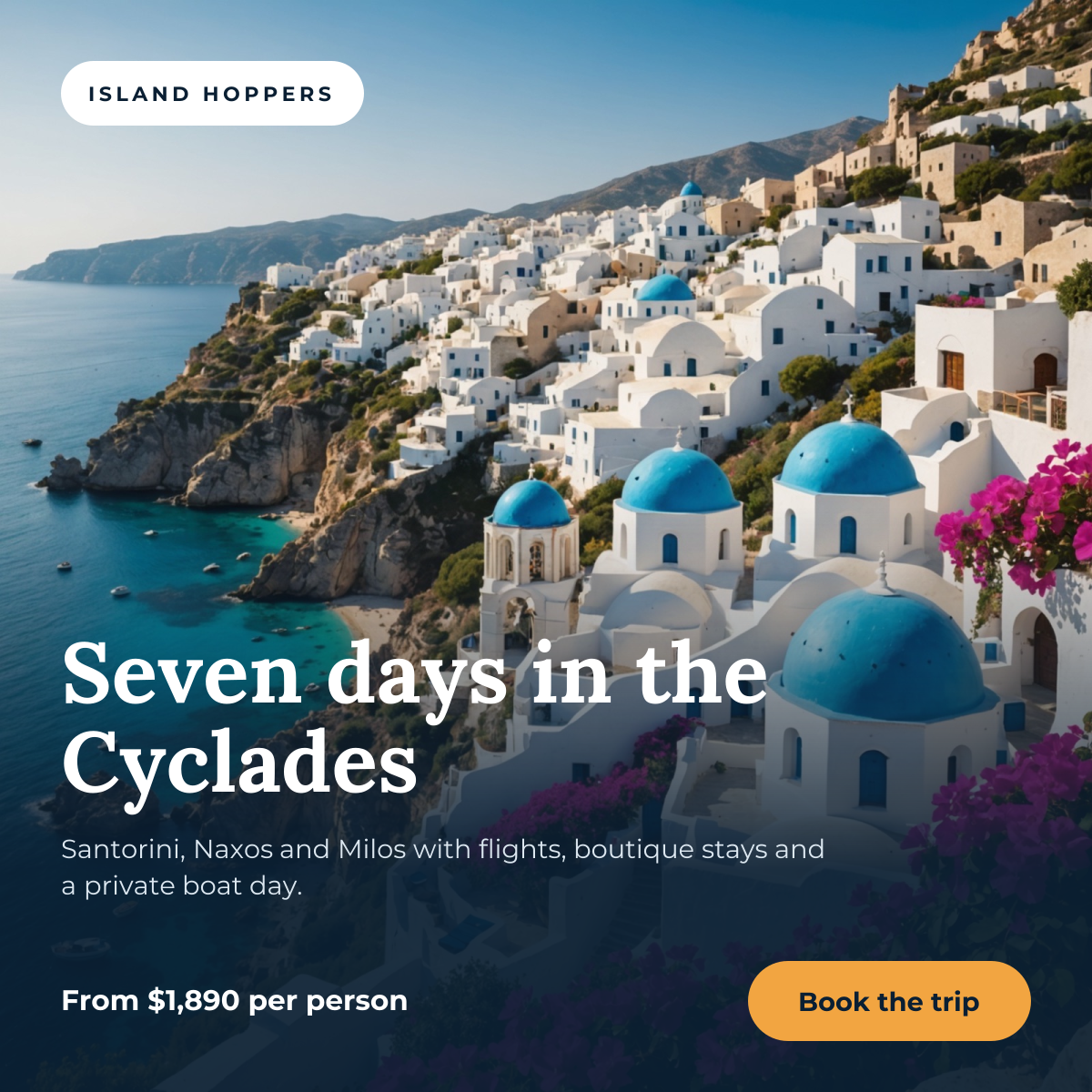
Preview of the Instagram Travel Post template: full-bleed destination photo with a trip headline, price and booking button
Social media

Instagram Travel Post

Full-bleed destination photo with a trip headline, price and booking button.

Instagram post · 1080 × 1080

Start with the black history month post template

Your copy opens in the editor in seconds.

Use this template