 liena
Free Certificate Maker
Liena’s free certificate maker designs a printable 11×8.5 in landscape certificate (1650×1275 px) in seconds, from an AI prompt or a template.
Free account · 5 AI designs a month · every template free to edit · no credit card
certificate templates
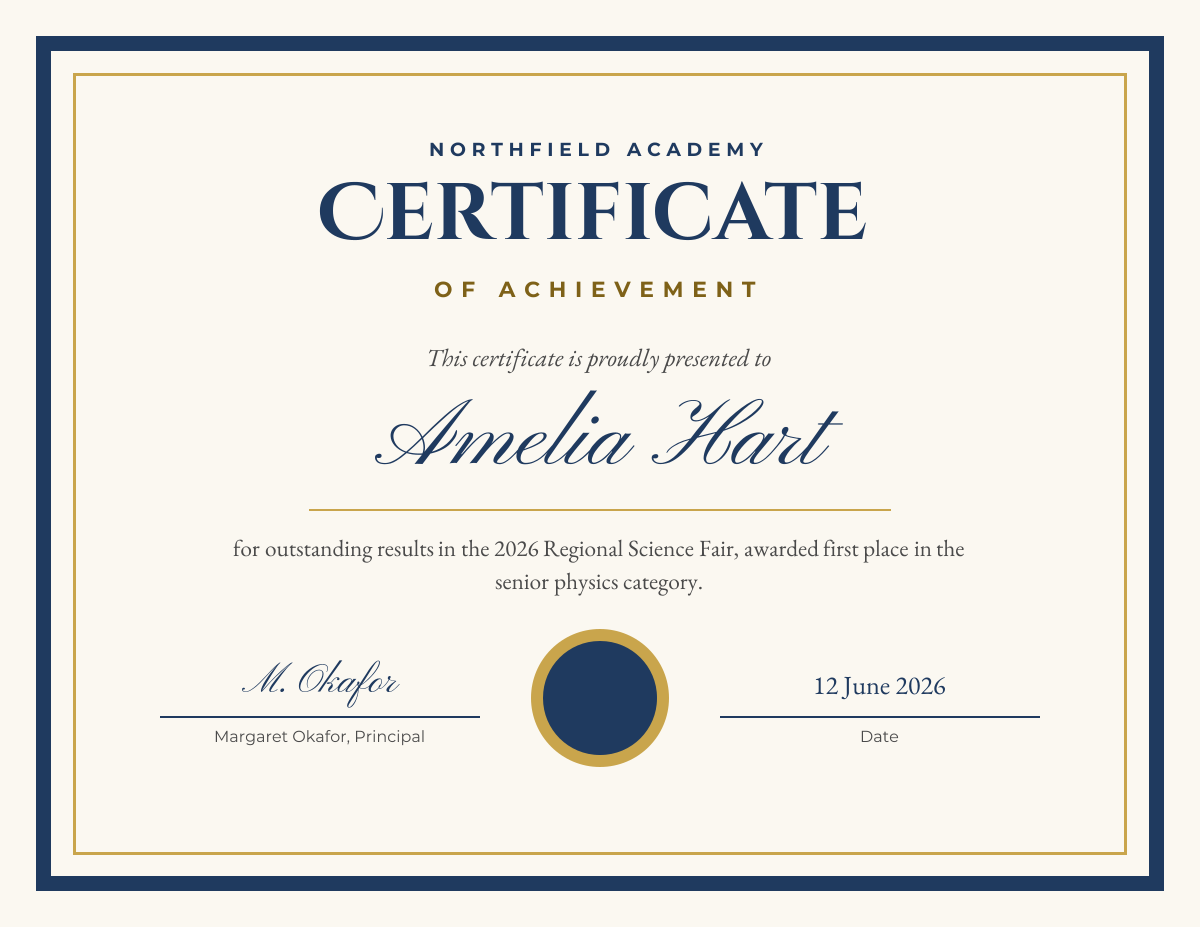
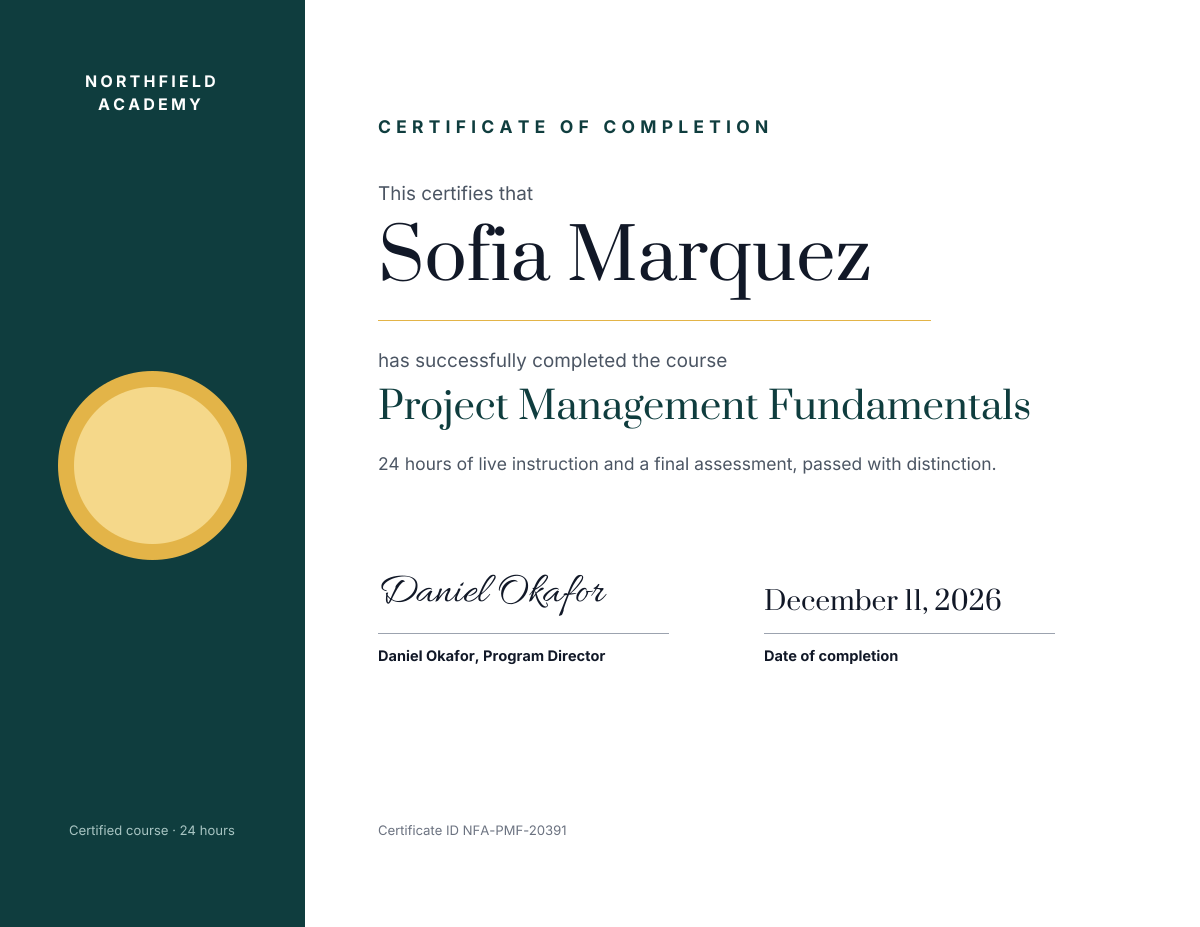
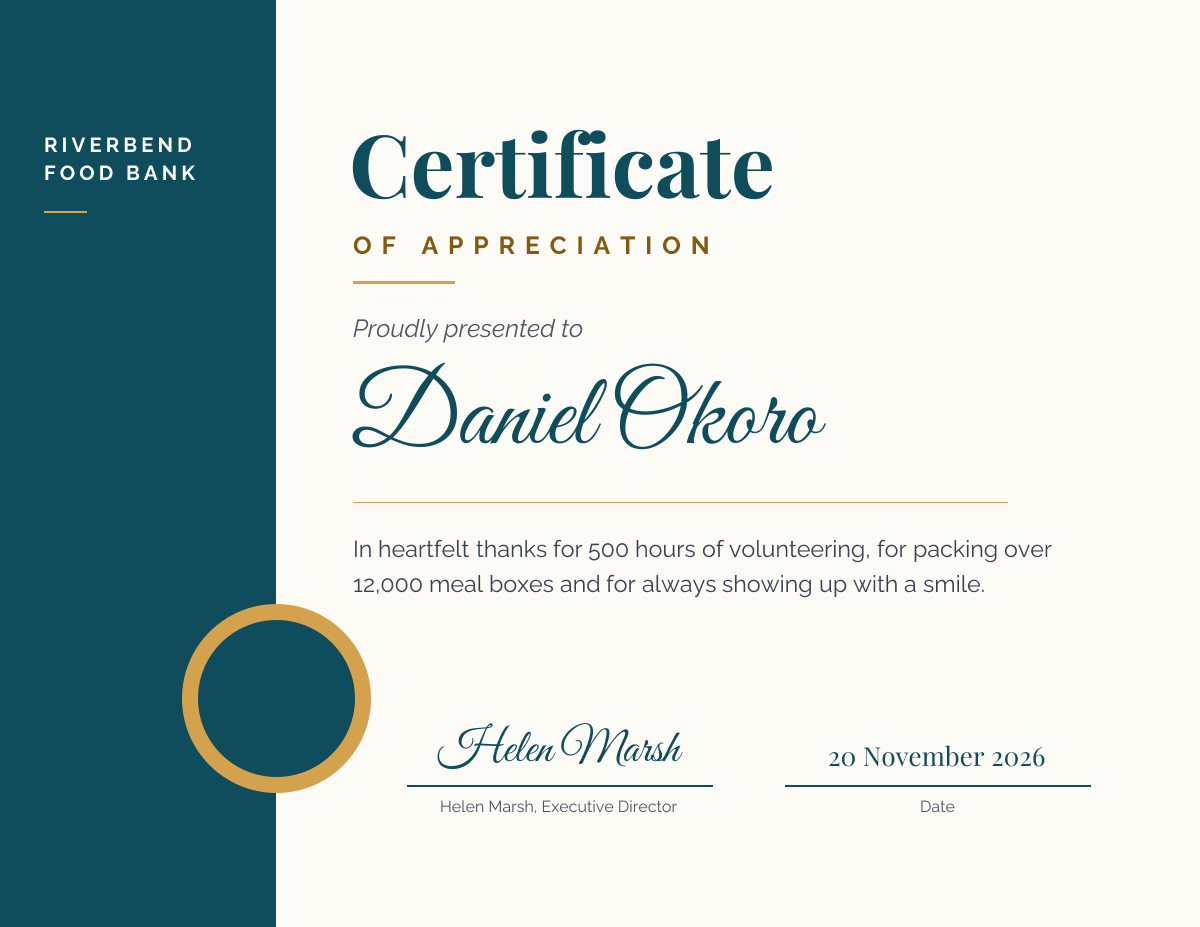
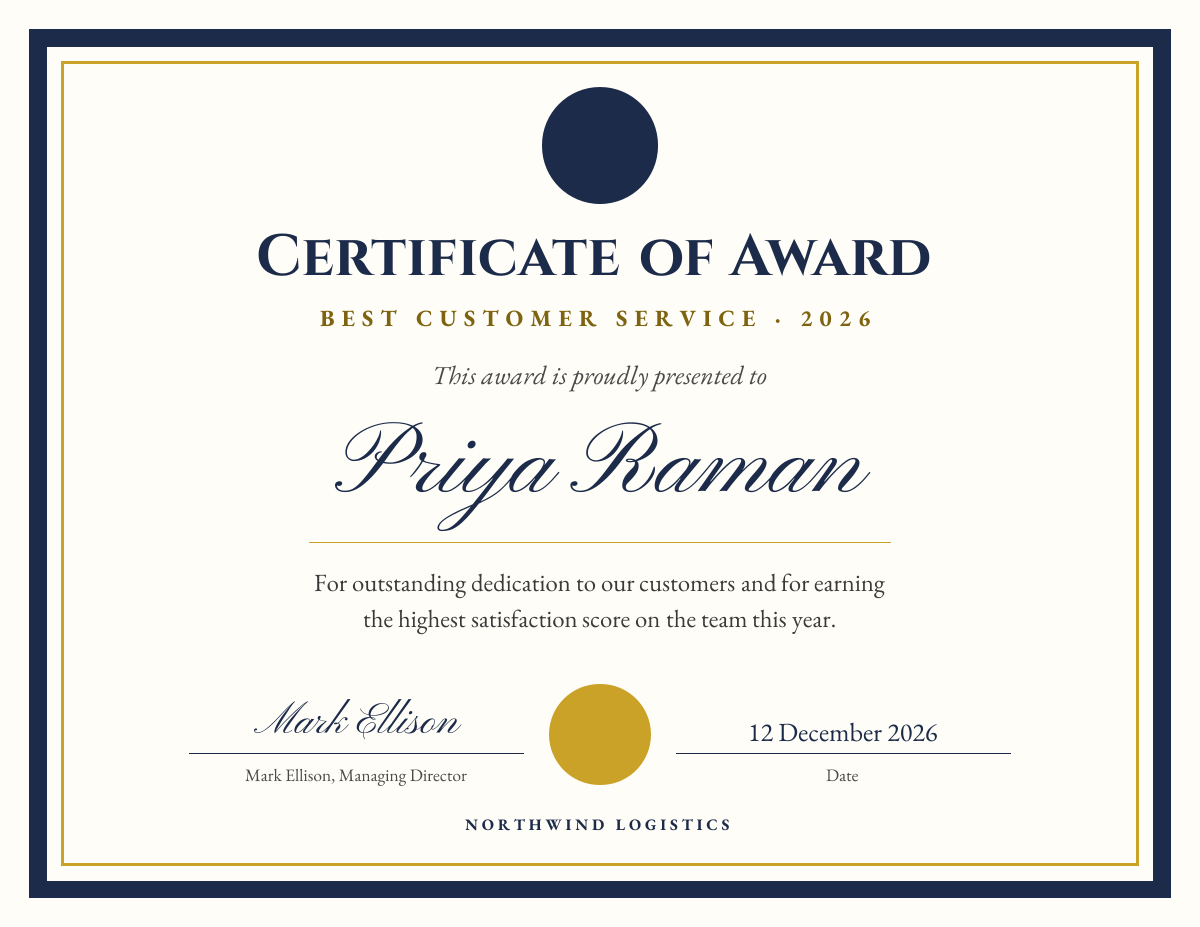
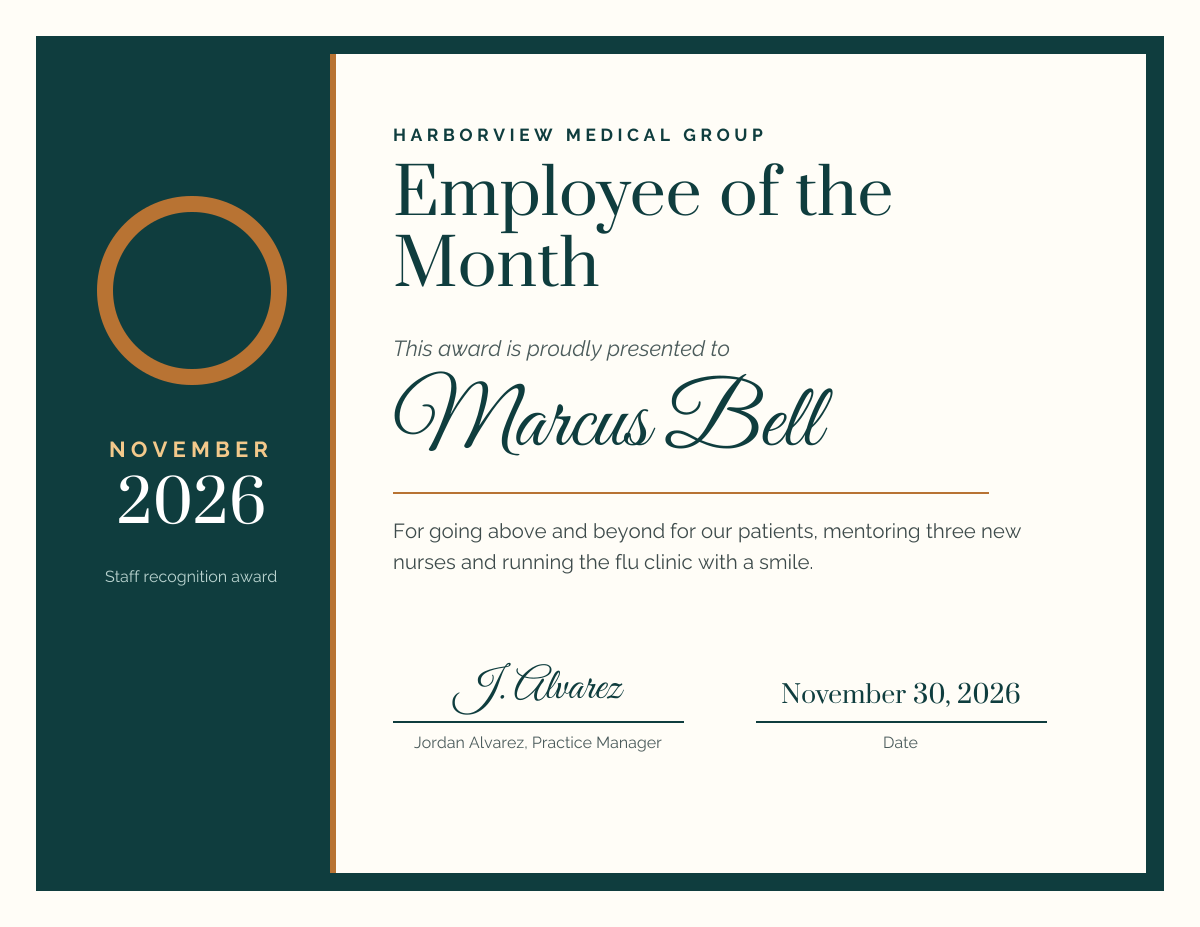
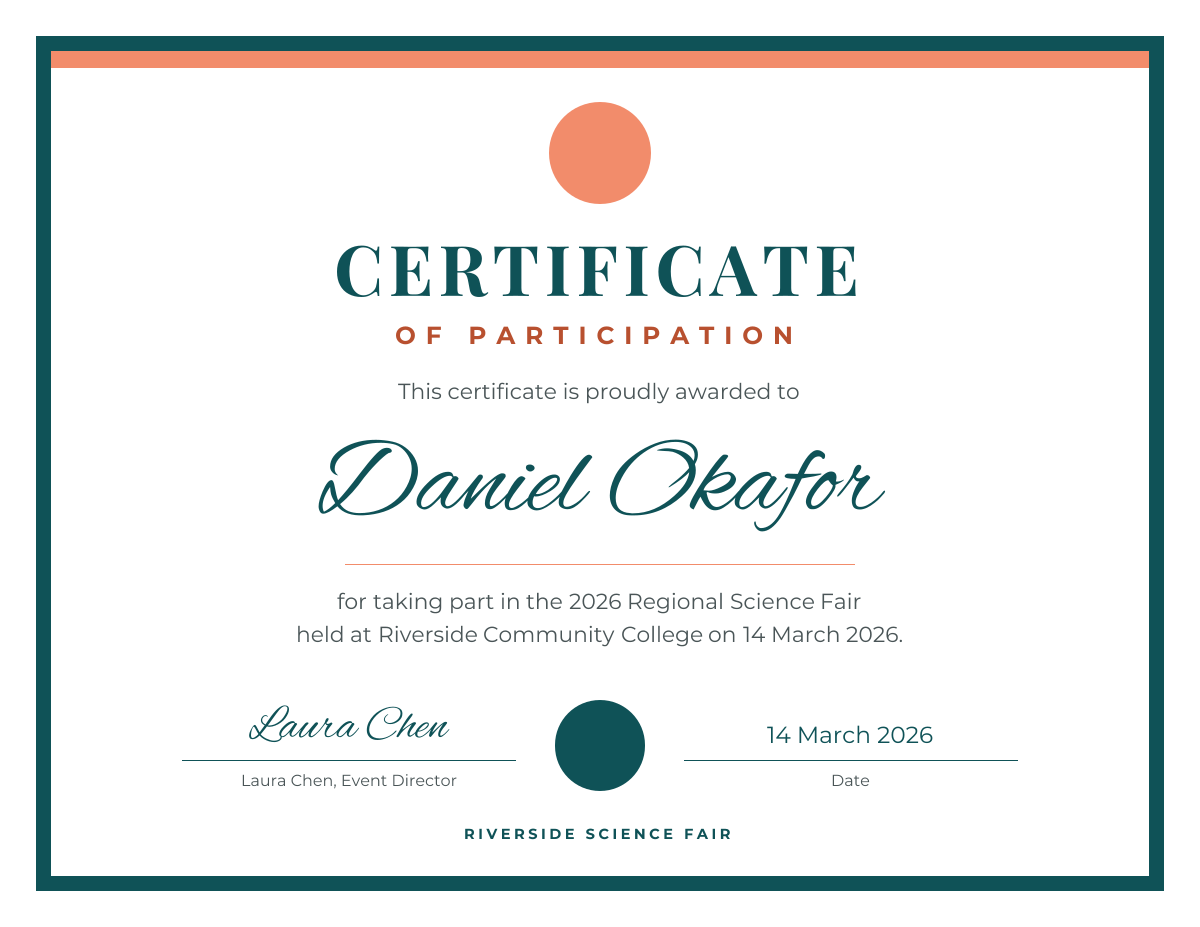
Click any design to open your own copy in the editor.
How to make a certificate in 3 steps
1
Prompt or pick
Describe your certificate in a sentence and AI designs it, or open one of the templates. The canvas is already 1650 × 1275 px.
2
Edit anything
Every text, photo, shape and icon is its own layer. Rewrite the copy, drop in your photos, match your brand colours and move things around.
3
Download
Export a full-resolution PNG and print it on cardstock at home or at a print shop. Your certificate stays in your dashboard to reuse next time.
certificate size and specs
- Size
- 1650 × 1275 px11 × 8.5 in (US Letter, landscape) at 150 DPI.
- A4 size
- 1754 × 1240 px297 × 210 mm landscape, the usual size outside the US and Canada. Set it with Resize design.
- Resolution
- 150 DPISharp on home and office printers at full page size.
- Safe zone
- 75 px (0.5 in) from every edgeMost home printers can’t print the outer 0.25 in; keep borders and text inside this line.
- Orientation
- LandscapeThe usual shape for certificates, and it fits standard certificate frames and folders.
- Paper
- 65–110 lb cardstockAbout 175–300 gsm. Check the heaviest paper your printer accepts.
- File type
- PNG (from Liena)Prints from any computer. Save it as a PDF from the print dialog if a shop asks for one.
certificates for every kind of business
Each one starts an AI design written for that business, at 1650 × 1275 px, ready for your own photos and details.
- SchoolsStudent of the month and honour roll.
- Online coursesCompletion certificates for your students.
- Workshops & trainingProof of attendance and CPD hours.
- EmployersEmployee of the month and service awards.
- Sports clubsMVP, most improved and season awards.
- NonprofitsThank volunteers and donors.
- Yoga & fitnessTeacher training and challenge finishers.
- CompetitionsFirst, second and third place.
- Kids’ activitiesReading, swimming and summer camp awards.
- Gift certificatesA printed voucher for a service.
How to design a certificate that works
Put the recipient’s name first in size
The name is what people look at and photograph, so make it the largest text on the page: 80–110 px at 150 DPI (about 40–50 pt). The certificate title, such as “Certificate of Achievement”, comes second at 50–70 px, and the reason for the award goes below in one sentence at 30–36 px. A script or serif typeface suits the name; keep everything else in one clean typeface.
Write what it’s for, in one line
A good certificate says exactly what was achieved: “for completing 40 hours of advanced Excel training” is better than “for outstanding effort”. Add the date and, for courses and training, the number of hours or credits. A certificate ID or number helps if employers may want to check it later.
Leave room to sign by hand
A real ink signature makes a certificate feel official. Leave a line at least 300 px (2 in) wide for each signature, with the person’s printed name and title in small text underneath. For a digital certificate, upload a scan of the signature as a PNG with a transparent background and place it on the line.
Keep the border inside the printable area
Most home and office printers leave a blank margin of about 0.25 in, so a border printed right to the edge gets cut off unevenly. Keep borders, seals and text at least 75 px (0.5 in) inside the edge; the dashed box on the canvas marks this line. If you want ink to the edge, use a print shop and ask about bleed.
Make one design for many names
For a class or a team, finish one certificate, then change only the name and download a new PNG for each person. Check the longest name first so it fits on one line. Or leave the name line empty, print a stack, and write the names in by hand with a fine marker.
Print on heavier paper
Plain copy paper feels flimsy. Use 65–110 lb cardstock (175–300 gsm) or parchment paper in white or ivory, and set the printer to its cardstock or heavy paper setting. A matte finish takes ink signatures better than gloss. Print one test page first to check the colours and margins before printing the whole batch.
Frequently asked questions
Is the certificate maker free?
Yes. A free Liena account lets you edit every template as often as you like, make 5 AI designs a month and download full-resolution PNGs to print. You don’t need a credit card.
Can I remove the watermark?
Downloads on the free plan include a small Liena watermark in the corner. Liena Pro ($29 a month, cancel anytime) removes the watermark from every export and raises your AI designs to 50 a month.
What size is a certificate?
11 × 8.5 in (US Letter, landscape) in the US and Canada. Liena’s canvas is 1650 × 1275 px, which is 11 × 8.5 in at 150 DPI. Elsewhere, certificates are usually A4 landscape (297 × 210 mm).
Can I make an A4 certificate?
Yes. Open your certificate, select Resize design and enter 1754 × 1240 px, which is A4 landscape at 150 DPI, with “Scale content to fit” ticked. Check the layout afterwards, because A4 is slightly longer and narrower than Letter.
Can I make certificates for a whole class or team?
Yes, one name at a time. Finish the design, then change the name and download a PNG for each person. Liena can’t fill in names from a spreadsheet, so for a large group you can also leave the name blank and write it in by hand.
Can I add a signature or a logo?
Yes. Upload a scan of the signature or your logo in the Uploads panel and place it on the certificate. A PNG with a transparent background looks best. You can also leave a blank line and sign each printed copy in ink.
How do I print a certificate?
Download the PNG, open it on your computer and print it on Letter or A4 cardstock in landscape, with “Fit to page” on and the printer set to heavy paper. For a print shop, send them the PNG, or save it as a PDF from your computer’s print dialog if they ask for one.
Can I edit the design the AI makes?
Yes. The AI builds a layered design, not a flat image. Every headline, photo, shape and icon is a separate layer you can rewrite, replace, recolour, move or delete, with undo and redo.
More free design makers
Business Card Maker
Standard 3.5 × 2 in cards, from a prompt or a template.
Presentation Maker
16:9 slides and pitch decks, from a prompt or a template.
Flyer Maker
Printable 8.5 × 11 in flyers, from a prompt or a template.
Poster Maker
Printable Letter and 11 × 17 in posters, from a prompt or a template.
All design makers
Every format Liena can design, grouped by social, YouTube and podcast, print and business.
Make your certificate now
Describe it in a sentence. Your design opens in the editor, ready to tweak.