 liena

Free Presentation Maker
Liena’s free presentation maker designs a 16:9 presentation slide (1920×1080 px) in seconds, from an AI prompt or a template, ready for PowerPoint, Google Slides or Keynote.
Free account · 5 AI designs a month · every template free to edit · no credit card
presentation templates
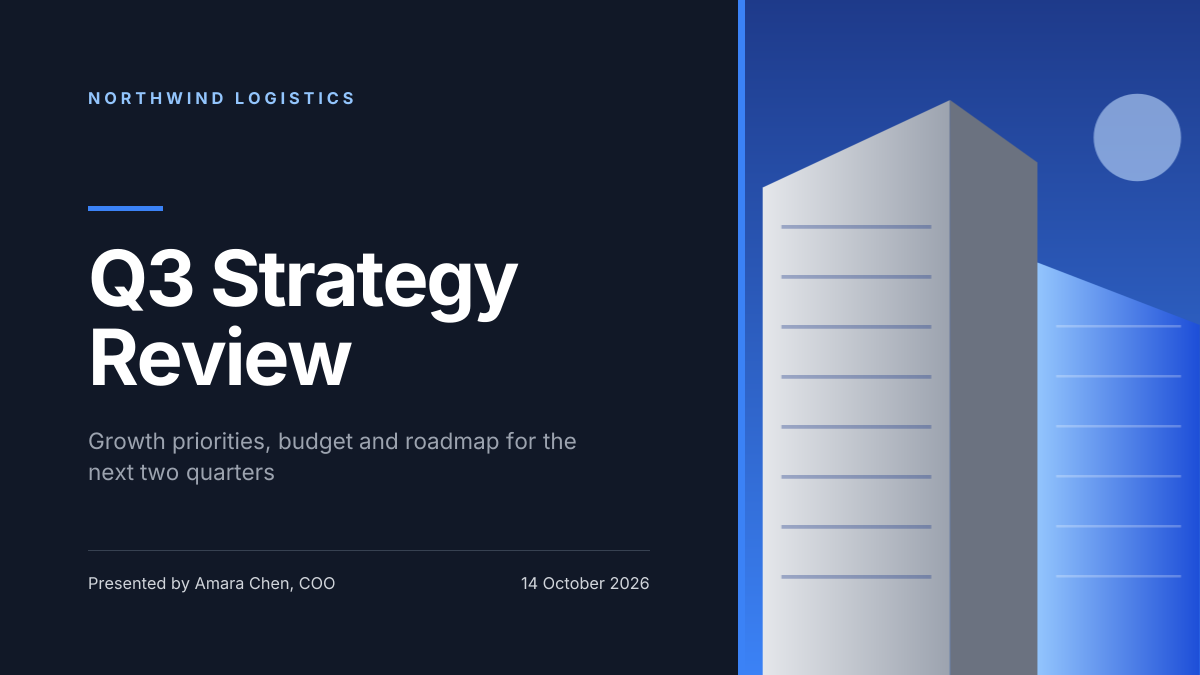
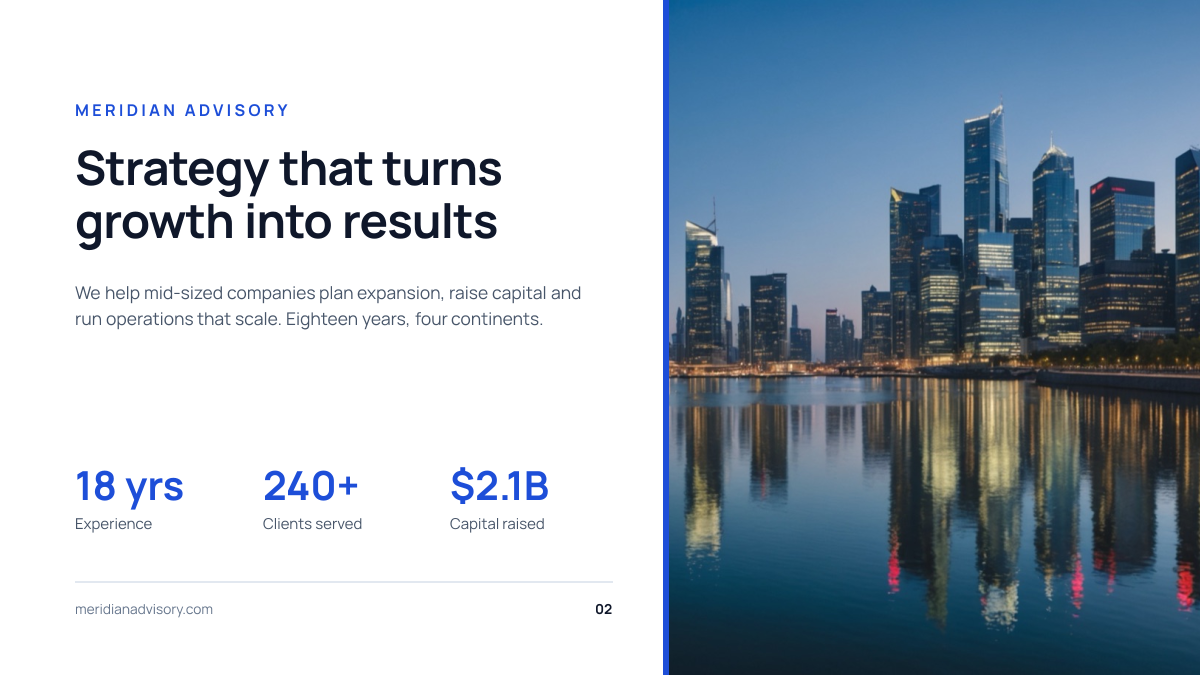
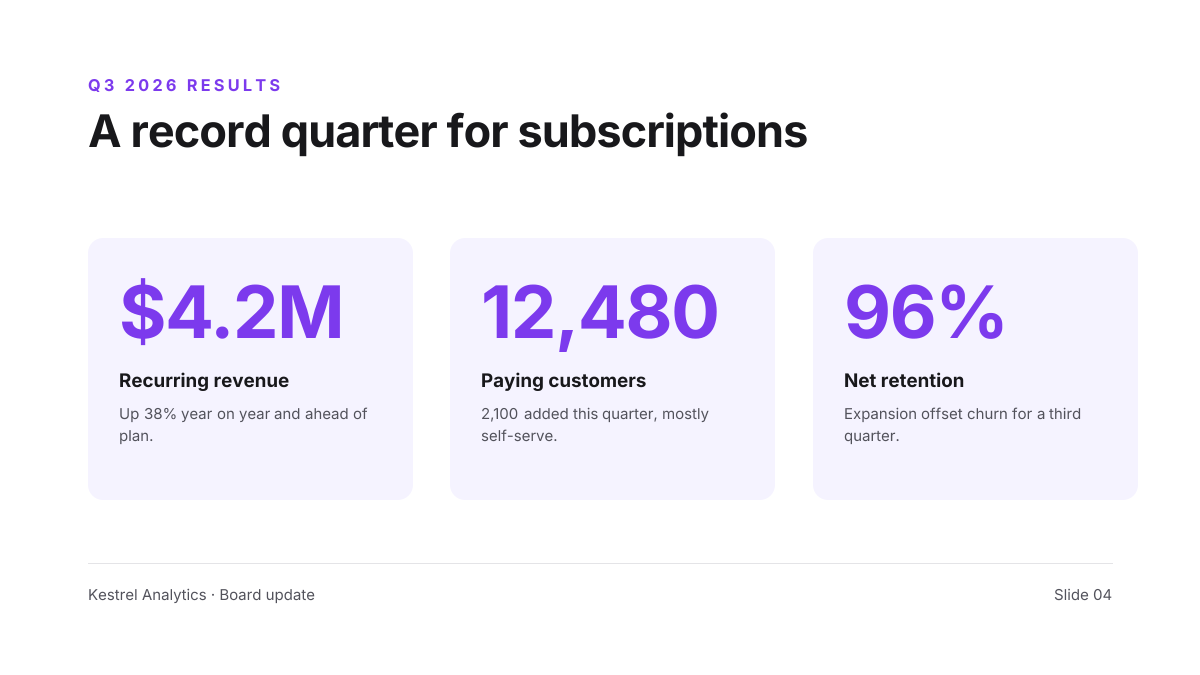
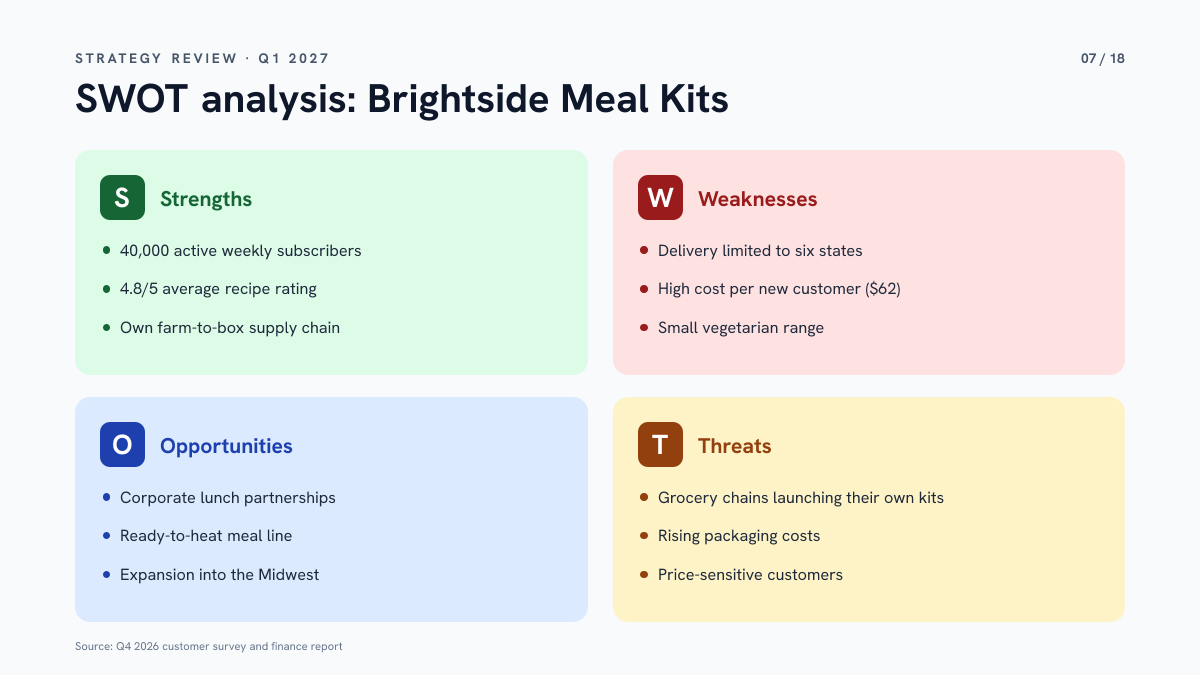
Click any design to open your own copy in the editor.

How to make a presentation in 3 steps
1
Prompt or pick
Describe your slide in a sentence and AI designs it, or open one of the templates. The canvas is already 1920 × 1080 px.
2
Edit anything
Every text, photo, shape and icon is its own layer. Rewrite the copy, drop in your photos, match your brand colours and move things around.
3
Download
Export a full-resolution PNG and add it to PowerPoint, Google Slides or Keynote. Your slide stays in your dashboard to reuse next time.
presentation size and specs
- Size
- 1920 × 1080 pxFull HD, the default slide size in PowerPoint, Google Slides and Keynote.
- Aspect ratio
- 16:9 widescreenFills modern screens, projectors and video calls without black bars.
- Safe zone
- 96 px from every edgeAbout 5% of the width. Keeps text clear of projector overscan and video-call overlays.
- Minimum text
- 48 px (24 pt)On a 1920 px slide, 1 pt in PowerPoint is about 2 px. Smaller text is hard to read from the back of a room.
- Older 4:3 size
- 1440 × 1080 pxFor older projectors. Set it with Resize design.
- Slides
- One slide per designMake each slide as its own design and add the PNGs to your deck in order.
- File type
- PNG (from Liena)Insert it as a picture or set it as the slide background. Text in the PNG can’t be edited in PowerPoint.
presentations for every kind of business
Each one opens a template written for that business, ready for your own photos and details.
- Startup foundersA pitch deck cover investors remember.
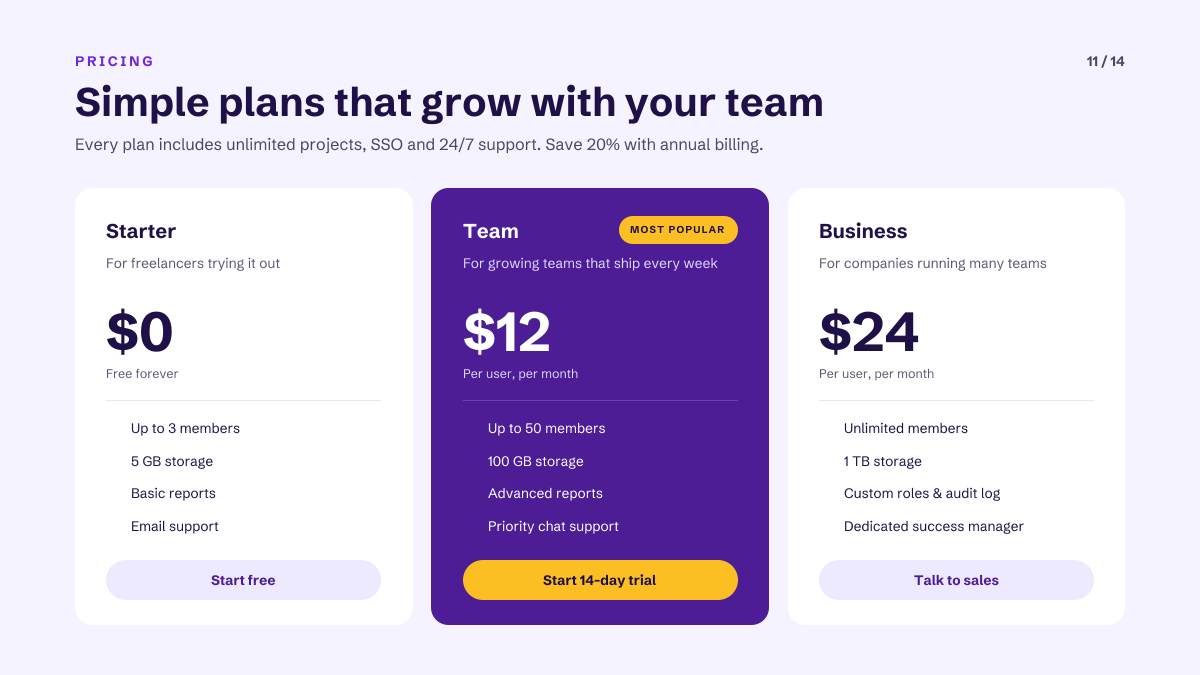
- Sales teamsPlans and prices side by side.
- Customer successA client quote as social proof.
- ConsultantsStrategy and recommendations for clients.
- Product managersWhat ships this quarter and next.
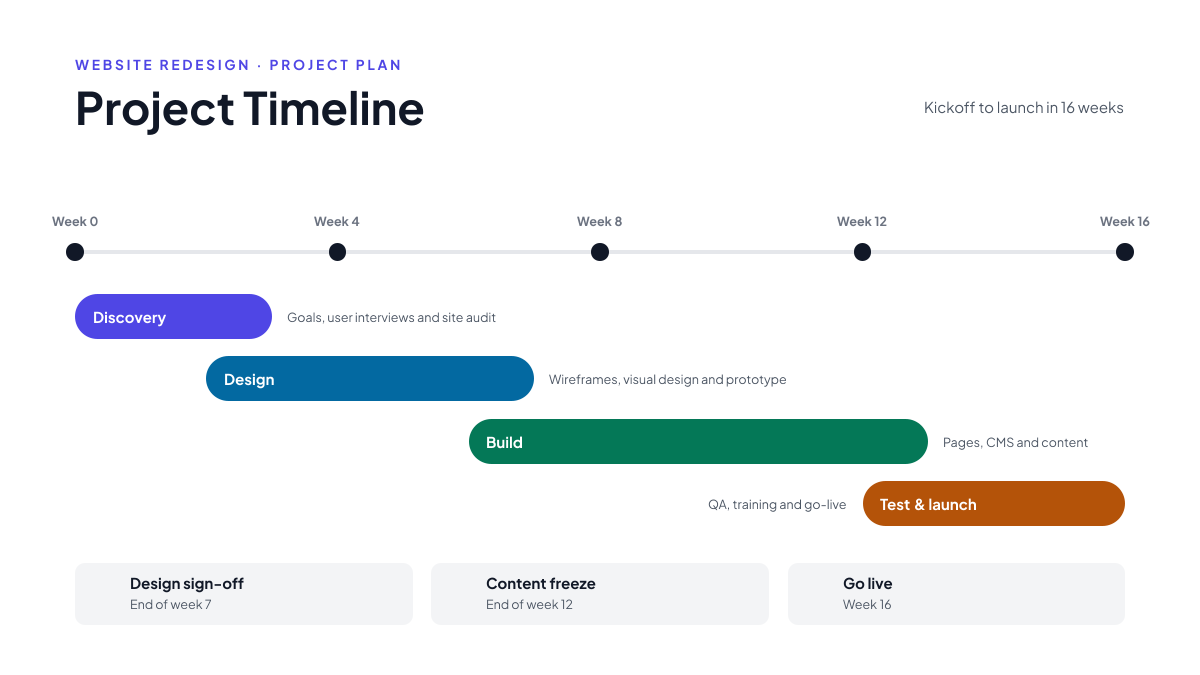
- Project managersPhases, milestones and dates.
- Finance & leadershipQuarterly results and KPIs.
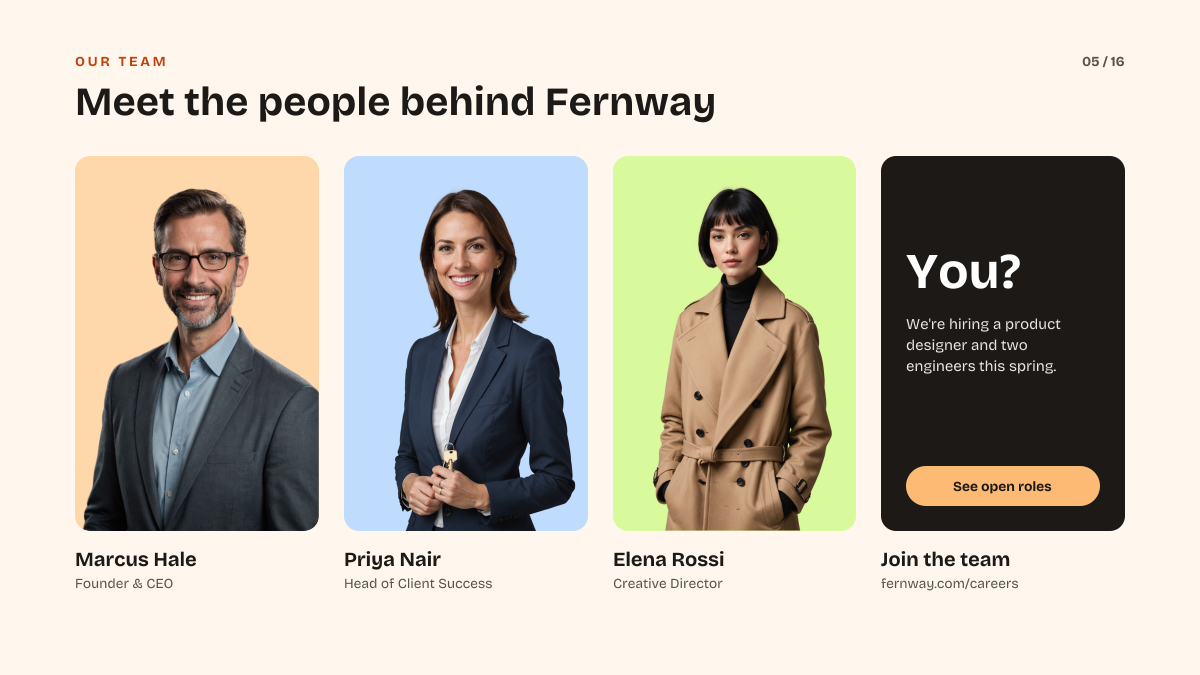
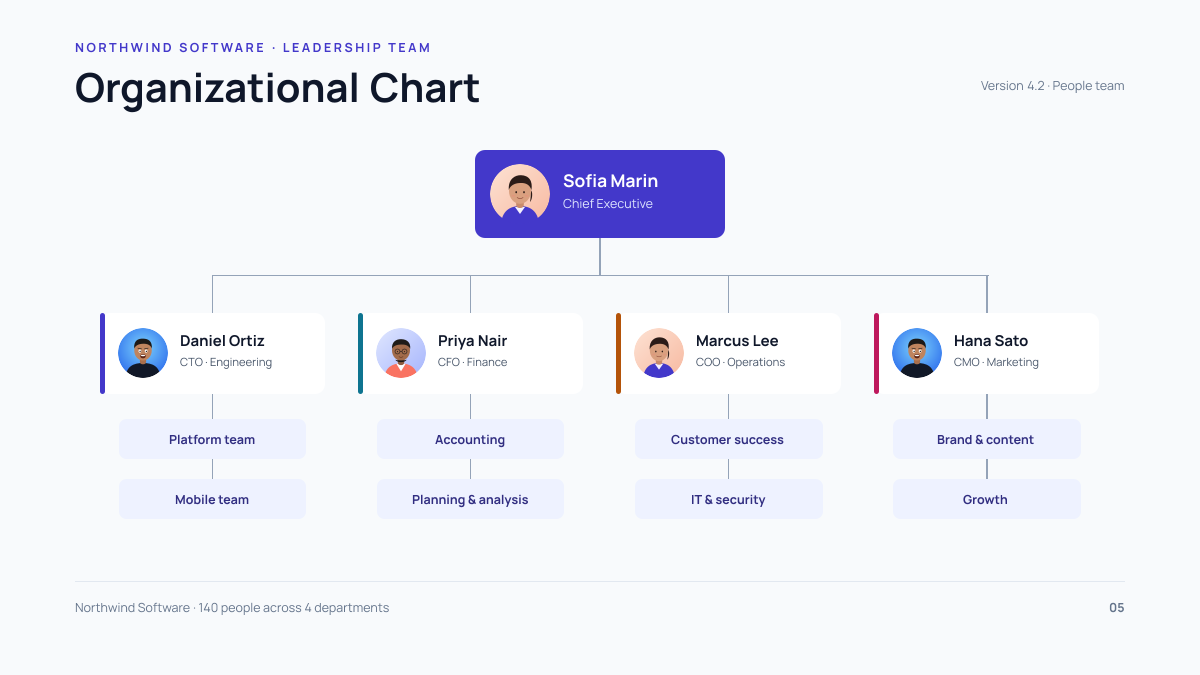
- HR & people teamsWho reports to whom.
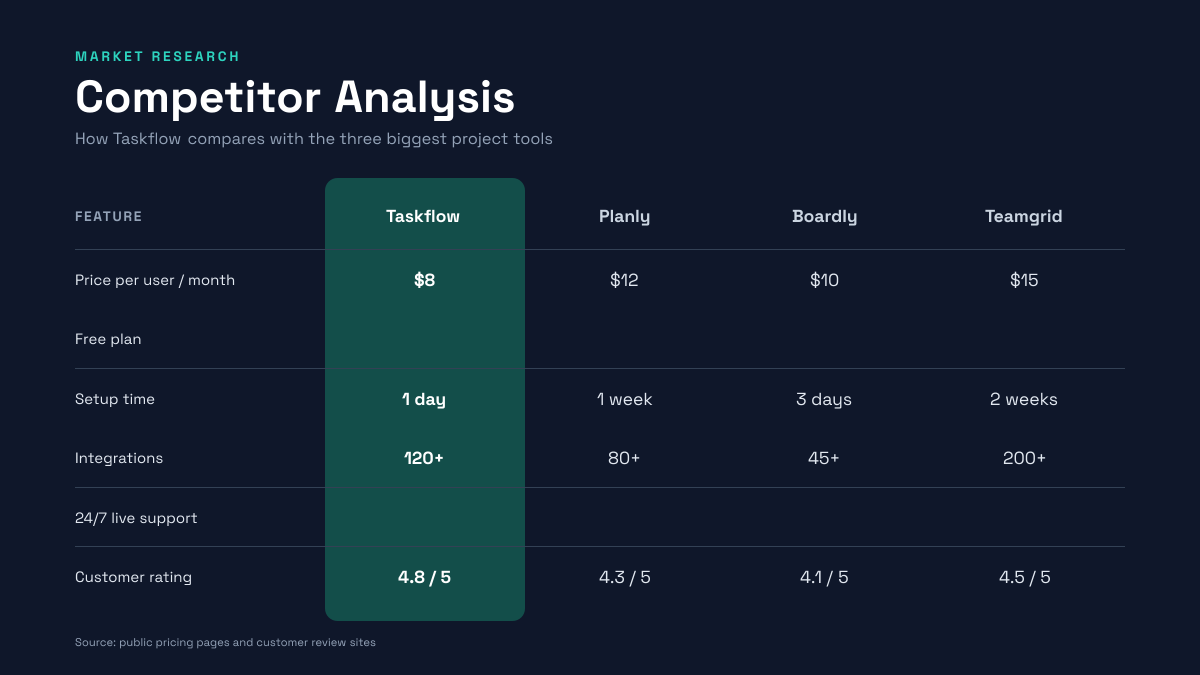
- Marketing teamsHow you compare with competitors.
- Brand designersA cover for your brand guidelines.
- Event organisersThe agenda on the big screen.
- All-hands meetingsThe year’s wins in numbers.
- Sales kickoffsOpen the season with energy.
- Interior designersMood boards for client pitches.
How to design a presentation that works
Make one point per slide
Write the point of each slide as its title, as a full sentence such as “Revenue grew 40% in Q3”, not a label like “Revenue”. If a slide needs two titles, split it into two slides. People in the room read the title first and listen to you for the rest, so the slide only has to back up what you say.
Size text for the back of the room
On a 1920 × 1080 slide, 1 pt in PowerPoint is about 2 px. Keep body text at 48 px (24 pt) or larger and titles at 80–120 px (40–60 pt). If your text doesn’t fit at that size, there is too much of it: aim for under 30 words per slide, and put the detail in your speaker notes or a handout.
Keep 96 px clear of the edges
Some projectors crop the edges of the image, and on video calls the presenter’s camera and the meeting controls sit over the corners. Keep text, logos and page numbers at least 96 px (5%) inside every edge; the dashed box on the canvas marks this line. Backgrounds and photos can still run to the edge.
Show numbers as one clear chart or figure
A table of twenty figures is hard to read from across a room. Pick the one number that matters and set it large, at 200 px or more, with a short label underneath. When you do need a chart, keep it to one message, highlight the bar or line you’re talking about in your accent colour and grey out the rest.
Use the same template for every slide
A deck looks professional when every slide shares the same fonts, colours and margins. Start each slide from the same template, or from a template in the same set, and change only the content. Keep to two typefaces and three colours, and put the logo in the same corner, or only on the first and last slides.
Check contrast in a bright room
Projectors wash out colours, so text that looks fine on your laptop can disappear on the wall. Use dark text on a light background, or white text on a deep colour, and avoid light grey text and text over busy photos. Before the talk, look at your slides on the actual screen with the room lights on.
Frequently asked questions
Is the presentation maker free?
Yes. A free Liena account lets you edit every template as often as you like, make 5 AI designs a month and download full-resolution PNGs. You don’t need a credit card.
Can I remove the watermark?
Downloads on the free plan include a small Liena watermark in the corner. Liena Pro ($29 a month, cancel anytime) removes the watermark from every export and raises your AI designs to 50 a month.
What size is a presentation slide?
1920 × 1080 px, which is 16:9 widescreen. It’s the default in PowerPoint, Google Slides and Keynote, and it fills modern screens and video calls. For an older 4:3 projector, open your slide, select Resize design and enter 1440 × 1080 px.
Can I make a whole presentation?
Yes, one slide at a time. Each slide is its own design, so start each one from the same template to keep the fonts and colours matching. Download every slide as a PNG and add them to your deck in order.
How do I use the slides in PowerPoint or Google Slides?
In PowerPoint, go to Insert › Pictures and stretch the image to fill the slide, or use Format Background › Picture fill. In Google Slides, use Slide › Change background › Choose image. In Keynote, drag the PNG onto the slide. You can then add speaker notes and transitions there.
Can I edit the text after I put it in PowerPoint?
No. The PNG is a picture, so its text can’t be edited in PowerPoint or Google Slides. Make text changes in Liena, where every element stays editable, and download the slide again. If you want to type live text in PowerPoint, leave that area empty in Liena and add a text box over the image.
Can I save my presentation as a PDF?
Yes. Add the PNGs to PowerPoint, Google Slides or Keynote and export a PDF from there. Or select all the PNGs on your computer, open the print dialog and choose Save as PDF on a Mac or Microsoft Print to PDF on Windows.
Can I edit the design the AI makes?
Yes. The AI builds a layered design, not a flat image. Every headline, photo, shape and icon is a separate layer you can rewrite, replace, recolour, move or delete, with undo and redo.
More free design makers
Business Card Maker
Standard 3.5 × 2 in cards, from a prompt or a template.
Certificate Maker
Printable awards and certificates, from a prompt or a template.
LinkedIn Banner Maker
Profile backgrounds that say what you do, from a prompt or a template.
Flyer Maker
Printable 8.5 × 11 in flyers, from a prompt or a template.
All design makers
Every format Liena can design, grouped by social, YouTube and podcast, print and business.
Make your presentation now
Describe it in a sentence. Your design opens in the editor, ready to tweak.